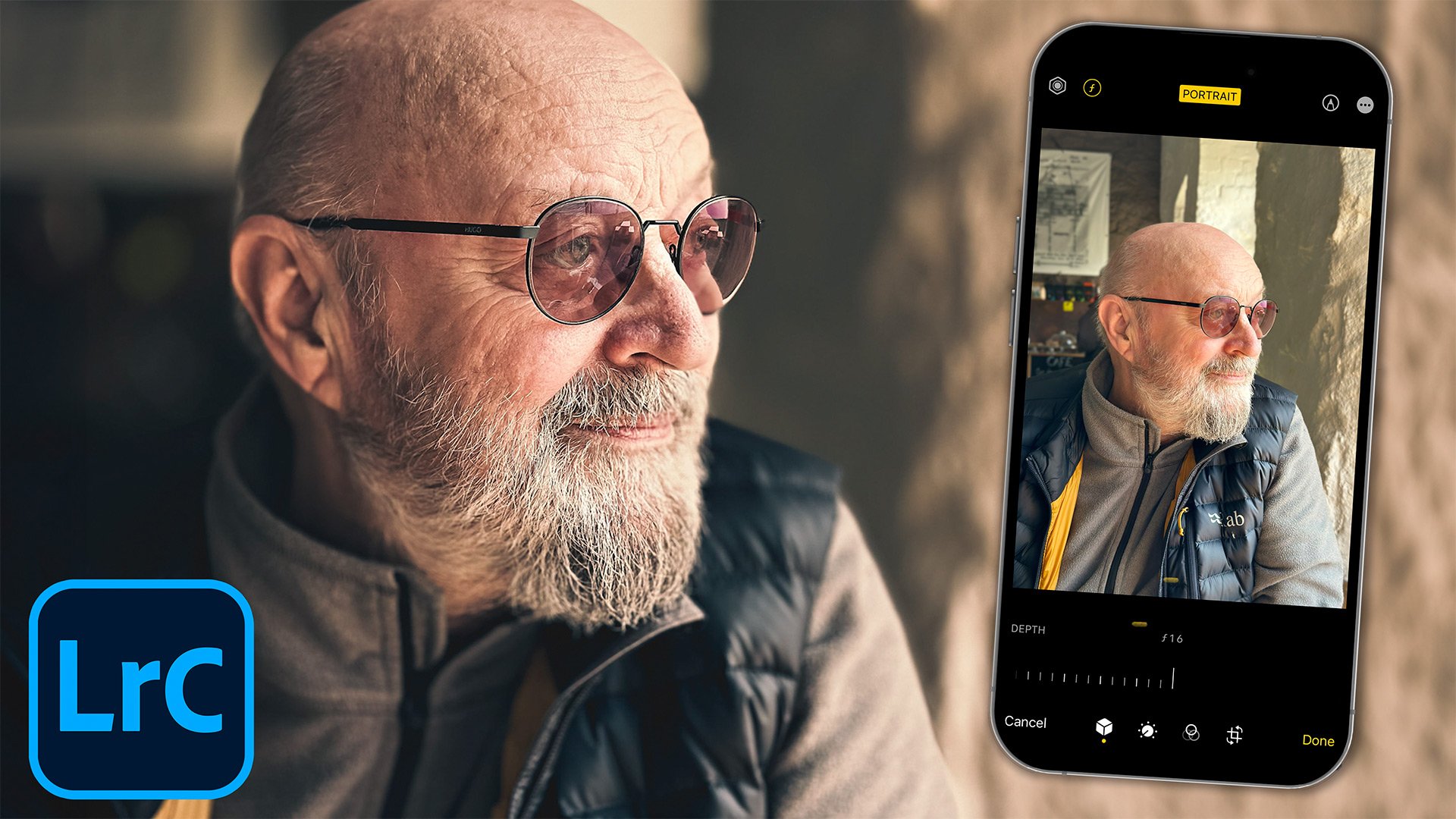
Here's an iPhone photography and Lightroom tip you probably didn't know about. I start by showing how to change the depth of field on your iPhone before you take a photograph, and then how you can still change it after you've taken it. From there I move into Lightroom and show how to use the depth information captured in the photograph to create Depth Range masks, giving you a really useful way to target adjustments based on how near or far things are in the scene.
iPHONE Photography and LIGHTROOM Masking Tip YOU (PROBABLY) DIDN'T KNOW !!!