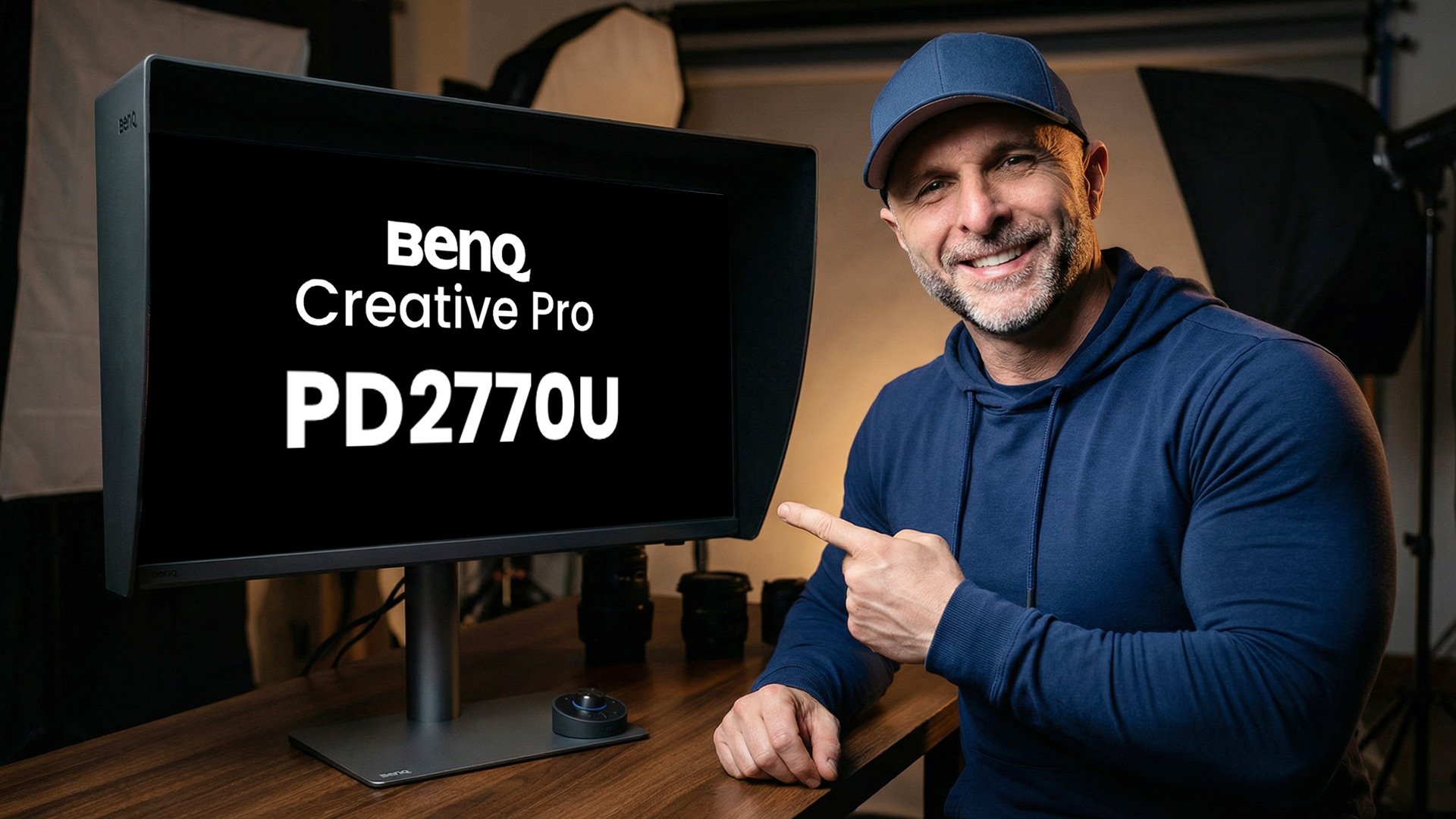
I don't normally do product reviews, but when something comes along that solves a genuine pain point in the studio, I have to share it. BenQ has just released the PD2770U, their first display in the Creative Pro range with a built-in calibration device, and it is a total game changer for my workflow.
While the 27-inch anti-glare screen and the clever magnetic shading hood are great additions, the real star of the show is tucked away at the top of the monitor.
Total Calibration Control
The built-in calibrator isn't just a gimmick; it is a serious tool for anyone who cares about colour accuracy. You can use it in a couple of different ways depending on how you like to work.
There is an auto-calibration feature that keeps the screen accurate to standards like Adobe RGB or sRGB. What I find particularly useful is the ability to schedule this. You can set the monitor to calibrate itself daily or weekly, meaning you never have to wonder if your colours have drifted. If you are running a studio with multiple displays, the inclusion of an Ethernet port makes networking and managing these calibrations even easier.
Putting it to the Test
For my work, especially when I’m preparing images for print, I need very specific settings. I used BenQ’s Palette Master Ultimate software to see how the built-in sensor handled my preferred targets:
Luminance: 60 candela
White Point: D65
Gamut: Adobe RGB
Gamma: 2.2
Black Point: 0.5
The results were spot on. The average delta E came back at just 0.68, which is incredible. To satisfy my own curiosity, I ran the same test using my external Calibrite Display Pro HL. The results were almost identical.
Because the performance is so close, the convenience wins every time. I no longer have to dig out cables or hang devices over the screen; the built-in sensor does it all.
A Pro Tip on Lighting
One feature I always recommend turning off is the ambient light sensor. While it sounds like a good idea, you really don't want your screen brightness moving up and down while you are editing. It is much better to control the light in your room with curtains or shutters so your working environment stays consistent.
Is it Worth it?
When you look at the price, this monitor makes a lot of sense. At £1,499 including VAT, it sits at a much more accessible price point than equivalent displays from the likes of Eizo, which can cost upwards of £2,400 for a similar spec.
I’ll be doing a more in-depth look at the other features soon, but for the calibration system alone, this is a massive step forward for the Creative Pro range.
If you’re interested in gear like this or just want to chat photography, come and join us in our free community on Skool. It’s a brilliant, safe space to learn and meet other photographers without the usual social media noise. ( LINK )