
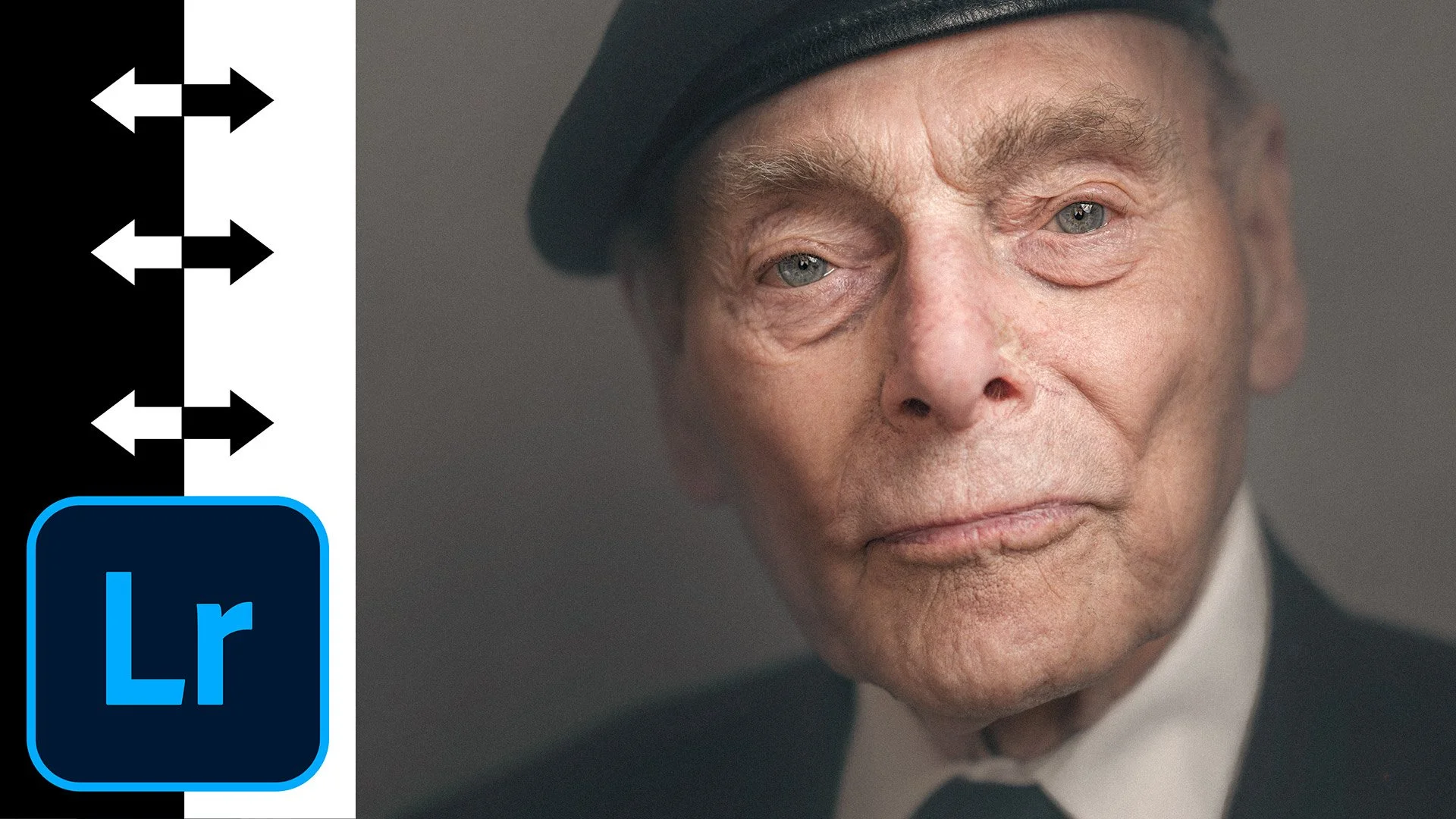
Since sharing my 20/10 technique in Photoshop for making portraits pop, I've had a constant flow of questions asking whether there's a way to get the same result without leaving Lightroom. So I had a play and came up with this. Using the Masking section, a few simple steps bring a portrait to life and make it look as though it's coming forward of the screen or the paper; to be honest, I think I now prefer it. During the intro I also explain the four layers you'll have seen in the original video, as I've had quite a few questions asking whether they're part of the technique.
💥 DO THIS in Lightroom to make your PORTRAITS POP and come to life

