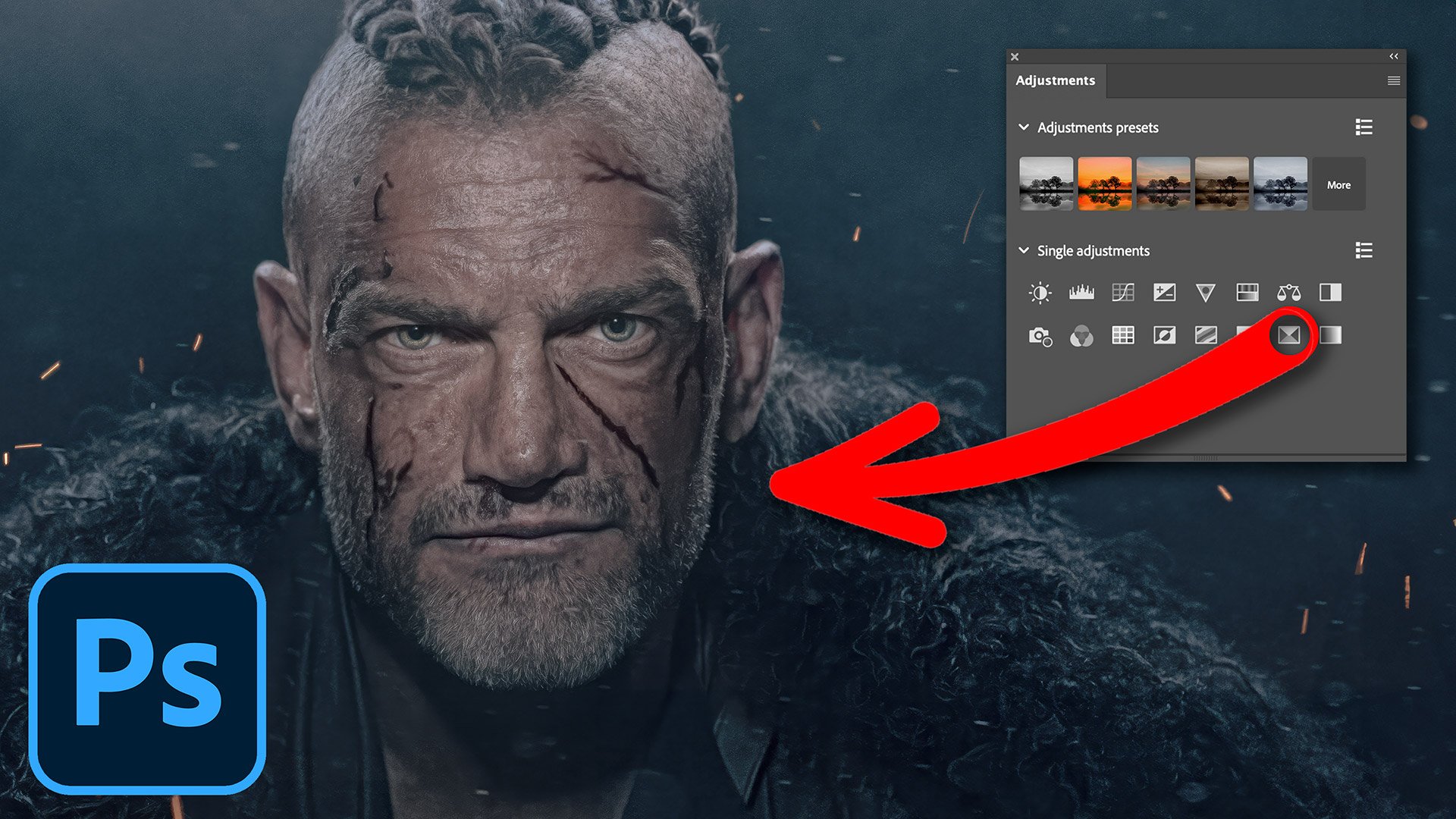
Colour grading doesn't have to mean stacking up lots of layers. In this quick Photoshop technique I show how to use just one adjustment layer, Selective Color, to colour grade your images and add the classic teal and orange look. It's a single layer doing all the work, which keeps things simple and quick, and because it's an adjustment layer it sits above your image rather than changing the pixels themselves, so you can go back and tweak the look whenever you like.
🏳️🌈 QUICK COLOUR GRADING technique using ONE ADJUSTMENT LAYER