

Yesterday morning I popped out for breakfast and to meet up with a friend, Steve.
After a great bite to eat at one of my favourite haunts, Town Mill Bakery (Lyme Regis) I sprung it on him that I had an idea for a picture I wanted to put together and that I needed him to be the subject.
The idea was to create a portrait of a Fisherman and to do this with a combination of Photography, Lightroom, Photoshop and AI, to test out a new workflow.
So, here’s the resulting image, and below is a breakdown of the steps involved using Lightroom, Photoshop, Google Gemini AI and Magnific (Upscaler)

The Process
Taking the portrait of Steve with the desired background
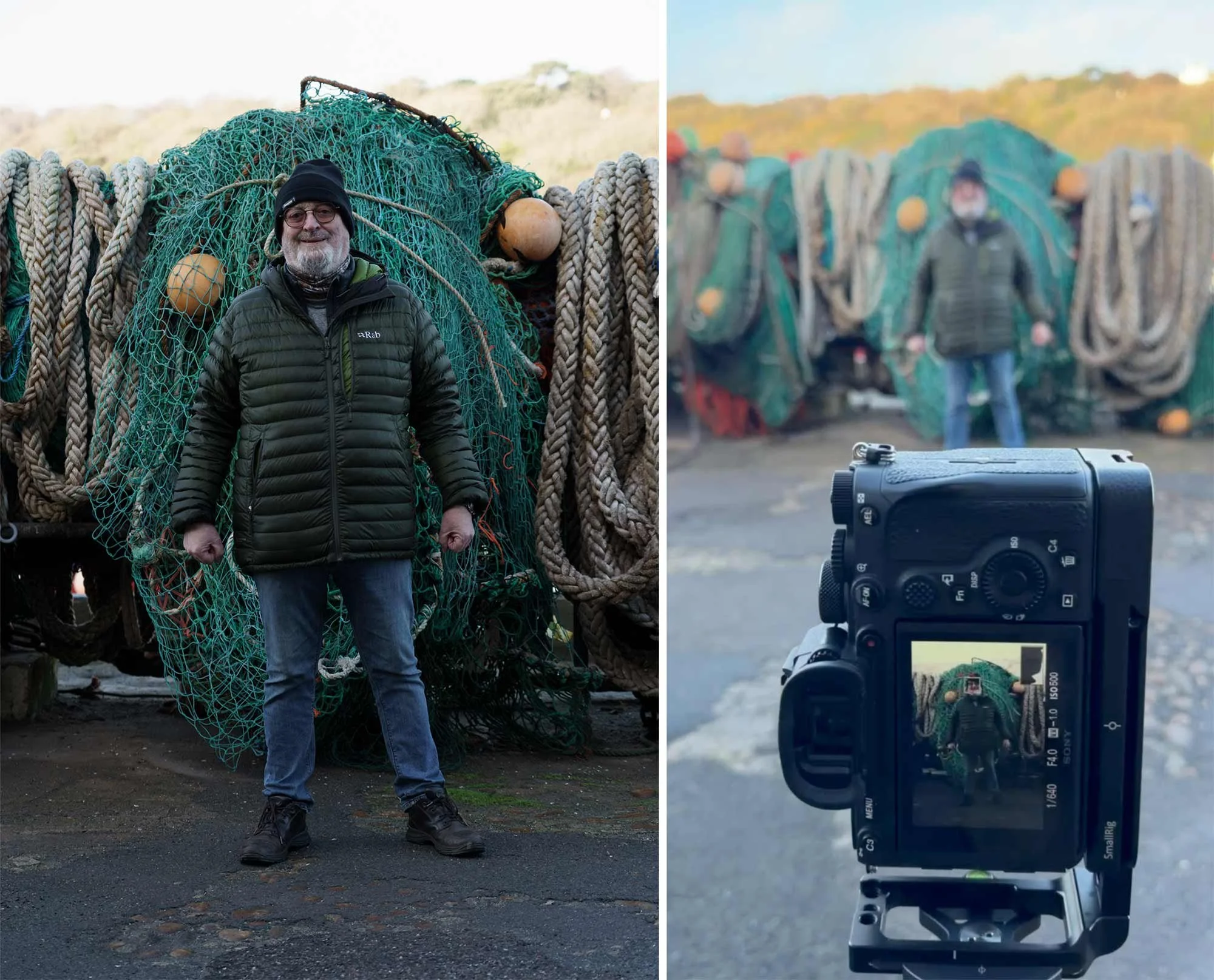
Initial Edits in Lightroom
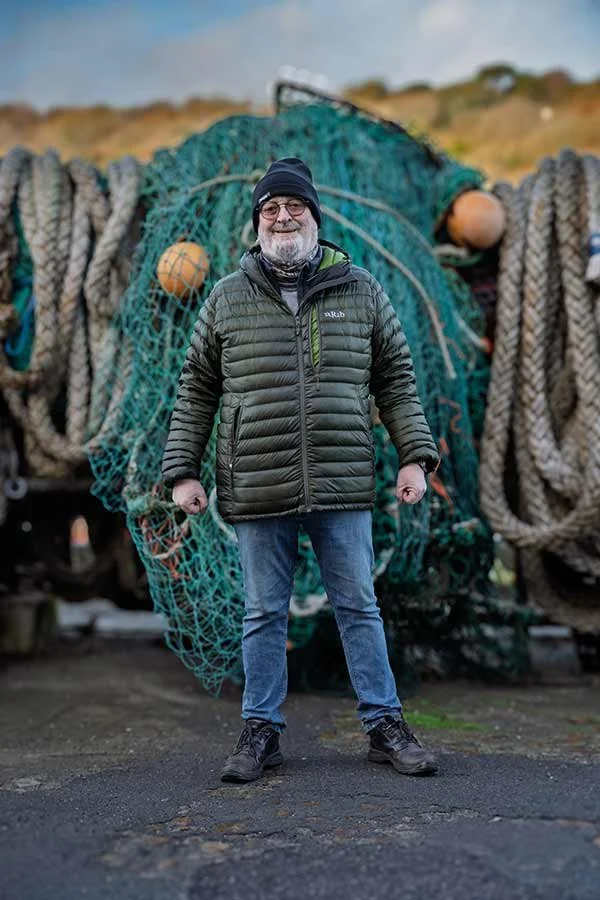
Export into Google Gemini AI and add Stock Photographs of Fisherman’s clothing onto Steve. Create image in 4K and then Upscale 2x

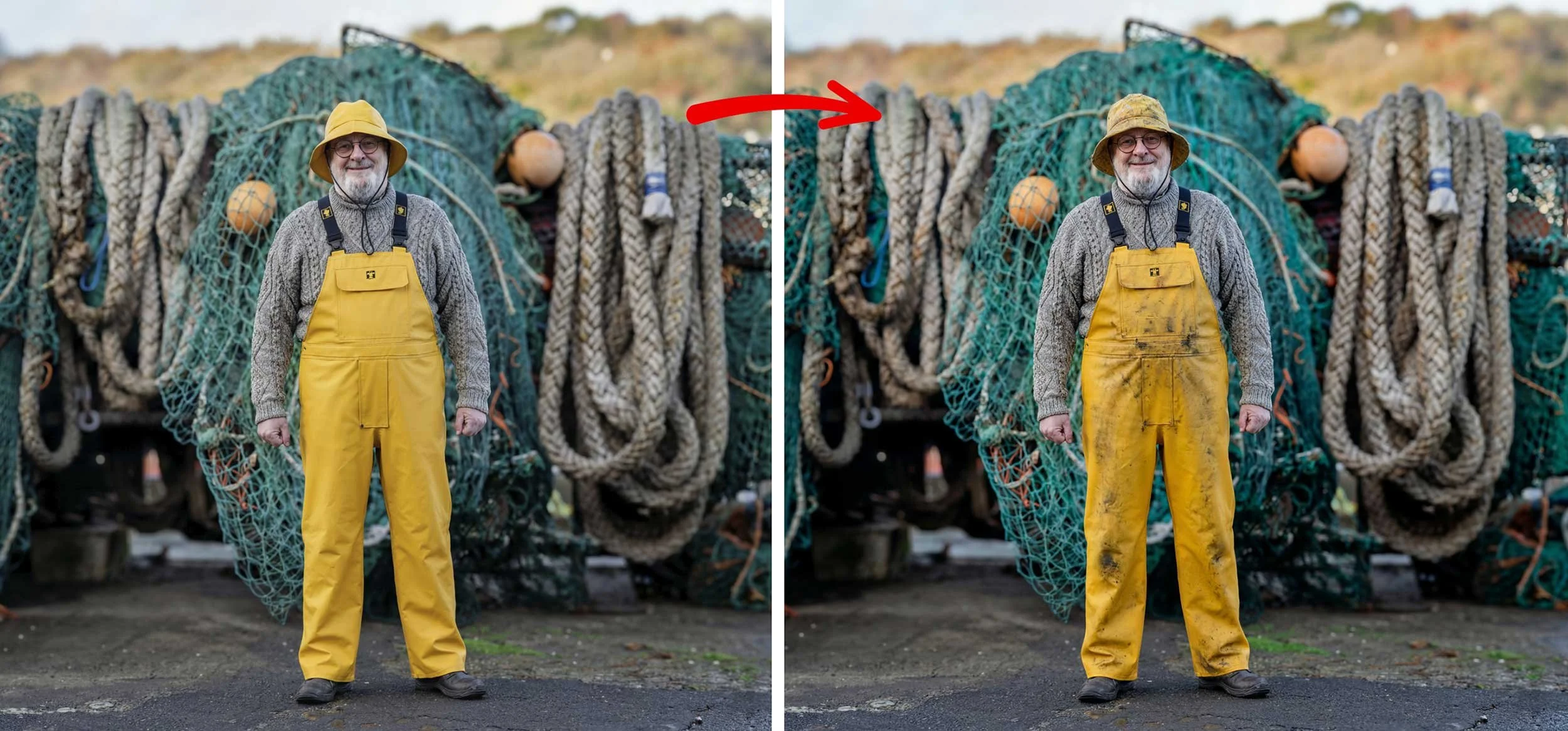
Create aging, weathering on the Overalls and Hat using Gemini AI and then selectively paint this onto Steve using Masks in Photoshop
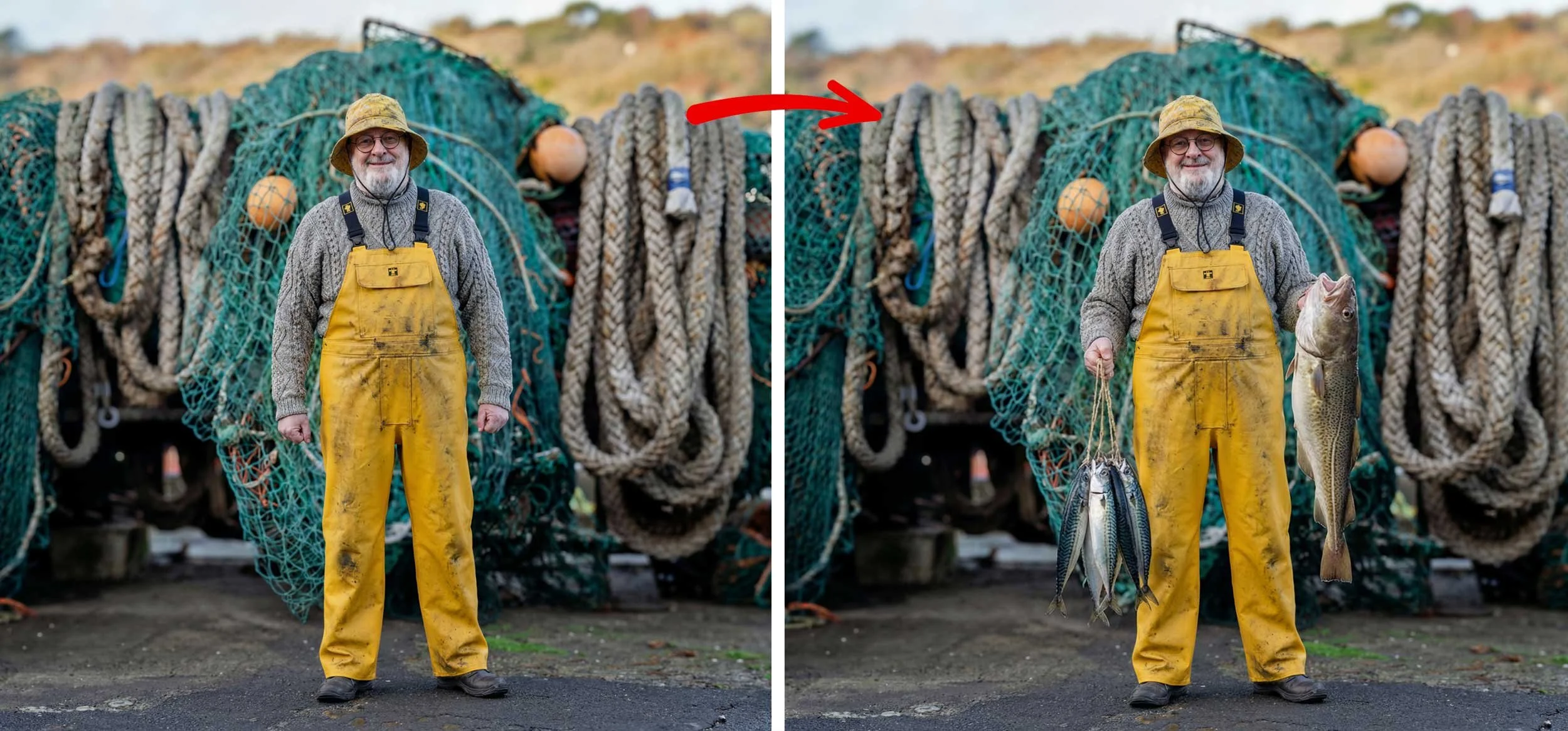
In Gemini AI generate the fish and Steve’s new arm position, then mask this into the main image in Photoshop
Extend Background in Photoshop and add finishing touches in Lightroom including Colour Grading, Adjusting Lighting, Lens Blur, Adding Grain etc …

