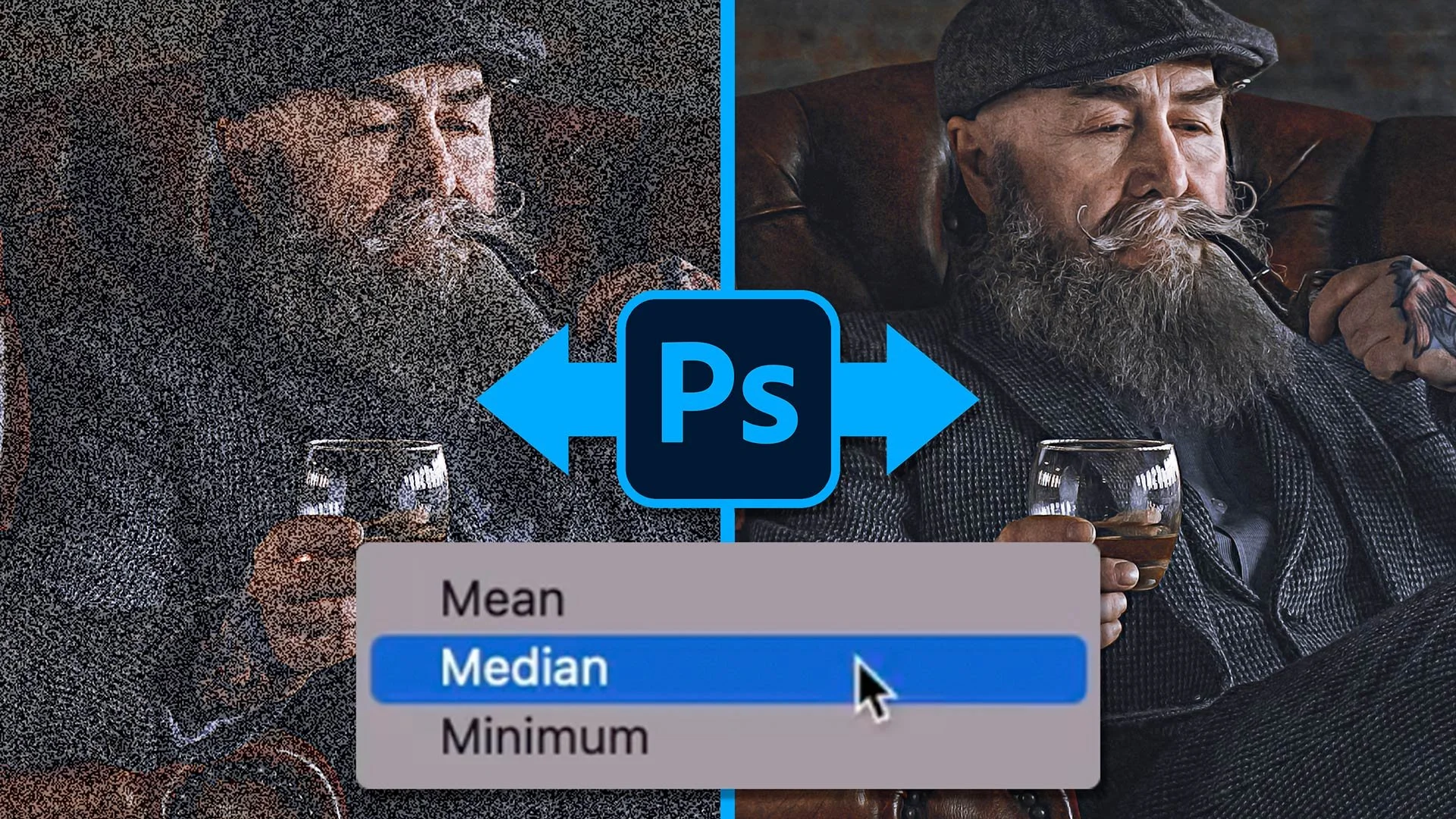
This is a great technique for reducing or removing noise in your photographs using Photoshop, no matter what camera you took them with. There are no filters, no plug-ins and no magic settings; it's simply a great use of technology that's already in Photoshop, once you know where to find it. The technique does rely on knowing your camera and at what ISO noise starts to appear. It can be used on scenes and on people, as long as they're not moving, and it's great for astro work, reducing the noise in skies that a high ISO would introduce. Some have asked why not just use a low ISO and drag the shutter. That's fair for some situations, but when you're photographing a person you wouldn't want that; it's better to take the shots you need in burst or continuous mode, which most cameras can do in less than a second.
💥 DOING THIS will REDUCE NOISE in your pictures: CLEVER feature in Photoshop 👊