
Sometimes, just sometimes when we get an update to Photoshop you MIGHT notice a few things behave little different; one of those things might be the zooming in and zooming out.
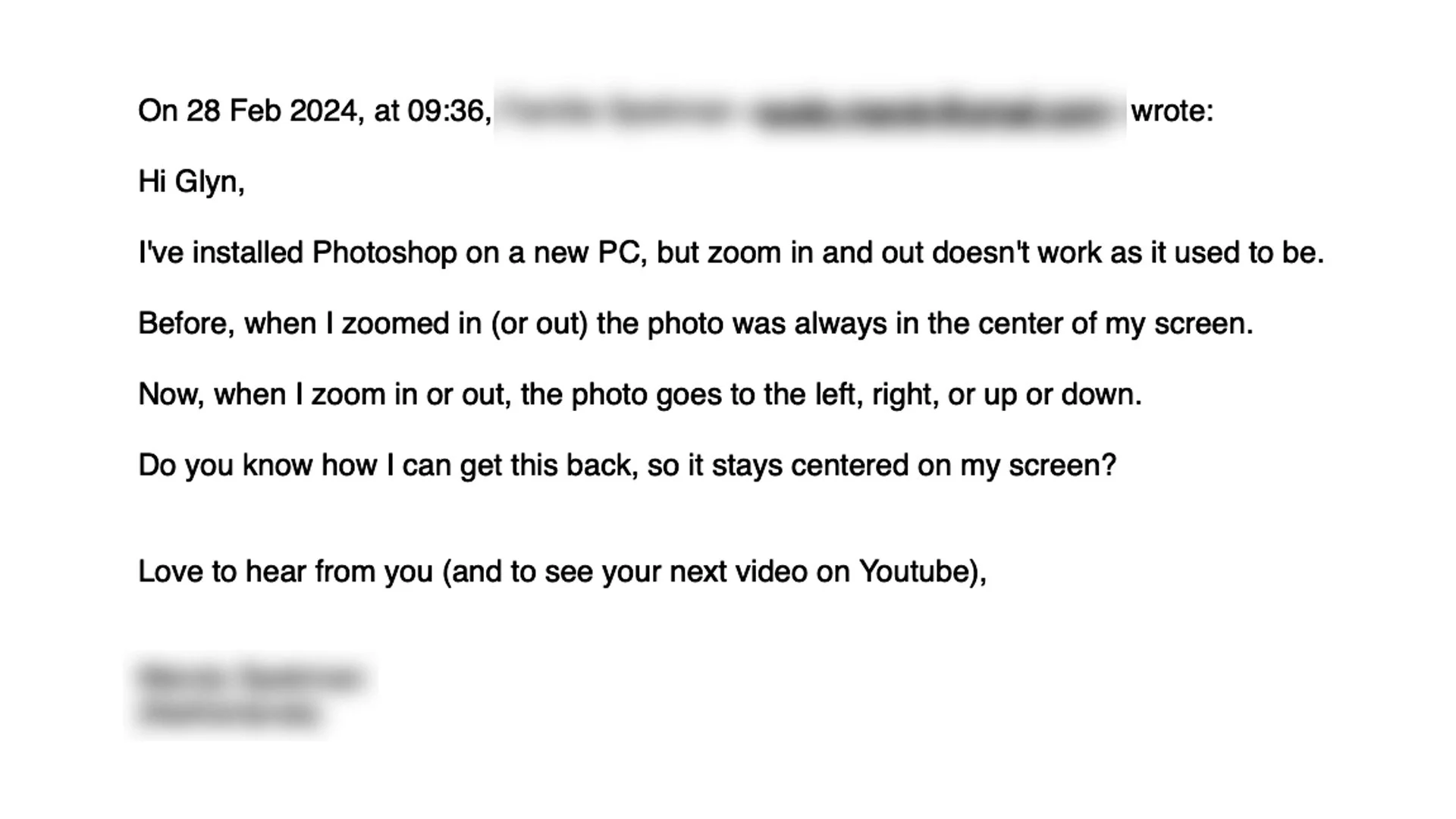
On that note, I recently received this email …
So this is the fix …

Sometimes, just sometimes when we get an update to Photoshop you MIGHT notice a few things behave little different; one of those things might be the zooming in and zooming out.
On that note, I recently received this email …
So this is the fix …
Here's how to use just the Selective Color Adjustment Layer to Colour Grade your images adding the Classic Teal and Orange Look ...
The Remove Tool in Photoshop might be even more powerful than you think!
Here too is the first video I put together showing how to use the Remove Tool …
Here’sa. video I recorded going through 2 of my Favourite Techniques to Match / Change Colour in pictures using Photoshop …
Check out this Masterclass in creating Hair and Fur Brushes in Photoshop with Aaron Blaise formerly at Disney for 20+ years.
Creating brushes like this can be incredibly useful when working on difficult selections and cut-outs …
The October 2023 update to Lightroom and Camera Raw introduces Point Color .. a POWERFUL way to target and manipulate colour …
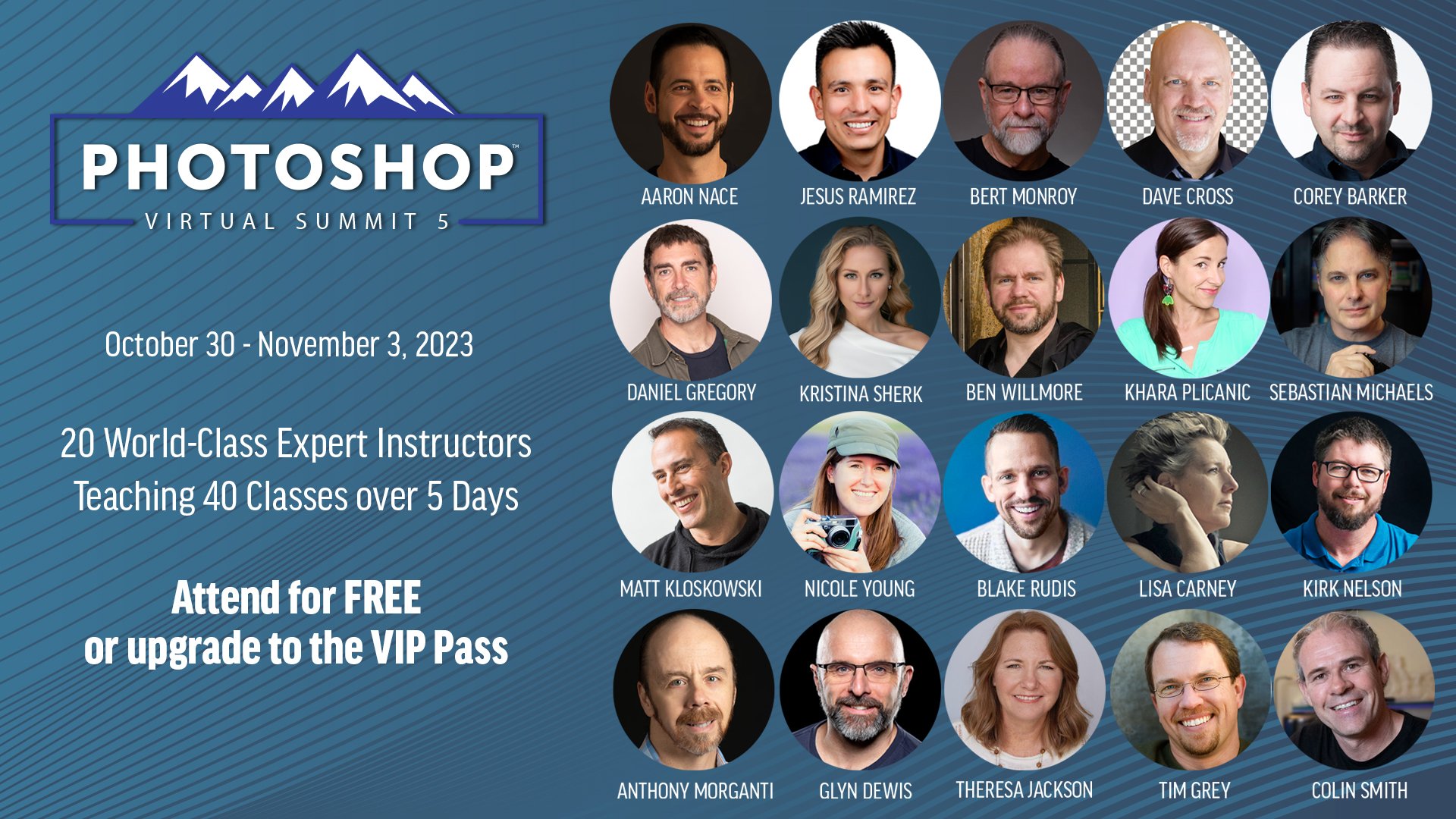
With just over 4 weeks to go until the Photoshop Virtual Summit 5 which runs from 30th October thru 3rd November 2023 …

You can also use the link above to check out the page on the official website where the Founder and Organiser, Dave Cross, chats with each of us instructors for a couple of minutes about the classes we'll be presenting; ALWAYS more to learn
This past Sunday ( 17th ) I hosted another of my weekly LIVE Broadcasts, but this time (and for the first time) streamed to YouTube AND Facebook thanks to having had the new Ultra Fast Fribre Broadband installed.
During the broadcast I went through 3 Photoshop techniques: one showing how to use Auto Blend Layers for Face-Swaps but that can also be used in very practical and useful situations, a Dodging and Burning technique to create Pine Skirting Board that looks like it has been carved and finally how to use the Remove Tool when working on skin.
Here’s the recording hosted over on my YouTube Channel …
Using Photoshop Generative Fill A.I.l to fix hair and fur BUT also when NOT to use it and how to fix it manually 💥
Here’s a recording of a LIVE Broadcast that I did on my YouTube Channel on Wednesday 23rd August 2023 and where I showed practical and VERY useful ways of using Photoshop’s Generative Fill Artificial Intelligence BUT also where NOT to use it.
This video sparked a lot of conversation and comments because of an email I received and read out at the very start regarding the use of A.I. and Camera Clubs …
© Glyn Dewis 2026