musings

ArtCraft: Free Adobe Alternative, But Can You Trust It?

You've no doubt seen ArtCraft all over the internet over the last week or so; it's a set of free apps that look an awful lot like Photoshop, Lightroom, Premiere and the rest of Adobe's apps, and they've all been built using AI. There's been video after video, article after article and thousands of comments cheering it on, but having read through a lot of it, there are a few things I haven't seen anybody mention.

Before I get into it, I want to be upfront about where I'm coming from. I do occasional work for Adobe, recording tutorials for Adobe Learn, presenting and so on, and I use Creative Cloud every single day. I also use Claude, which is the AI that was used to build these apps, and I love it. I'm editing more and more of my videos in DaVinci Resolve rather than Premiere Pro, and I love that too, so I'm all for competition. I just want you to know where I stand so you can weigh up what I've got to say.

What's actually happened

A software developer called Brandon Thomas has released seven free apps under the ArtCraft name. PhotoCraft is his version of Photoshop, LightCraft is Lightroom and FilmCraft is Premiere, and there are versions of Illustrator, InDesign, After Effects and Acrobat as well. He says he built them using Anthropic's AI, Claude, and they're open source, which means the code is published for anyone to look at.

The reaction has been huge. GitHub is where software developers share their code, and people can give a project a star, a bit like a like on YouTube. Eleven days after it all came out, PhotoCraft alone had 44,000 of them. He also tried posting about it on the Adobe Reddit forum, but understandably that post didn't stay up for very long.

Early, very early

What's had a lot less attention is how finished it is. By PhotoCraft's own roadmap, it's at about 25% to 35% of what a professional needs for daily work. Only two of the seven apps are even labelled as early alpha; the rest are still in development. When it launched he promised it would match Adobe completely within a month, and when people started pointing out what was missing, that became 99% within months.

It's also not trying to hide where it comes from. PhotoCraft's own website describes it as "the open-source image editor you already know how to use", and one look at the screenshot tells you why: the menus, the tools down the side, the Curves panel, the Layers panel. You already know how to use it because it's been made to look like Photoshop, and that's the whole pitch.

What can Adobe actually do about it?

I'm not a lawyer, so take this as my understanding rather than legal advice. Copyright protects the actual code, the written instructions that make a program work, and things like the artwork and the icons, but it doesn't protect an idea or what a program does. If he really hasn't copied any of Adobe's code, which is what he says, a copyright case isn't straightforward.

An intellectual property attorney called Steve Hanson made a really good point about this in [his own video]([FILL IN: link to Steve Hanson's video]). He reckons copyright probably isn't where Adobe would go at all, and that it's more likely to be the contract, the terms you agree to when you sign up. Section 17 of Adobe's terms says, in Adobe's own words, that they don't allow you to recreate, or attempt to recreate, their products.

Then there's the look. There's something called trade dress in the US, and passing off here in the UK, which is about whether a product looks so much like another that people could be confused about who made it. The menus, the panels and even the keyboard shortcuts match Photoshop, and that's exactly the area people are pointing at.

So far Adobe hasn't said a word, and there's good reason it might stay that way. Taking a free, open-source project to court would hand it more publicity than it could ever buy, and the code is already out there for anyone to copy; people already have, and there's another free editor built on PhotoCraft's code. Even if ArtCraft stopped tomorrow, the apps wouldn't disappear.

I remember when Affinity Photo first came out and everyone was saying how close it was to Photoshop, in how it looked and what it could do. We all kind of thought something was going to happen, but nothing did, and today Affinity is owned by Canva and it's free. It's going to be really interesting to see what happens with this one.

Why he built it

This is the part I find really interesting. He's said Adobe charged him its cancellation fee more than once, and in his own words, "They charged me the 'cancellation fee' on multiple occasions and I've hated them ever since." Elsewhere he said he'd been "bit by the dark pattern cancellation fee one too many times."

So this didn't start as a better way to edit photographs; it started with someone who hates Adobe.

I do understand the frustration. In March this year Adobe agreed to a $150 million settlement in the US over how it sold and cancelled Creative Cloud subscriptions. Half of that was a penalty and half was free services for customers, and Adobe didn't admit any wrongdoing. Plenty of people have felt exactly what he felt, and Adobe brought a lot of this on itself, but I'd want to know a lot more about someone who built software out of a grudge before I put it on my computer, let alone gave them my card details.

Who's behind it

Brandon Thomas is a software developer with around 15 years' experience, and he's worked at Square, the payments company. Before ArtCraft he was CEO of a company called Storyteller.ai, and ArtCraft's contact email still goes to Storyteller. Storyteller's best-known product is FakeYou, a site for generating the voices of celebrities and characters using AI, and in 2022 Italy's data protection authority opened an inquiry into it because it could reproduce the voices of public figures, including Italy's Prime Minister, from whatever you typed in.

ArtCraft itself started out as a tool for making and editing AI-generated images and video, and that's still what it's selling.

How it's paid for

The apps are free. What ArtCraft sells is credits for AI image and video generation on a monthly subscription, at $10, $35 or $60 a month, using AI models from Google, OpenAI and others, including Google's Nano Banana, the same model Adobe has put into Lightroom's Prompt to Edit.

So a project that launched with the message of no more subscriptions is paid for by a subscription. To be fair, the site does say you can use the apps without paying, and it's actually a very similar idea to Affinity now, where the app is free and you pay Canva for the AI features. The difference is who's behind it. With Affinity it's Canva, a company you can look up and hold to account; here, it's someone who's told us he hates the company he's copying.

A question if you're worried about AI

There's been a lot of anger about AI in Adobe's apps, and about AI being trained on work photographers and artists never agreed to. I totally understand that; I've shared videos about my own concern over too much AI in Lightroom and Photoshop, and plenty of you have told me how you feel about it.

If that's you, what do you make of this? A set of apps built by AI, copying Adobe's software and paid for by selling access to AI image generators. I'm not saying it's wrong, I'm just asking whether it sits differently with you because it's aimed at Adobe.

A link versus an install

There's one more thing about all of this I just can't get past. We're all really careful about clicking a link in an email we're not sure about, yet installing software gives it far more access to your computer than clicking a link ever could, and thousands of people have installed this without a second thought. That's the bit I can't get my head around. Why would you be more careful with a link than with a program you're putting on your computer?

When you install software from someone you know nothing about, can you be 100% sure what's in it? I'm not saying there's anything in it that shouldn't be there, and there's no evidence of that at all, but can you be completely sure? I couldn't.

When someone's prepared to go this far over a grudge with a company, building copies of seven of its apps and giving them away, I'd also want to know how they'd treat me, someone they've never met, if I ever fell out with them or if they ever needed something from me.

Would I install it?

No, not as it stands. It's early alpha software, it's not clear what it'll look like in a year's time, and the person behind it has told us he hates the company he's copying. That doesn't mean he's done anything wrong, but think about what's on the computer you'd be installing it on. For me it's every photograph I've ever taken, but it's also my emails, my passwords and the same computer I log into my bank on. That's my whole day-to-day life, not just my pictures, and I'd want to know a lot more history behind something before I gave it that kind of access, and well before I handed over a card number.

If you're curious, there's a version that runs in your web browser, so you can have a look without installing anything at all.

Competition is good

I'm all for competition. Look at what's happened with cameras over the last few years, Canon, Nikon and Sony pushing each other, or Apple and Android. That's when we win, with better products and better prices.

You're free to use whatever you want; it's your choice, not mine. I only use what's fit for purpose, whoever makes it, which is exactly why I've moved more and more of my video editing over to DaVinci Resolve. Affinity, DaVinci Resolve and Capture One are all really good alternatives to Adobe and I'd encourage anyone to look at them. The difference is that there's a company behind each one with a history that you can look up, and that you can hold to account if something goes wrong.

Five questions before you install anything

Whatever you're thinking of installing, ArtCraft or anything else, these are the five things I'd ask first.

• Who's behind it, and what have they made before?

• How is it paid for? If it's free, how is the person making it earning a living?

• Is the installer signed by a named publisher? Your computer will usually warn you if it isn't, and that warning is worth reading rather than clicking straight past.

• Where do your files and your card details go?

• If it disappears tomorrow, can you get your work back out of it?

If you can answer all five and you're happy with the answers, go for it. If you can't, I'd wait.
Are we thinking WRONG about AI Editing?

My last two videos had ChatGPT editing my photographs, first in Lightroom, where it went through a folder of my own edited pictures, worked out my style and then edited a raw file the way I would, and then in Photoshop, where it used Photoshop's own tools to remove a colour cast, add a long exposure effect to a sky and do a cutout, hair included.

In both of them it didn't generate a new picture. It moved the same sliders and used the same tools that you and I would, and every one of those adjustments was still there to change afterwards.

The comments on those videos have been brilliant and they've really made me think, but one kept coming up in different words, and the gist of it was this: so now every picture is going to look like yours.

When you watch what ChatGPT is doing in those videos, it's an understandable thing to think. I just don't think it's right, so rather than argue about it, I decided to test it, and the video above is the result.

Putting it to the test

I gave ChatGPT a folder of my portraits, with my edits on them, and asked it to work out how I edit. Then I gave it the raw file of a portrait I'd already edited myself and asked it to edit that in my style.

I'm not going to go through what I did to mine; the two results are side by side in the video, so have a look and see if you can tell which is which before I give it away.

Here's the thing, though. Whichever one you prefer, they both look like one of my portraits, and that's not because of the edit, it's because I took the picture. Everything that makes it look like one of mine happened before the shutter was pressed, and ChatGPT had none of that to work with; it just had my raw file.

The edit is the icing on the cake

The edit is the part of the process we can see on screen, so it's easy to think that's what makes a picture yours, but it's only one part of a much bigger process. I really enjoy editing, and it gives a picture its final look, but for me it's the icing on the cake.

The big part is what goes on between my ears: how I think about a picture before I take it and how I compose it. With a portrait, it's how the person looks in front of the camera and whether they're relaxed or not. With a seascape, it's what goes in the frame and what doesn't.

None of that is in the edit, so even if somebody had the exact colouring, contrast and tonality I use, their pictures still wouldn't look like mine. They'd look like theirs, with my colouring on them.

We can all buy the same kit, spend the same money on the same camera and lens, stand in exactly the same spot and point it at the same thing, and the pictures still won't look the same. There'll be something in each one that's uniquely yours, because of what you like and what you don't, how you were brought up and everything you've looked at over the years. All of that goes into a photograph, and none of it comes out of an edit.

An opinion, or a misunderstanding?

People have their own opinions about AI, and that's a good thing; having an opinion is part of being human, not something artificial. Sometimes an opinion just isn't right, though, and I know that sounds a strange thing to say. The idea that everybody's pictures are going to end up looking the same isn't really an opinion at all. It's a misunderstanding of what photography is.

Using the software, not replacing the picture

That's also why the way ChatGPT did those edits interests me so much. There's a difference between asking an AI to generate a new version of your picture and having it use the same software you and I would. When a picture's generated, you hand it over and get a new one back. When the AI works the sliders and the masks itself, you get your own raw file back at full quality, with every adjustment still there to change.

It's a bit like the difference between someone redrawing your picture and someone sitting next to you showing you what they did with it. Both have their place, but they're very different things.

Two very different photographers

Where it gets interesting is who all of this is for, because there are definitely two different audiences. Take Adobe as an example. On one side they've got working photographers, people with clients and deadlines, editing a shoot with hundreds of pictures that all need the same look. On the other they've got enthusiasts, people who take pictures because they just love doing it.

For the working photographer, imagine being able to hand an AI an actual part of your process. I don't mean something that makes a new picture; I mean something that applies the same look to a whole set of images inside the software, moving the sliders and making the masks without touching the originals, so you can go in and change whatever you want afterwards. That could be a massive time saver.

The hobbyist is a different story, because for them editing isn't a job to get through. They go out and take their pictures because they enjoy it, then come home and edit them with no rush at all, sitting in a room with a bit of music on and maybe a nice glass of something. For them the editing is part of the thing they love, and a one-click fix isn't for them.

However, some of what AI brings is. The Remove Tool in Photoshop has been a massive benefit; jobs that used to take an age now take moments. Anything that helps with selections, hair and fine cutouts especially, is going to be a huge help as well. None of that takes the enjoyment away. It takes away the tedious bits and leaves more time for the parts you actually enjoy.

How I use it

I use AI every single day, for the admin, the research and the writing that goes with running everything on my own. I'm a one-man band, so that's a lot of work it takes off my desk, and I'm not worried in the slightest that other people's pictures are going to look like mine.

What it gives me is time, and that matters to me more than anything, because I absolutely love doing what I do. I got into this creative world because I love being creative, and I love the freedom of it and the escapism it gives me. I don't want anything to replace that. If anything I want more of it, which is exactly how I'm using AI; it takes care of the jobs I'd rather not be doing and gives me back more time with a camera in my hand.

The mood of the moment

When I gave ChatGPT my Lightroom and Photoshop to use, it didn't edit my pictures exactly the way I would. It can pick up the things I tend to do, but when I'm editing I'm very much in the mood of the moment, chopping and changing as I go, and that freedom of just going with it is a big part of why I enjoy editing at all. AI doesn't know the mood or the feeling I want to give a particular picture, and creating that is what I've always loved.

The Photoshop side was different, because those were tasks. The colour cast, the sky and the hair cutout were jobs where I knew what the finished result needed to be, and what I found really interesting was the thought of handing those kinds of tasks to an AI to do by hand, using the software the same way I would, so I've got more time for the creative side. It was an experiment, but it's certainly one that's got me thinking.

Winchester, History and a Brilliant Worldwide Photo Walk

On Saturday the 3rd October I led the Winchester walk for this year's Worldwide Photo Walk, sponsored by Adobe, and what an amazing day it turned out to be.

An early start and a proper breakfast

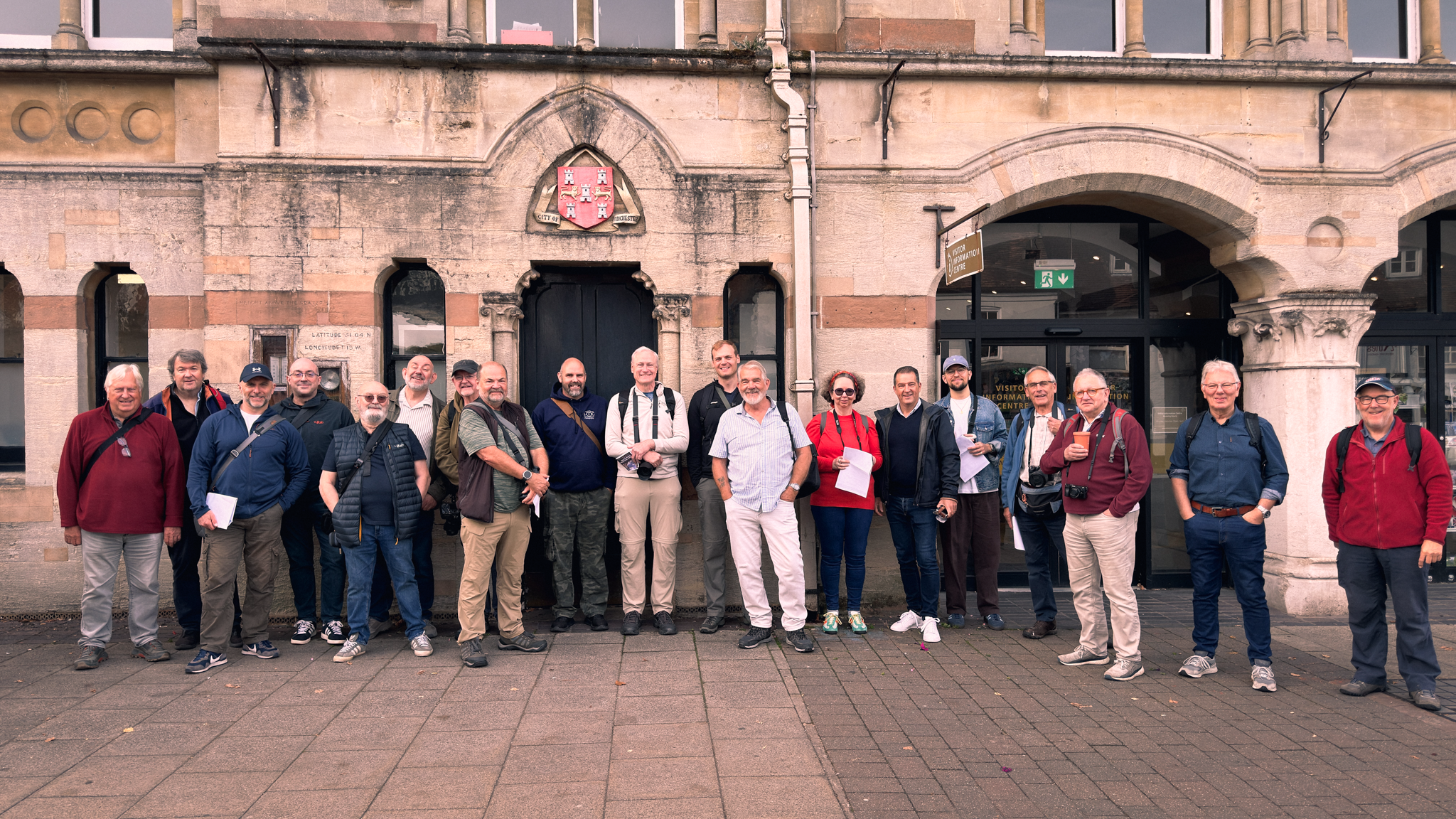
I arrived early with my wife Anne and my great friend Brian Dukes, and we sat down for a bit of breakfast before anything got going, and from there it was over to the Guildhall to meet everyone. The turnout was great, with more people turning up on the day than had registered, which is just so good to see. We got everyone together outside for a group photo and then we were off on the walk.

A little bit of planning

Ahead of the day I'd put together a PDF for everyone with points of interest, a bit of a route, some safety notices and the refreshment breaks, along with my phone number should anybody go astray.

The plan was a loop of about a mile and a half from the Guildhall, down past King Alfred's statue to the City Mill, along the Weirs by the River Itchen, past Wolvesey Castle and up through Kingsgate and the Cathedral Close, before heading back along the High Street by the Buttercross. None of it is complicated, but when you've got a big group spreading out along narrow streets and riverside paths, it helps everyone to know there's a rough plan, somewhere to grab a coffee and a number to ring if you wander off chasing a shot.

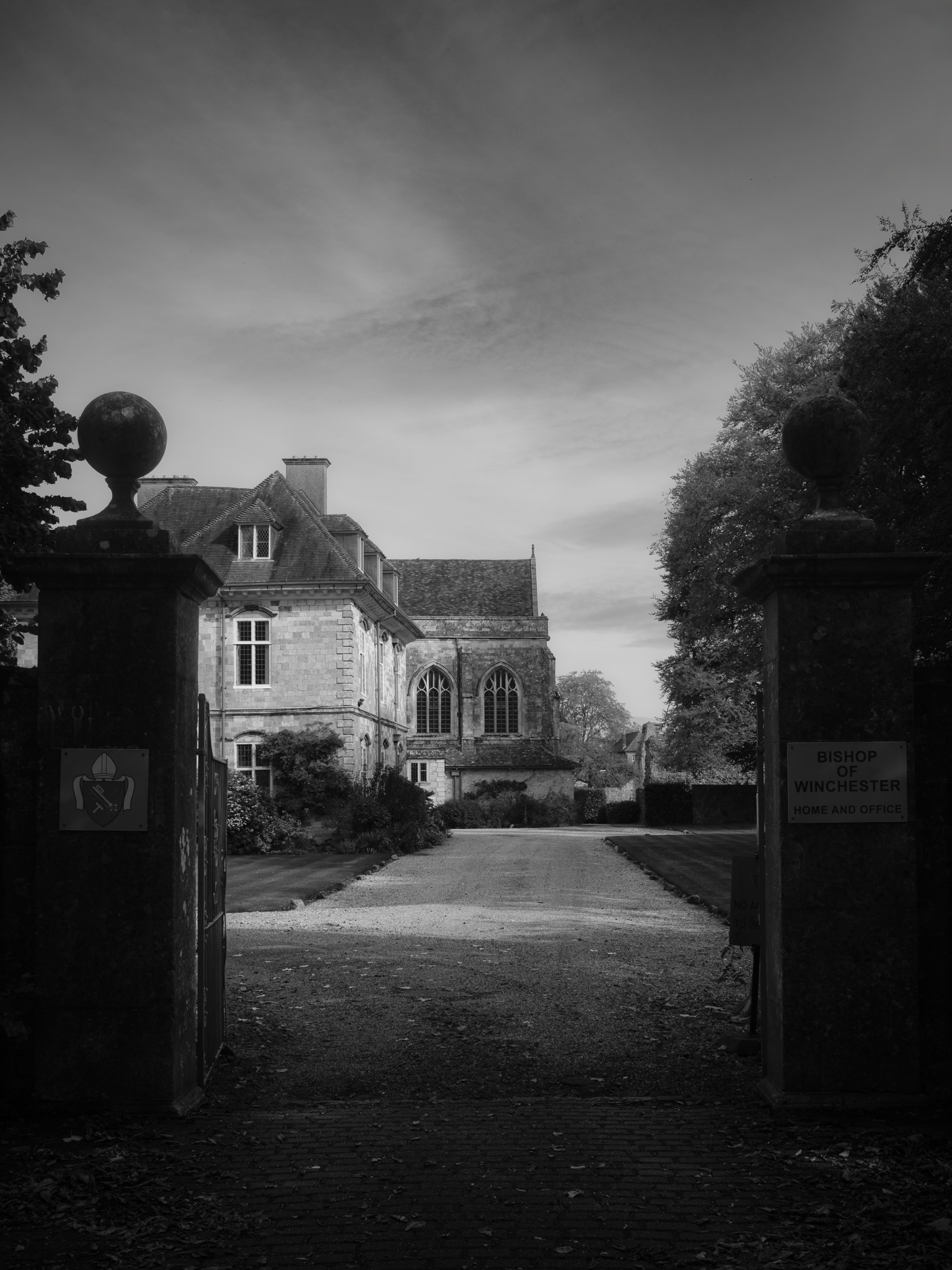
My favourite capture from the day taken with my Fujifilm X100 VI fited with a 1/8th Black Mist Filter

So much history

What a fabulous location Winchester is; the whole place was just fantastic, with so much history everywhere you point a camera. We didn't go inside the cathedral, but we spent some time outside taking pictures, and it's just an amazing building.

One of the lovely things about the day was having people in the group who were local, because they could point us in the direction of certain things we'd otherwise have walked straight past. That's the sort of thing you can't put in a PDF, and it made a real difference.

Three hours that flew by

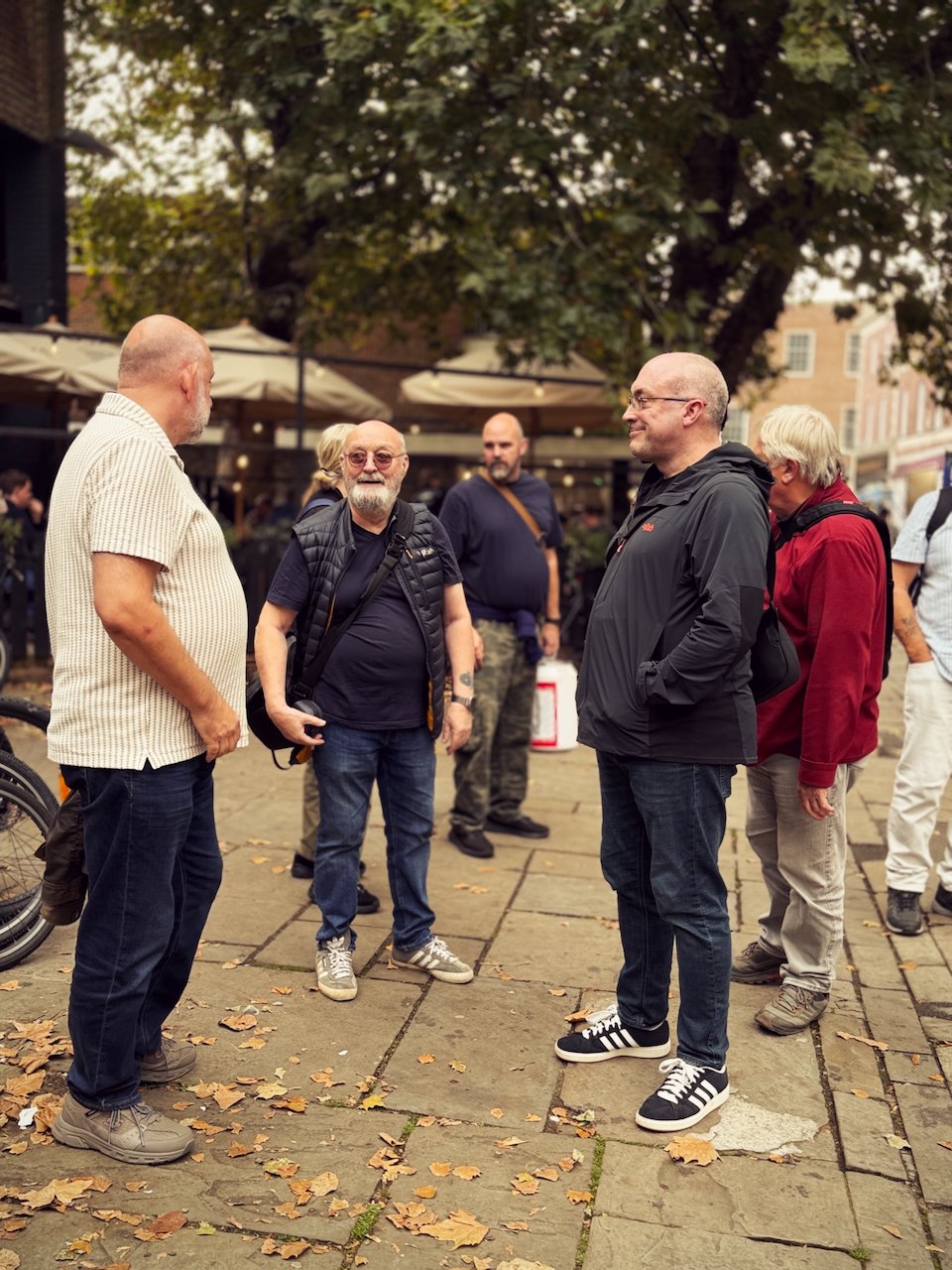
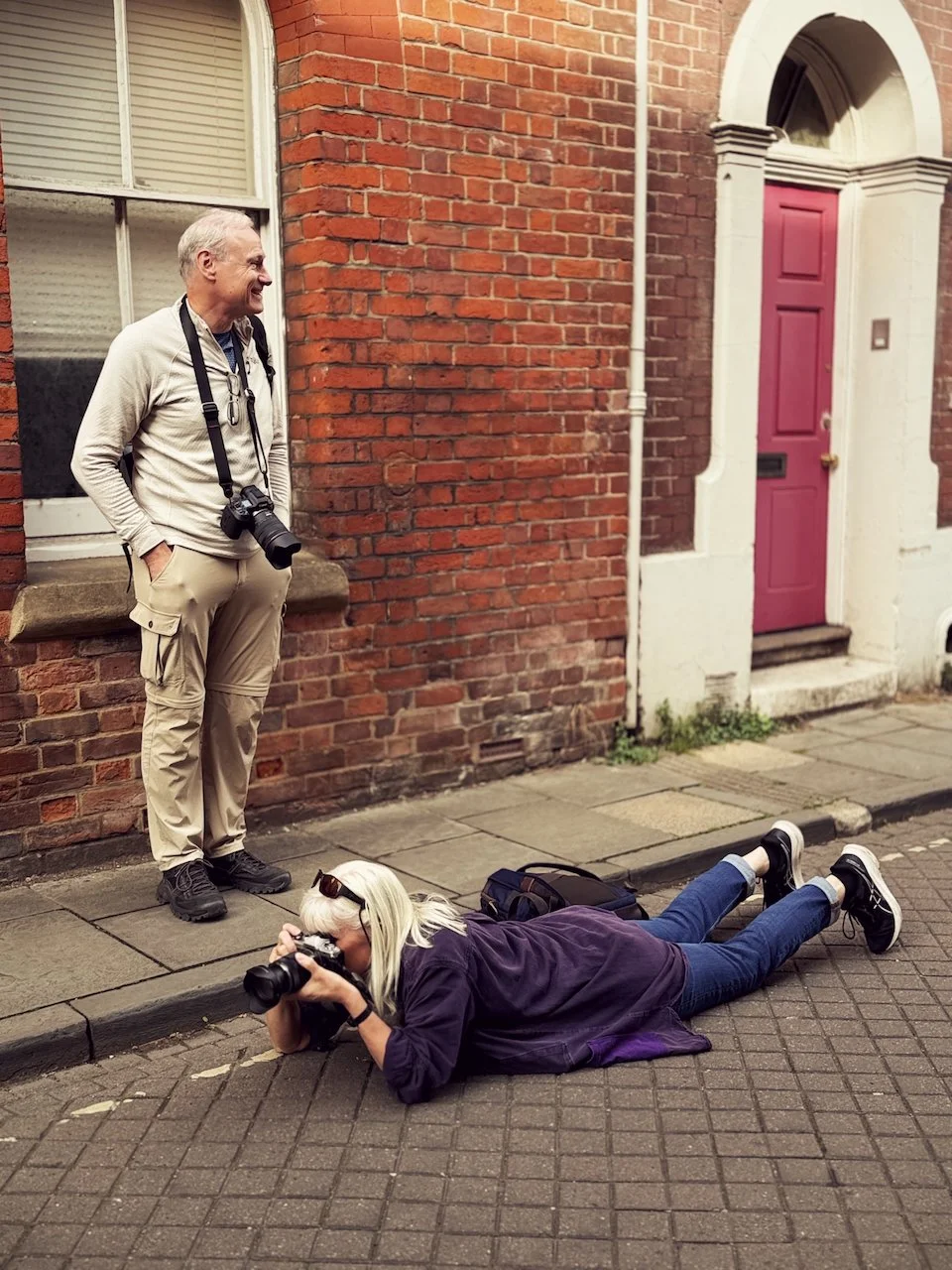
It was just so good to see so many people out on a glorious day, chatting and taking photos and really clearly enjoying themselves. Three hours flew by.

Food, bikes and a bit of Lightroom

Afterwards we headed for some food at the South Downs Social, a bike-themed café in Winchester, and we all gathered together on tables upstairs. We talked about the day and what everyone's up to, but we also went through a little bit of Lightroom editing on the mobile phone, which felt like the right way to round things off; you've just spent a morning taking the photos, so it's nice to sit down together and see what you can do with them.

It was just a fantastic day. Winchester is definitely a location I'm going to go back to, and the day was so successful and felt so good and positive that it makes me want to go out and do more of these.

Thank you

A huge thank you to everybody that came along. Here's just a selection of some of the photos from the day, and I'm also posting my keeper image as well.

An Unexpected Gift ... the Fuji X100 VI

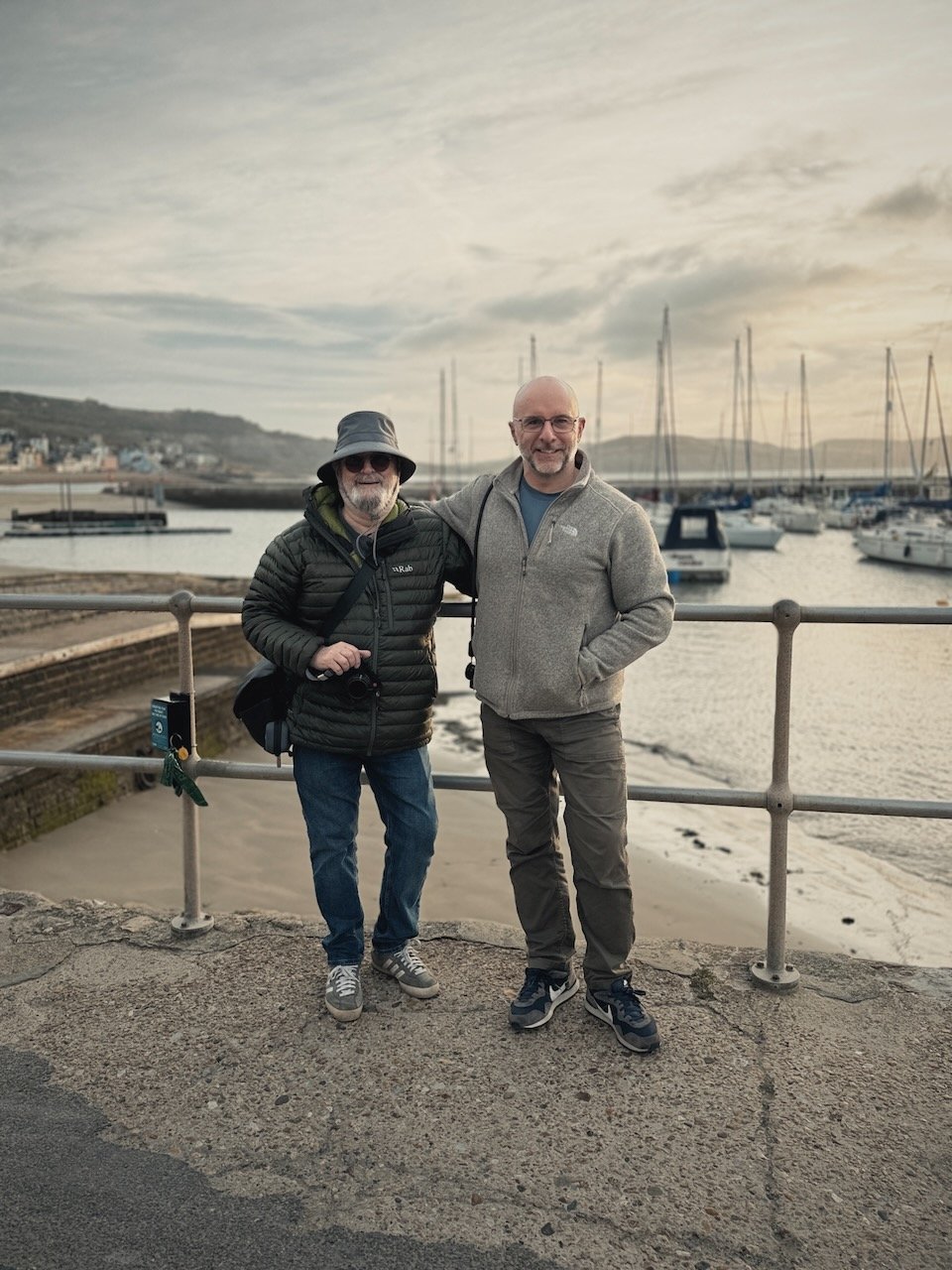
So the other day I met up with one of my closest friends, Steve Healy, for one of our regular catch ups / photo walks / breakfasts.

We try to do this near enough each week (commitments depending) and for both us it's a great opportunity to relax, unwind and just hangout. I love it.

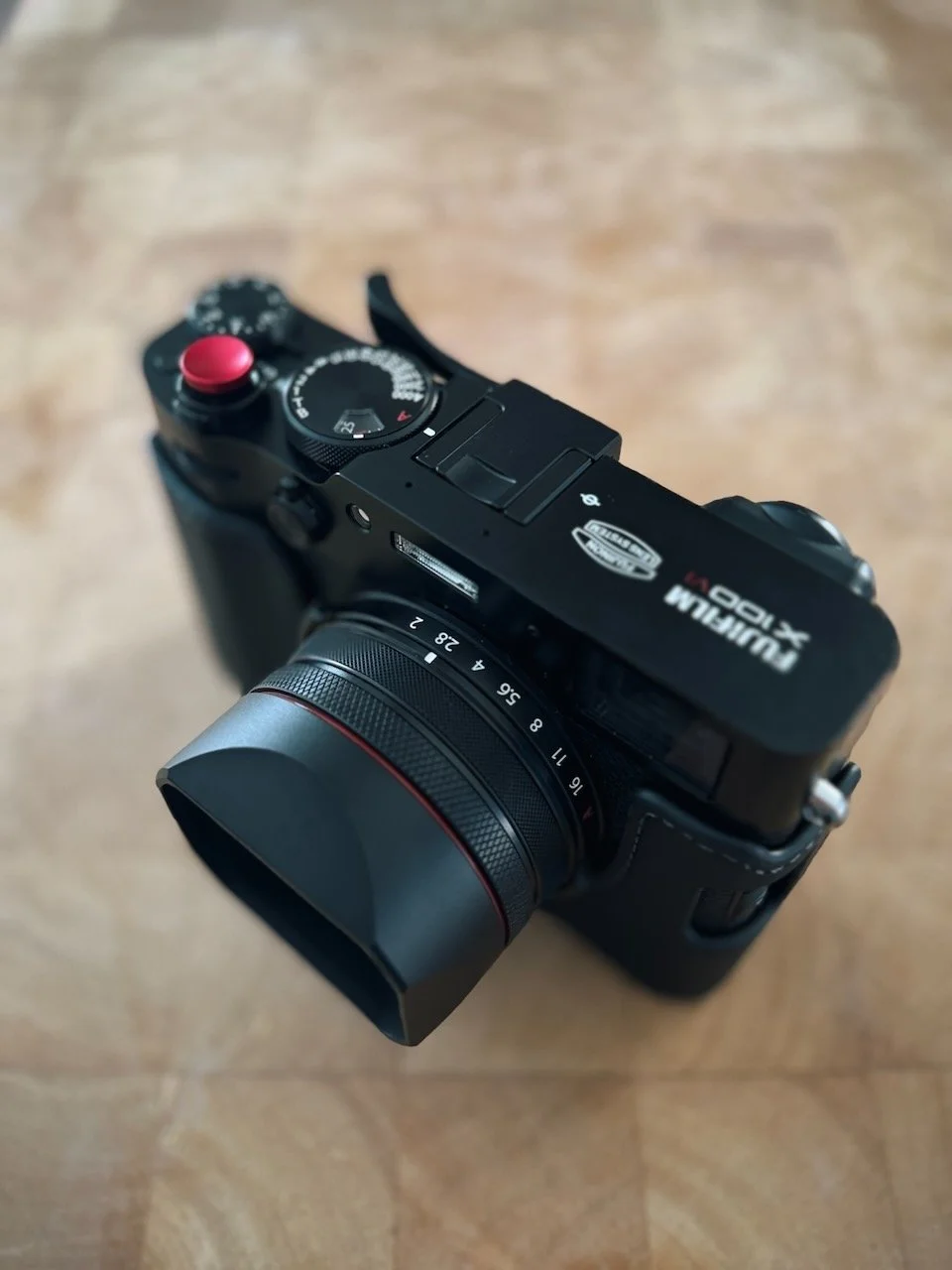
The other day though, completely out of the blue, before we took a step, Steve gave me a wrapped present ... a Fuji X100 VI 😲

To say I was (and still am) blown away is understatement.

Even now, days later, I just don't know what to write that would come close to how I feel.

All I can say is that I love it, I'm overwhelmed, I'm ... I'm ... yeah lost for words.

It's no secret that I'm changing brands for my work camera but for everyday, always with me photography, this camera is such a dream, and now I have one, now and in the future it'll make me think of a dear friend ... and that's really special.

I'm very much someone that loves to give gifts than receive them, and Steve's the same, so he, more than anyone, knows how much this means to me!

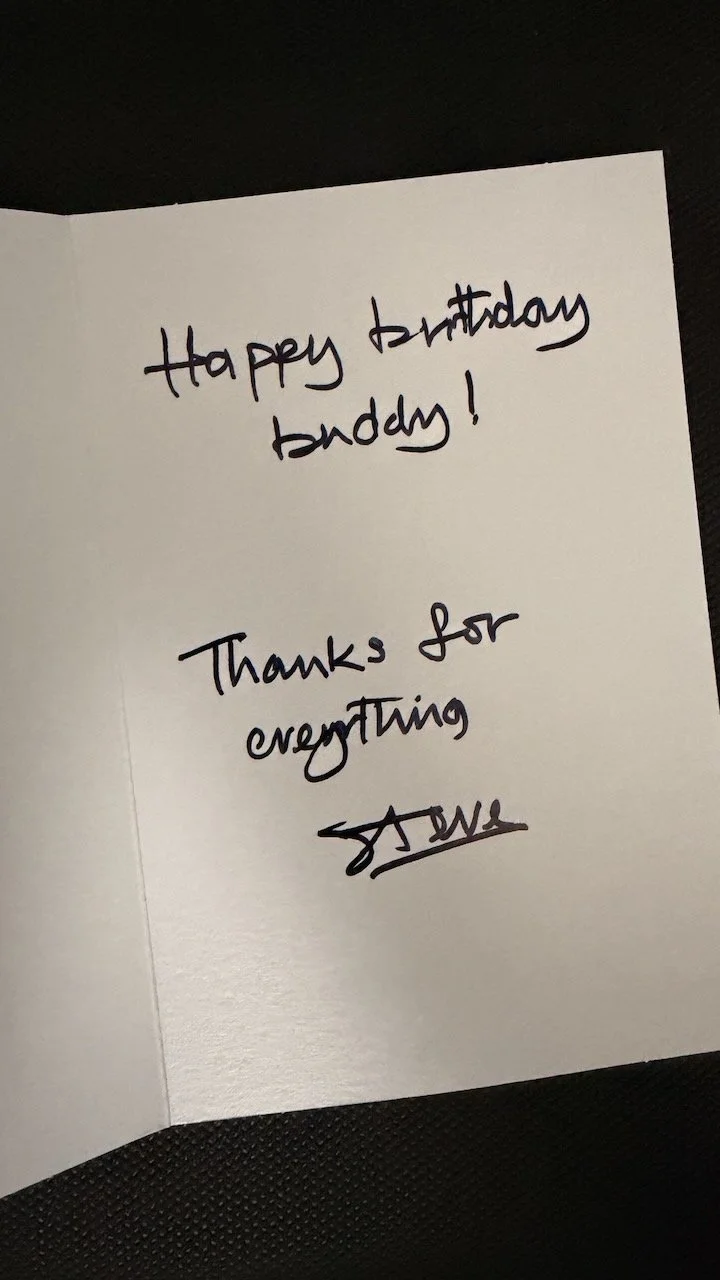
Steve ... love you Buddy!

Oh ... of course, I then went on to buy some extras for it ... as you do 😃

Bristol, Breakfast and a Special Friend

Yesterday, Sunday 2nd August, I finally got to meet the wonderful Jean-François Léger in person, and it's one of those days I know I'll still be thinking about a long time from now.

We've been friends online for a while. It started in the comments on my YouTube channel, then he began joining in with the weekly lives I used to do, and when I set up the communities he came across to those as well.

Over the last year or so we've talked on live calls, back and forth in the community, and on one to one video chats, and somewhere in all of that we stopped being two people who recognised each other's names and became genuinely good friends.

He's also seriously talented. It was Jean-François who wrote and composed and sang “Picture This”, which was made as a gift for me for putting the communities together; it’s still one of the kindest things anyone has ever done for me.

A bit of a detour

He's been over from Canada for the past few weeks, in Avignon in France, performing on stage, but rather than head straight home afterwards he decided to take a detour across to the UK for a few days, which is how yesterday came about.

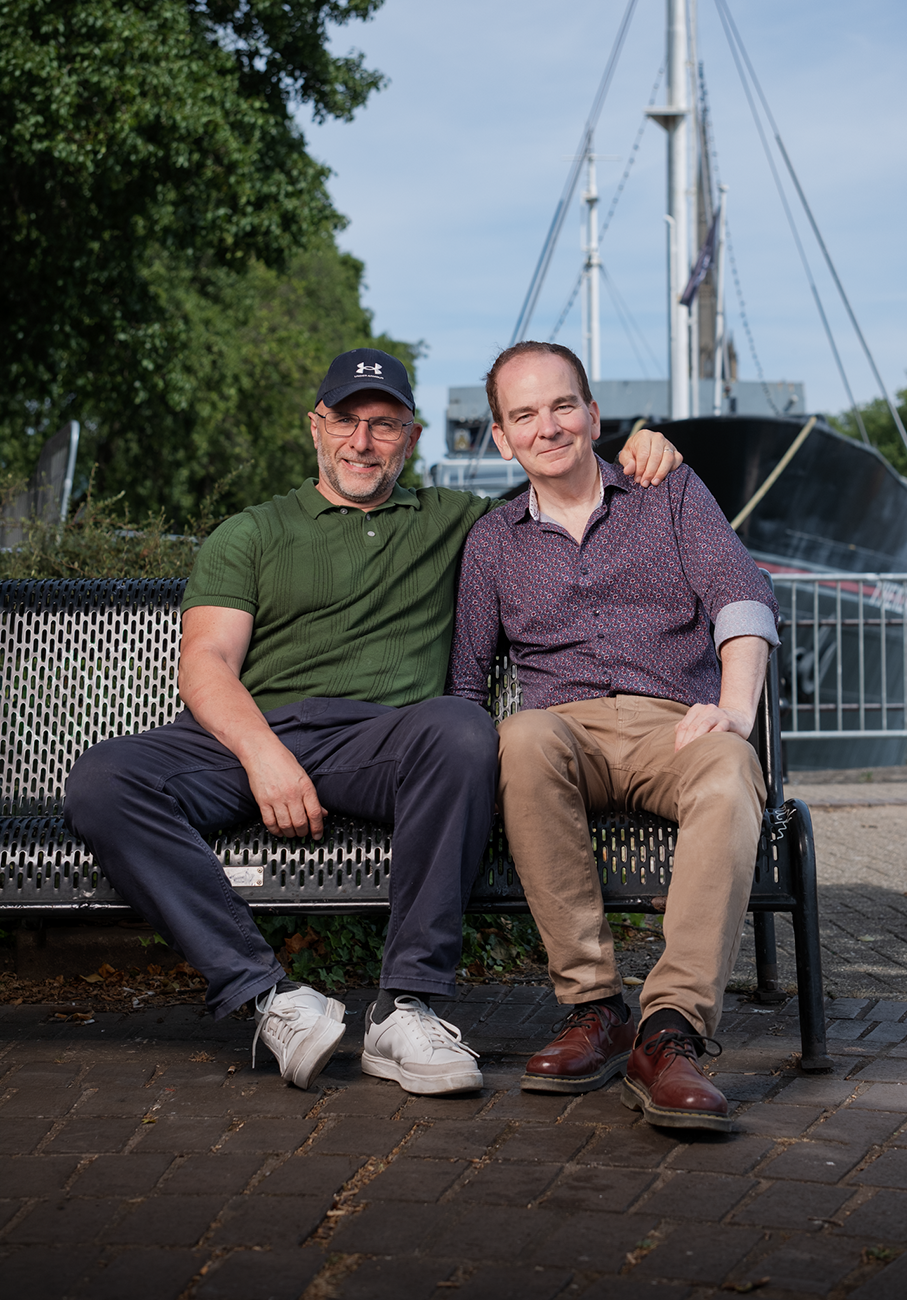
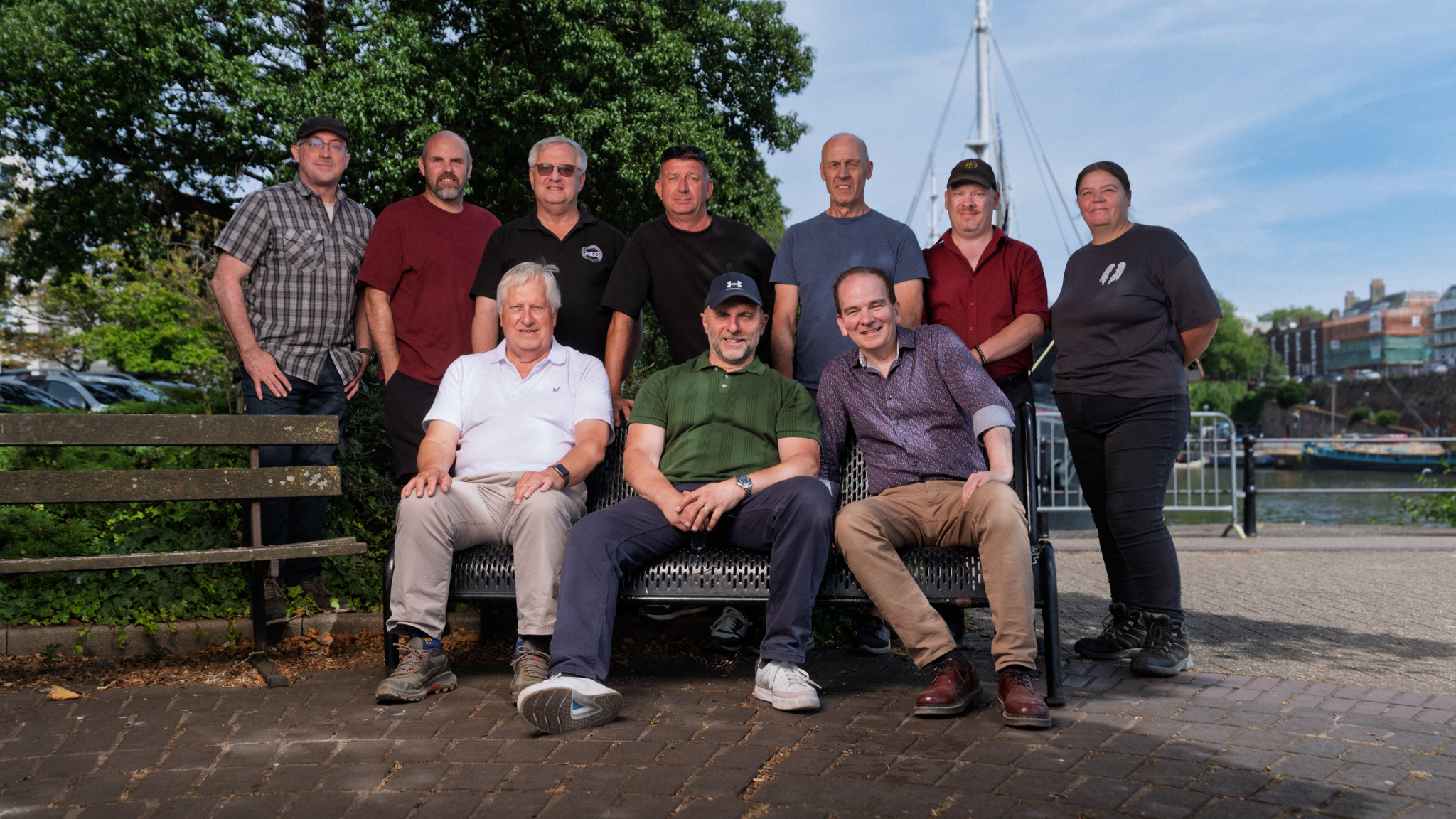
My friend Brian Lee arranged it all; a group of us at Mud Dock in Bristol for breakfast at 10am on the Sunday, everyone meeting up together, though the real reason we were all there was to see Jean-François, who's such a big part of the communities.

Meeting him was strange in the best possible way. It was almost as if we'd met before. All those awkward first time barriers you normally get with somebody just weren't there, and that's the special thing about the community, because by the time you meet in person you've already become good friends. Surreal, but wonderful.

Breakfast was fantastic. Lots of laughter, lots of chatting, and then a photo walk around Bristol afterwards, grabbing coffee, more chatting, just a really good social day with good people.

The kit I took

I did take a bit of kit along, because I wanted to make that extra bit of effort and photograph the fact that Jean-François was over here, properly on my main camera.

- the Westcott FJ800

- 3ft x 4ft softbox, which is my favourite

- Convertible umbrella

- Light stand

One light, one modifier, one stand. That's it.

The group shot, and why I went with the umbrella

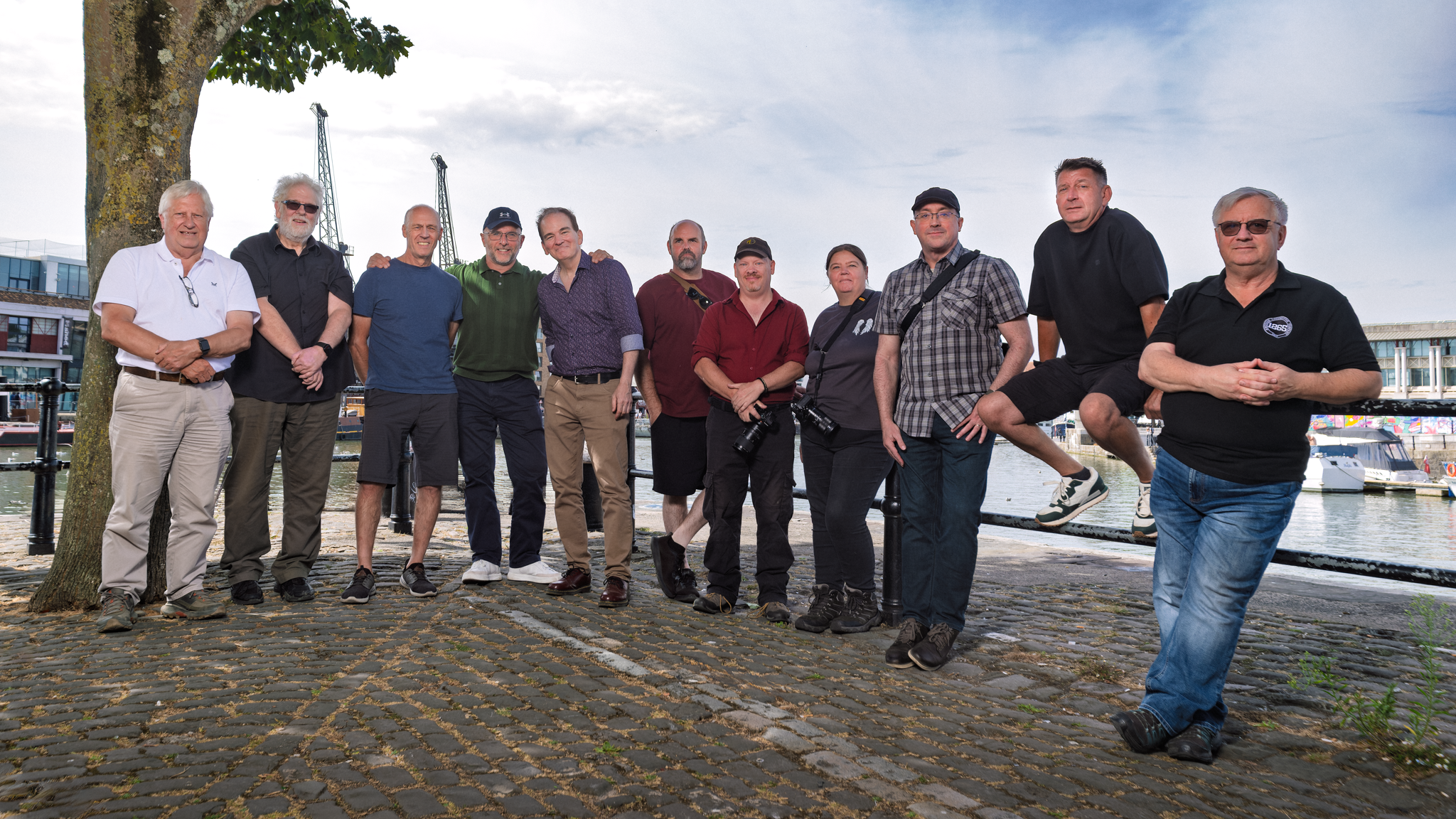
After breakfast we did a group shot. There were quite a few of us, it all needed to happen quickly, and what I wanted was for the light to burst out of the FJ800 and cover everybody evenly. A softbox would have been too restrictive for that, so I went with the convertible umbrella instead, took the black cover off and fired the light straight through it. TTL, of course, as I always do. It worked beautifully and it took no time at all.

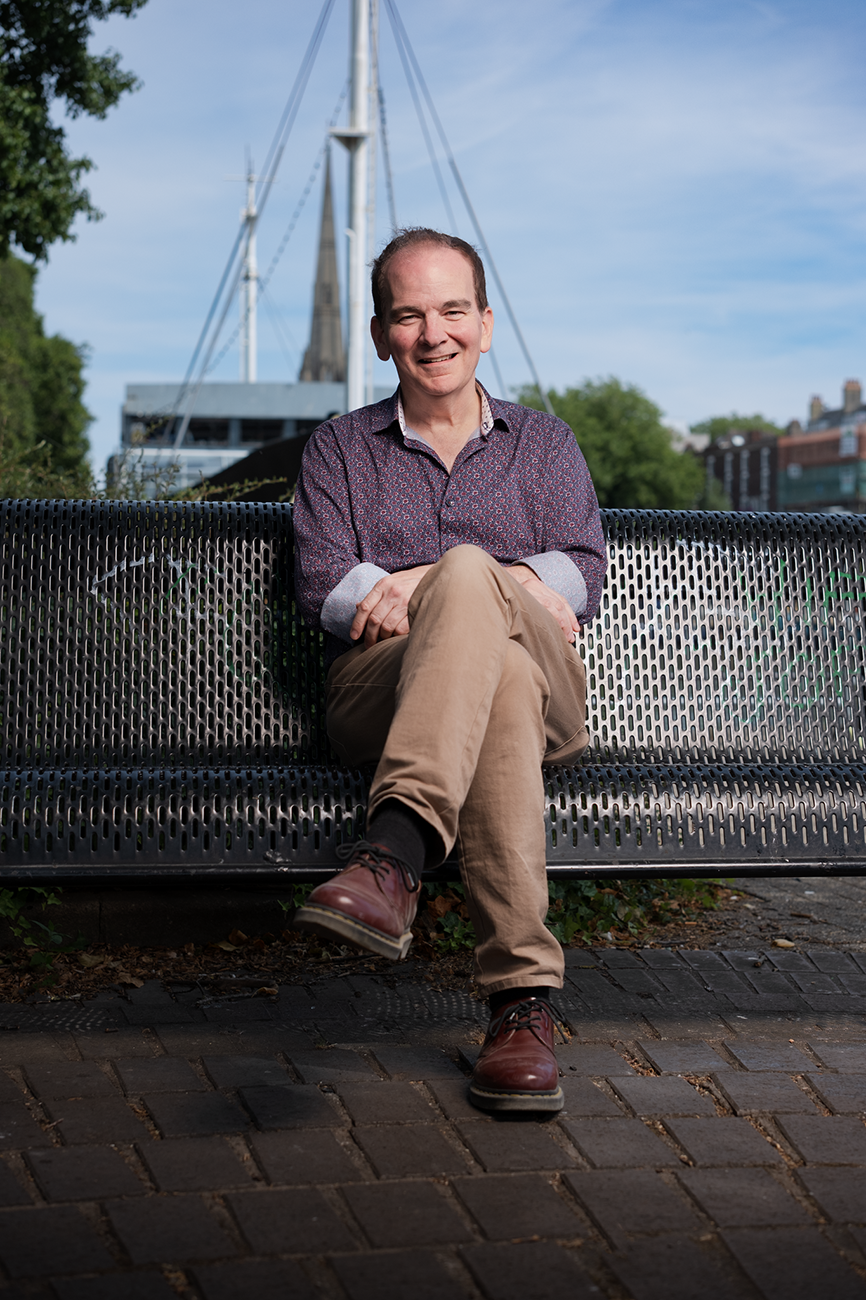
Portraits of Jean-François

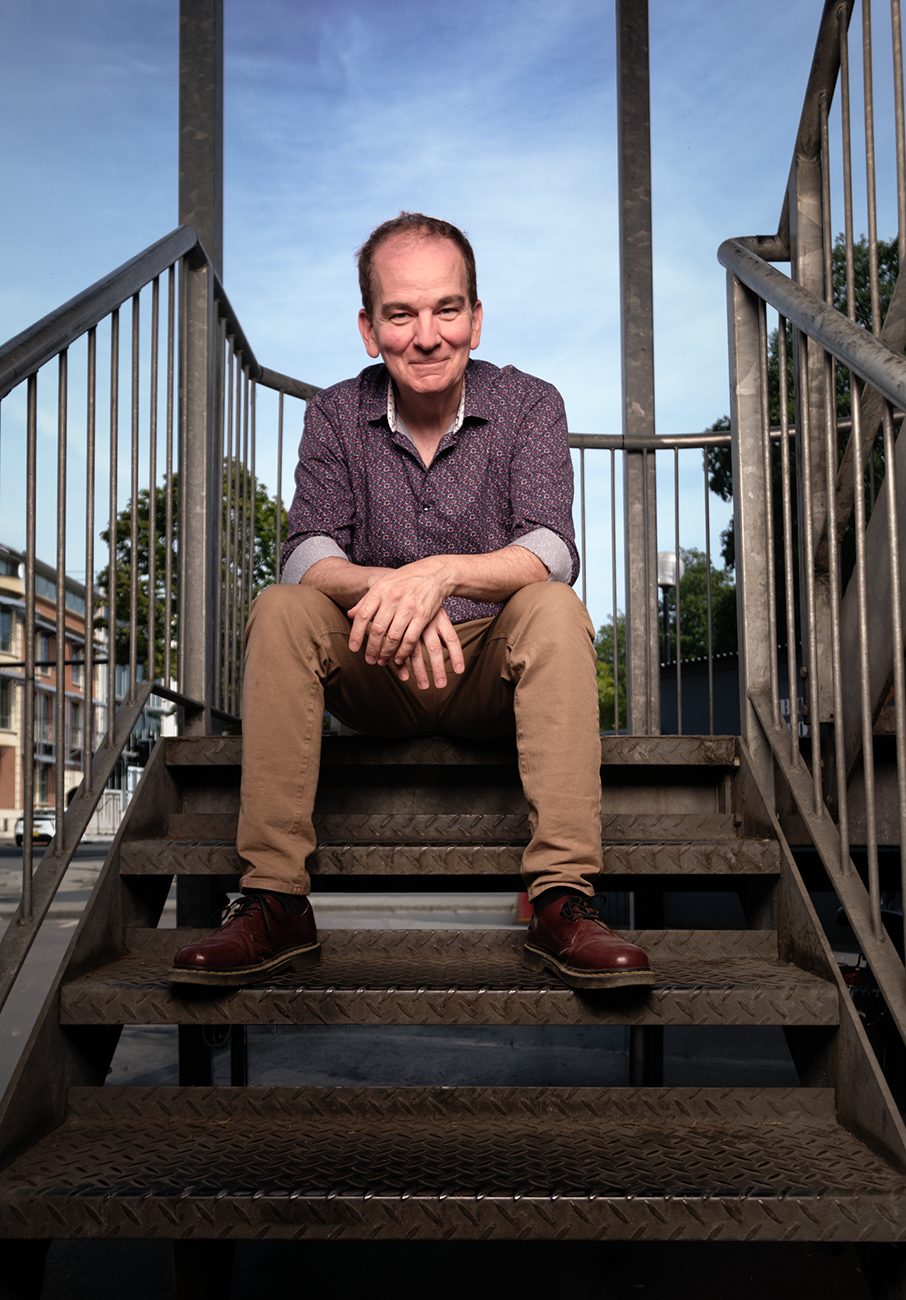
Later on I wanted a few more pictures of Jean Francois on his own, and that's when the 3ft x 4ft softbox came out, and made use of the metal staircase leading up to Mud Dock.

I set the camera to manual first and dialled in the scene I wanted, mainly so I'd hold some detail in the sky rather than blowing it out. Then the flash goes on in TTL, with the Fuji set to face detection.

Because the camera is looking at the face, the TTL exposure gets worked out for the skin rather than for everything else in the frame, so it's exposing for the thing that actually matters in a portrait.

With a great exposure from the start, I then adjust it to taste and lock it in. Whatever power TTL just chose, I use TTL to Manual to copy the exact same power over into the Manual side of things, and every frame after that is consistent. That's it.

A few more by a tree after that, and then another group shot, because I couldn't resist.

What I'd hoped for, and what actually happened

I'd wanted much more time with him than one day.

The plan had been to get him down here to the south west, to meet Anne and to show him around Lyme Regis, and I'd even cancelled two of the Wex roadshow dates so I'd be home while he was over.

Then the work we're having done at the house landed on this exact week 🤷‍♂️

There's talk of him being back over later in the year, which would be brilliant, so hopefully we'll get that time yet.

Jean-François is still here in the UK as I write this. He stayed with a friend (Anthony Crothers) in South Wales on Sunday night, Brian picked him up again today, and he's with him now until Wednesday morning, when he heads off to the train station, over to France, and then home to Canada. A bit of a whirlwind, but so worth it.

Au revoir, mon ami!

World War 2 Veteran Philip Truelove receives his Portrait

Just had to share this …

The reaction from World War 2 Veteran Philip Truelove, along with his son and daughter, when I returned and delivered his portrait, captured for the 39-45 Portraits Project.

THIS is why I do what I do! ❤️

Philip Truelove

215 Platoon
No. 10 Bomb Disposal Company
Royal Engineers

Doing This ONE THING Transformed My Photography

If someone walked up to you right now and asked what kind of photographer you are, what would you say? Would you have a clear, confident answer, or would you hesitate and mumble something like, "Oh, I do a bit of everything"?

There's nothing wrong with being versatile. But I genuinely believe there's one thing that can transform you as a photographer, and that's starting a personal project.

I don't mean a client job. I certainly don't mean something you do just to get likes or feed an algorithm. I mean a project that's entirely yours. Something that means something to you. Something that comes from genuine curiosity.

Finding your identity and focus

A personal project gives you an identity. It tells the world, and more importantly it tells you, what you stand for and what you actually care about. It's the difference between someone who takes photos and someone who's using a camera to say something.

It also brings real practical benefits.

You get focus. When you have a clear purpose, every shoot has direction. You're no longer wandering around hoping for a great shot. You know exactly what you're looking for and why.

You develop naturally. Because you return to the same subject or theme again and again, you get better almost without trying. You start to see things differently, you experiment more, and your technical skills sharpen alongside your creative eye. It's the difference between going to the gym now and then and actually following a proper training programme.

And it keeps you going. There will be times when your photography feels flat, or when paid work starts to feel routine. A personal project gives you somewhere to go. It keeps you creatively alive and keeps that spark of motivation lit.

The power of a genuine purpose

Let me give you an example of a project that became one of the most meaningful things I've ever done. It went far beyond anything I imagined.

It was called the 39-45 Portraits Project. Entirely self-funded and self-initiated, the goal was to travel the length and breadth of the UK to find, photograph, and honour surviving Second World War veterans. I wanted to give them and their families a timeless portrait, completely free of charge, as my way of saying thank you.

What happened next wasn't planned. The project went on to receive national press coverage, and a selection of the portraits was displayed by the BBC during the televised King's VE Day Concert in 2025.

None of that recognition was the goal. The goal was always the veterans. People can sense when something is genuine, and that's exactly why the project resonated the way it did.

The moment a personal project becomes about you rather than the subject, it stops being a personal project. It just becomes self-promotion in disguise. A true personal project has to come from a place of authenticity, not from a marketing plan wrapped in hashtags.

Closer to home: the I am Lyme project

Your project doesn't have to be a grand, sweeping national concept to matter. It can come straight from the place you call home.

Right now I'm working on a new project called I am Lyme. The idea is simple. I'm photographing the people who make up the fabric of Lyme Regis. The fishermen, the boat makers, the cafe owners, the bar staff, the swimming groups, and the characters you see walking around town who make the place what it is.

I'd already spent time capturing the location itself, the seascapes and the harbour, and now the people side is building its own momentum, with one person recommending the next as word spreads. The plan is to bring it all together for an exhibition in the summer of 2027 at the Jubilee Pavilion in Lyme Regis.

If you're taking on a project that involves photographing people in your community, I'd recommend putting together a simple presentation folder. Mine contains the project logo, a short written outline of what the project is and why I'm doing it, an explanation of what the images will be used for, and a small selection of sample portraits.

When you ask people to be part of something, they need to trust you first. A simple folder does a huge amount of work before you've even started talking, because it shows you're serious, considered, and that their contribution genuinely matters.

How to choose your project

If you're wondering where to start, look at your own life. What are you already passionate about outside of photography?

If you love sport, look at your local grassroots football club, an athletics team, or a boxing gym. The effort and passion behind the scenes there is a compelling body of work waiting to be captured. If you live somewhere with a unique history, a particular landscape, or a community that doesn't often get noticed, start there. The best projects grow out of things you already care about, because that care shows in the work every single time.

Personal projects might never leave your hard drive. They might not make you famous. That's completely fine. What they will do is keep you sharp, keep you motivated, and remind you exactly why you picked up a camera in the first place.

So stop putting it off and just start. You genuinely don't know where it might take you.

HDR in Photography: Dead, Dated, or Ready for a Comeback?

For years, HDR in photography has carried a bit of baggage.

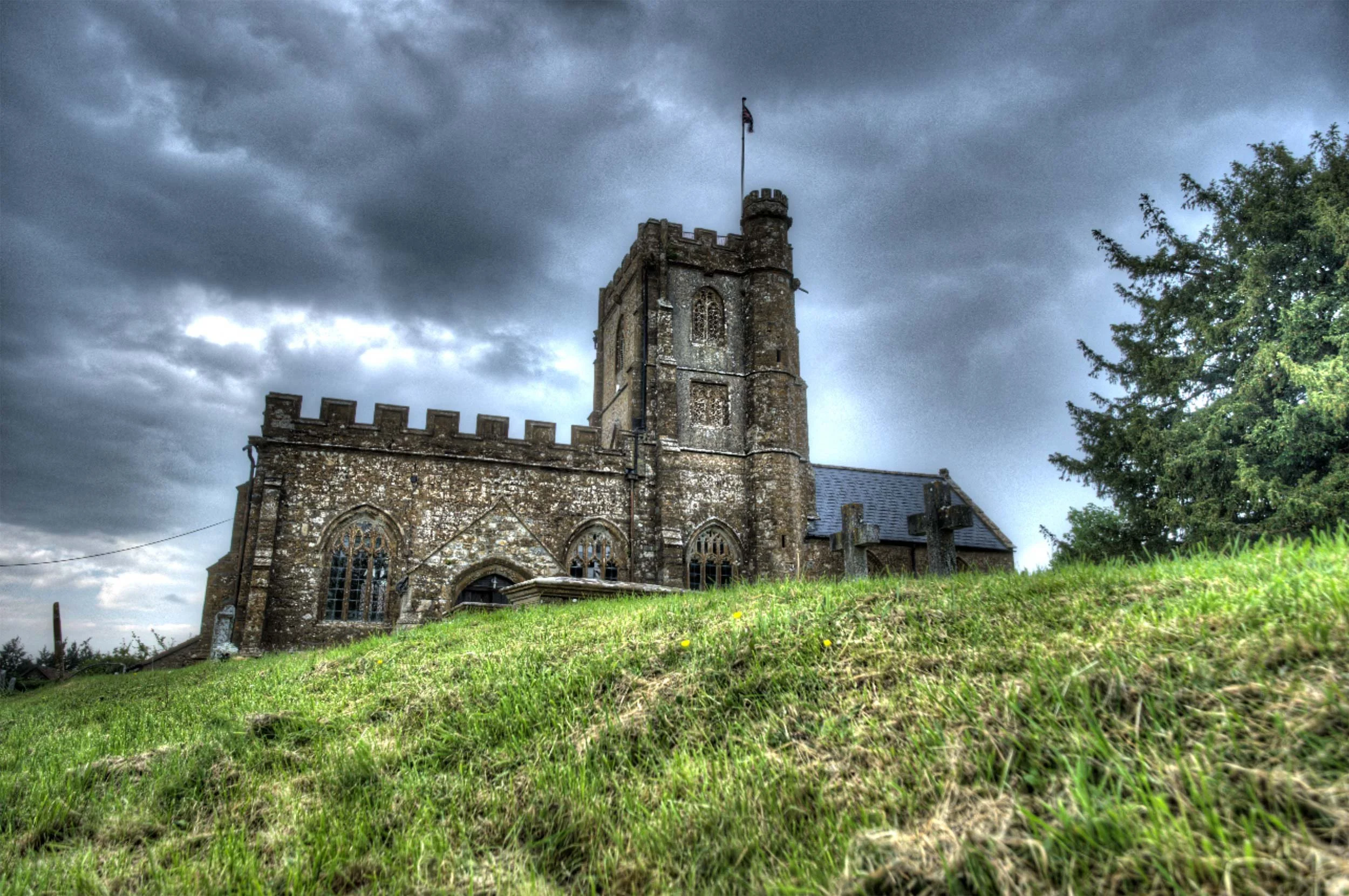
Mention it to most photographers and they'll immediately picture those crunchy, overcooked images from the early 2010s. Glowing edges, strange colours, and a look that screamed "processing" louder than the actual subject. And honestly, fair enough. That version of HDR put a lot of people off, and for good reason.

The “HDR” Trend back in the early 2010s

But here's what's changed: HDR isn't what it used to be.

What we're talking about today is not that old exposure-blended, tone-mapped look that most of us learned to avoid. This is proper HDR editing, pulling more out of the image's dynamic range and displaying it on screens that can actually show it. It's less about creating a dramatic effect and more about giving the image room to breathe.

That distinction changes the conversation completely.

So what is HDR now?

At its simplest, HDR means high dynamic range; more tonal range than a standard dynamic range image can show. It’s not blending images together, it’s having the ability to really show what already exists in that file.

That sounds technical, but the practical version is straightforward. Think about a scene with a blazing sky, deep shadows, and subtle detail in between. In a standard SDR workflow, you end up squeezing all of that into a smaller box. You protect the highlights, lift the shadows, and find some kind of compromise.

With modern HDR editing, you're not forcing that compromise in the same way. You're working in a way that allows more brightness information to survive the edit, so when viewed on an HDR-capable screen, the image can look much closer to what the scene actually felt like.

That's the key difference.

This isn't about making everything loud. It's about giving the image more range.


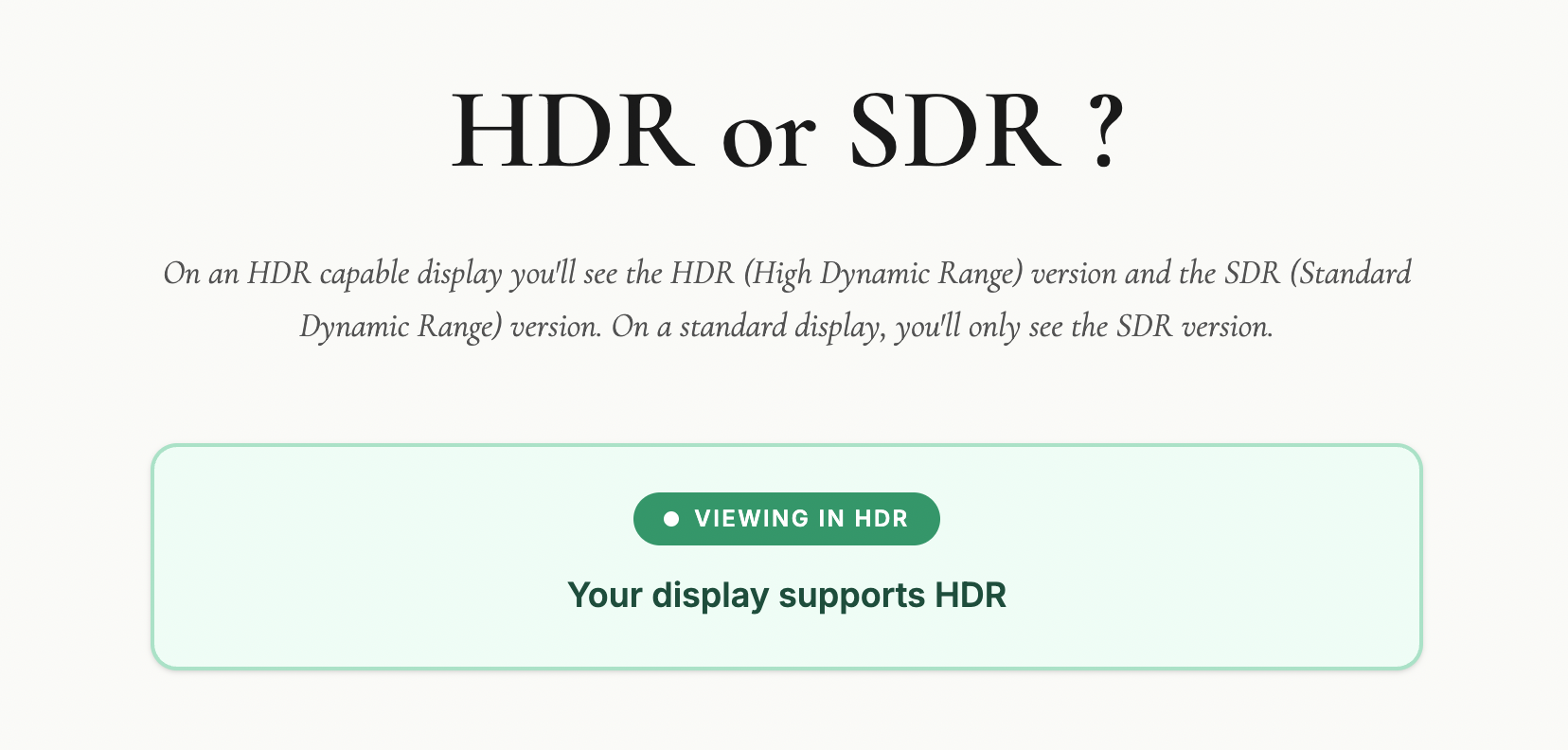
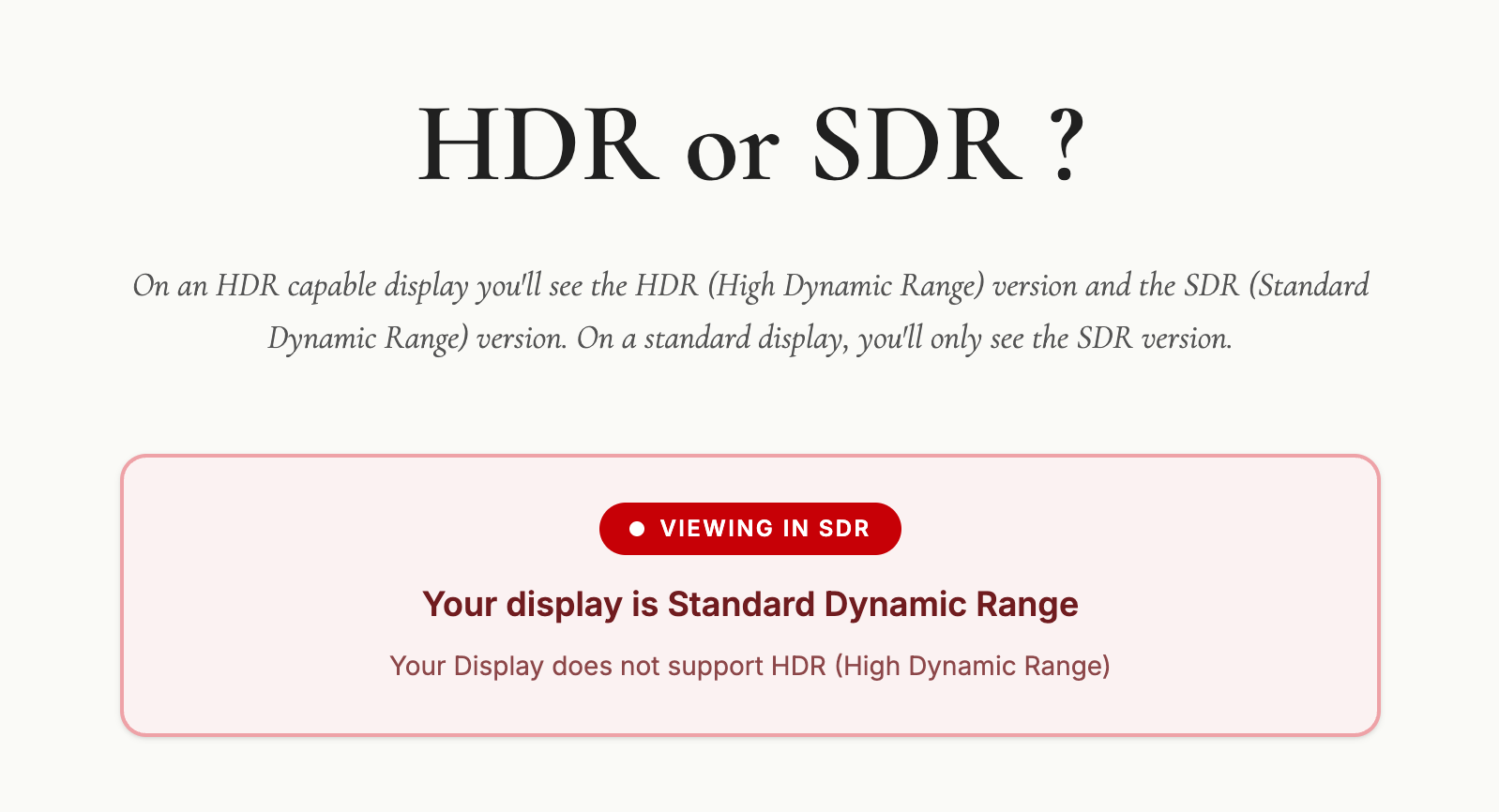
Check out this web page I put together to check if your display / device is capable of HDR.

Take a look on your computer, mobile and tablet device (if you have one)

🔗 LINK: hdrviewer.lovable.app


Why the old HDR got a bad name

Let's be honest: old-school HDR deserved a fair amount of the criticism it got.

A lot of it was used as a shortcut to rescue badly exposed images, and the results were often heavy-handed. Software like Photomatix, which was the go-to tool for HDR processing back in those early days, made it incredibly easy to push things too far. Shadows were crushed, highlights flattened, and that distinctive grungy, over-cooked look became almost a signature of the era. At its worst, it was gimmicky. You knew exactly what you were looking at the moment you saw it.

Worth saying though: Photomatix is still around and still a perfectly viable option. Used with some restraint, it's capable of much more conservative, natural-looking results than its early reputation might suggest. But back then, subtlety wasn't really the point for a lot of people using it.

That's why many photographers developed a kind of instinctive resistance to anything labelled HDR.

But modern HDR is a different thing entirely.

It's not trying to shout at you. It's trying to reveal more subtlety. And when it's done well, most people won't even register that they're looking at an HDR image. They'll just think it looks rich, deep, and beautifully displayed.

Who is actually doing this?

More people than you might think.

The biggest shift is that the industry around HDR has finally started to catch up. More screens support it, editing software is building in proper HDR workflows, and image sharing is slowly becoming more compatible. That matters, because a workflow only becomes genuinely useful when you can see the result and actually share it.

Photographers are already experimenting with it in landscape work, cityscapes, interiors, sunsets, and any scene where the contrast is simply too much for a standard file to hold comfortably. It makes particular sense when the subject contains bright highlights that you want to keep bright, without the rest of the image falling apart around them.

So yes, people are doing it. Not everyone, and not for every image. But enough that it's moving from niche curiosity toward something more mainstream.

Why it matters now

This is where HDR becomes genuinely interesting from a photographer's point of view.

We've reached a point where many viewers already have HDR-capable phones, tablets, laptops, televisions, and monitors. The image you edit is no longer always limited to the old one-size-fits-all SDR world. Some people can actually see more of what you intended when you made it.

That opens up real creative possibilities.

A sunset can hold brighter light without clipping into mush. A window-lit interior can keep detail outside without destroying the atmosphere inside. A seascape can carry that glowing, luminous quality we often try to suggest with standard editing but don't always fully achieve.

In the right hands, HDR isn't flashy. It's expressive.

Where it fits in a workflow

The best way I think about HDR is this: it's another tool, not a replacement for everything else.

It won't suit every photograph. Some images are better left in a standard workflow, particularly if the scene is already well contained or if you want a classic, controlled look. HDR also won't make much difference if your audience is mostly viewing on SDR screens.

But for the right image, it can be brilliant.

The skill, then, isn't just learning how to switch HDR on. It's knowing when it adds value and when it doesn't. That's usually where good photography lives anyway. Not in using every feature available, but in using the right one at the right time.

Is HDR the future?

I think so, yes. Just not in the old dramatic sense.

We're not heading back to the days of overprocessed HDR everywhere. That era is done, and rightly so. But we are moving towards a more natural, more display-aware way of working, where HDR becomes a normal part of the photographic toolbox rather than a novelty.

How quickly that happens depends on a few things catching up together: displays, software, and sharing platforms. But the direction is clear.

More of the world is becoming HDR-capable, which means photographers will increasingly need to understand how to work with that reality, whether they choose to or not.

Final thoughts

HDR is not dead.

What's dead is the old caricature of it. The version that turned every photo into a neon soap opera. The modern version is far more interesting, far more useful, and far more in step with where technology is heading.

For photographers, the opportunity is simple: start paying attention now. Learn what modern HDR actually is, watch how it develops, and think about where it fits in your own work, because this feels less like a passing fad and more like a genuine shift in the way images are made and seen.

Is It Time to Retire the name "Camera Club" ?

There's been a cracking conversation happening inside my Photography Community on SKOOL ( LINK ) recently, and honestly I think it's one of the most important conversations the photography world could be having right now.

The topic?

Camera clubs.

Specifically, why they're struggling to attract younger members, and whether something as simple as what we call them might be part of the problem.

I've never joined a camera club

I've never belonged to a camera club, and I say that not to be dismissive of them, because I know plenty of people who've had brilliant experiences and genuinely improved their photography through being part of one.

But, it never felt like it was for me.

I couldn't quite put my finger on why for a long time. But sitting with this discussion in my community, I think that maybe it starts with the name.

The Elephant in the Room

The demographic at most camera clubs sits firmly at 55 and above, and the majority of clubs have shrunk since Covid, with several folding altogether, which is incredibly sad to see.

Walk into a typical meeting and you'll find familiar faces, familiar subjects, and familiar debates about judging criteria. There's nothing wrong with any of that in itself, but the pattern is consistent enough to ask some hard questions.

The conversation in the Photography Community mentions not only the struggle to attract younger members but also speaks of other clubs announcing declining memberships.

That's not a blip.

That's a warning sign.

So what's driving this?

Competition-heavy formats? a lack of openness to newer genres and technology perhaps? I actually think one thing is being underestimated, and it's the very first impression these clubs make before anyone even walks through the door.

The name.

What I've Noticed Every Single Time I've Visited

Before I get into the name thing properly, I want to share something from personal experience.

As I’ve mentioned, I've never been a camera club member, but I have visited quite a few over the years as a speaker and presenter, and one thing I notice (except for the few) is that every visit has included a mention of the next competition, the upcoming judging session, or where the club currently sits in some regional standings.

Now, I get it. Competitions give members something to work towards. They create structure, they generate engagement. But when it's woven into almost every conversation, almost every meeting, it starts to define what the club is about, and if what the club is about, is winning, or being judged, that's a very specific kind of person you're going to attract, and a very specific kind of person you're going to put off.

Think about it from the outside. You love photography. You take pictures because it makes you happy, because you see the world differently through a lens, because it's your creative outlet. You're looking for other people who feel the same way. You walk into a camera club and within ten minutes you're hearing about judging criteria and competition deadlines. Is that going to make you feel like you've found your people, or is it going to feel like you've accidentally wandered into something that takes itself a bit more seriously than you're ready for?

With dwindling memberships very apparent over the last five to ten years, several clubs have folded entirely, and the more established ones are attracting very low numbers of new, younger members to replace more senior ones as time goes by.

Words Shape Perception

So back to the name, because I think it matters more than people realise.

Naming psychology tells us that a name without an emotional connection is virtually useless, and a name with a negatively charged association can actively work against you. That's not fluffy marketing theory. That's just how human beings process information.

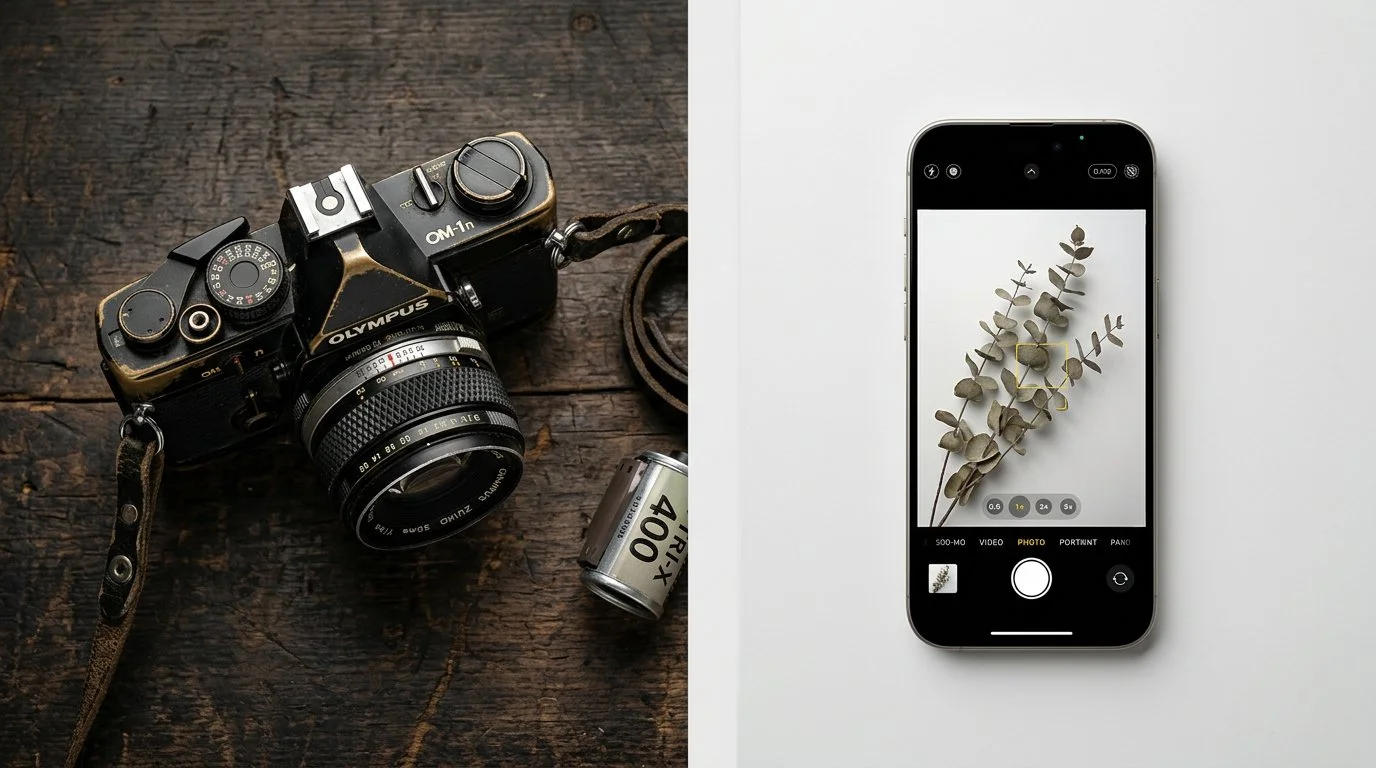
So what does "Camera Club" say to a 25-year-old who shoots on their iPhone, edits in Lightroom Mobile, and shares their work on Instagram? It says hardware. It says equipment. It says a room full of people debating sensor sizes and lens brands. It says: “Probably not for me.”

"Camera" as a word carries baggage. It implies a physical device, and a fairly specific one at that. In a world where the best-selling camera on the planet is a smartphone, leading with the word camera as your entire identity is, at best limiting, and at worst, actively putting off a huge potential audience before they've even given you a chance.

"Photography" though? That's about the image. The art. The craft. The story you're trying to tell. It doesn't care what you shot it on.

"Society" and "Association"is no different

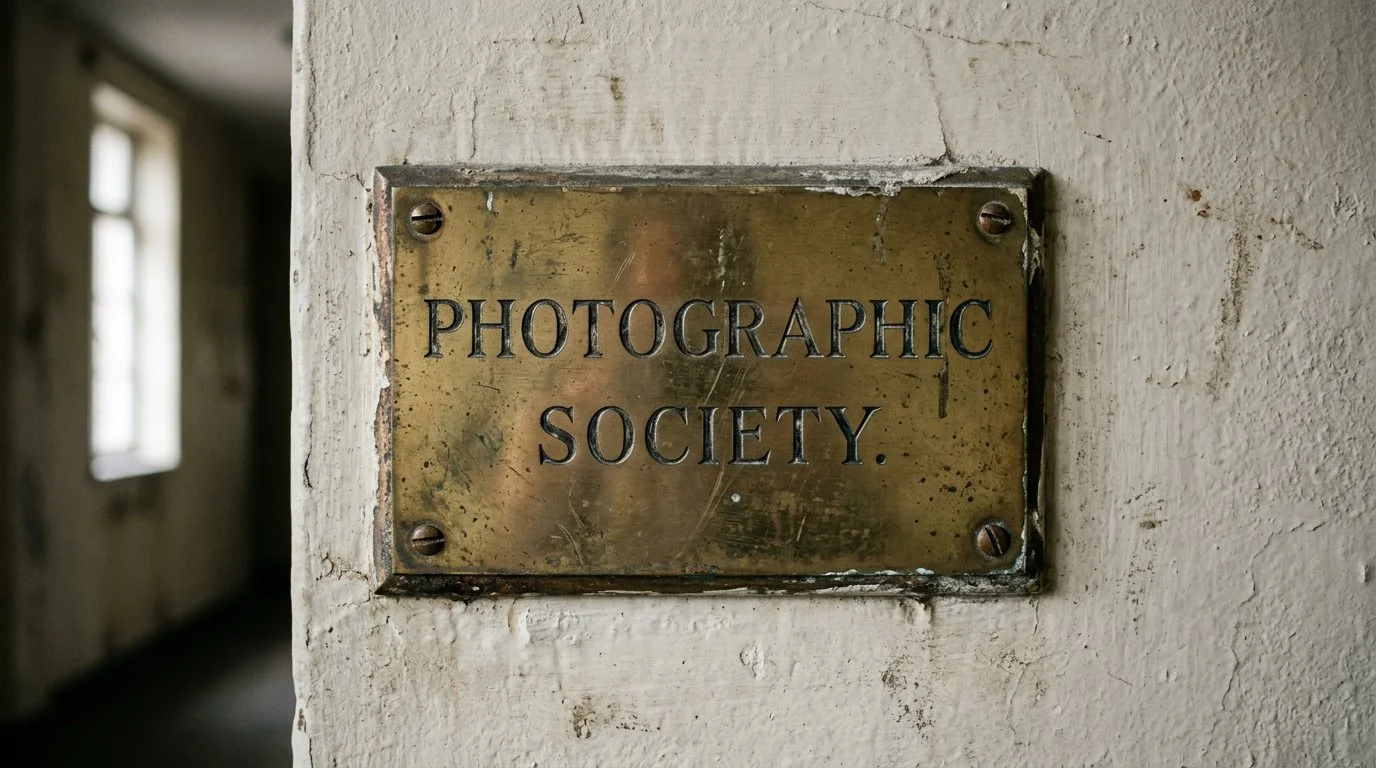
Here's the thing, it's not just "Camera Club" that has a problem. Some clubs have tried to modernise by rebranding as a Photographic Society or a Photography Association, and while I understand the thinking, I'd argue those names bring their own baggage.

"Society" sounds formal. It sounds like membership cards, committee meetings, and a waiting list. It sounds like somewhere you need to be invited into rather than somewhere you wander into because you love taking photos. It has a certain stiffness to it that, however unintentional, can feel exclusive rather than welcoming.

"Association" is even worse. It sounds corporate. It sounds like a trade body or a professional organisation, somewhere you join because you have to, not because you want to. It creates distance before you've even said hello.

The word "Club" though? I actually think that's fine.

A club sounds like somewhere people gather because they love something. It sounds informal, accessible, and human.

Keep the club.

Ditch the camera.

The Psychological Shift

When you call something a Photography Club, you shift the identity of the group from being defined by a tool to being defined by a pursuit. That's a genuinely meaningful distinction. It's the difference between a Running Shoe Club and a Running Club. One is about the kit. The other is about what you do.

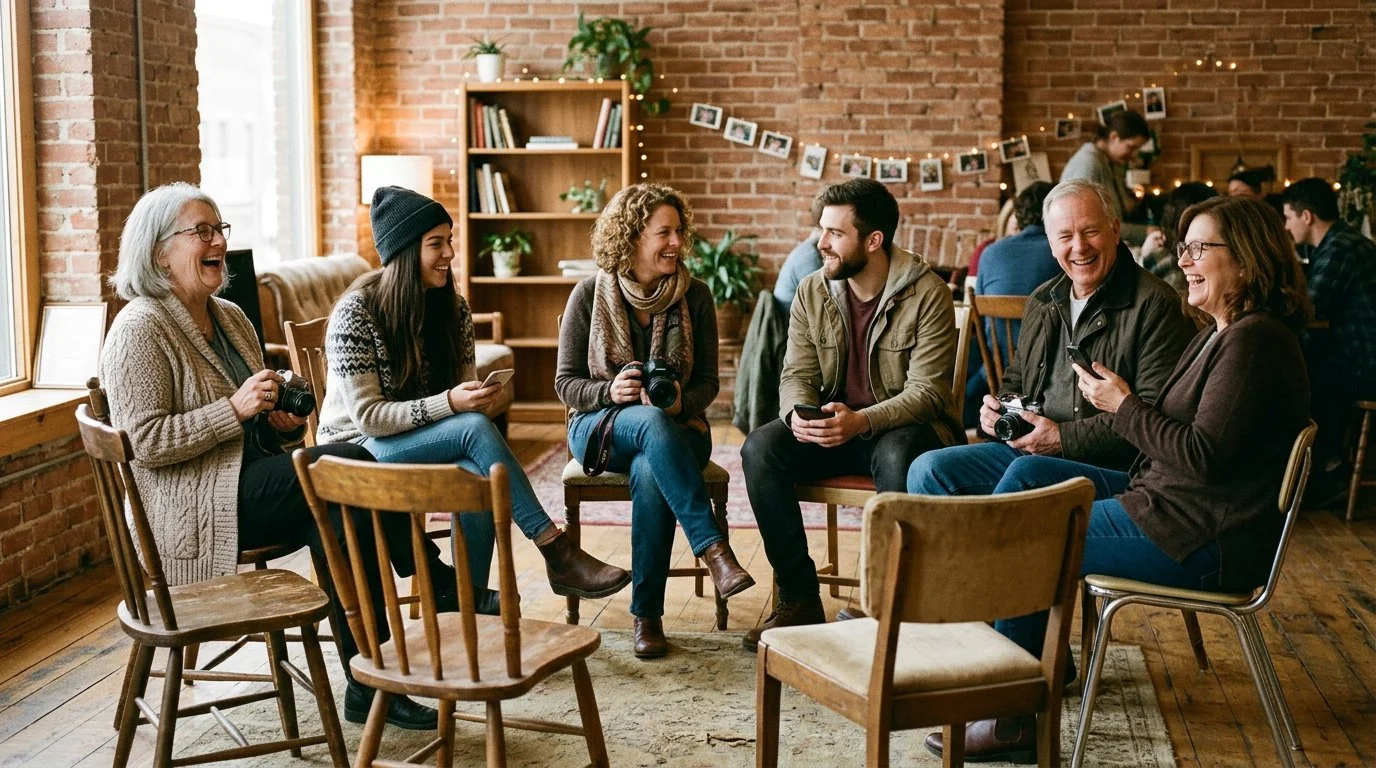
A Photography Club says: come along if you love photography. Bring your mirrorless, your DSLR, your phone, your film camera. Bring your creativity. Bring your eye. The name sets an expectation, and if clubs back it up with programming that's genuinely inclusive of all types of image-making, including mobile photography, documentary, portraiture, street, and landscape, the name becomes a promise they can actually keep.

And maybe, just maybe, if the name shifts the identity, the culture starts to shift with it. Fewer evenings built around who's entering what competition, more evenings built around sharing work, exploring ideas, learning from each other.

It's Not Just Semantics Though

Of course a name change alone won't save a struggling club. If the judging is still archaic, if the welcome isn't genuine, if competitions still dominate every conversation the moment you walk in the door, you can call it whatever you like and younger members still won't stay.

In an Amateur Photographer reader poll of nearly 900 people, almost a fifth said they didn't belong to a camera club because they considered it an old-fashioned concept. That's a perception problem, and perception starts with the name, but it doesn't end there. The culture inside has to match the promise the name makes on the outside.

But here's what I keep coming back to; a name change can be a catalyst. It forces a conversation. It makes a club publicly commit to something bigger than it was before. It's a visible signal to the outside world that things are different now, and for someone scrolling past a community listing on their phone, that signal might just be the thing that makes them stop and read on.

My Take

I've never been a camera club member, and honestly, if I'd ever stumbled across a local Photography Club that genuinely welcomed all types of photography, all types of photographers, and all types of cameras, including the one in my pocket, with evenings built around creativity rather than competition, I might well have felt very differently.

That's the gap we're talking about. It's not enormous, but it might be the difference between a club that survives the next decade and one that quietly fades away.

The clubs that will be thriving in ten years' time won't necessarily be the ones with the longest history or the most impressive trophy cabinets. They'll be the ones that made a newcomer feel like the name above the door was written for them too.

Photography Club.

Two words.

BIG difference.

It’s got to be worth a try, right?!?

BenQ Creative Pro PD2770U: The Display I've Been Waiting For 😍

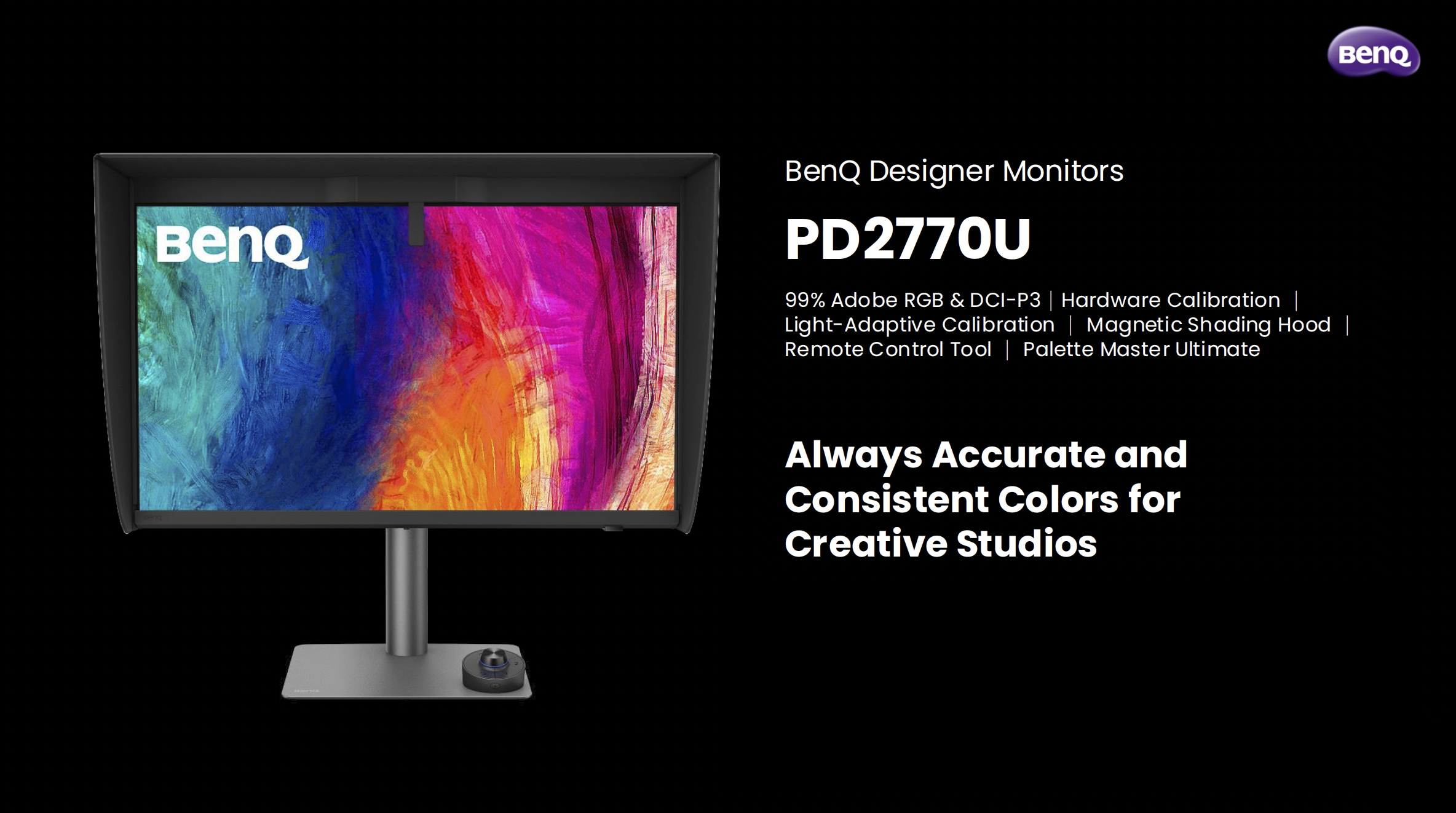
There are products that come along and tick boxes, and then there are products that come along and actually solve a problem you've been living with for years. The BenQ Creative Pro PD2770U falls firmly into the second category for me.

Let me explain why …

A Built-In Calibrator. Finally.

If you've followed my work for any length of time, you'll know I've been a BenQ display user for a long time. I've recommended their monitors, used them in my own setup, and talked about them on the channel more times than I can count, but there has always been one thing missing … a built-in hardware calibrator.

Every time a new BenQ display launched, that was the thing I found myself quietly hoping for, and every time, it wasn't there. Until now.

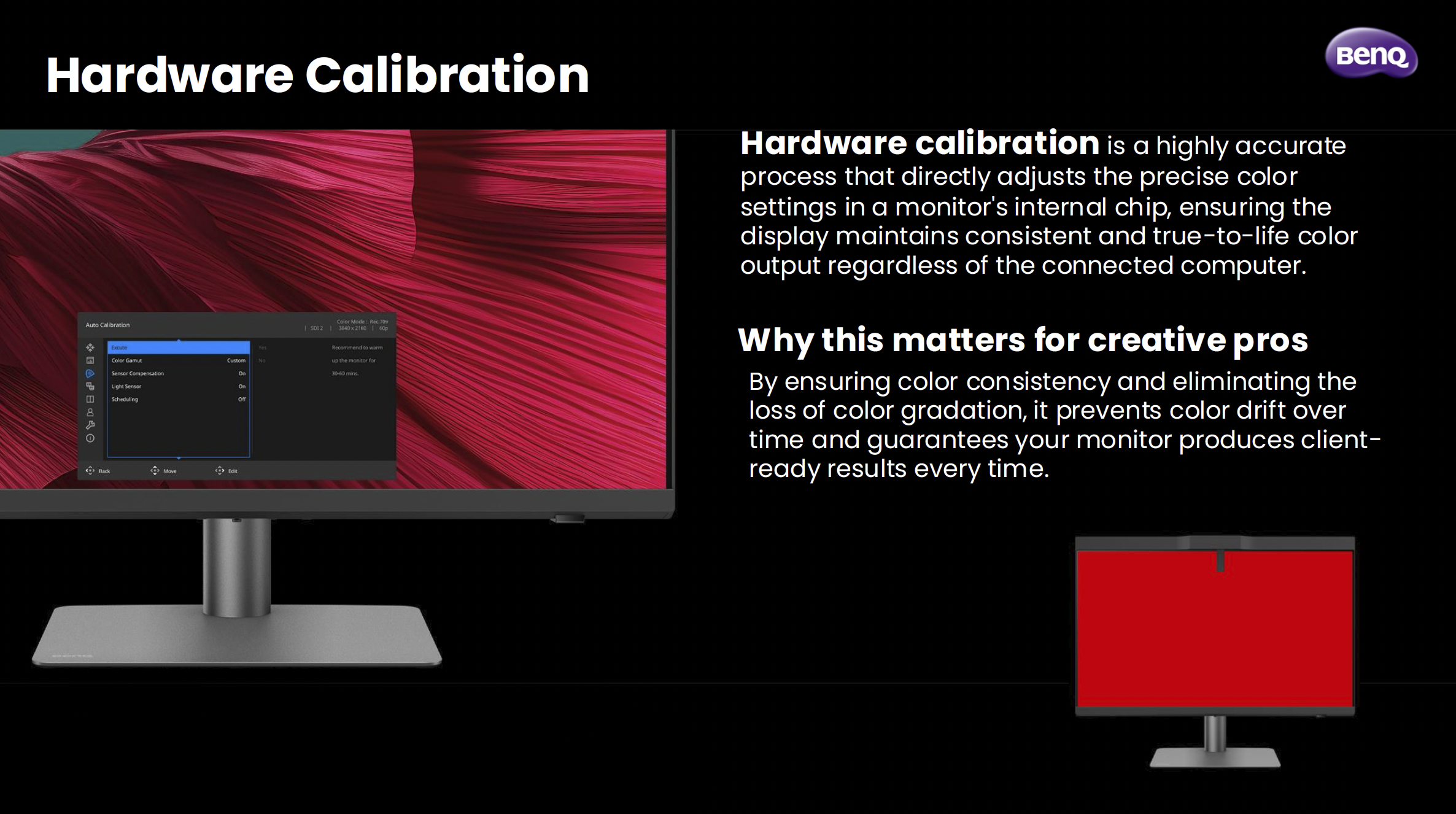
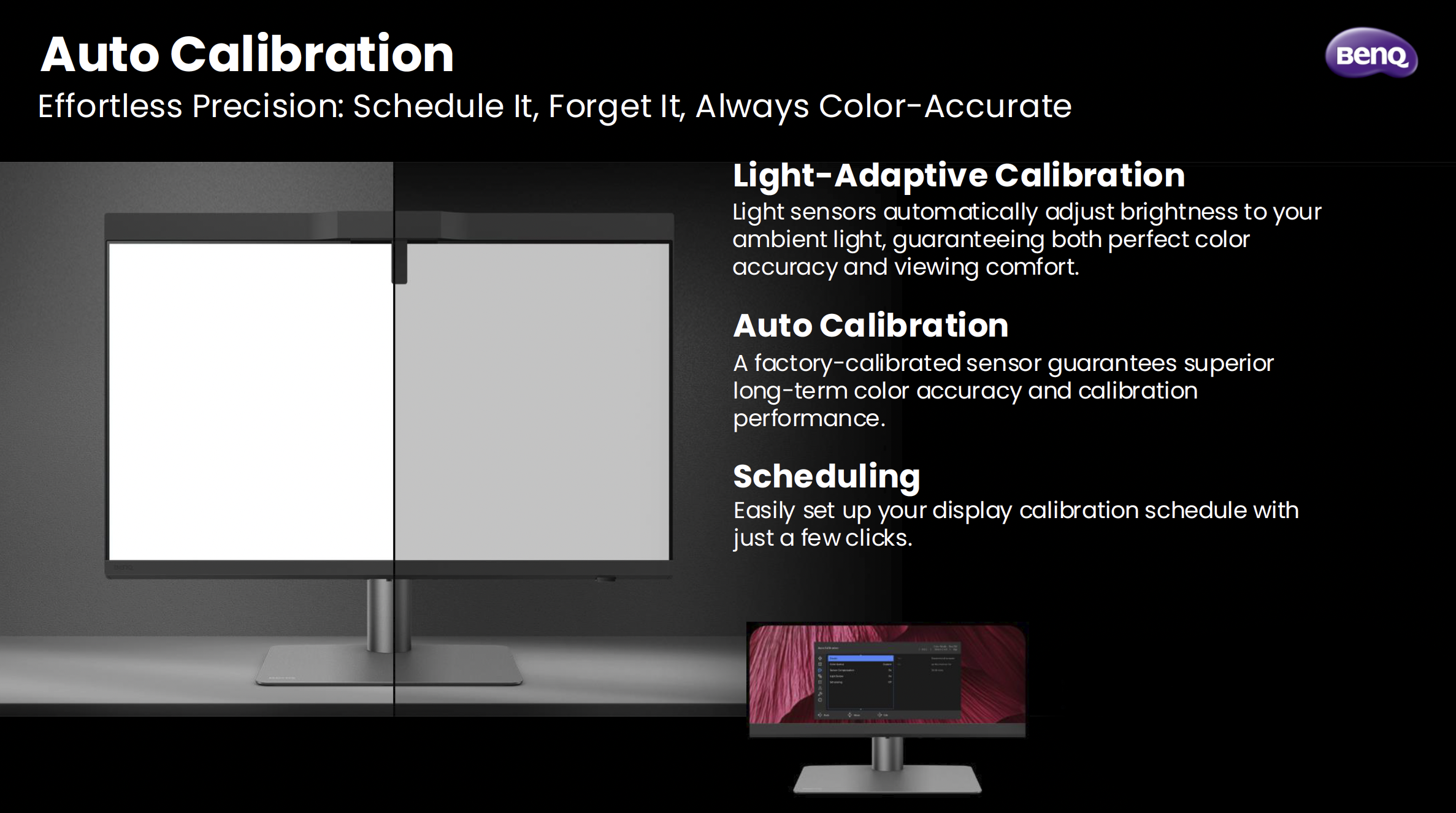
The PD2770U is the first BenQ PD Creative Pro display to feature hardware calibration with a built-in calibrator, and honestly, that alone was enough to get my attention. Hardware calibration is a different beast to software calibration. Rather than adjusting things at the GPU level, it works directly inside the monitor's chip. The result is more accurate, more consistent, and doesn't eat into your bit depth the way software calibration can. For anyone doing colour-critical work, that distinction genuinely matters.

What makes it even smarter is something BenQ calls Light-Adaptive Calibration. The display has a light sensor that reads your ambient environment and adjusts the monitor's brightness to match before the calibration runs. It sounds like a small detail, but it's actually solving a real problem. How many times have you calibrated a display only to find the brightness felt off the moment you sat back down to work? That's exactly what this is designed to prevent.

Also, you can schedule it. Set it, walk away, come back to a calibrated display. No puck, no laptop, no cables. Just done.

Why I've Made This My Main Display

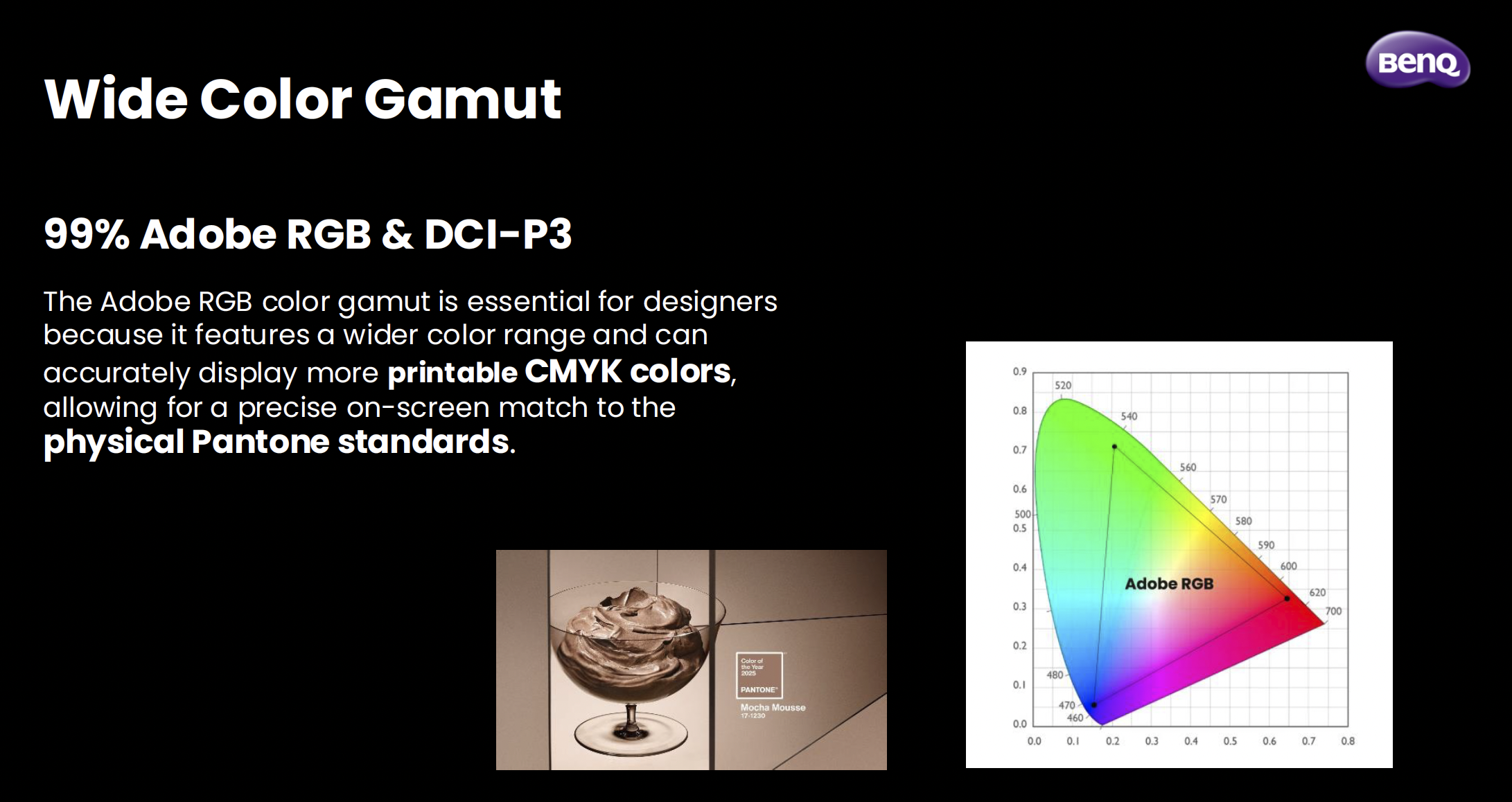
I've switched the PD2770U to my main display, and the reason comes down to one thing: Adobe RGB.

I do a lot of work that ends up in print, and Adobe RGB covers a much wider range of printable colours than standard sRGB. When you're working in a narrower colour space and then sending files to print, you're essentially working blind. What you see on screen isn't what comes back from the lab. The PD2770U covers 99% of Adobe RGB, which means what I'm seeing when I'm editing is as close as it gets to what's actually going to be printed.

Pair that with a Delta E of ≤1.5 out of the box, triple certification (Calman Verified, Pantone Validated, and SkinTone Validated), and the fact that the panel goes through BenQ's AQCOLOR uniformity calibration where every section of the panel, right out to the edges, is individually tuned, and you've got a display that I genuinely trust. That trust is hard to put a price on when you're making colour decisions for print.

The Bits That Make Day-to-Day Life Easier

Beyond the calibration story, there are a few things about this display that have genuinely improved how I work day to day.

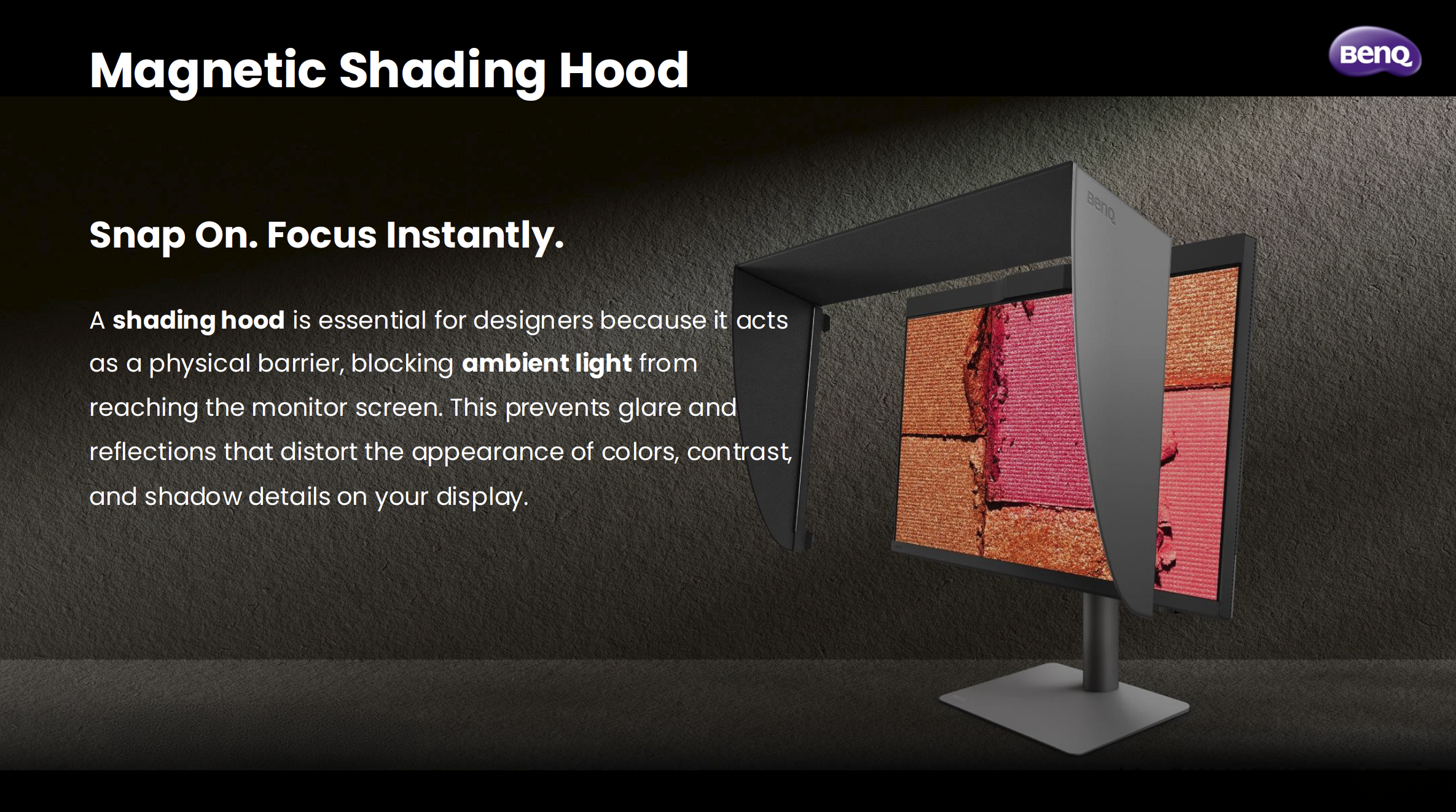
The magnetic shading hood is one of them. It snaps on cleanly, blocks ambient light from messing with how you perceive colour on screen, and is built from noticeably sturdier material than what I've seen on other hoods. It's one of those things where you don't realise how much ambient light was affecting your judgement until you block it out.

The Wireless Hotkey Puck G3 is another. It's a small dial that sits on your desk and lets you switch colour modes, inputs, and now with the G3, launch applications directly. I use it to jump between Adobe RGB mode and sRGB mode when I need to check how something's going to look on a standard screen. It sounds like a minor convenience, but when you're doing it multiple times a day, having it on a dial rather than digging through a monitor menu makes a real difference.

On the connectivity side, the PD2770U has two USB-C ports (both at 96W charging), two HDMI 2.1 ports, a DisplayPort, and a wired ethernet port via RJ45. My desk runs a single USB-C cable from the laptop to the monitor, and everything else flows through the display. Clean, simple, exactly how it should be.

The Panel Itself

27 inches, 4K UHD, IPS. The panel uses BenQ's Nano Matte technology, which brings the reflection rate down to under 3%. That's noticeably lower than a standard matte panel sitting at 3.5%, and miles away from a glass panel at over 4%. In a real working environment with lights and windows, that matters more than it sounds on paper.

It's a 60Hz panel, which for creative work is absolutely fine. This isn't a gaming monitor. It's built for people who need to trust what they're looking at.

Is It Worth It?

If you shoot for print, work in Adobe RGB, or just want the confidence of knowing your display is consistently accurate without faffing about with external calibrators and third-party software, yes, I think it is. The built-in calibrator alone changes the equation for the PD range. The fact that it comes with everything else the PD2770U offers makes it, for me, the most complete BenQ display I've used.

I've wanted a display like this from BenQ for a long time, and this has definitely worth the wait.