video

My NEW Frequency Separation Action (How to Use)

My NEW Frequency Separation Action (How to Use)

A while back now I did a LIVE Stream on my YouTube Channel showing how to use the incredible Frequency Separation Technique; without doubt the most useful technique to learn and use in Photoshop.

Following the LIVE Stream I then created an Action to help automate the process and made this available for free as a download to folks who joined my email community / newsletter.

However, if I’m honest, the Action was a little bit clunky in that it worked great when there was a layer in Photoshop called Background OR named a certain way. My Bad!

So, I’ve fixed it, and

Selections and Masking in Lightroom Mobile

After Adobe Max, the internet was on fire with videos about the major update to selections and masking in Lightroom and Camera Raw. What I hadn't realised was that the exact same features had also been added to the Lightroom Mobile app, which is incredible in itself, and even more so when you realise the selections and masks sync with the desktop and web versions of Lightroom. Here I edit a photograph on my phone that was taken on my phone, including selections and masks, all within Lightroom Mobile, for a fully non-destructive workflow.

Fixing Wide Angle Lens Distortion with Photoshop

Using a wide angle lens, as I did when photographing Brentor Church, can cause distortion in the outer areas of your images: the top, bottom and sides. That can be good to keep in some places, such as the foreground, where it emphasises that area, but there may be other areas where you don't want it. Here's how to quickly fix wide angle lens distortion using Photoshop, plus an explanation of why I chose not to do it in Lightroom or Camera Raw.

I made a short film: A Veteran's Story

I made a short film: A Veteran's Story

Last week I spent a few days working on a Secret Project creating a short film for The Veterans Charity which involved filming content in a couple of locations, audio recording, directing and editing.

This project was so secret that not even the CEO or Trustees of The Veterans Charity were aware it was being created ... until today!

This morning they watched it. It was an emotional morning. The film is RAW! It's hard hitting, it's emotional, but most importantly it's REAL! The film is called: A Veteran's Story

SMASHED!!! My Brand NEW GoPro Hero10 ... But was it that good anyway???

While I was grabbing some behind the scenes footage from a photo shoot, my GoPro Hero 10, just two weeks old, picked a fight with the tarmac and lost. I'll take full blame for that one; the suction cup mount on the bonnet of my car failed at just under 30mph. Annoying as it is, I'd already been feeling it wasn't as good as the hype would have you believe. This video shows how it ended up broken, plus an explanation of why I was becoming less impressed with it and whether it lived up to the hype anyway.

Photographing Trevose Head Lighthouse and Stincking Cove, Cornwall

Photographing Trevose Head Lighthouse and Stincking Cove, Cornwall

I was literally like an over-excited kit on Christmas Day when I arrived at Trevose Head in Cornwall to not only be greeted with just the most amazing scene before my eyes, but also because everything seemed to have come together.

INCREDIBLE: Adobe reveals NEW Lightroom (and Camera RAW) Masking Feature

This short video from Adobe, presented by Pei Ketron, gives a sneak peek at the powerful and precise masking capabilities Adobe had been working on, and it's incredible. The features were coming to Lightroom across the board: Lightroom Classic, Lightroom in the cloud, Lightroom Mobile and Adobe Camera Raw. Adobe re-envisioned the workflow for selective edits and local adjustments, so you can make more complex and accurate selections using multiple masks, including colour and luminance masks, all powered by Adobe Sensei AI technology. Being able to mask and isolate areas of an image like this is a huge change.

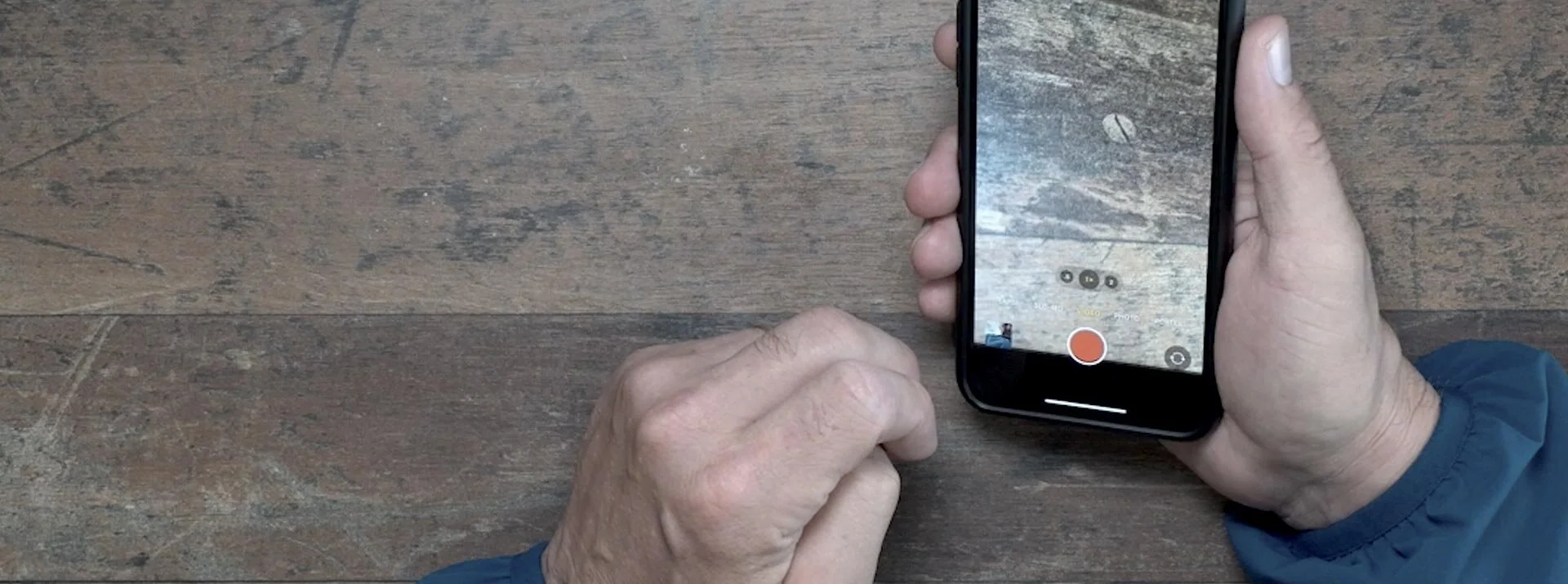
How to get BETTER Video On Location: IT'S ALL ABOUT THE AUDIO

How to get BETTER Video On Location: IT'S ALL ABOUT THE AUDIO

I think it’s pretty obvious that when it comes to getting your message out, telling the world about a new product or service, or just passing on thoughts, tips, advice and opinion, then video is where it’s at these days.

Video is engaging, it’s to the point (most of the time) and it’’s convenient, meaning we can consume it sat at home on our computers, watching it on Smart TVs, tablet devices and mobiles phones.


However, that said, I remember a good while back someone saying to me…

The Photoshop Virtual Summit III

Honestly, I don’t think I’ve ever been involved in an event that has had so much positive feedback and reaction as the previous Photoshop FREE Virtual Summit, so I’m genuinely over the moon to be a part of the next one coming in October of this year.

  • October 4th - October 8th 2021

  • 20 Instructors

  • 30+ Hours of Photoshop Training

This is a completely FREE TO WATCH event so all you have to do is to grab your FREE PASS, and you can do that (and get more information) using the button link below.

Hope to ‘see’ you there,
Cheers,
Glyn

Missing Shapes Fix in Photoshop 2021

Missing Shapes Fix in Photoshop 2021

In my new course, Photoshop Lighting Effects, for one of the techniques I show how to recreate the look of neon lighting.

In addition to text I also use a lightbulb shape, however I have had a couple of messages from people saying they can’t find it. So, rather than share the answer to one person, I thought I’d record a video and share it here so that anyone and everyone can