Since Adobe showed ChatGPT and Claude working inside its apps at Adobe MAX, there’s one reaction I keep seeing in my photography community, on Instagram and on YouTube, and I think a lot of us are getting AI and Adobe wrong, not because anyone’s being daft, but because of what we think this is actually for.
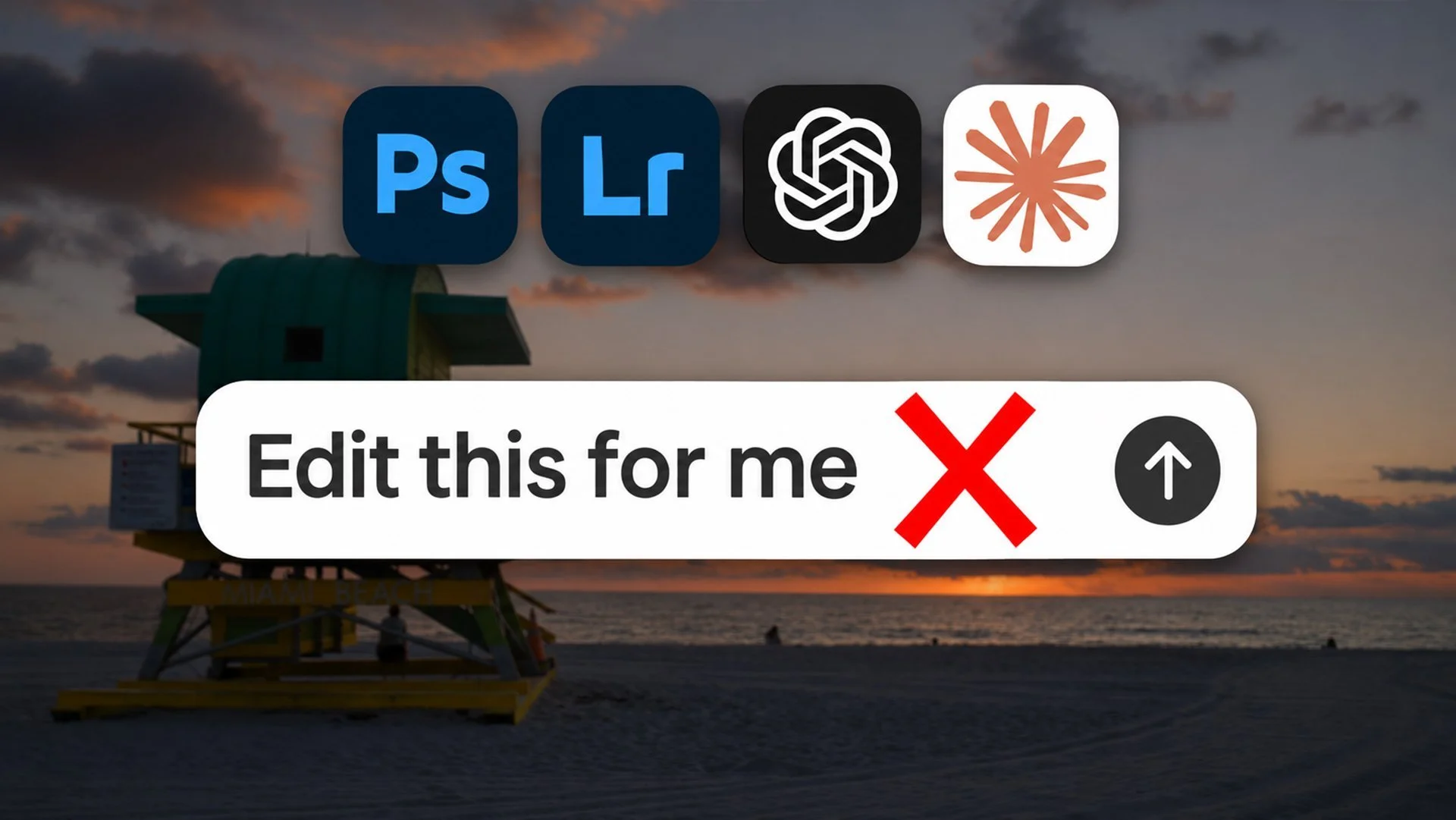
The comments go something like “AI doesn’t know how I edit, so I wouldn’t let it” and “I like being creative, I like to do it myself”. I agree with both of them. I wouldn’t hand my pictures to an AI and say “edit these for me” either, but that isn’t what Adobe showed us, and it isn’t what this is for.
Where the mix-up comes from
I completely understand how this happened. During the keynote Adobe showed ChatGPT working inside Photoshop and Claude working inside Illustrator, so if all you saw was a headline or a clip, “AI is going to edit my pictures” is a pretty fair conclusion to reach.
But an AI carrying out steps inside an app and an AI deciding what your picture should look like are two very different things.
The intern on day one
Think about a new intern on their first day. You wouldn’t sit them down in front of your pictures and say “edit these for me”, because they don’t know your style, how you work or the direction you want to go, so whatever came back would be a guess.
Give that same intern a defined job with clear direction though, something like resize these 40 files for the website, name them like this and save them into this folder, and it’s a completely different matter. That’s a job they can do well on day one, and it frees you up for the part that actually needs you.
What happened when I asked Claude to edit a picture
I wanted to see what the day one instruction actually gets you, so I went back to the untouched raw file of a sunrise I photographed on Miami Beach. My finished edit of it was nearly all done in Lightroom. It only went into Photoshop because of the birds; they were flying around while I was shooting but at the shutter speed I was using they were just blurs, so I took a few extra frames to capture them and added them in afterwards.

My Edit
This wasn’t Adobe’s tool, by the way, because that isn’t out yet. This was Claude working my computer and clicking through Lightroom the way I would. All I typed was “There is an unedited beach sunrise raw file open in my Lightroom. Edit this for me.”
It brought the exposure up, pulled the highlights right down and lifted the shadows a long way, all the way up to 60. It warmed the white balance, added some vibrance, a little texture, clarity and dehaze, and finished with a slight vignette. It left the profile, the crop and the colour mixer alone, and it didn’t use any masks.

Claude AI Edit
To be fair to it, that’s a pretty sensible edit. The lifeguard tower is no longer a near silhouette, you can read the lettering, and the sky keeps its colour without the sun blowing out. Every change was made with Lightroom’s own sliders, so nothing was generated and it’s all still there to change.
It isn’t my picture though. It didn’t add the birds, and it couldn’t have, because it had no way of knowing they were there. That came from me standing on the beach watching them fly past and deciding they belonged in the picture.
What I found really interesting was what it said afterwards. It pointed out that lifting the shadows that far makes the picture more of an evenly lit scene than a moody sunrise, and that if I wanted to keep the silhouette feel I should pull them back. It had to guess what kind of picture I wanted, and it told me it had guessed, which is exactly what a sensible intern would do.
Two kinds of AI that get lumped together
What Claude did was move the same sliders I would. Some of Adobe’s new Photoshop features work very differently, because they generate new pixels.
DPReview had a demo of them from Stephen Nielsen, who heads up product management for Photoshop. When Generative Restyle was asked to change the look of the background in a wedding portrait, the woman’s face changed too, along with the whole forest behind her, because it generates the picture as a whole. Relight works at 2K and then upscales to your image size so some detail can be lost, which Adobe was completely up front about. They use credits as well, 30 for Relight and 80 for Restyle, although you can preview Relight for free.
They’re clever tools, but even Adobe’s own AI isn’t a do-it-for-me button; you still need to look closely at what it’s done.
What Adobe actually showed
Nobody on that stage typed “edit this picture”.
In Photoshop, a poster was adapted for different sizes and platforms, with its images updated and the text translated into other languages. In Illustrator, a design was prepared for screen printing by reducing the colours and splitting each onto its own panel. In Premiere, a long podcast was turned into social reels by finding the best moments and cutting them into clips. Adobe’s written announcement adds one more, where a brief is pulled out of Google Docs, worked on in Adobe’s tools and shared with colleagues in Slack, with you able to step in at any point.
Every one of those is a defined job with a clear finish line. None of them needed the AI to know anybody’s style, and none of them was a photograph being edited. They weren’t instant either; in Adobe’s own demo ChatGPT took a little over nine minutes to make nine editable artboards for that poster, so it’s a job you set going and come back to.
Adobe’s CTO Ely Greenfield made a similar point in a recent interview. His view is that agents can’t yet reliably judge whether something fits a brand campaign, so people still need to direct the creative work.
I like doing it myself too
So do I. I always have, I really enjoy the editing side, and nothing here takes that away from either of us.
Plenty of us use presets we didn’t make ourselves though, or plugins like Boris FX Optics, ON1 or Topaz with colour grades and effects already built in. Somebody else built that look, we picked it, adjusted it to suit the picture and got on a bit quicker. Nobody calls that giving up on being creative, and rightly so.
Asking Claude or ChatGPT for a particular look, say a teal and orange colour grade built from Photoshop’s own adjustment layers so you can change it afterwards, is the same thing; it’s a starting point you chose, and you still decide where it ends up.
Thousands of pictures that all need the same look
If you’ve photographed a wedding or an event you can easily come home with thousands of images that all need the same look. The quickest way to deal with that at the moment is to edit one, then sync the settings or apply a preset across the rest, but presets put exactly the same numbers on every picture whether it was taken in bright sun or in a dark church, so you end up going back through and adjusting them one at a time.
Wedding and event photographers have been getting round this for a while with tools like Imagen, Aftershoot and [FILL IN: third tool]. You train them on your own edited photos, anything from a couple of hundred to a few thousand depending on the tool, and they learn how you edit, then apply that look to a new shoot while adjusting each picture individually. Aftershoot will even turn one of your Lightroom presets into a style that adapts to different lighting.
Where I can see something like Claude being useful is doing that same kind of job inside the apps you already use. You’d edit a picture yourself, show it the look you want, and it would carry that across the rest, so a darker frame gets more lift and a warm one gets pulled back. It’s still your look, decided by you, with the repetitive part taken off your plate.
Where this is right now
I’ve seen a few posts saying this is already built into Photoshop, but it isn’t.
Adobe’s own version goes into a private beta early next year. They call it local MCP integrations, and an MCP is simply a standard way of letting an outside AI like Claude or ChatGPT work inside an app, in this case directly on your own files on your computer. It covers Photoshop, Illustrator, Premiere and After Effects, and Lightroom isn’t on Adobe’s written list. Adobe hasn’t said which features will be open to it either, so what we saw at MAX is more of an outline than a finished thing.
What we do know is that it’s something you choose to connect and choose to hand a job to. If you don’t want it, you don’t use it.
Where I agree with the pushback
Some people simply don’t want any of this in their software, and I get that. I’d welcome an alternative version of Photoshop from Adobe with no AI in it; not Photoshop Elements, but the Photoshop we know, looking and working the same, bought once with the occasional update. That’s not something Adobe has announced, but I think plenty of people would be open to it.
For me though, this was never about handing over the creative side; it’s about spending less time on the repetitive jobs, so there’s more time for the part I enjoy.