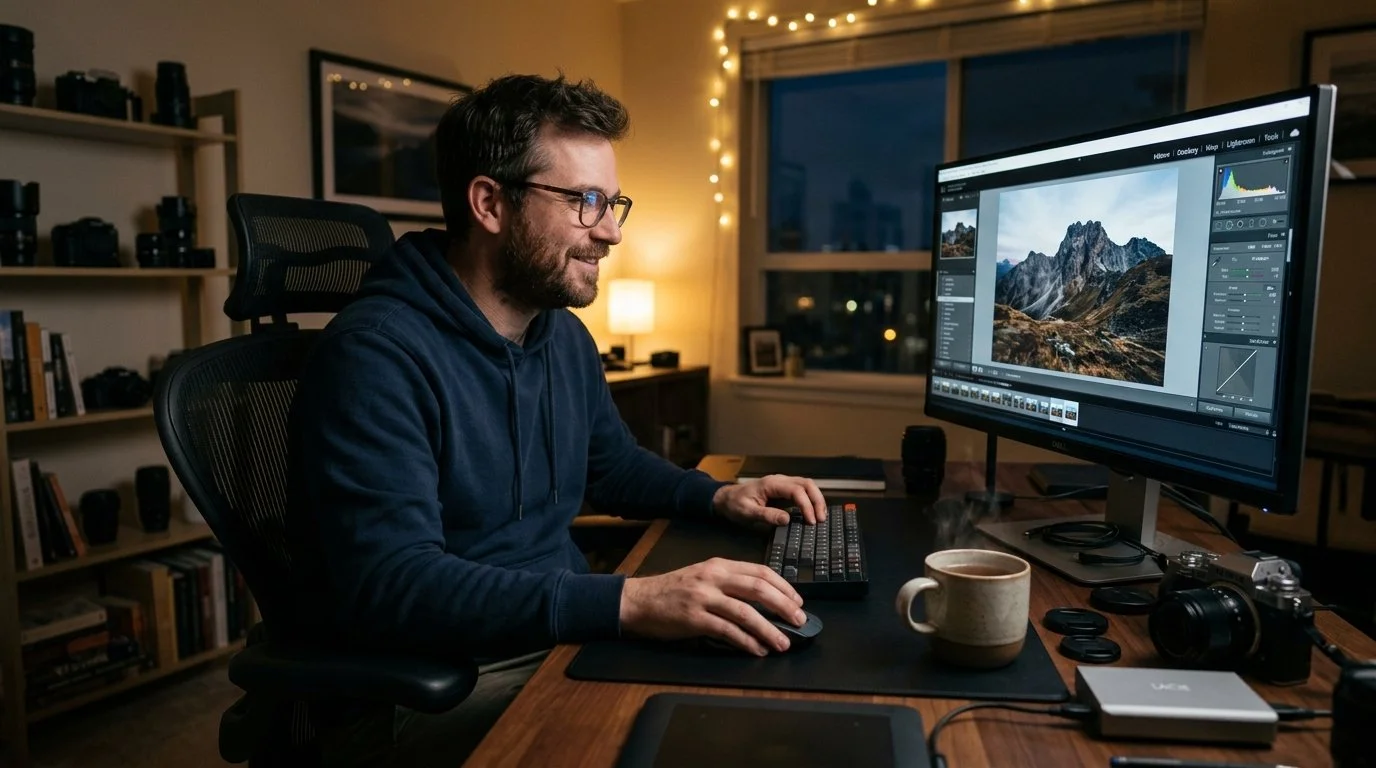
My last two videos had ChatGPT editing my photographs, first in Lightroom, where it went through a folder of my own edited pictures, worked out my style and then edited a raw file the way I would, and then in Photoshop, where it used Photoshop's own tools to remove a colour cast, add a long exposure effect to a sky and do a cutout, hair included.
In both of them it didn't generate a new picture. It moved the same sliders and used the same tools that you and I would, and every one of those adjustments was still there to change afterwards.
The comments on those videos have been brilliant and they've really made me think, but one kept coming up in different words, and the gist of it was this: so now every picture is going to look like yours.
When you watch what ChatGPT is doing in those videos, it's an understandable thing to think. I just don't think it's right, so rather than argue about it, I decided to test it, and the video above is the result.
Putting it to the test
I gave ChatGPT a folder of my portraits, with my edits on them, and asked it to work out how I edit. Then I gave it the raw file of a portrait I'd already edited myself and asked it to edit that in my style.
I'm not going to go through what I did to mine; the two results are side by side in the video, so have a look and see if you can tell which is which before I give it away.
Here's the thing, though. Whichever one you prefer, they both look like one of my portraits, and that's not because of the edit, it's because I took the picture. Everything that makes it look like one of mine happened before the shutter was pressed, and ChatGPT had none of that to work with; it just had my raw file.
The edit is the icing on the cake
The edit is the part of the process we can see on screen, so it's easy to think that's what makes a picture yours, but it's only one part of a much bigger process. I really enjoy editing, and it gives a picture its final look, but for me it's the icing on the cake.
The big part is what goes on between my ears: how I think about a picture before I take it and how I compose it. With a portrait, it's how the person looks in front of the camera and whether they're relaxed or not. With a seascape, it's what goes in the frame and what doesn't.
None of that is in the edit, so even if somebody had the exact colouring, contrast and tonality I use, their pictures still wouldn't look like mine. They'd look like theirs, with my colouring on them.
We can all buy the same kit, spend the same money on the same camera and lens, stand in exactly the same spot and point it at the same thing, and the pictures still won't look the same. There'll be something in each one that's uniquely yours, because of what you like and what you don't, how you were brought up and everything you've looked at over the years. All of that goes into a photograph, and none of it comes out of an edit.
An opinion, or a misunderstanding?
People have their own opinions about AI, and that's a good thing; having an opinion is part of being human, not something artificial. Sometimes an opinion just isn't right, though, and I know that sounds a strange thing to say. The idea that everybody's pictures are going to end up looking the same isn't really an opinion at all. It's a misunderstanding of what photography is.
Using the software, not replacing the picture
That's also why the way ChatGPT did those edits interests me so much. There's a difference between asking an AI to generate a new version of your picture and having it use the same software you and I would. When a picture's generated, you hand it over and get a new one back. When the AI works the sliders and the masks itself, you get your own raw file back at full quality, with every adjustment still there to change.
It's a bit like the difference between someone redrawing your picture and someone sitting next to you showing you what they did with it. Both have their place, but they're very different things.
Two very different photographers
Where it gets interesting is who all of this is for, because there are definitely two different audiences. Take Adobe as an example. On one side they've got working photographers, people with clients and deadlines, editing a shoot with hundreds of pictures that all need the same look. On the other they've got enthusiasts, people who take pictures because they just love doing it.
For the working photographer, imagine being able to hand an AI an actual part of your process. I don't mean something that makes a new picture; I mean something that applies the same look to a whole set of images inside the software, moving the sliders and making the masks without touching the originals, so you can go in and change whatever you want afterwards. That could be a massive time saver.
The hobbyist is a different story, because for them editing isn't a job to get through. They go out and take their pictures because they enjoy it, then come home and edit them with no rush at all, sitting in a room with a bit of music on and maybe a nice glass of something. For them the editing is part of the thing they love, and a one-click fix isn't for them.
However, some of what AI brings is. The Remove Tool in Photoshop has been a massive benefit; jobs that used to take an age now take moments. Anything that helps with selections, hair and fine cutouts especially, is going to be a huge help as well. None of that takes the enjoyment away. It takes away the tedious bits and leaves more time for the parts you actually enjoy.
How I use it
I use AI every single day, for the admin, the research and the writing that goes with running everything on my own. I'm a one-man band, so that's a lot of work it takes off my desk, and I'm not worried in the slightest that other people's pictures are going to look like mine.
What it gives me is time, and that matters to me more than anything, because I absolutely love doing what I do. I got into this creative world because I love being creative, and I love the freedom of it and the escapism it gives me. I don't want anything to replace that. If anything I want more of it, which is exactly how I'm using AI; it takes care of the jobs I'd rather not be doing and gives me back more time with a camera in my hand.
The mood of the moment
When I gave ChatGPT my Lightroom and Photoshop to use, it didn't edit my pictures exactly the way I would. It can pick up the things I tend to do, but when I'm editing I'm very much in the mood of the moment, chopping and changing as I go, and that freedom of just going with it is a big part of why I enjoy editing at all. AI doesn't know the mood or the feeling I want to give a particular picture, and creating that is what I've always loved.
The Photoshop side was different, because those were tasks. The colour cast, the sky and the hair cutout were jobs where I knew what the finished result needed to be, and what I found really interesting was the thought of handing those kinds of tasks to an AI to do by hand, using the software the same way I would, so I've got more time for the creative side. It was an experiment, but it's certainly one that's got me thinking.