photography

Doing This ONE THING Transformed My Photography

If someone walked up to you right now and asked what kind of photographer you are, what would you say? Would you have a clear, confident answer, or would you hesitate and mumble something like, "Oh, I do a bit of everything"?

There's nothing wrong with being versatile. But I genuinely believe there's one thing that can transform you as a photographer, and that's starting a personal project.

I don't mean a client job. I certainly don't mean something you do just to get likes or feed an algorithm. I mean a project that's entirely yours. Something that means something to you. Something that comes from genuine curiosity.

Finding your identity and focus

A personal project gives you an identity. It tells the world, and more importantly it tells you, what you stand for and what you actually care about. It's the difference between someone who takes photos and someone who's using a camera to say something.

It also brings real practical benefits.

You get focus. When you have a clear purpose, every shoot has direction. You're no longer wandering around hoping for a great shot. You know exactly what you're looking for and why.

You develop naturally. Because you return to the same subject or theme again and again, you get better almost without trying. You start to see things differently, you experiment more, and your technical skills sharpen alongside your creative eye. It's the difference between going to the gym now and then and actually following a proper training programme.

And it keeps you going. There will be times when your photography feels flat, or when paid work starts to feel routine. A personal project gives you somewhere to go. It keeps you creatively alive and keeps that spark of motivation lit.

The power of a genuine purpose

Let me give you an example of a project that became one of the most meaningful things I've ever done. It went far beyond anything I imagined.

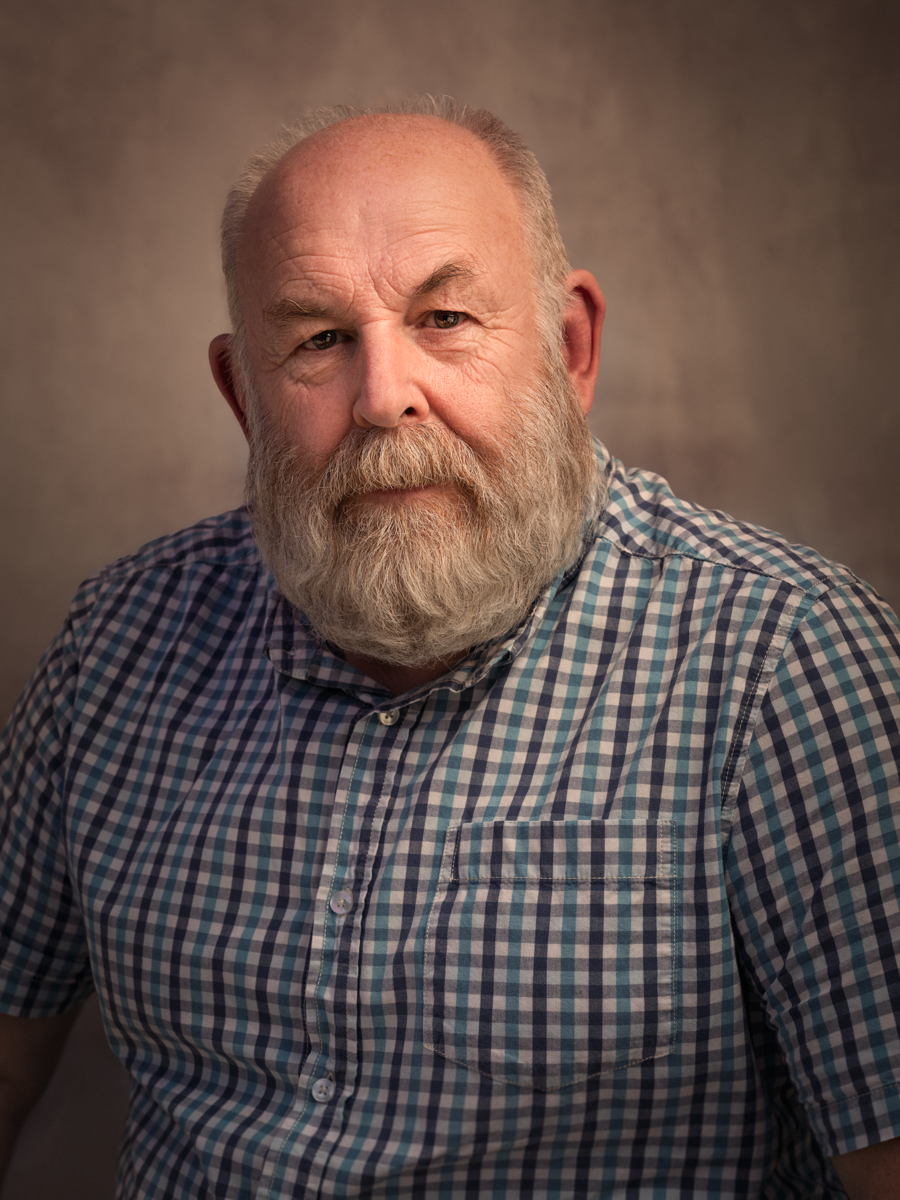
It was called the 39-45 Portraits Project. Entirely self-funded and self-initiated, the goal was to travel the length and breadth of the UK to find, photograph, and honour surviving Second World War veterans. I wanted to give them and their families a timeless portrait, completely free of charge, as my way of saying thank you.

What happened next wasn't planned. The project went on to receive national press coverage, and a selection of the portraits was displayed by the BBC during the televised King's VE Day Concert in 2025.

None of that recognition was the goal. The goal was always the veterans. People can sense when something is genuine, and that's exactly why the project resonated the way it did.

The moment a personal project becomes about you rather than the subject, it stops being a personal project. It just becomes self-promotion in disguise. A true personal project has to come from a place of authenticity, not from a marketing plan wrapped in hashtags.

Closer to home: the I am Lyme project

Your project doesn't have to be a grand, sweeping national concept to matter. It can come straight from the place you call home.

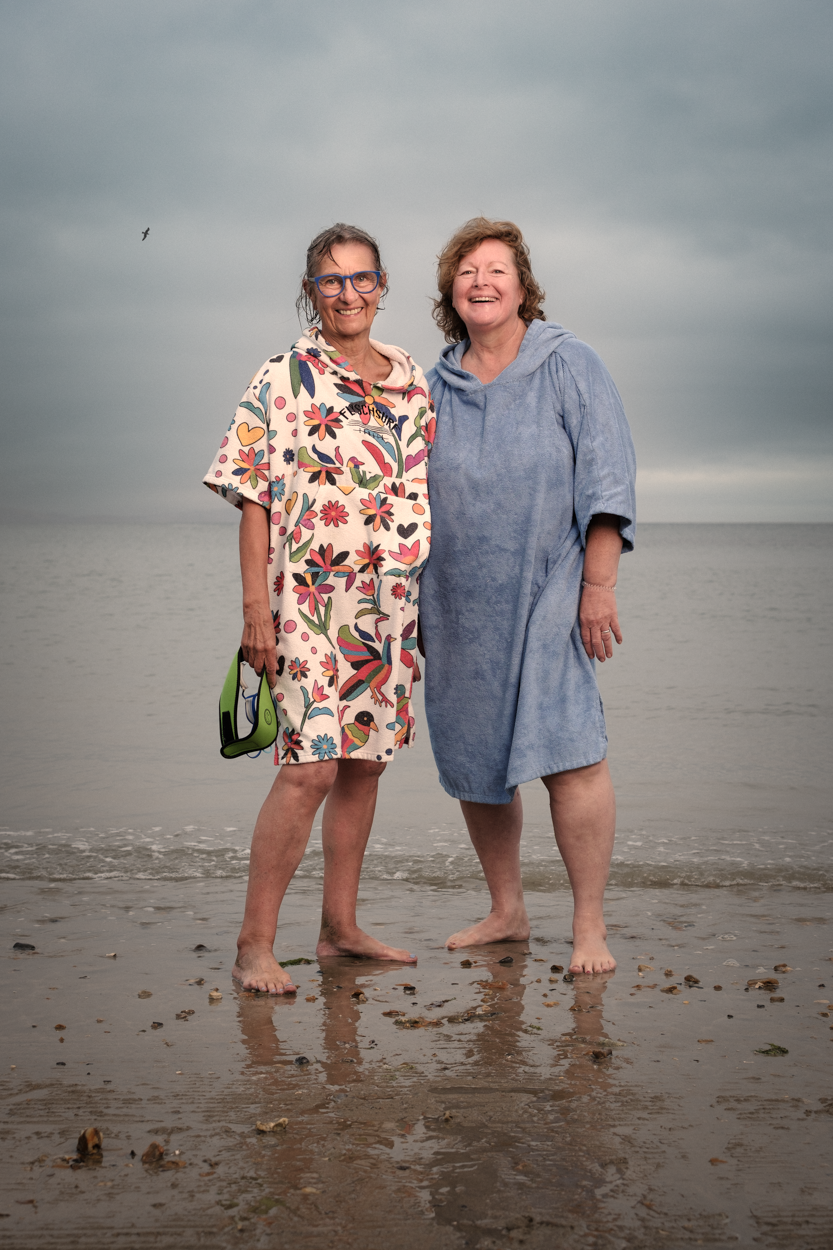
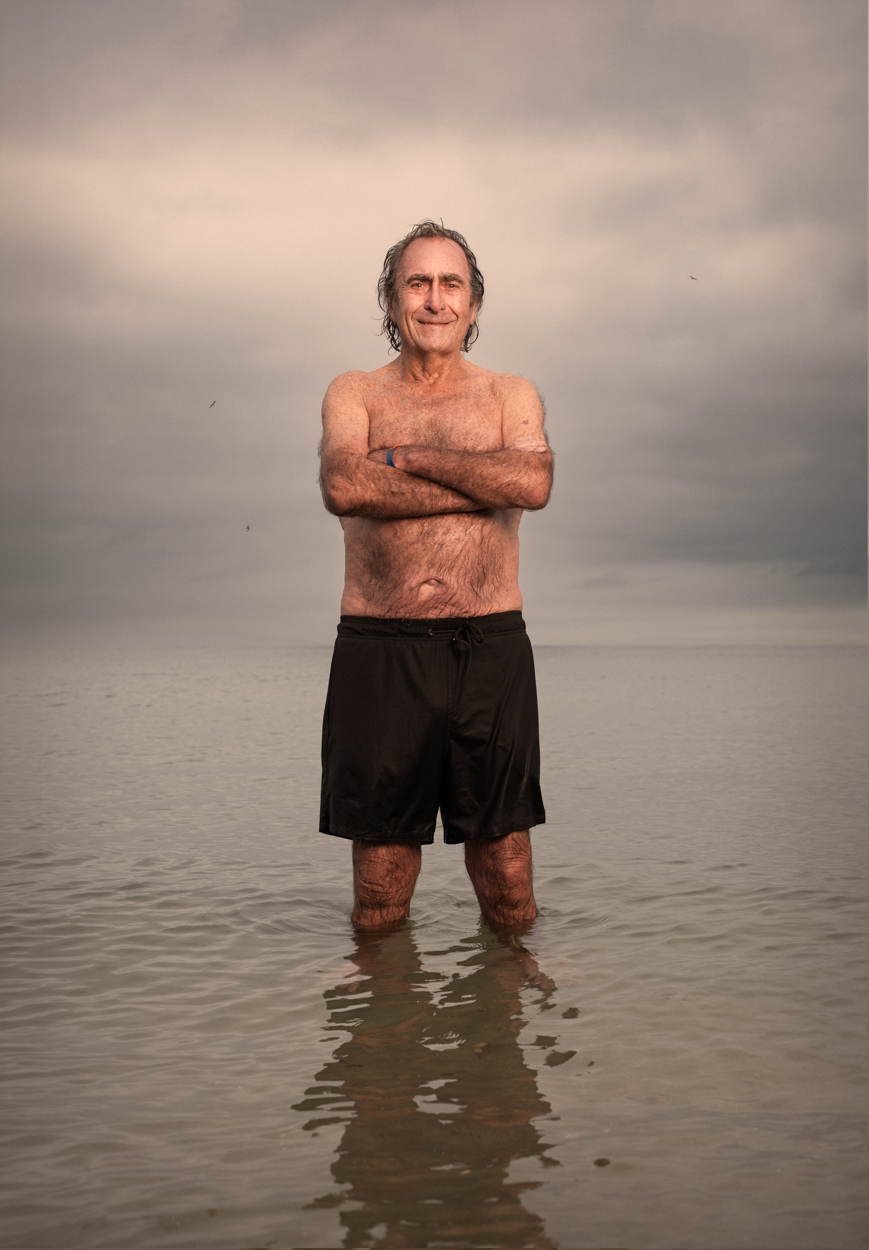
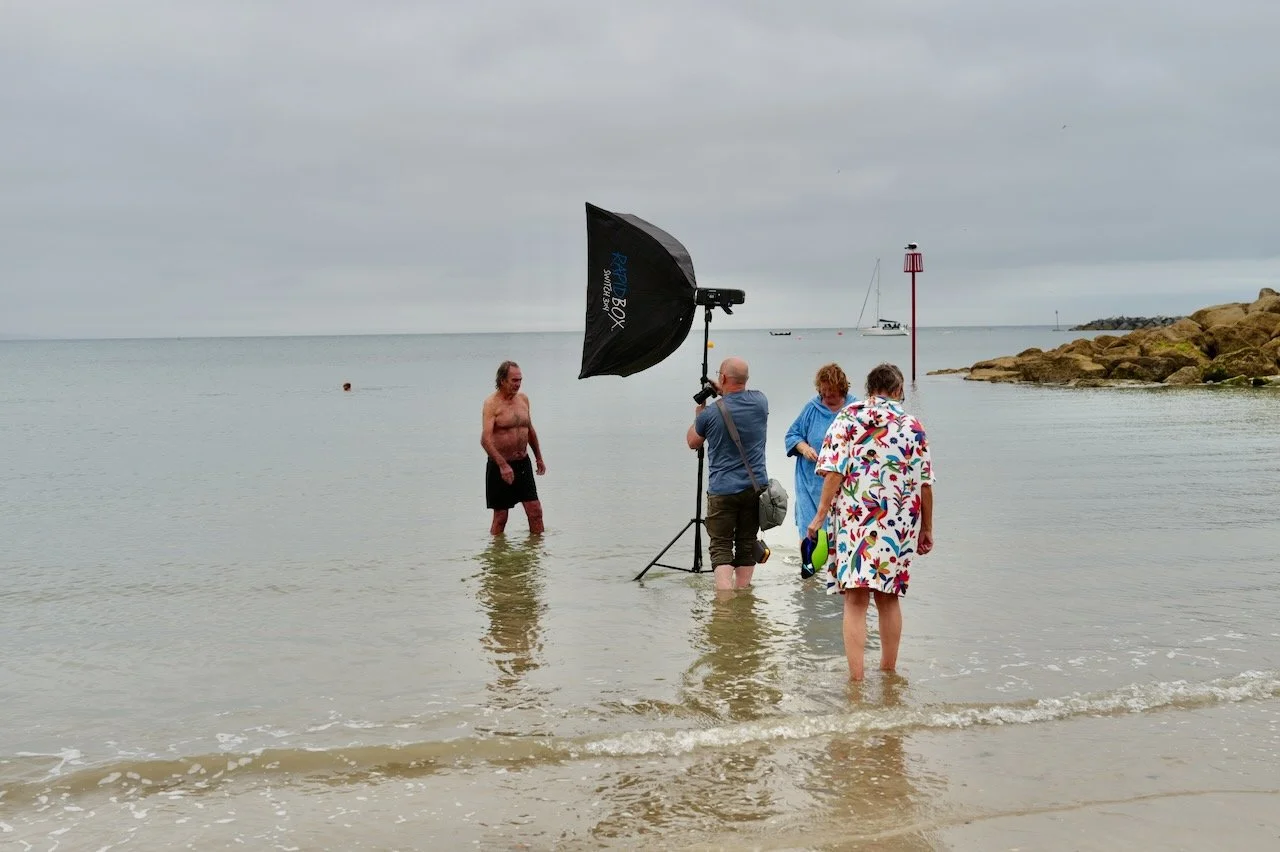
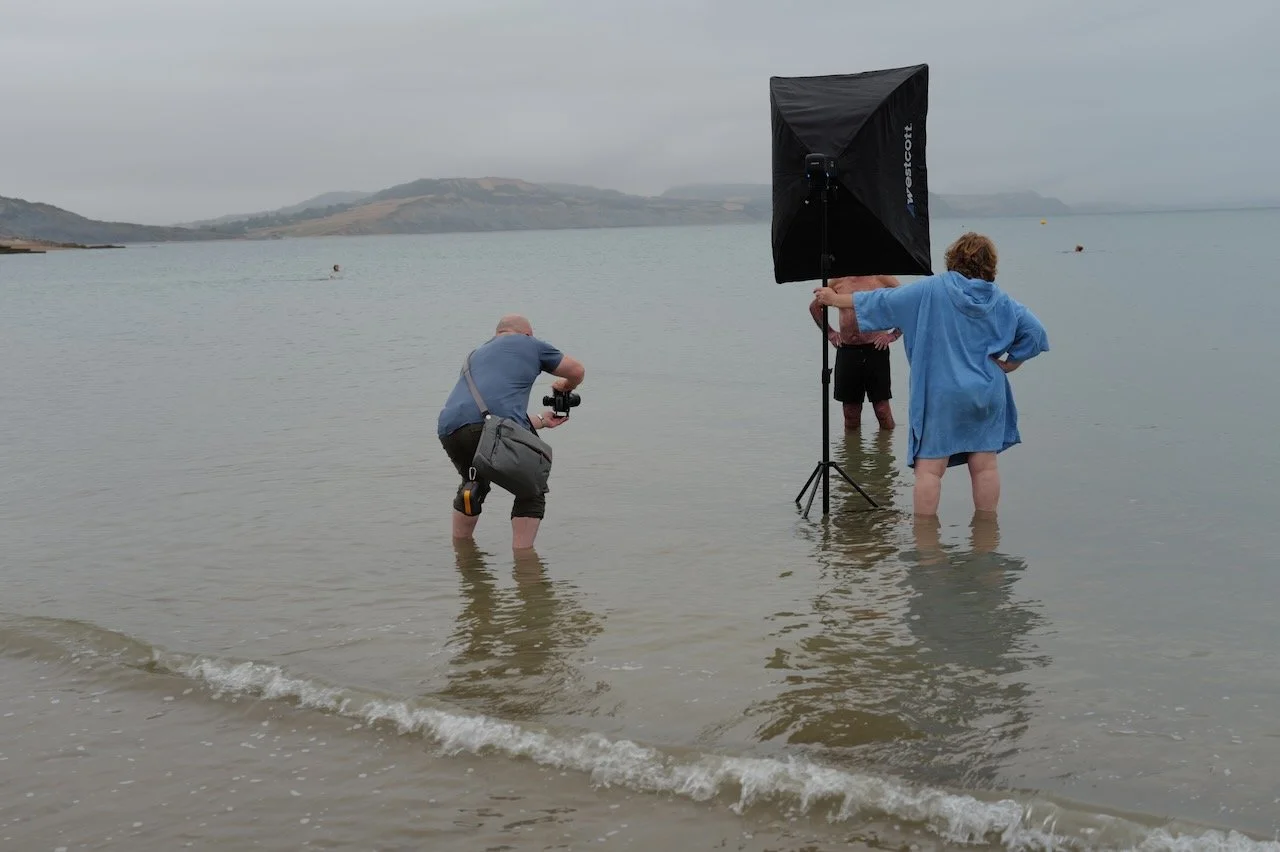
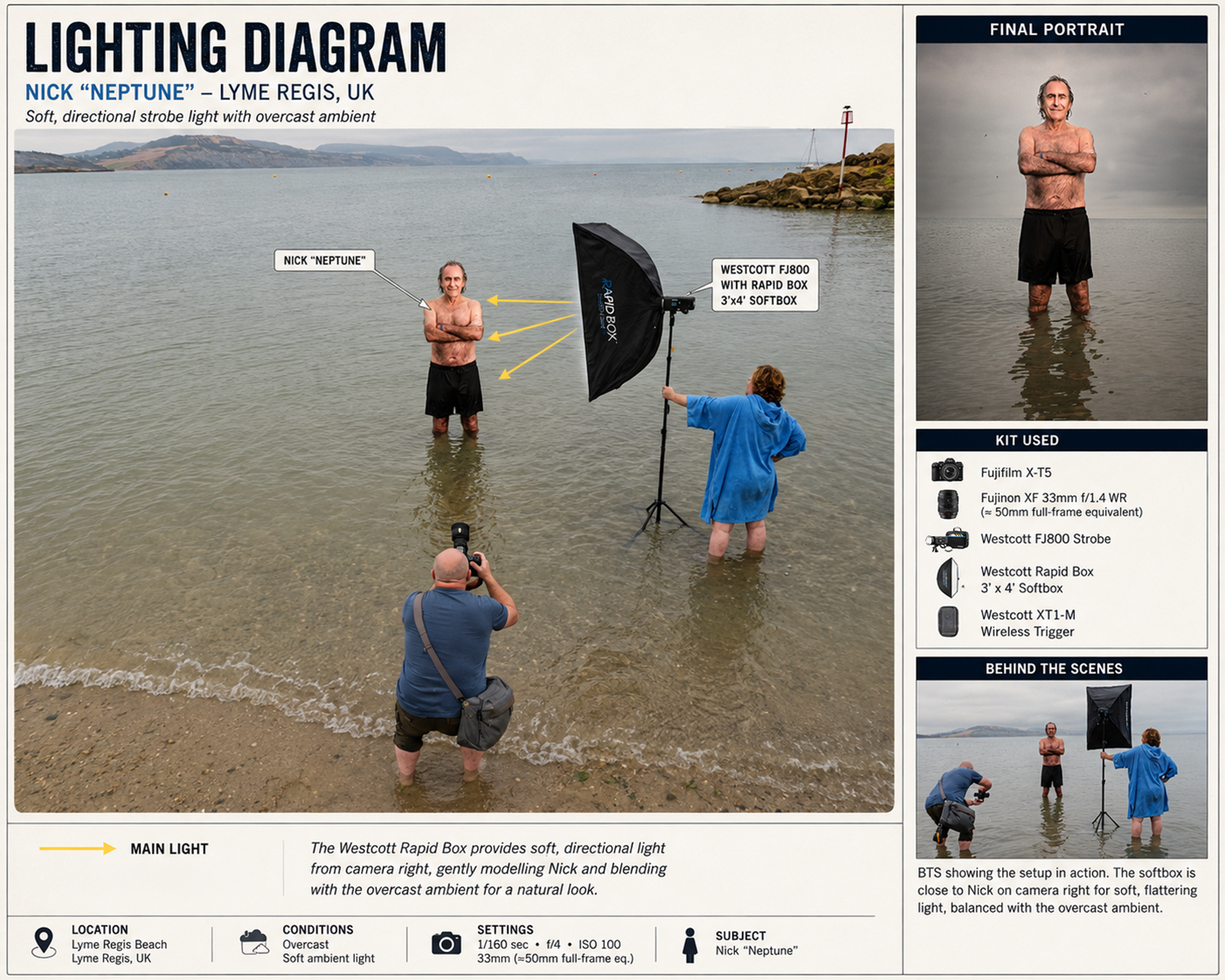
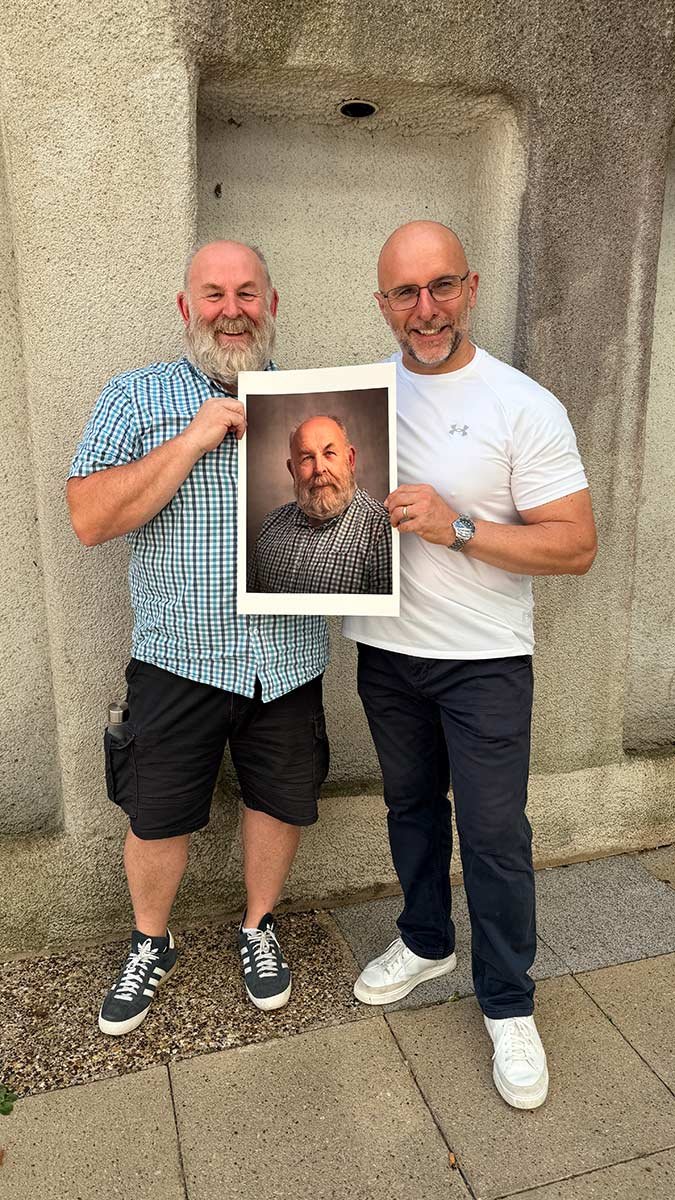
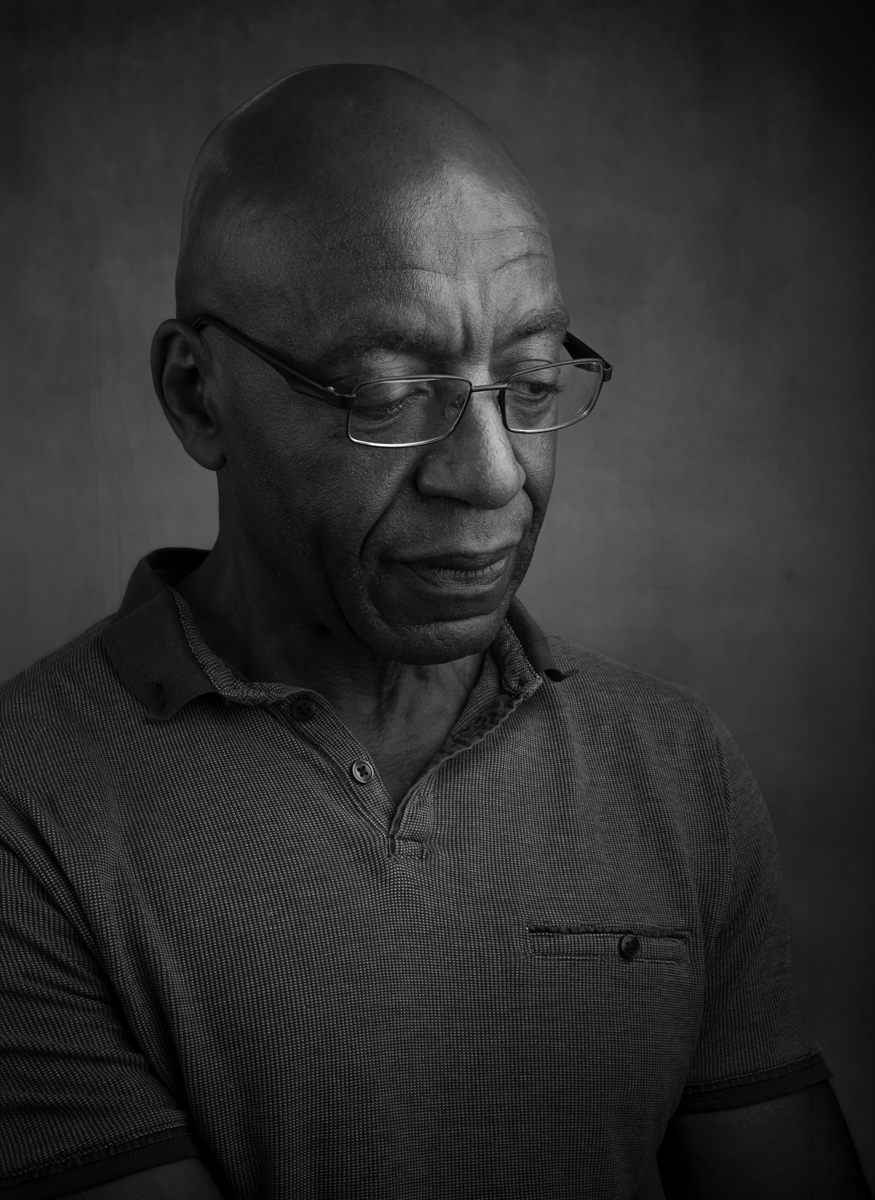
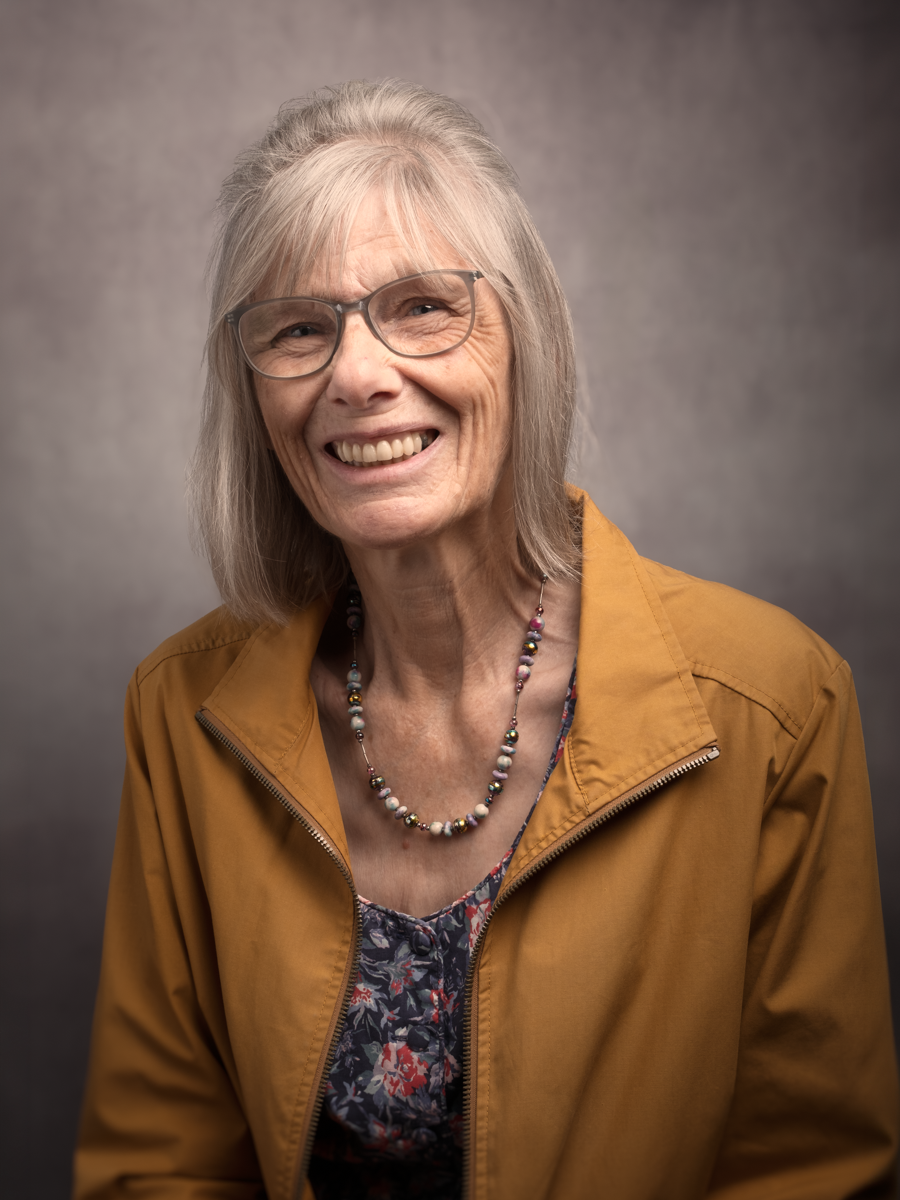
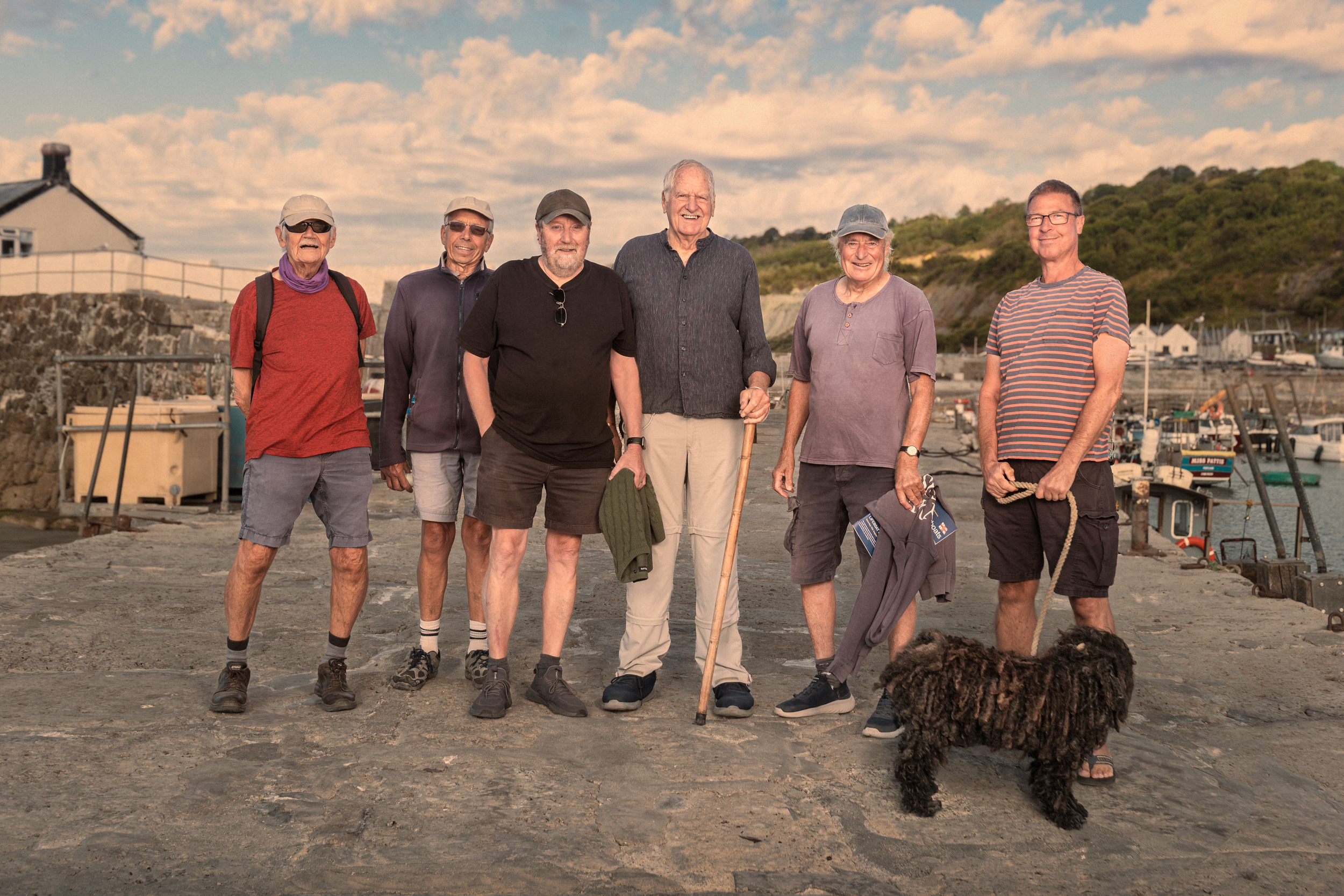
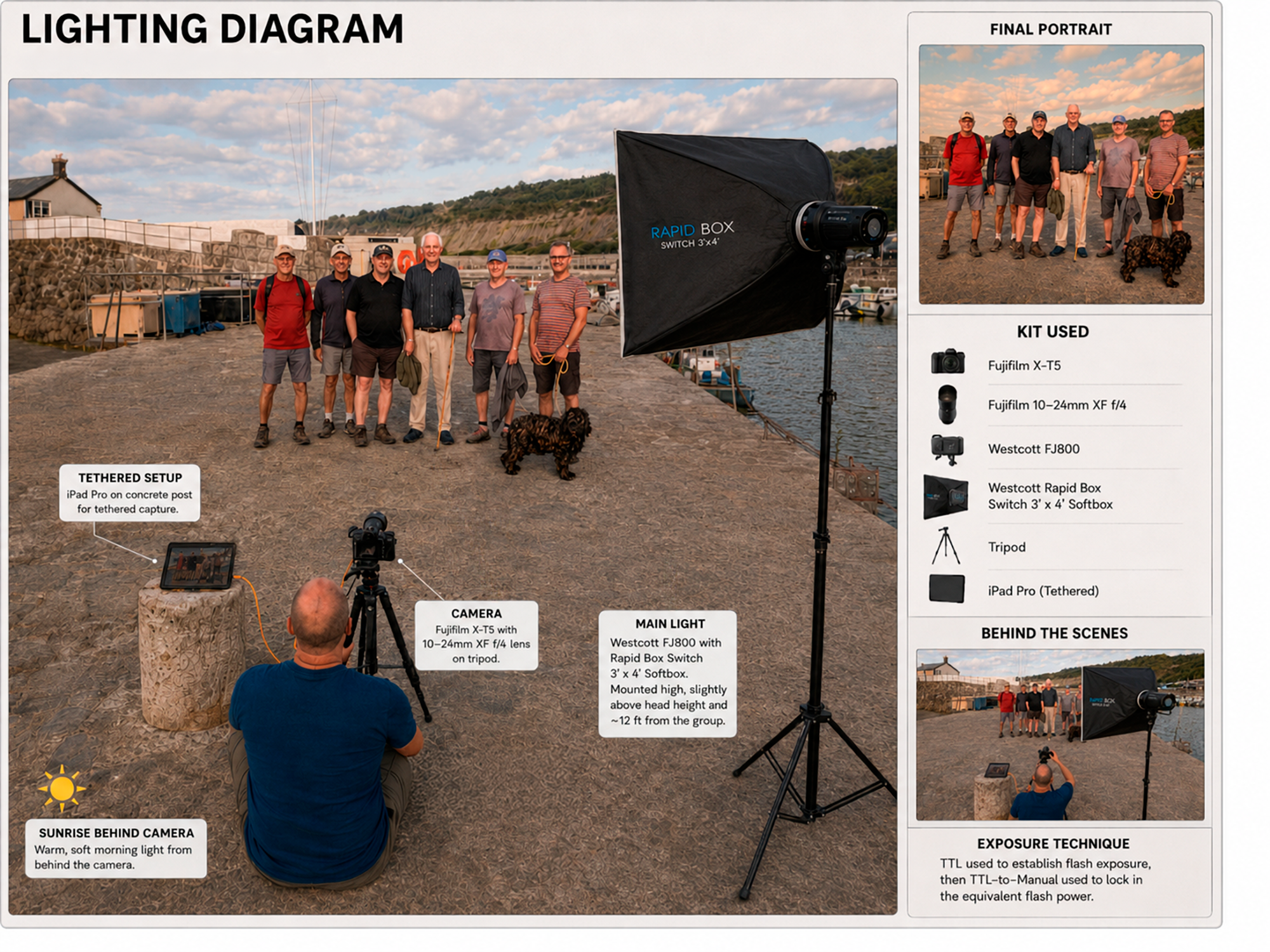
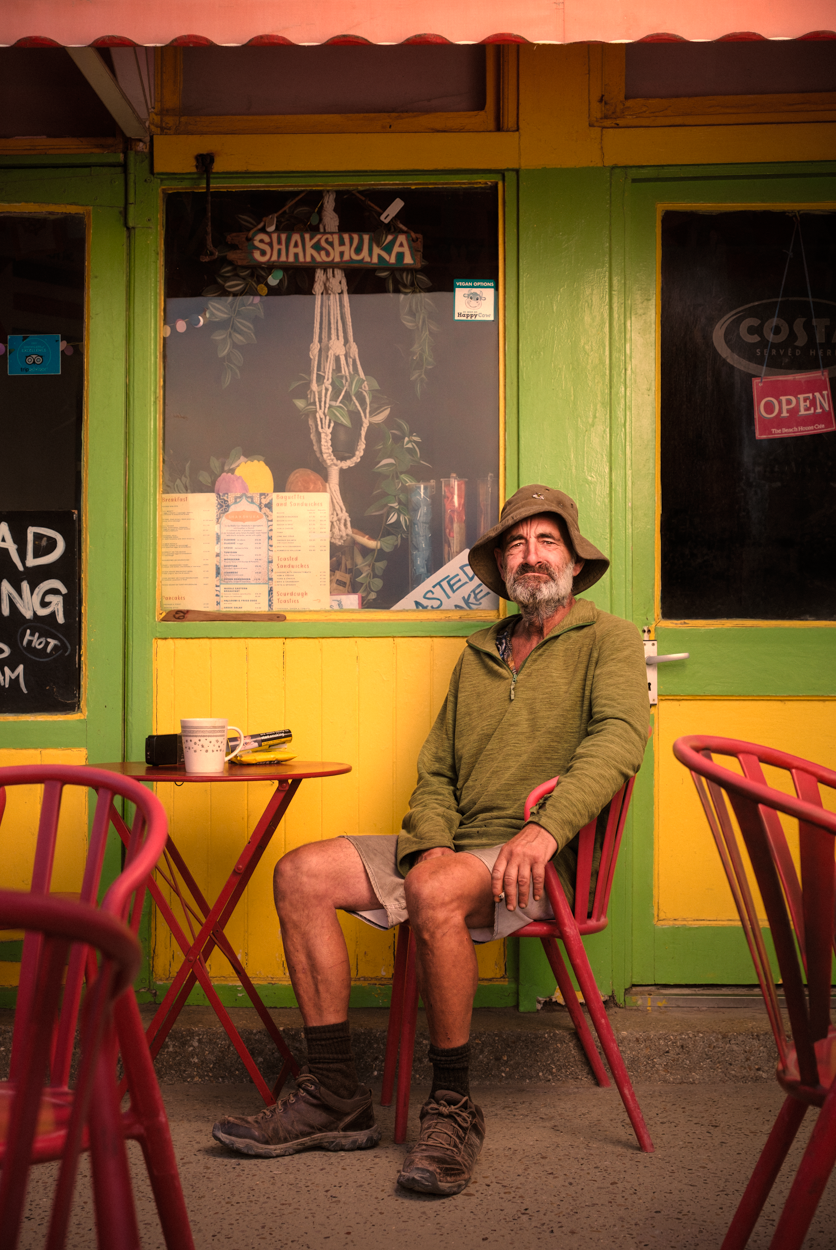
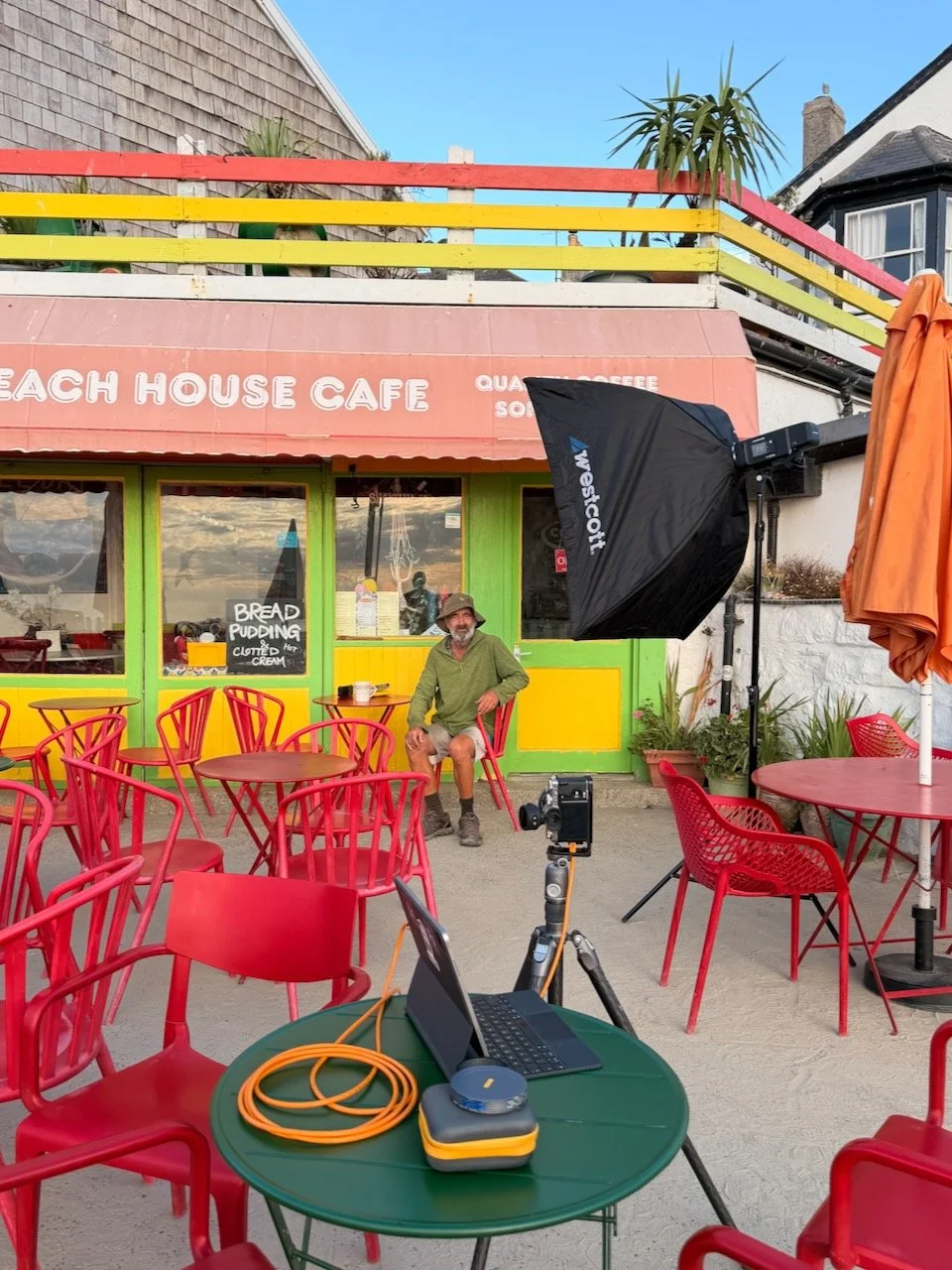
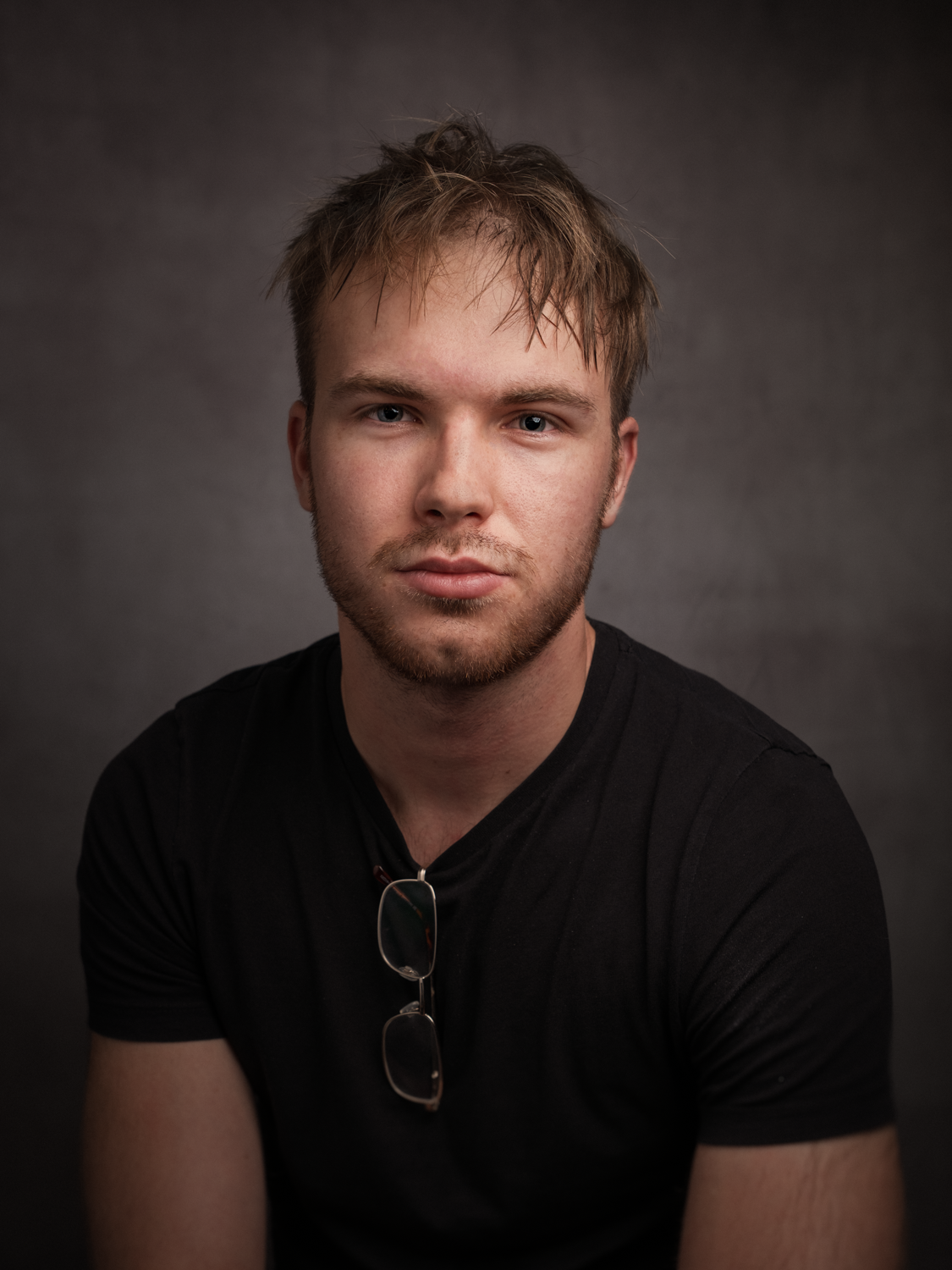
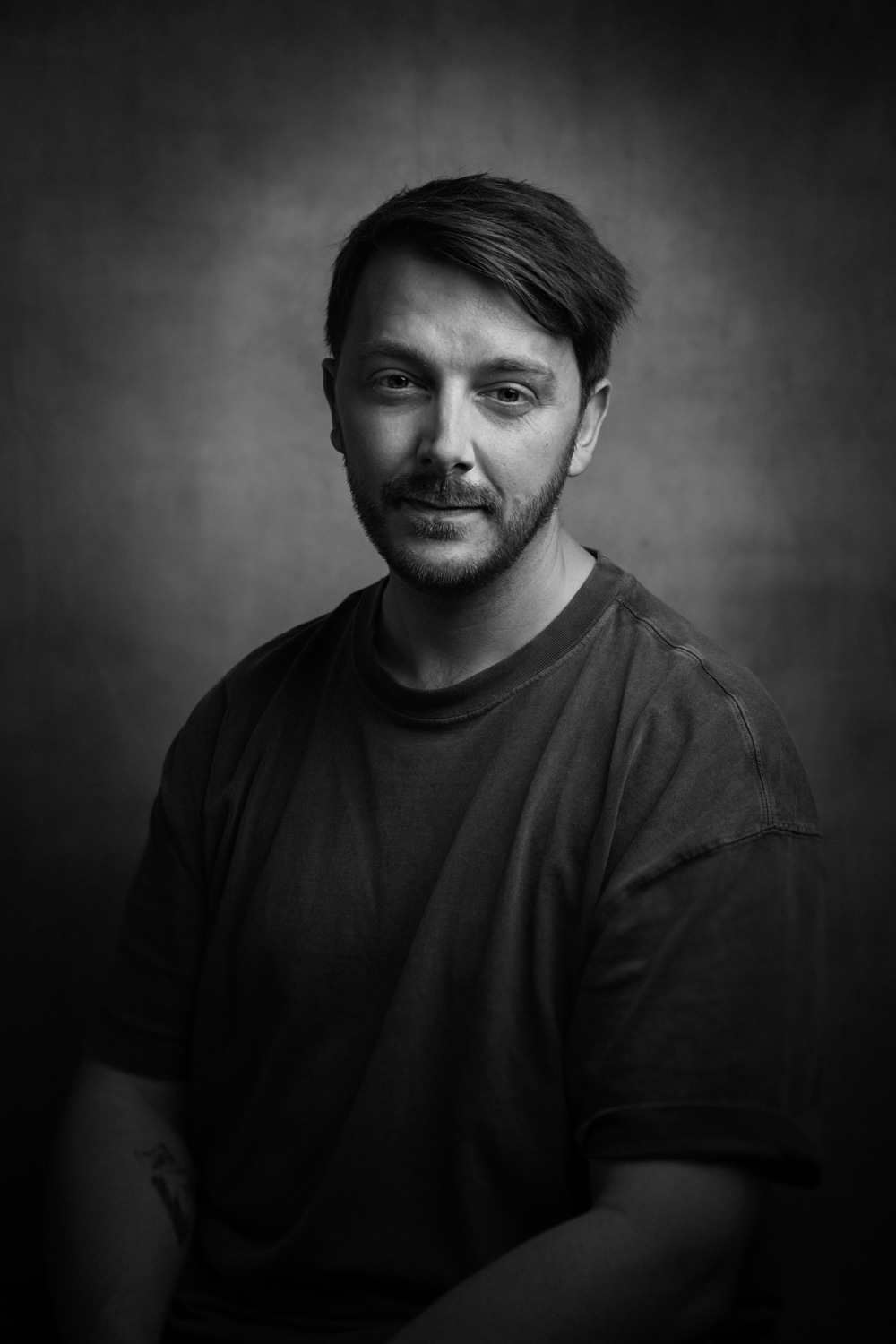
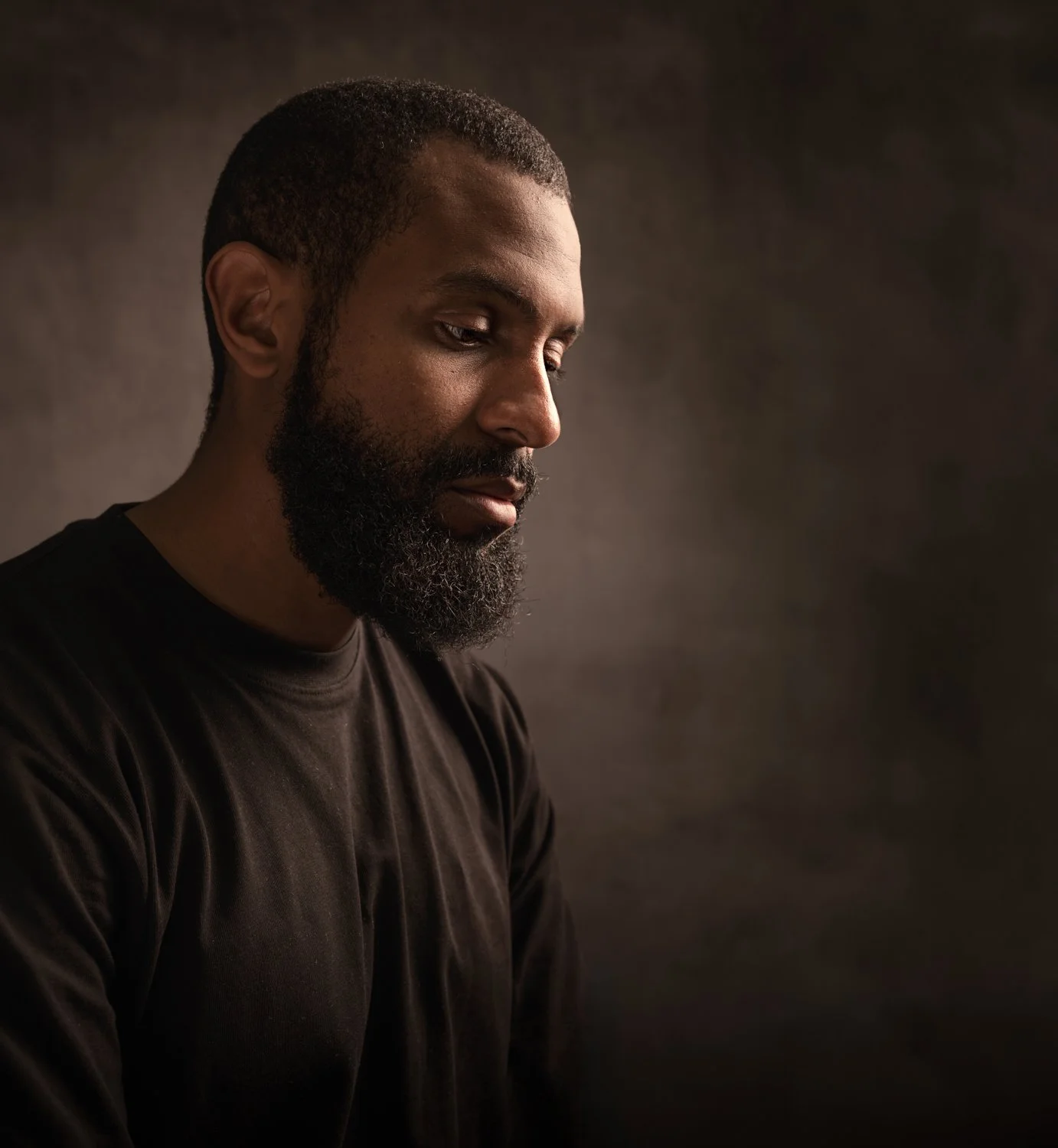
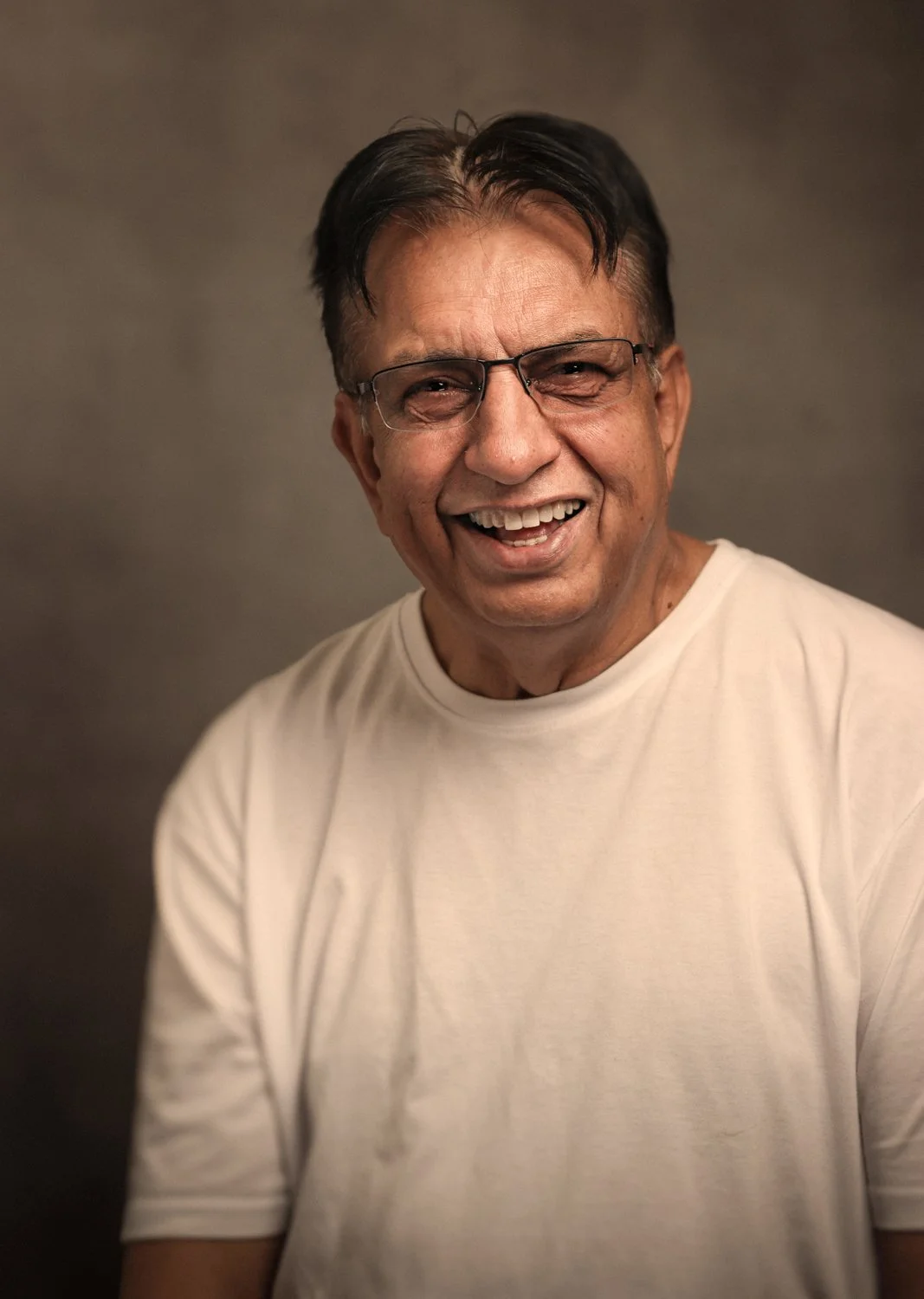
Right now I'm working on a new project called I am Lyme. The idea is simple. I'm photographing the people who make up the fabric of Lyme Regis. The fishermen, the boat makers, the cafe owners, the bar staff, the swimming groups, and the characters you see walking around town who make the place what it is.

I'd already spent time capturing the location itself, the seascapes and the harbour, and now the people side is building its own momentum, with one person recommending the next as word spreads. The plan is to bring it all together for an exhibition in the summer of 2027 at the Jubilee Pavilion in Lyme Regis.

If you're taking on a project that involves photographing people in your community, I'd recommend putting together a simple presentation folder. Mine contains the project logo, a short written outline of what the project is and why I'm doing it, an explanation of what the images will be used for, and a small selection of sample portraits.

When you ask people to be part of something, they need to trust you first. A simple folder does a huge amount of work before you've even started talking, because it shows you're serious, considered, and that their contribution genuinely matters.

How to choose your project

If you're wondering where to start, look at your own life. What are you already passionate about outside of photography?

If you love sport, look at your local grassroots football club, an athletics team, or a boxing gym. The effort and passion behind the scenes there is a compelling body of work waiting to be captured. If you live somewhere with a unique history, a particular landscape, or a community that doesn't often get noticed, start there. The best projects grow out of things you already care about, because that care shows in the work every single time.

Personal projects might never leave your hard drive. They might not make you famous. That's completely fine. What they will do is keep you sharp, keep you motivated, and remind you exactly why you picked up a camera in the first place.

So stop putting it off and just start. You genuinely don't know where it might take you.

I'm Touring with WeX for their Summer Roadshow 2026

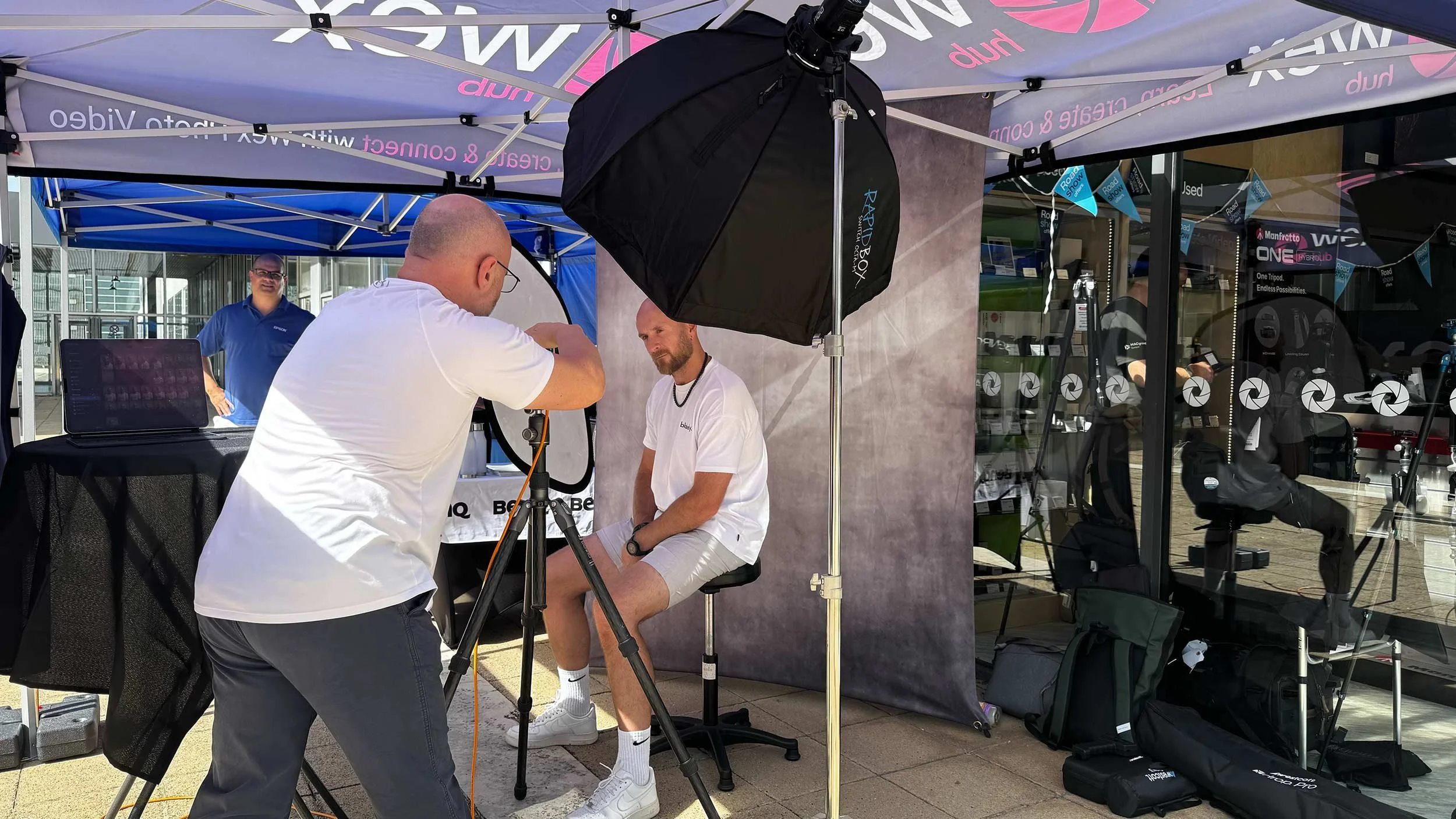
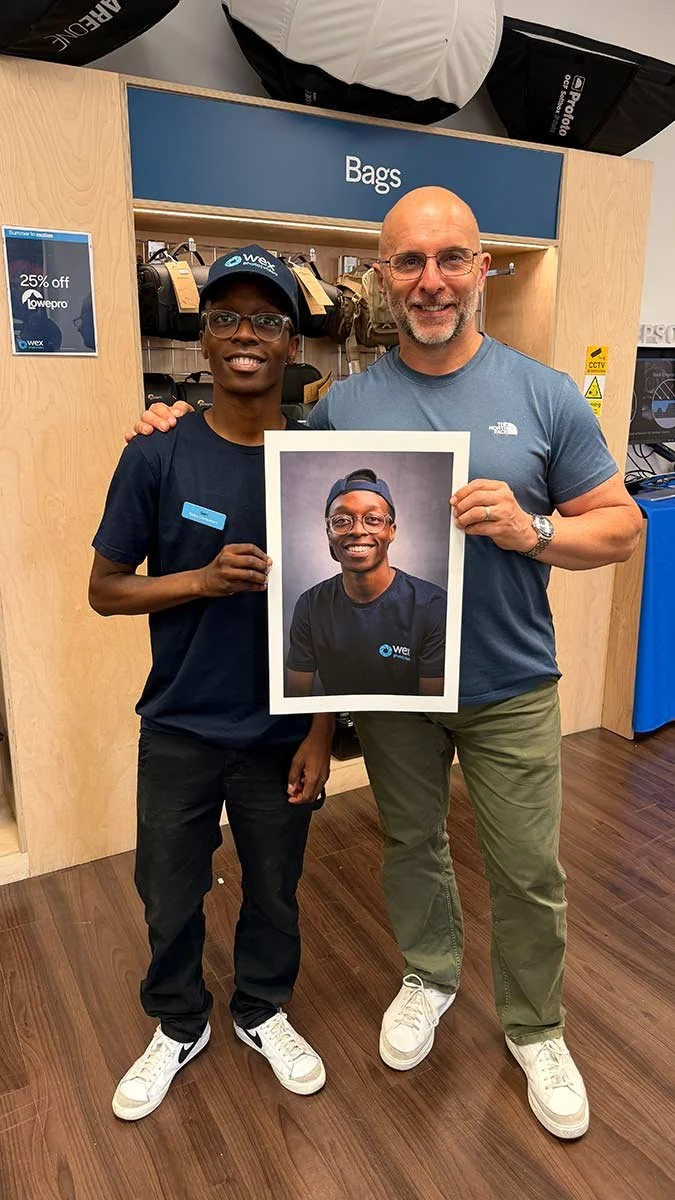
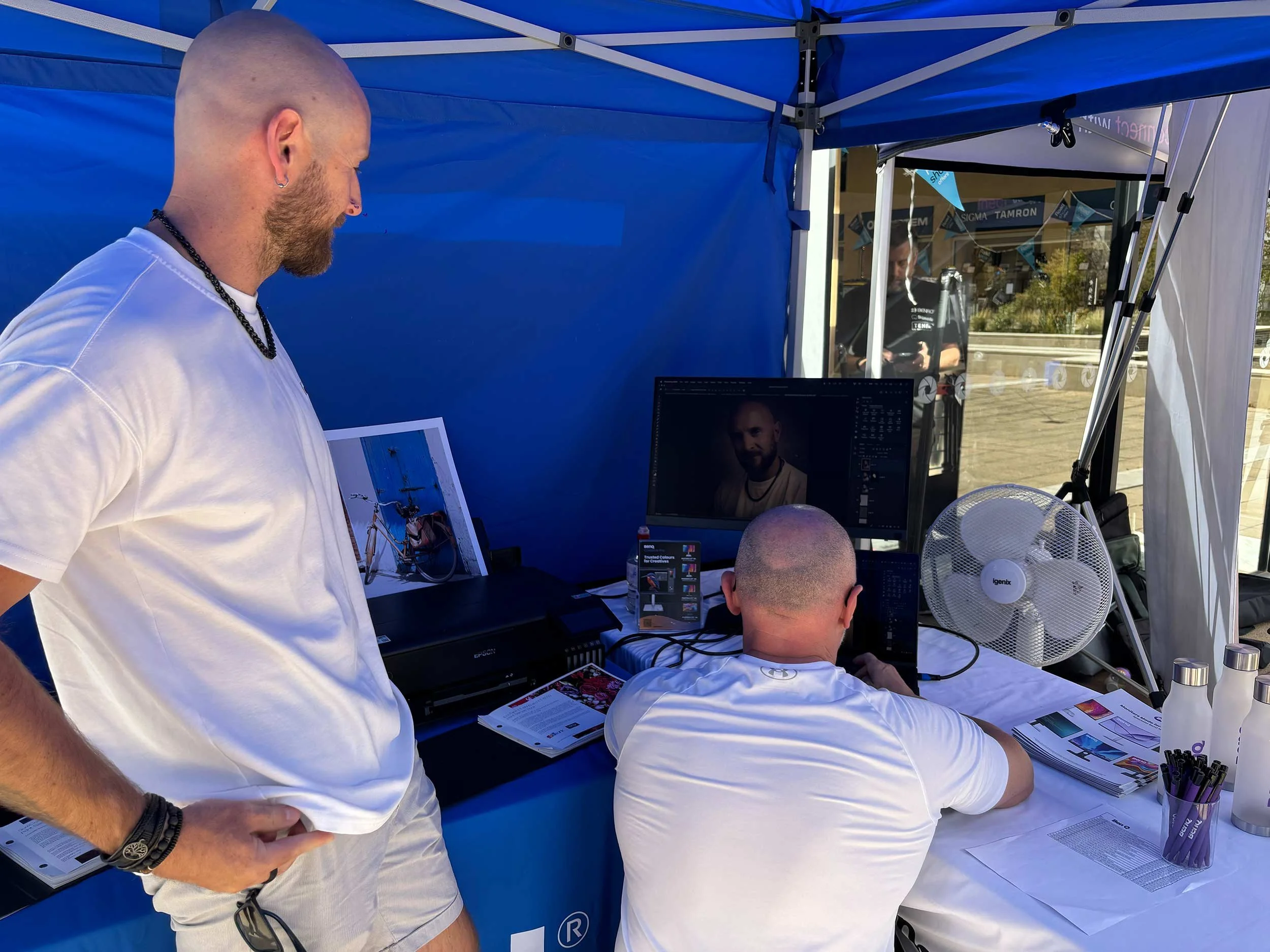
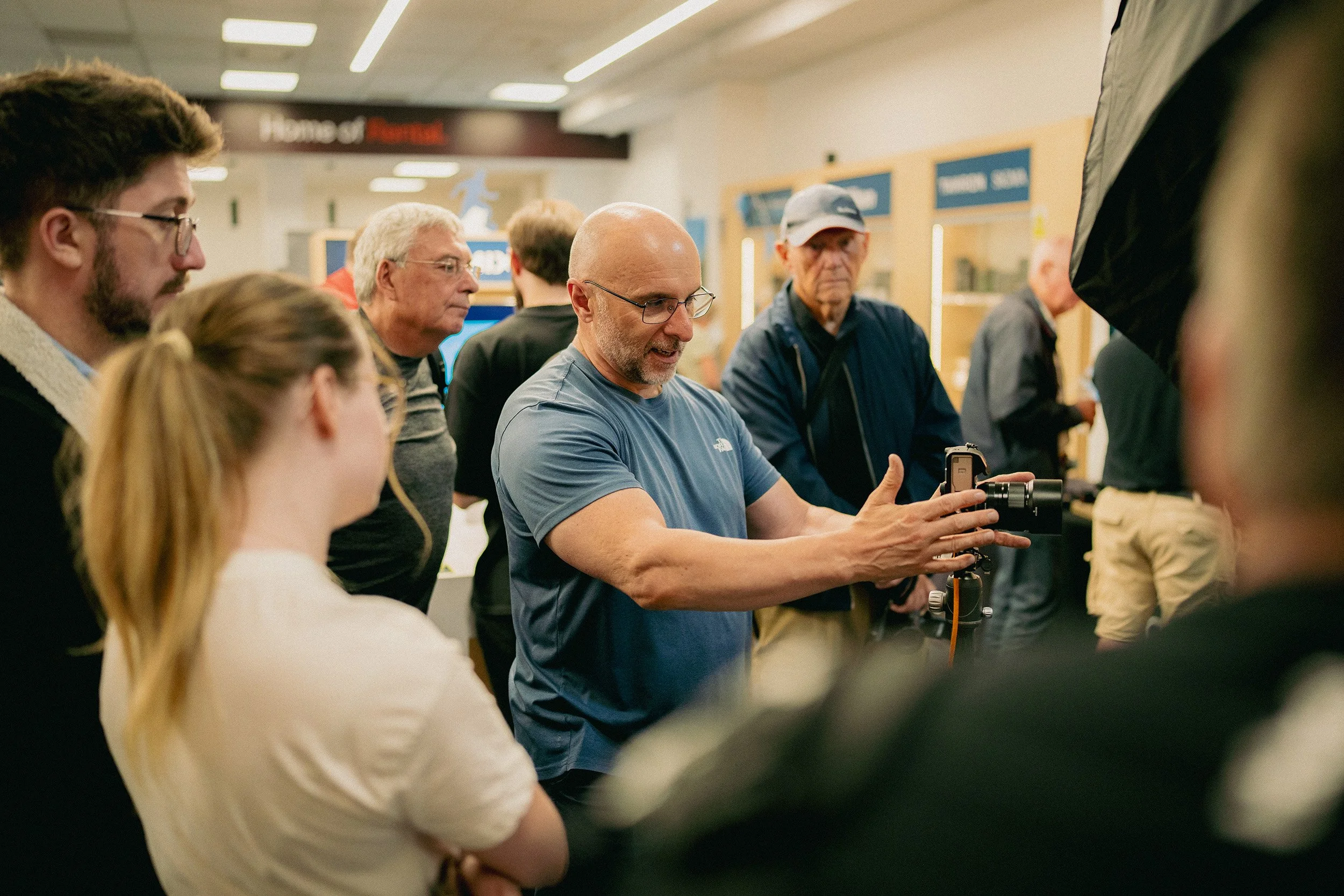
This summer I'm hitting the road with Wex Photo Video as part of their Summer Roadshow 2026, a series of in-store talks, live demos and hands-on photography experiences across Wex stores. I'd love to see you at one of the dates.

I'm presenting at eleven locations across the UK between July and September. In Edinburgh I'm opening with a talk, and at every other stop I'm on the shopfloor throughout the day with my live demo, "No Studio, No Problem: Classic Portraits with Minimal Kit."

Where I'll be

Here are all the dates I'm presenting at:

  • Edinburgh, the 3rd of July ( LINK )

  • Leeds, the 17th of July ( LINK )

  • Newcastle, the 18th of July ( LINK )

  • Bristol, the 23rd of July ( LINK )

  • Birmingham, the 24th and 25th of July ( LINK )

  • Manchester, the 30th of July ( LINK )

  • Milton Keynes, the 14th of August ( LINK )

  • Nottingham, the 15th of August ( LINK )

  • Norwich, the 21st of August ( LINK )

  • Belfast, the 3rd of September ( LINK )

  • Glasgow, the 11th and 12th of September ( Link Coming Soon )

What to expect on the day

Each roadshow day brings together leading camera brands and accessory manufacturers, so you can explore the latest cameras, lenses, accessories and imaging technology all in one place. You'll be able to meet brand experts, get personalised buying advice, ask technical questions and pick up practical shooting tips to help you get more from your kit. There are live demonstrations on the shopfloor throughout, showcasing key gear in action.

Alongside the hands-on side, there's a programme of guest speaker seminars and brand talks from professional photographers, filmmakers and industry specialists, all designed to inspire, educate and help you take your photography or filmmaking further.

My session: No Studio, No Problem

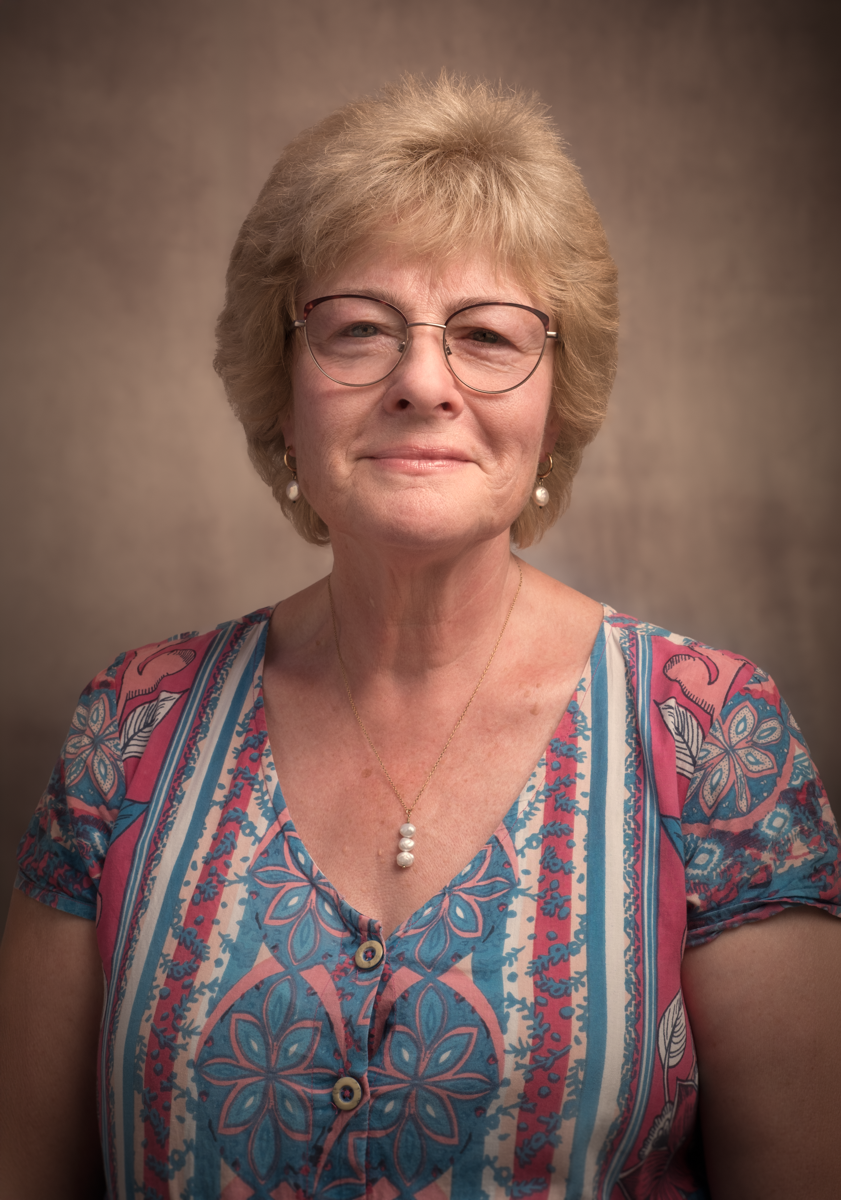
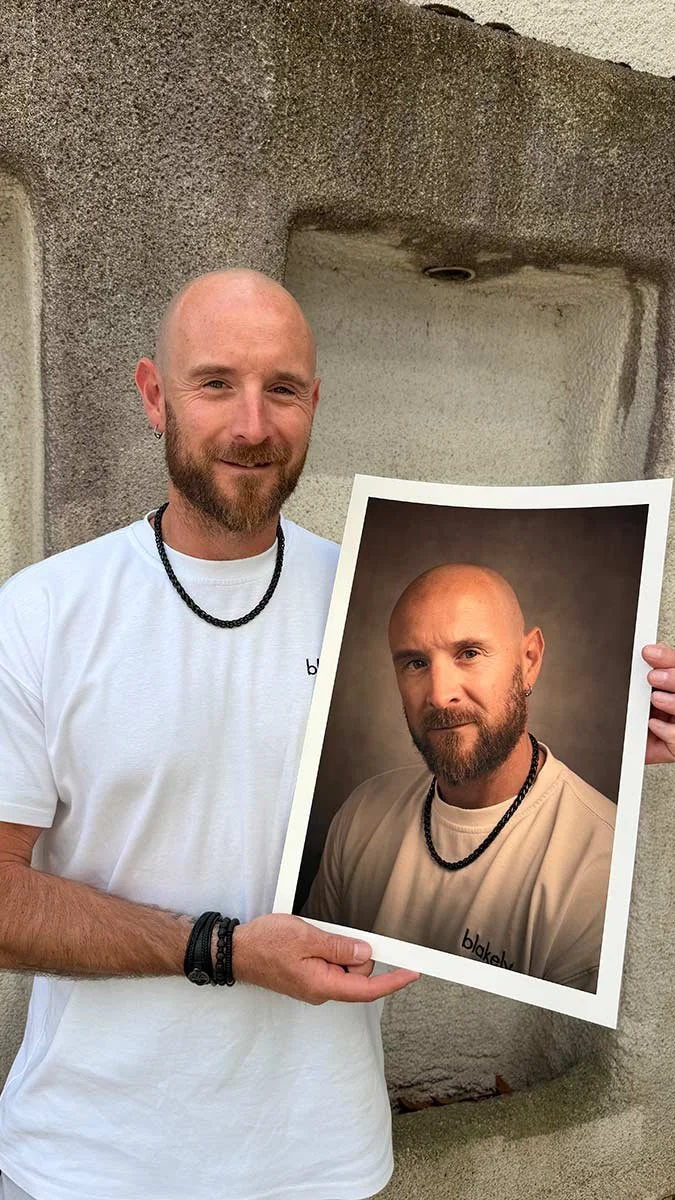
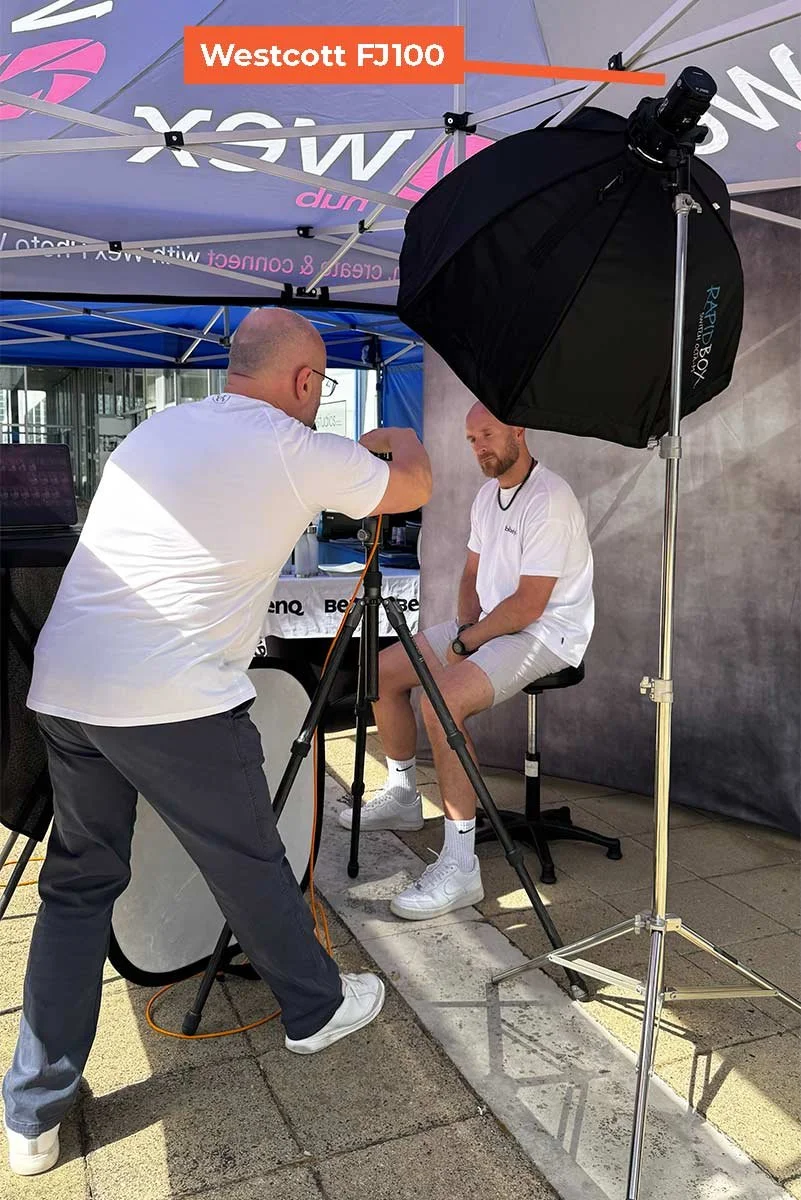
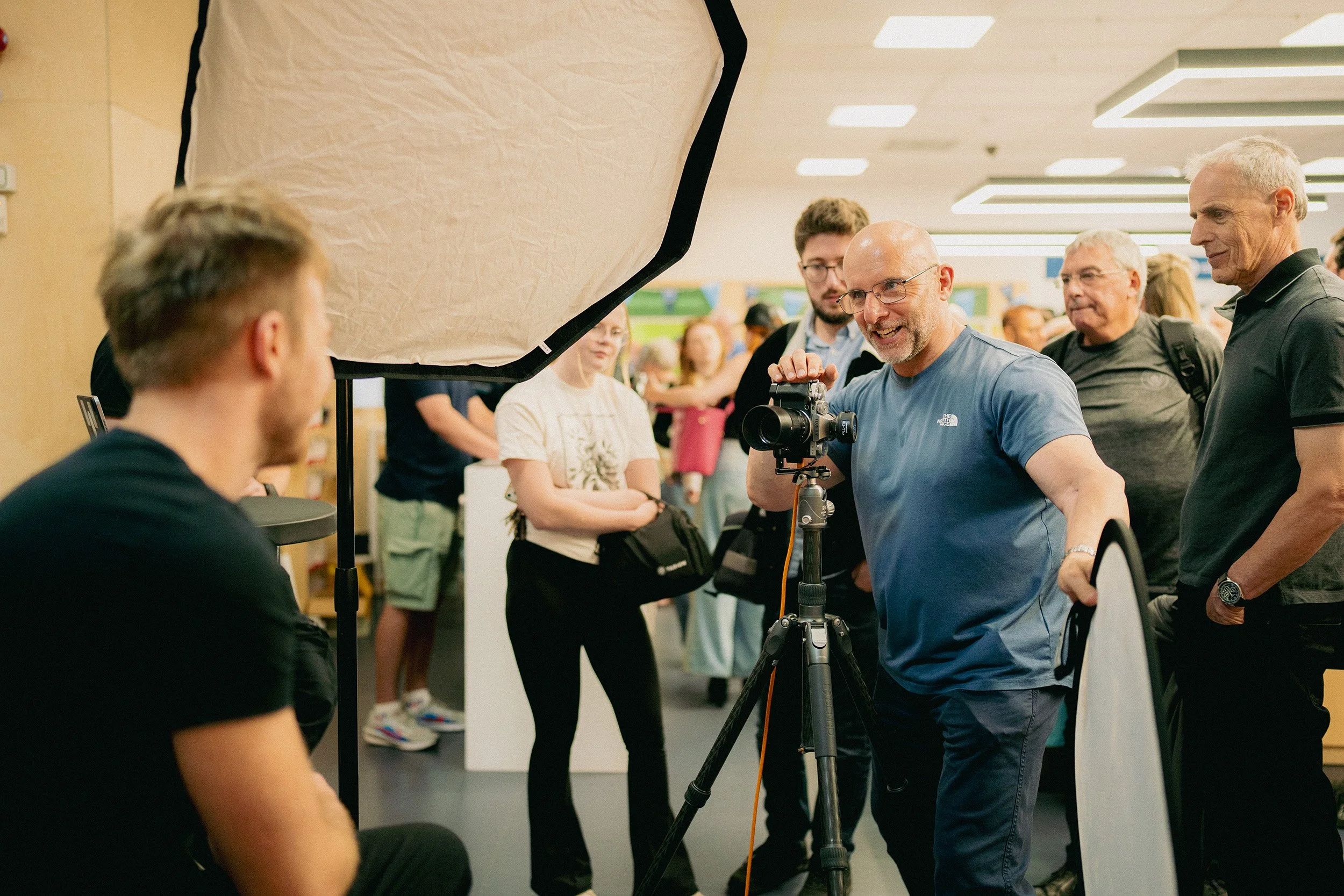
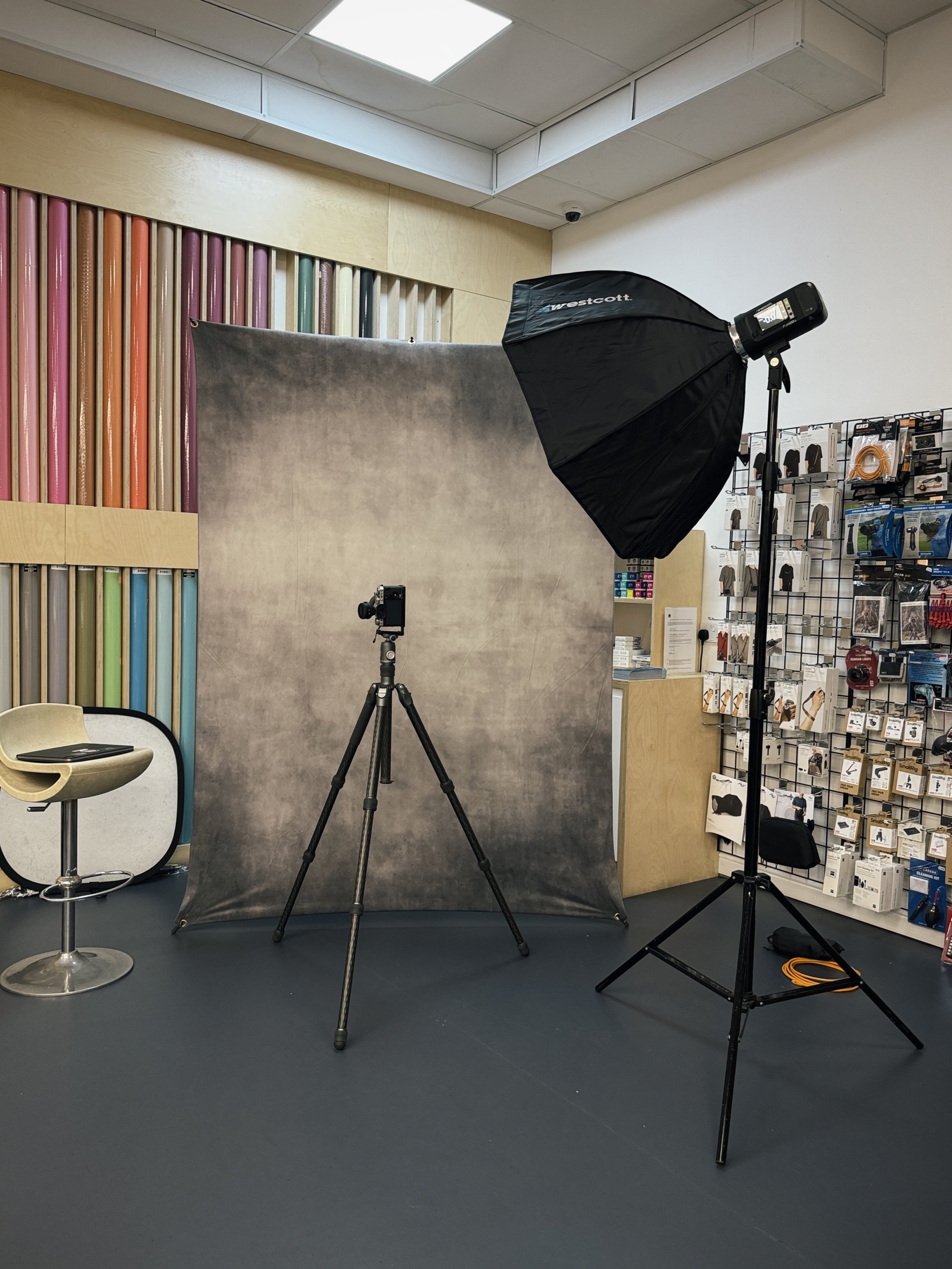
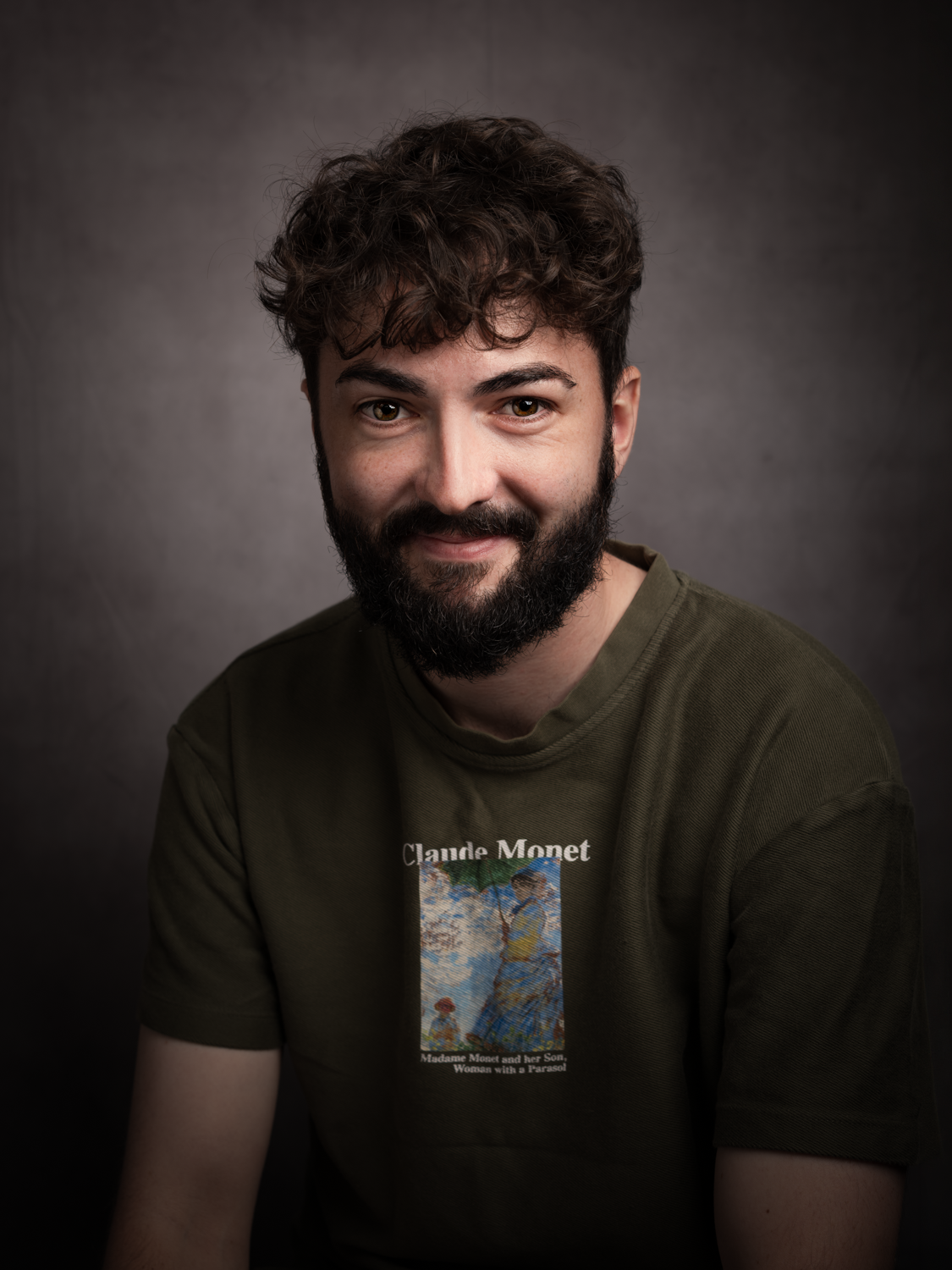
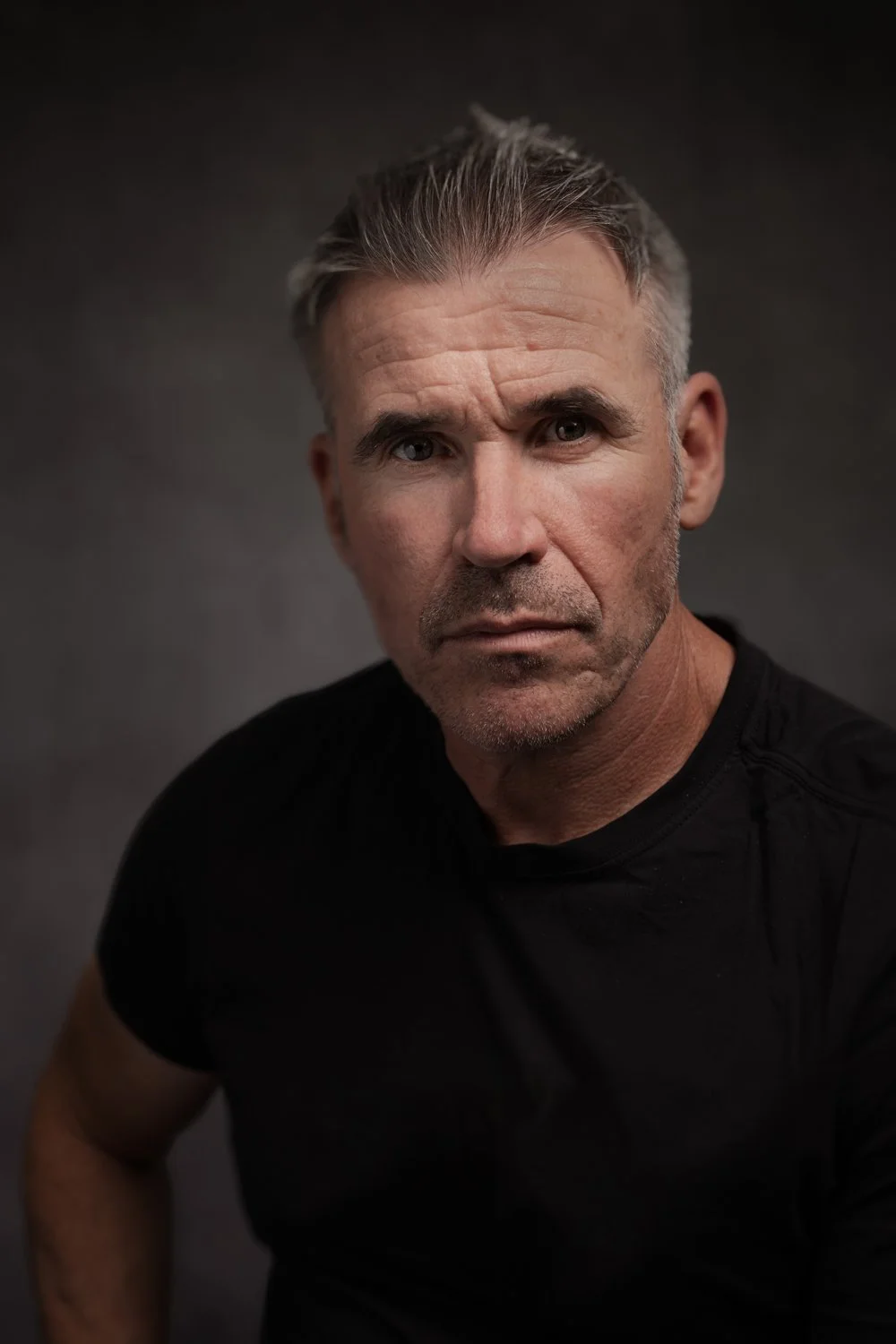
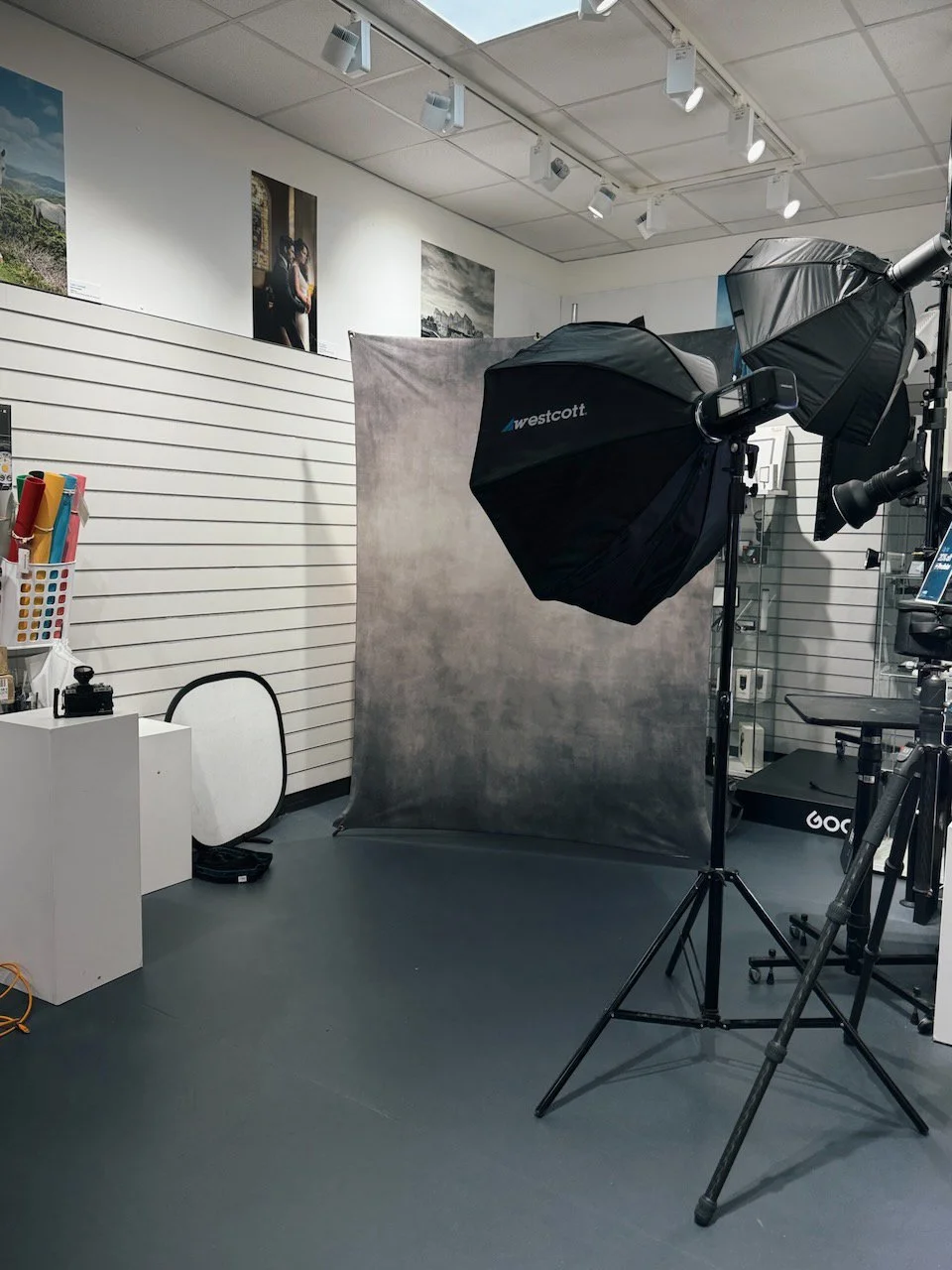
You'll find me on the shopfloor throughout the day for "No Studio, No Problem: Classic Portraits with Minimal Kit." You don't need a studio, expensive lighting or a van full of gear to create classic, timeless portraits. You just need to know what you're doing with what you've got.

This is a practical session with no shortcuts and no assumptions about your budget or your space. I'll show you exactly how I build my signature classic portraits using minimal kit in a limited area, from choosing the right equipment and setting up the light, right through to working with a subject in front of the camera.

I'll cover the kit itself and why less is often more, how to set up and use light for a clean, timeless look, and the skill that gets overlooked far too often: relaxing your subject in front of the camera. Because the best lighting setup in the world won't save a portrait if the person in it looks uncomfortable. These are informal, ad-hoc sessions running between the seminar programmes, so come and find me, ask questions, and you might even walk away with a free portrait.

Booking and good to know

Entry to the in-store day is free. One thing worth knowing: general admission gets you into the store day, but to attend the ticketed guest speaker talks you need to book separately through the links on each event page. My shopfloor sessions are part of the free in-store day, so no separate ticket needed to catch those.

You'll find full details of the wider Summer Roadshow programme, including venues and what's on at each store, on the Wex Photo Video website at wexphotovideo.com/roadshow.

I'm genuinely looking forward to this one. Eleven dates, a lot of miles, and a lot of portraits.

Please do, come and say hello.

Flash Photography: Front Curtain Sync and Rear Curtain Sync Explained

When you shoot with flash at a slower shutter speed, the camera is really recording two things at once.

The first is ambient light, which is controlled mainly by your shutter speed. The second is the flash, which freezes or highlights your subject.

Curtain sync simply decides when the flash fires during that exposure. It is one of those settings most people never touch, but once you understand it, you have a lot more creative control.

What is front curtain sync?

Front curtain sync means the flash fires at the start of the exposure.

So the order is this. The flash fires, the shutter stays open, and any ambient blur records afterwards. This is the default setting on most cameras.

What does front curtain sync look like?

If your subject is moving, the flash freezes them at the very start, then any motion blur appears in front of them, ahead of the movement.

This can sometimes look a little odd, because the blur seems to be heading the wrong way.

Picture someone walking across the frame. The flash freezes them first, then their movement creates blur after that frozen moment. The result can make the blur look like it is leading the subject rather than trailing behind. Basically, the blur looks like it got up early and left before the subject did.

What is rear curtain sync?

Rear curtain sync means the flash fires at the end of the exposure.

So the order flips. The shutter opens, the ambient blur records, then the flash fires right at the end. This means the motion blur appears behind the subject, which usually feels far more natural.

What does rear curtain sync look like?

If someone is moving through the frame, the camera records the motion blur first, then the flash freezes them at the end of the movement.

This gives the sense that the subject is moving forward with the blur trailing behind. That is why rear curtain sync is so often used for more creative flash work.

The simplest way to remember it

Front curtain sync freezes the subject first. Rear curtain sync freezes the subject last. That is the whole difference in two sentences.

Why use front curtain sync?

Front curtain sync is useful when you want the flash to fire immediately and you are not too worried about the direction of motion blur.

It works well for:

  • general flash photography

  • portraits with little or no movement

  • event photography

  • situations where you just need reliable flash timing

  • faster shutter speeds where blur is not visible anyway

Most of the time, front curtain sync is perfectly fine.

Why use rear curtain sync?

Rear curtain sync comes into its own when you want movement to feel natural or creative.

It works well for:

  • dancers

  • musicians

  • runners

  • cyclists

  • cars

  • wedding dance floors

  • people walking through a scene

  • creative portraits with intentional blur

  • street photography at night

  • light trails

It gives the image more energy, because it shows the movement before freezing the final position.

Creative uses

Movement portraits

Use a slower shutter speed, ask your subject to move slightly, then let the flash freeze them at the end. This is great for musicians, athletes, dancers, and fashion or editorial portraits. You end up with a sharp subject surrounded by movement and atmosphere.

Dance floor shots

Use rear curtain sync with a slow shutter speed and a little camera movement. The ambient lights create streaks and colour, then the flash freezes the people at the end. Very useful for weddings and events.

Light trails

Photograph a cyclist, a runner, a car, or someone holding a light source. Rear curtain sync keeps the trail behind the subject rather than awkwardly in front.

Dragging the shutter

This is when you deliberately use a slower shutter speed to bring in more ambient light. Instead of shooting flash at 1/200 sec and letting the background go dark, you might shoot at 1/15 sec or 1/30 sec to let the room, the street lights, or the sunset show through. The flash freezes the subject while the slower shutter records the atmosphere.

Camera movement

You can twist, pan, zoom, or gently move the camera during the exposure. With rear curtain sync, the flash fires at the end, giving you a sharp subject after the creative blur. Done well, it looks dynamic. Done badly, it looks like the camera sneezed. Both are educational.

How to use it

Set your camera or flash system to rear curtain sync, sometimes labelled second curtain sync.

Then choose a slower shutter speed, such as:

  • 1/30 sec

  • 1/15 sec

  • 1/8 sec

  • 1 second or longer for more extreme effects

The slower the shutter speed, the more blur and ambient light you record. Keep your flash power controlled so the subject is still lit properly.

Things to watch out for

It needs movement. If nothing is moving, front and rear curtain sync will look almost identical.

Shutter speed matters. At faster shutter speeds you probably will not see much difference. The effect becomes obvious only when you slow things down.

Ambient light matters. No ambient light means no visible blur or trails. You need some available light in the scene for the movement to record.

Flash freezes, shutter blurs. The flash gives you the sharp subject. The shutter speed controls how much movement or background light appears.

Rear curtain sync can feel less predictable. Because the flash fires at the end of the exposure, the timing feels a little strange at first. For moving subjects, you may need a few attempts to land the perfect position.

Best starting settings

For a simple test, try this:

Mode: Manual Shutter speed: 1/15 sec Aperture: f/4 ISO: 400 Flash: TTL or low manual power Sync: Rear curtain sync Subject: Ask someone to walk across the frame or move their arms

Take one photo with front curtain sync, then one with rear curtain sync. The difference will be obvious.

Front vs rear curtain sync at a glance

Feature Front curtain sync Rear curtain sync Flash fires At the start At the end Motion blur appears Often in front of subject Usually behind subject Best for General flash use Creative movement Looks More standard More dynamic Useful with slow shutter speeds Yes, but can look odd Yes, often more natural Default on most cameras Yes No

The key teaching phrase

Front curtain sync freezes where the subject was. Rear curtain sync freezes where the subject ends up.

Or even simpler. Front curtain sync starts the story with flash. Rear curtain sync ends the story with flash.

TO summarISE

Rear curtain sync is usually the better choice when you want movement, blur, trails, and energy to look natural in a flash photograph.

Photographing a Lyme Regis Legend - Harry May

Tuesday morning I was out early to meet up with someone that can only be described as a Legend when it comes to Lyme Regis ... Harry May.

Just as with the Scallop Divers, for one reason or another, including Harry having knee replacement surgery, it had taken almost 2 years to get him in front of my camera, but it was so worth the wait.

What a super nice guy!

Honestly ... despite it being the first time we'd met and spoken in person, it felt like I'd known him for years. In fact, when Harry arrived, it was easily a good 20 minutes if not more that we chatted, before I started taking photographs. Sorry for keeping you waiting, Steve 😃

Keeping It Simple, Keeping It Classic

The brief for this one, set by me, for me, was simple: keep it classic.

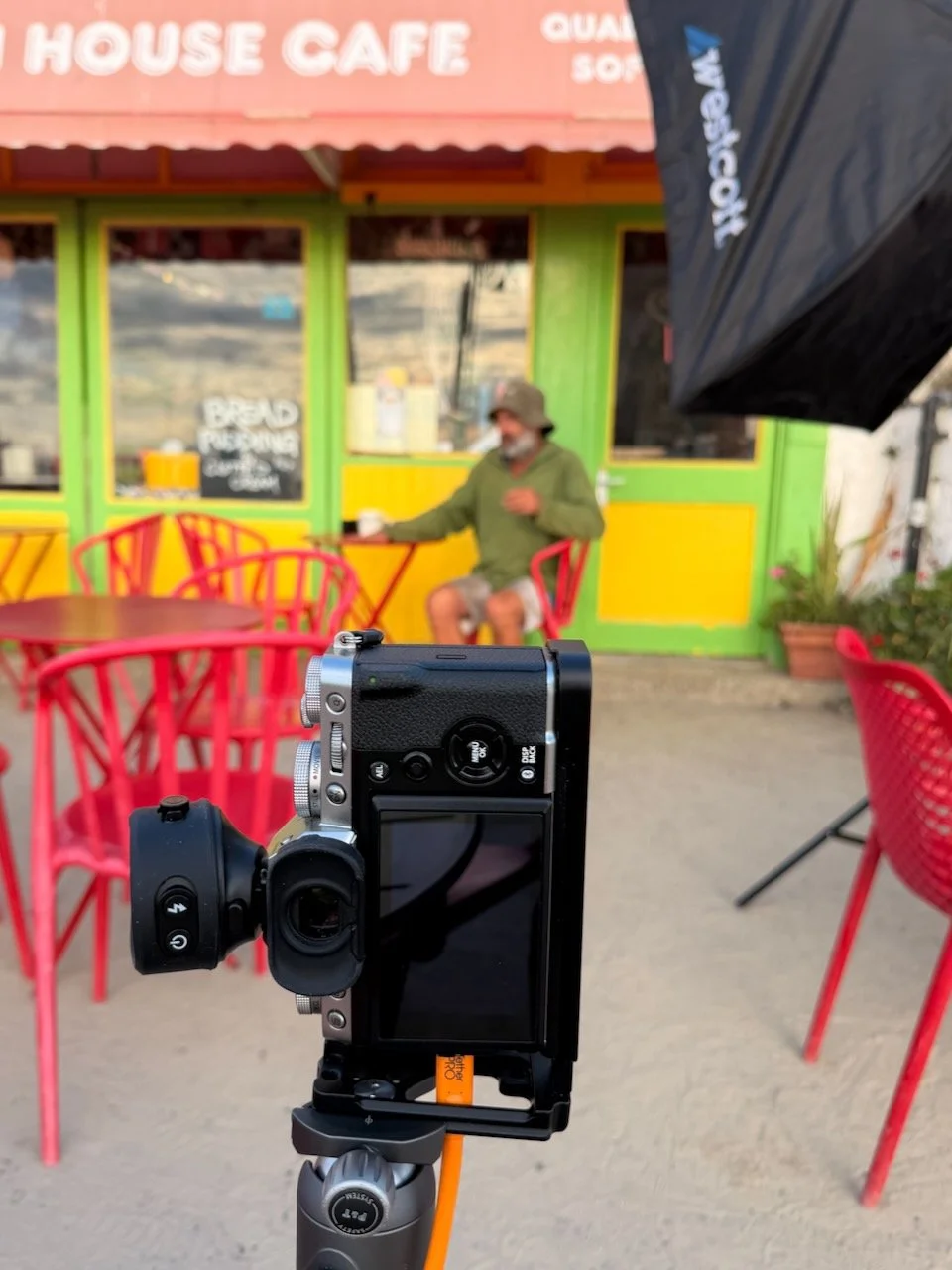
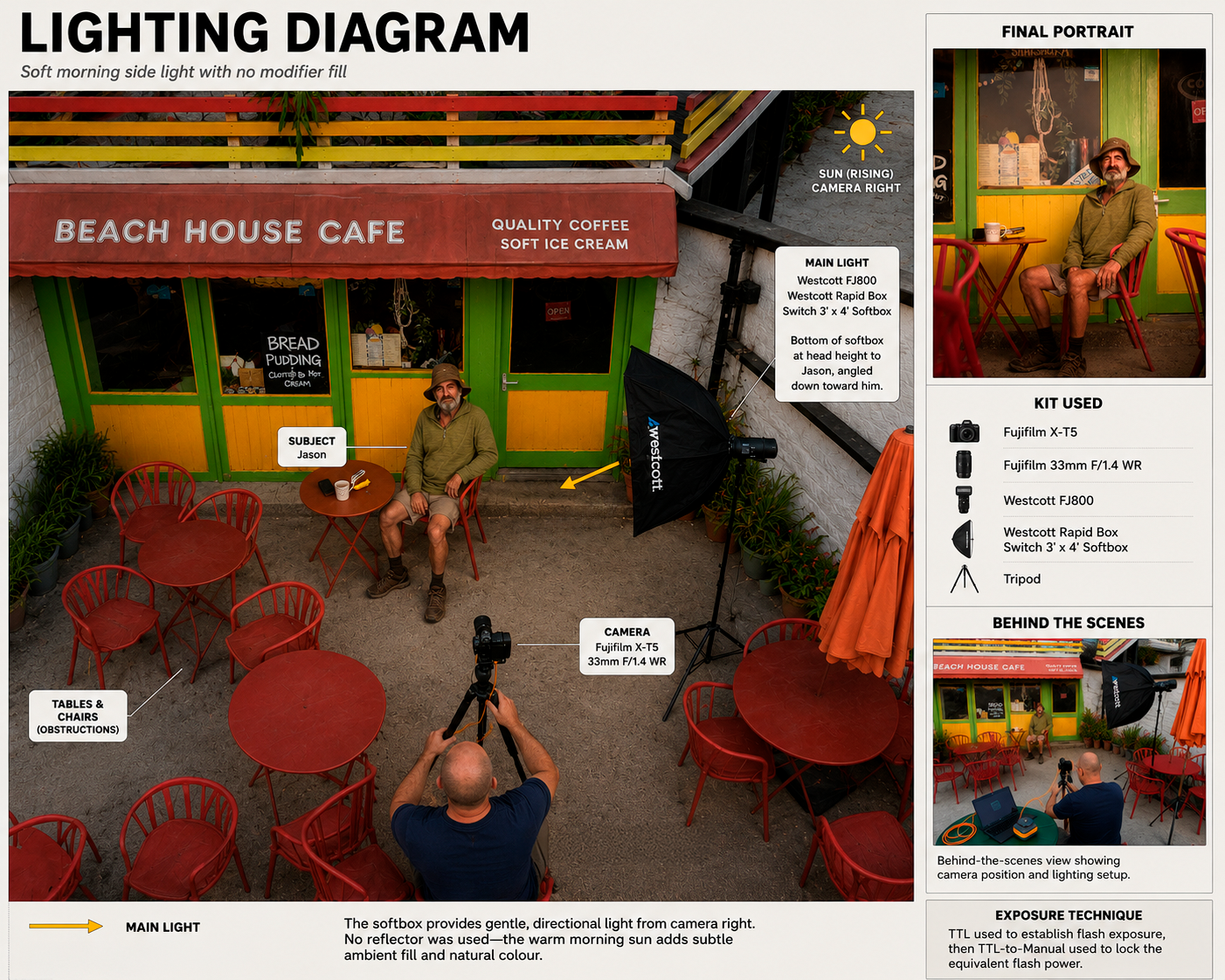
It was a glorious sunny morning with just enough cloud cover to give beautifully soft natural light. To match that softness, I used my 4x3ft Westcott Softbox, positioned about one and a half arm's lengths from Harry.

I shot at f/4.0 to soften the background slightly. Rather than using High Speed Sync (HSS) to let me shoot at a wide aperture in bright light, I opted for a 4-stop Neutral Density filter instead. The light was consistent and I'd had everything dialled in well before Harry arrived, so there was no rush and no need for the extra flexibility HSS gives you; it's simply a different way of solving the same problem: too much ambient light for the aperture you want.

• Did you see my High Speed Sync versus Neutral Density Filters Infographic ? ( LINK )

My Westcott FJ800 strobe handled it perfectly, run in TTL with +1 stop of compensation added.

Natural Direction

If you've ever been to Lyme Regis, there's a good chance you've spotted Harry leaning on the railing further down by his Fishing Trips board. So, having him lean the same way where we were shooting felt completely natural to him. Direction was barely needed, just "lean yourself on there and get comfy."

That's really the whole trick with portraits like this: find the pose someone already does in real life, and let them do it.

The Stunt Double

Before Harry arrived, my mate Steve Healy stepped in as stunt double, so I could get the lighting and exposure dialled in properly. That meant when Harry turned up, we were ready to go straight away rather than running test shots on the actual subject.

Three Shoots, Five Days

I'm on a high right now. This was my third shoot for my "I am Lyme" project in the last five days, and the best part is word is starting to spread. More people are hearing about the project and wanting to be part of it.

About "I am Lyme"

"I am Lyme" is a community-focused portrait series centred on the coastal town of Lyme Regis. The idea is simple: capture and celebrate the local faces that give the town its character, from fishermen and restaurateurs to B&B hosts, cafe owners and more…

Explained: HSS (High Speed Sync) versus ND when using Flash

High-Speed Sync, or HSS, is a flash mode that lets you use flash at shutter speeds faster than your camera's normal flash sync speed.

For most cameras, normal flash sync speed sits around:

1/160 sec, 1/200 sec or 1/250 sec

Go faster than that and HSS becomes essential.

What High-Speed Sync Actually Does

Normally, when you take a flash photo, the flash fires one quick burst of light while the shutter is fully open. At normal sync speeds, that works perfectly.

But push past your camera's sync speed and the shutter is no longer fully open at any single moment. Instead, a narrow slit travels across the sensor. If the flash fired just one burst at that point, only part of the frame would be lit, leaving you with a dark band across the image.

HSS solves this by making the flash pulse rapidly for the entire time that slit is travelling across the sensor. So instead of one big pop, you get lots of tiny rapid pulses instead.

Why I Use It

The main reason is simple: it lets you shoot with wider apertures in bright light.

Say you're outside on a sunny day and you want to shoot a portrait at f/2.8, f/2, or even f/1.4. That gives you shallow depth of field, a blurred background, nice separation, and that more polished portrait look.

The problem is, in bright daylight, a wide aperture often forces your shutter speed up to something like 1/1000 sec, 1/2000 sec, or even 1/4000 sec. Without HSS, your flash simply won't sync properly at those speeds. With it switched on, you can keep that wide-aperture look and still use off-camera flash.

What It's Really For

Here's where a lot of photographers get it wrong: HSS isn't really there to freeze action. That's a common misunderstanding.

Its real purpose is to give you control over ambient light while still using flash. It frees up your shutter speed, which means you can darken the background, hold onto detail in a bright sky, shoot wide open, and still light your subject properly with flash.

Put simply: HSS lets you make daylight behave itself.

How I Use It in Practice

A typical off-camera flash setup with HSS goes something like this.

1. Set your exposure for the background first

Start without flash. Choose your aperture, for example f/2.8, and set your ISO low, around ISO 100. Then adjust your shutter speed until the background looks the way you want it. In bright daylight, that might mean 1/1000 sec or faster.

At this point your subject is probably too dark. That's where the flash comes in.

2. Turn on HSS

You'll usually need to enable HSS on the flash trigger, the flash head, the camera's flash menu, or sometimes all three, depending on the system. With Westcott, Godox, Profoto, Canon, Nikon, Sony and so on, the exact menu or button differs, but the principle is the same. Look out for HSS, High-Speed Sync, FP Sync, or a lightning bolt with an H next to it.

3. Add flash to light your subject

Position your off-camera light where you want it. For portraits, I'll usually go for around 45 degrees to the subject, slightly above eye level, using a softbox, beauty dish or umbrella, and close enough to keep the light soft and powerful. Then adjust your flash power until your subject looks right.

4. Balance flash and ambient

Think of it this way: shutter speed controls the ambient light, flash power controls the light on your subject. In HSS, that's mostly true, but there's one important catch. Because HSS reduces flash power, very fast shutter speeds will also make your flash work a lot harder.

A Simple Example

You're photographing someone outdoors at golden hour, or in bright sun. You want a blurred background, a dramatic sky, and your subject nicely lit.

Settings might look like this:

  • ISO 100

  • f/2.8

  • 1/2000 sec

  • HSS turned on

  • Flash in a softbox, off-camera

The shutter speed brings the bright background down. The flash brings your subject back up. That's HSS doing its job.

Why Not Just Use Normal Flash Sync?

At normal sync speed, say 1/200 sec, bright daylight might force you to use f/8, f/11 or even f/16. That gives you more depth of field, so the background is sharper.

That can work fine for some shots, but if you're after that more cinematic, shallow-depth portrait look, it becomes limiting fast. HSS removes that restriction entirely.

The Limitations of High-Speed Sync

HSS is brilliant, but it's not without trade-offs.

1. You lose flash power

This is the big one. Because the flash is pulsing rapidly rather than firing one full burst, the available power drops significantly. The faster your shutter speed, the more power you lose. At 1/4000 sec, your flash has nowhere near the effective reach it has at 1/200 sec.

2. You may need the flash closer

With less power available, you'll often need to bring the light in closer to your subject. That's not necessarily a bad thing, closer light is usually softer, but it can be a problem if you need to light someone from further away.

3. Battery drain is higher

HSS makes the flash work harder, which means more battery use, slower recycle times, more heat, and fewer shots per charge. Fine for a quick portrait session. Worth thinking about for fast-paced shoots, events, or long days.

4. It's not ideal for overpowering the sun

You can use HSS in bright sunlight, but if your goal is to completely overpower harsh midday sun, you need a genuinely powerful light. Small speedlights tend to struggle here. Something like a Westcott FJ400, or similar, is much better suited to the job.

5. It can be less efficient than an ND filter

An ND filter lets you keep your shutter speed at normal sync speed while still shooting wide open. For example:

  • ISO 100

  • f/2.8

  • 1/200 sec

  • ND filter fitted

  • Flash at normal sync

This keeps far more flash power in reserve. So the real choice often comes down to this:

HSS is faster and simpler, with no filter needed. An ND filter gives you more flash power, but it's slower to work with.

HSS vs ND Filter

Use HSS when:

  • you want to work quickly

  • the light is changing

  • you don't want to mess about with filters

  • you're shooting portraits outdoors

  • you need flexibility with shutter speed

  • your flash has enough power to spare

Use an ND filter when:

  • you need maximum flash power

  • you're working in very bright conditions

  • your flash is struggling to keep up

  • you want to stay at normal sync speed

  • you're happy taking a little more time

Neither is better than the other. They're just different tools for different jobs.

The Big Thing to Remember

High-Speed Sync is mainly about creative control. It lets you shoot with flash at fast shutter speeds so you can use wide apertures, darken the ambient light, hold onto detail in bright backgrounds, create separation, and light your subject properly outdoors.

The price you pay is reduced flash power. So the practical rule I stick to is this:

Use HSS when you need the shutter speed. Avoid it when you need maximum flash power.

That's HSS in a nutshell. It gives you freedom, but it charges you for it in flash output.

Photographing Falklands War Veterans

This past weekend when heading to Portsmouth for the Community Photo Walk, I also packed an off camera flash, soft-box and monopod just incase an opportunity arose to take a portrait, and boy ... am I glad I did!


Chris Taylor; (parading The Waterlooville RNA Branch Standard)

Served on HMS Invincible in 1982

Richard Shenton; (parading today, the South Atlantic Medal 82 Association Standard)

Deputy RNA National Standard Bearer 

Area and Branch Standard Bearer and HMS Bristol Standard Bearer

Served on HMS Bristol in 1982

Dean Deakins; (parading today, HMS Exeter Standard)

HMS Exeter Association Standard Bearer and Royal Naval Association (RNA) Area 3 Ceremonial Adviser

Served on HMS Exeter in 1982

All are proud holders of The South Atlantic Medal (with Rosette), Falklands Veterans and members of the RNA.


With it just so happening to be Liberation Day on the day of the Photo Walk, there were lots of Royal Navy Falklands War Veterans present for the morning service, who there then congregating near an area called "Hotwalls".

I was stood with Geoff Sargeant at the time, both of us watching with me at one point spotting a gent that would be so good to photograph. I pointed him out to Geoff and the decision was made ... let's go for it!

I grabbed the kit from my car with the help of my mate, Andy Hughes, and by the time I'd headed back to Geoff, I could see he was in conversation with the very man (and his colleagues) that I wanted to photograph.

Still taken from video filmed by Lee Churchill

Thanks to Geoff, after a quick introduction and explantion of what I had in mind, all 3 were "Game On" ... although asking them to walk on the stoney beach in their brightly bulled parade shoes took a little convincing. But, "Game On" they were.

I'd only brought along my Medium Westcott Octa as I'd only imagined taking individual portraits on the day if the opportunity arose, but with the weather conditions as they were, this worked out great. Having Andy hold the lighting ( Westcott FJ400II ) a little further back meant I was able to get even light across all 3 Veterans, but also create the same light and shadows being created by the sun.

Photograph by Brian Lee

Having the camera in Manual, I dialled in the necessary camera settings to give me the "scene" I wanted with detail in the sky, I then decided to use the Flash in TTL as the lighting conditions were constant i.e. no fast moving clouds to change the light as they covered then reveal the sun)

Kit + Settings
Fuji X-T5
Fuji 16-55mm f/2.8 R LM WR II
16mm
1/200sec

f/9.0
ISO 80

Lighting
Westcott FJ400II
Westcott Rapid Box Switch Medium Octa

TTL with no + or - compensation

Photograph by Brian Lee

*In 'Post' the metal railings and concrete platform have been removed to give a clear backdrop of Portsmouth Harbour from where the 1982 Falklands Task Force: the Royal Navy’s carriers HMS Hermes and HMS Invincible sailed from, heading for the South Atlantic on 5 April 1982, at the start of the Falklands War.

Final image has already been sent over to each of the Veterans with the offer to also send over a print should they wish to have one.

Consequently after this, a Falklands War Veterans Project has been born!

How to Edit and Export True HDR Photos in Lightroom

Mention HDR to most photographers, and they immediately picture the overprocessed, crunchy trend from 2010 or complex, multi-exposure bracketing. True HDR is different. It uses a single image to unlock the actual brightness and tonal capabilities of modern screens.

This step-by-step guide covers how to edit, export, and share true HDR images using Lightroom Mobile, Desktop, or Classic.

Step 1: Check Your Screen Compatibility

Before editing, you need to know if your device can actually display high dynamic range.

  • Many modern screens (like iPhones, iPads, and MacBook Pros) support it, but standard monitors do not.

  • If you view an HDR compatibility test page and see two distinct versions of the comparison images, your screen is ready for HDR editing.

Step 2: Edit Your Base Image (SDR)

Start by editing your photo exactly how you normally would. Tweak the exposure, contrast, and colours until you are completely happy with the standard dynamic range (SDR) version. Photos with naturally high contrast and bright highlight areas work best for this process.

Step 3: Enable the HDR Panel

  • Locate and toggle the HDR button in the Lightroom edit panel.

  • The image will instantly become brighter, and your histogram will expand to the right, showing extra sections. These sections represent the additional stops of light available exclusively for HDR displays.

Step 4: Control Your Highlights

To keep the image looking natural and intentional, you need to manage the extra brightness.

  • Stick to the limit: Adobe sets a default HDR limit of around 2.3 stops. Keeping it here ensures your image translates well across different devices.

  • Check for clipping: Hold your finger down on the screen while adjusting the exposure slider (or hold Alt/Option on desktop). The screen will turn yellow to show safe HDR highlights, and red if you push them too far.

  • Visualize HDR: Toggle this feature on to see a colour-coded map of your highlights, helping you stay within safe tonal boundaries.

Step 5: Export with the Right Settings

To ensure Instagram and web browsers can read your HDR data, use these specific export settings:

  • File Type: Select AVIF (or JXL).

  • Color Space: Choose Display P3 (or HDR P3 on desktop).

  • HDR Output: Ensure this toggle is turned ON.

Step 6: Post to Instagram Safely

When sharing your final image to social media, keep these two rules in mind to avoid rendering glitches:

  • No stickers or text: Adding music to your post is fine, but do not overlay native Instagram text or stickers onto the image, as it breaks the HDR rendering.

  • Use the Carousel Trick: Share both the standard SDR version and the new HDR version in a single carousel post. Allowing users to swipe between the two creates a massive, undeniable visual impact.

Film Photography Comeback: Fad or Future?

Sales are up 127% since 2020. A new generation is choosing 36 frames over 36 megapixels, but with film prices rising sharply and AI reshaping everything around it, is film photography here to stay, or is this just nostalgia with a time limit?

I'm not a film photographer. My entire experience with film amounts to a cartridge of 24 exposures as a kid, handed over at Boots and collected an hour later, hoping two of them were worth keeping. I've never used a darkroom, never bulk loaded a canister, and I've only ever really known digital.

As someone who prints their images though, and has written a book and produced a course on the subject, I'm no stranger to hearing "but isn't printing expensive?" , so to discover that a growing number of photographers are actively choosing a medium where every single frame costs real money before you've even seen the result, that's not just interesting to me, it's genuinely intriguing.

The data behind it is hard to ignore, and as someone who spends a lot of time thinking about where photography is heading, I think it's worth talking about regardless of whether you shoot film or not.

Film photography was supposed to be dead. For most of the 2000s and 2010s, that narrative seemed pretty airtight, with labs closing, film stocks being discontinued, and manufacturers retreating. Yet here we are in 2026, and something remarkable is happening. Wholesale film order volumes have increased 127% since 2020, with annual growth rates not slowing but accelerating. In 2025 alone, 312 new film labs opened globally. The question isn't whether film is making a comeback, it clearly is. The real question is: why? More interestingly, is this genuinely different from the nostalgia blip we've seen before?

The Numbers Don't Lie

Let's start with the data, because the scale of this is worth appreciating. The global photographic film market is estimated at USD 613 million in 2026, projected to reach USD 724 million by 2035. Over 25 million rolls of film are consumed annually, with film usage up 35% since 2021. More than 2.5 million film cameras were sold globally in 2024, up from around 1.8 million in 2020.

This isn't a niche blip. It's a sustained, multi-year market trend with real commercial momentum behind it.

So Who's Actually Buying Film?

But here's where it gets interesting … it's not the photographers who grew up with it.

Nearly 48% of film camera purchases are now made by people aged 18 to 34, a demographic that largely grew up in the digital era. Gen Z spends an average of 9 hours a day on screens, and many appear to be consciously pushing back against that.

The appeal is partly cultural. We're seeing the same pattern play out across multiple creative disciplines: vinyl records replacing playlists, book clubs filling up, vintage clothing surging. January 2026 was even dubbed "Janalogue" by some lifestyle commentators, an analogue digital detox for the new year.

It's more than trend-following, though. There's a genuine psychological draw to the medium. With only 36 frames per roll and a real cost attached to every shutter click, film forces intentionality in a way that digital simply doesn't. You've no option to machine-gun your way through a scene and pick the best shot in Lightroom afterwards. You slow down. You observe. You choose.

As wildlife photographer Paul Williams put it: "Analogue is going to explode. It's imperfect, and it has soul. That's why it resonates."

The AI Factor: This Time It Really Is Different

Every previous wave of analogue interest has been nostalgic: photographers who grew up with film returning to it for old time's sake. What's happening in 2026 feels structurally different, and the AI boom is a big reason why.

As AI-generated imagery floods every corner of the internet, flawlessly composed, mathematically perfect, technically faultless, there's a growing hunger for photographs that are demonstrably, visibly made by a human being. Film grain, light leaks, slightly off exposures, the warmth of silver halide: these aren't flaws anymore. They're proof.

Survey data from AI editing company Aftershoot found that photographers and clients are increasingly favouring images with raw emotion and imperfection over technically perfect shots. The irony isn't lost that an AI company is reporting this, but it reinforces the point. Even the tools built on AI can see the cultural correction happening.

In short: the more digital becomes automated and "perfect," the more value attaches to the authentically imperfect.

The Cost Problem: Film's Inconvenient Truth

It would be dishonest to write about the film revival without addressing the elephant in the room … it's expensive, and getting more so.

A roll of professional colour negative film now runs approximately £12 to £18 before you've taken a single shot. Add lab development and scanning, and you're looking at £28 to £35 to see 36 images on a screen. At around 40 to 80p per photograph, casual shooting adds up fast.

2026 has brought more bad news on pricing too. Kodak Alaris announced increases of £1 to £3 per roll effective February 2026. Both Kodak and Fujifilm have flagged further increases across some stocks, with some emulsions seeing 20 to 50% rises compared to 2025. Medium format shooters have been hit hardest, with Kodak 120 format stocks seeing price hikes of 14 to 19%.

The silver shortage driving these rises isn't going away, and this is creating a real tension at the heart of the revival: a medium that's growing in popularity is simultaneously becoming less accessible to the very people most interested in it.
Fad or Here to Stay?

The vintage camera market, including collectible film equipment, is projected to grow from USD 1.19 billion in 2025 to USD 1.68 billion by 2031. That's a trajectory backed by institutional investment, not just Instagram aesthetics.

The strongest argument that this is different from previous analogue revivals: it's being driven by people who have no nostalgia for film. Gen Z photographers never shot on film in their formative years. They're choosing it as a deliberate creative act, not a sentimental return. That's a fundamentally different kind of demand.
The strongest argument for scepticism: cost. At £12 to £18 per roll before processing, film photography is becoming a luxury hobby. If price increases continue at current rates, it risks pricing out exactly the demographic driving its growth.

The answer is probably somewhere in the middle. Film won't displace digital, it never will, but it has carved out a permanent, growing niche as the antidote to digital perfection: slower, more intentional, more human. In an era when AI can generate a technically perfect image in seconds, there's real and lasting value in a photograph that carries the fingerprints of its maker.

Over to You

I'm genuinely curious on this one, partly because it's not my world. Have you shot film recently, or are you thinking about giving it a go? Do you think the slower, more deliberate nature of film has had any influence on how you approach your digital work? With prices rising the way they are, at what point does it become too expensive to justify?

Drop your thoughts in the comments below, I'd love to hear from people who actually have the film experience I don't.

Concert Photography: What You Need to Know Before You Shoot Your First Gig

Concert photography is one of the most challenging and rewarding genres you can get into. Fast light, loud rooms, no second chances. But if you're willing to put in the work, it's also one of the most exciting. This guide, put together by community member Scott Diussa, covers the essentials to get you started.

Gear

You don't need a massive kit to begin. A DSLR or mirrorless body with a decent zoom will get you a long way. A 24-70mm or 24-105mm is your workhorse. Add a 70-200mm when you need reach (drummers, especially), and a wide option for tight spaces or dramatic environmental shots. In terms of aperture, f/2.8 or f/4 as a maximum gives you the best chance in low light, but don't let gear anxiety hold you back. Start with what you have.

Camera Settings

Stage lighting shifts constantly, and if you leave the camera in any kind of auto exposure mode it'll fight the light show rather than work with it. Manual mode is the way to go. Shoot RAW, always. The colour temperature at a gig is rarely flattering by default, and RAW gives you the latitude to fix it properly in post.

A solid starting point: 1/500s shutter speed, widest aperture available, and push the ISO until the exposure looks right. Don't underexpose to keep ISO low. Lifting shadows in Lightroom also lifts noise, and it's far messier than noise from a correctly exposed high-ISO file.

Getting Access

The most common question people ask is how to get into shows with a camera. The answer is straightforward: start small. Local venues, local bands. In most cases you don't need formal permission to photograph a smaller act, and small venues are actually harder to shoot than big ones. Bad light, cramped spaces, limited movement. Master those conditions and the bigger shows feel straightforward by comparison.

For larger shows you'll need a media pass, which means having a publication or media outlet to shoot for. That's a longer game, built on portfolio and relationships. Get the shots right at the small shows first and those conversations open up naturally.

Shooting Each Instrument

Every member of the band presents a different challenge. With singers, timing is everything. The best moments tend to come when they step back slightly from the microphone on a held note, which also naturally avoids the microphone shadow falling across their face. If you can learn the setlist beforehand, do it.

For guitar and bass, try not to cut off the headstock of the instrument. Think of it like cropping a wrist out of a portrait. Angles help a lot here. A lower shooting position or a slight tilt adds energy to what would otherwise be a flat frame.

Drummers are the hardest subject in the genre, full stop. You're usually shooting through cymbals, hardware, and kit stands. A 70-200mm helps you reach through the gaps. Use Eye Detection AF if your camera has it, shoot continuously, and keep that 1/500s shutter speed to freeze stick movement.

Editing and Sharing

You'll come back from a gig with a lot of files. Cull before you edit; go through everything and mark your picks before you touch a single slider. Be ruthless. The instinct is always to keep too many.

In post, focus on two things: face colour and exposure balance. Export full-resolution files for your archive, and 2000px watermarked versions for social.

When you share with the band or a PR contact, send your best 20 images. Not everything you shot. Twenty strong images that make the band look great. Tag the artist when you share on social media too; it builds the relationship and extends the reach of your work at the same time.

Enjoyed this? The full version of Scott's concert photography guide is available inside The Photography Creative Circle on Skool, where community members share knowledge, tips, and guides like this one across every area of photography. It's free to join.

Join The Photography Creative Circle

Getting Started with Street Photography: What You Actually Need to Know

Street photography is one of the most rewarding types of photography you can do, and also one of the most misunderstood. A lot of people assume it requires a big city, a specific camera, or nerves of steel. It doesn't. It mostly requires the right mindset, and that's something you can develop from day one.

Here are the key things that will make a real difference when you head out.

Get your head right first

Before you even think about camera settings, think about how you're going to carry yourself. You have every right to be in a public space with a camera. Move at a normal pace, act like you belong, and don't hover. Most awkward moments in street photography come from how you behave before and after the shot, not from pressing the shutter.

If someone questions you, have a simple honest answer ready. "I loved the contrast of colours," or "I'm working on a project about everyday life" goes a long way. Some photographers carry a small business card. It can turn a wary stranger into a willing subject.

Three ways to work the street

There are really three approaches, and knowing which one you're using keeps you focused:

Hunting means walking and actively looking for moments. Keep your head up and your eyes moving. Start small; a funny sign or someone's reaction to something is often more interesting than a dramatic scene.

Fishing means finding a spot with great light or an interesting background and waiting for life to walk into it. Strong shadows, reflections, colourful walls. Set yourself up and be patient. It's also brilliant if you're shy, because you're not chasing anyone.

Street portraits are a different thing entirely. You approach someone, have a brief chat, then ask. Keep the conversation going while you shoot. People are usually more than happy to help if they can see you're genuinely trying to make a good image.

Light and composition

Find the light before you find the subject. Shafts of sunlight, deep shadows, silhouettes; light shapes everything. Once you've found good light, think about the whole frame: what's in the background, what's at the edges, what's pulling the eye away from where you want it to go.

One tip worth remembering: give yourself a theme for the day. Hats. Dogs. Reflections. The colour red. It sharpens your eye dramatically.

Gear and settings

Any camera works, including your phone. What matters is being ready. Most experienced street photographers use aperture priority or manual with auto ISO so they're not constantly adjusting. A starting point that works well: 1/500s shutter speed, f/5.6 to f/8, auto ISO. Push the shutter to 1/1000s if there's faster movement. Don't be afraid of grain; it often suits street photography well.

Keep your camera out and ready, not buried in a bag. By the time you've got it out, the moment's gone. A silent shutter, if your camera has one, makes a big difference too.

You don't need a big city

This one catches a lot of people out. Street photography isn't only for London or New York. Market squares, bus stops, seafronts, quiet high streets; interesting moments happen everywhere. If you're nervous about photographing faces, start with people from behind, silhouettes, or detail shots: hands, shadows, dogs, bags. You're still telling a story.

The best thing you can do is head out and start. Everything else comes with time.

This post is drawn from The Community Guide to Street Photography, a full beginner's resource put together by members of The Photography Creative Circle on Skool. It covers everything in much more depth, including camera setups, focusing techniques, how to handle conversations on the street, and practical exercises to push your skills forward.

If you want to read the full guide and be part of the conversations that created it, come and join us over at the community …

Join The FREE Photography Creative Circle