I was literally like an over-excited kit on Christmas Day when I arrived at Trevose Head in Cornwall to not only be greeted with just the most amazing scene before my eyes, but also because everything seemed to have come together.

I was literally like an over-excited kit on Christmas Day when I arrived at Trevose Head in Cornwall to not only be greeted with just the most amazing scene before my eyes, but also because everything seemed to have come together.
Incredible! There’s no other word for it!
Check out this short video from Adobe where they reveal what they’ve been working on in Lightroom, and that will be available to us all next month.
Oh and this is going to be made available in Lightroom across the board, so Lightroom Classic, Lightroom in the Cloud, Lightroom Mobile AND Adobe Camera RAW
Masking and isolating areas of an image like this really is the time to say … Game Changer.
Here too is a blog post by the Adobe Camera RAW Team with even more information…
Exciting times ahead and of course I’ll be recording some new videos going through the updates in ‘real world’
Cheers,
Glyn
I think it’s pretty obvious that when it comes to getting your message out, telling the world about a new product or service, or just passing on thoughts, tips, advice and opinion, then video is where it’s at these days.
Video is engaging, it’s to the point (most of the time) and it’’s convenient, meaning we can consume it sat at home on our computers, watching it on Smart TVs, tablet devices and mobiles phones.
However, that said, I remember a good while back someone saying to me…
Honestly, I don’t think I’ve ever been involved in an event that has had so much positive feedback and reaction as the previous Photoshop FREE Virtual Summit, so I’m genuinely over the moon to be a part of the next one coming in October of this year.
October 4th - October 8th 2021
20 Instructors
30+ Hours of Photoshop Training
This is a completely FREE TO WATCH event so all you have to do is to grab your FREE PASS, and you can do that (and get more information) using the button link below.
Hope to ‘see’ you there,
Cheers,
Glyn

In my new course, Photoshop Lighting Effects, for one of the techniques I show how to recreate the look of neon lighting.
In addition to text I also use a lightbulb shape, however I have had a couple of messages from people saying they can’t find it. So, rather than share the answer to one person, I thought I’d record a video and share it here so that anyone and everyone can
Why did I not think of this?
Had a message from someone that had enrolled in my New Photoshop Lighting Effects Course saying that they were Hard of Hearing and asking if there were subtitles / captions they could turn on to help them.
There weren't. I'd completely missed doing that, BUT I'm glad to say I’ve now added them in.
Paid and sent all the video content to Rev who have manually transcribed each one and
Having finally released my new, Photoshop Lighting Effects Course on Sunday (15th) it’s been such a buzz seeing all the positive feedback coming in from people that have purchased and enrolled in it…
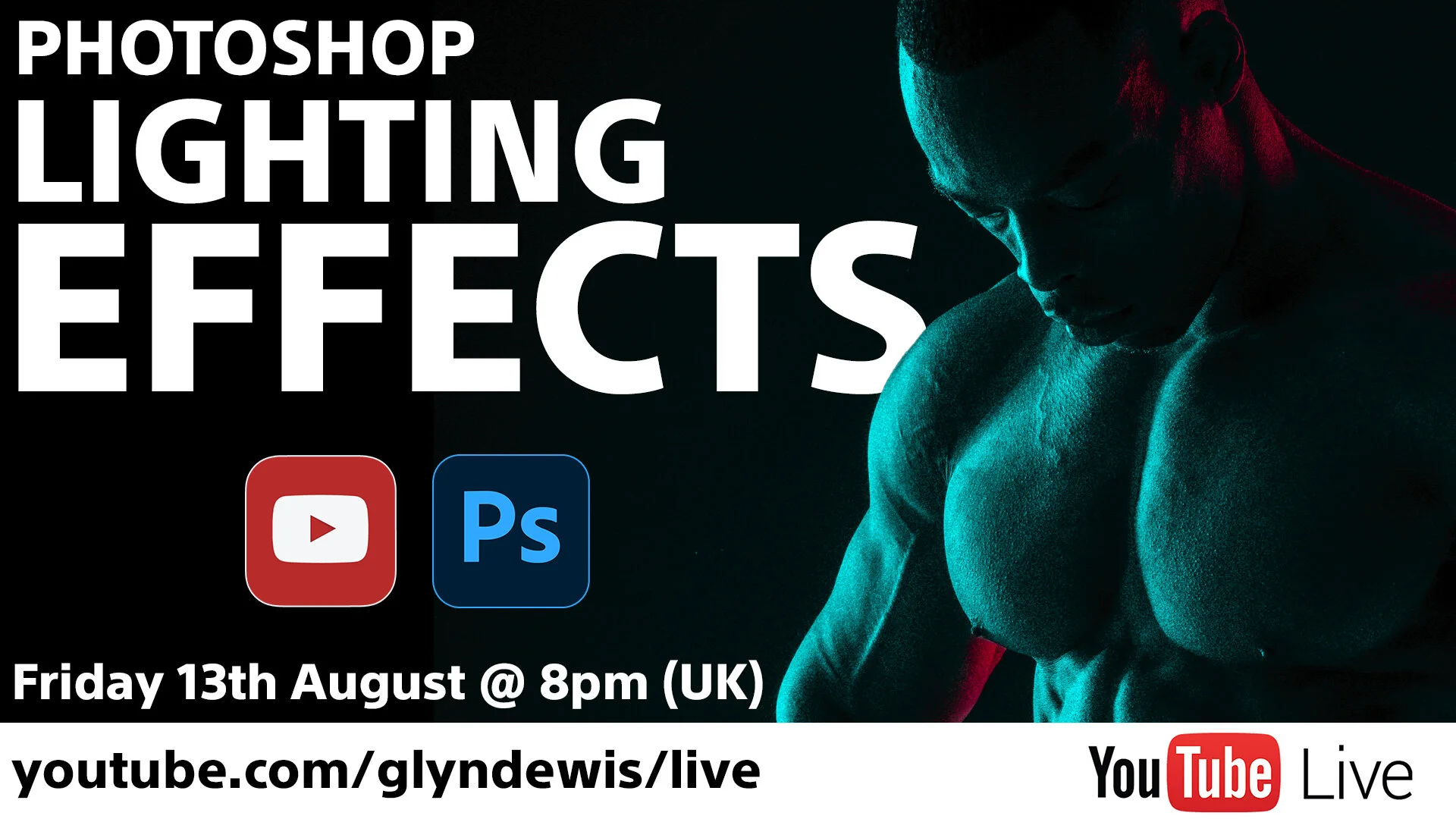
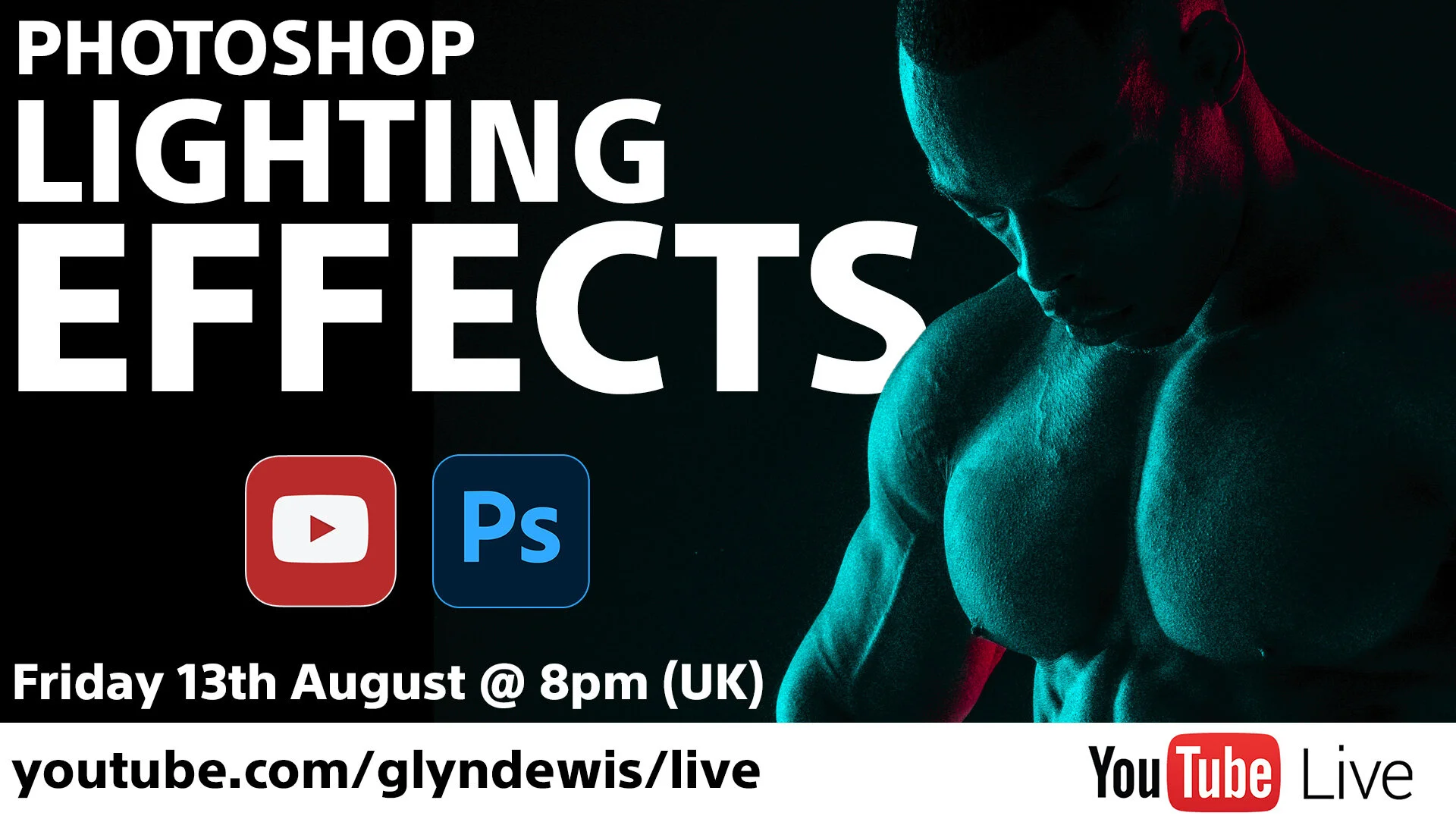
Last Friday (13th August) at 8pm I hosted a LIVE Broadcast over on my YouTube Channel going through a couple of Photoshop Lighting Effects Tutorial PLUS a workaround for the Colour Grading technique I shared for anyone who doesn’t use Adobe Premiere Pro.
The broadcast ran for about 35 / 40 minutes or so and felt great to be back online, seeing and interacting with everyone in the chat.
The set up I use for the LIVE Broadcasts is so good in that amongst many other things, I’m able to bring comments up onto the screen which makes it so much more interactive.
Anyway, if you weren’t able to catch it LIVE, here’s a REPLAY where I’ve also
Would be great if you could join me as I go through a few Photoshop techniques and catch you in the chat, which is so good for interaction with the new platform.
Here’s the link you’ll need:
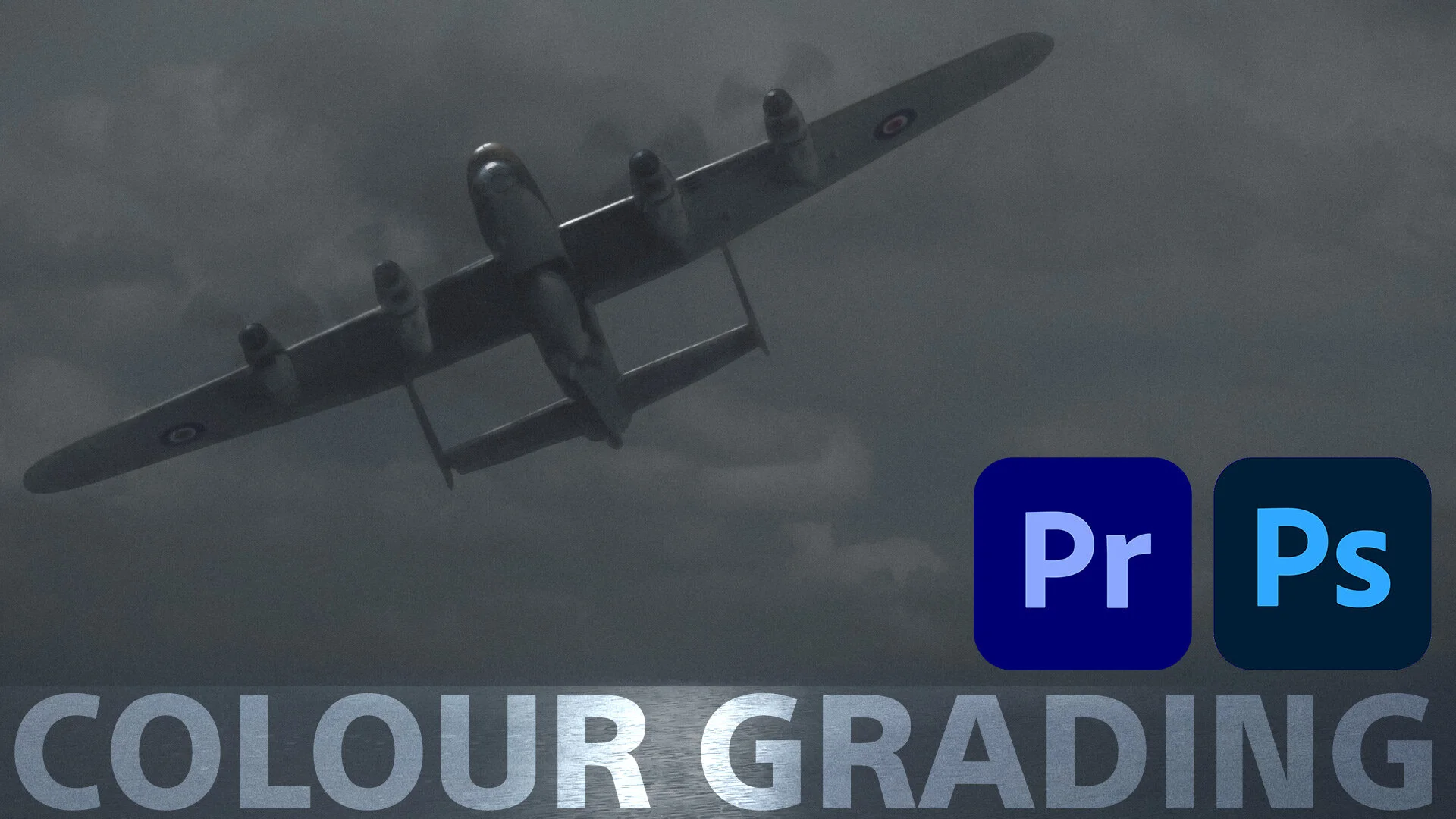
If there’s one thing that has a BIG impact on your recognisable style, it’s how you colour grade your images.
There are so many ways to do this and a lot of the time it boils down to personal preference, however, imagine if there was a really easy way to take the colour from your favourite movie or tv programme and add that into your pictures!
Well, here’s a hack that I worked out to do exactly that with just one click!
The technique first of all makes use of Adobe's
© Glyn Dewis 2026