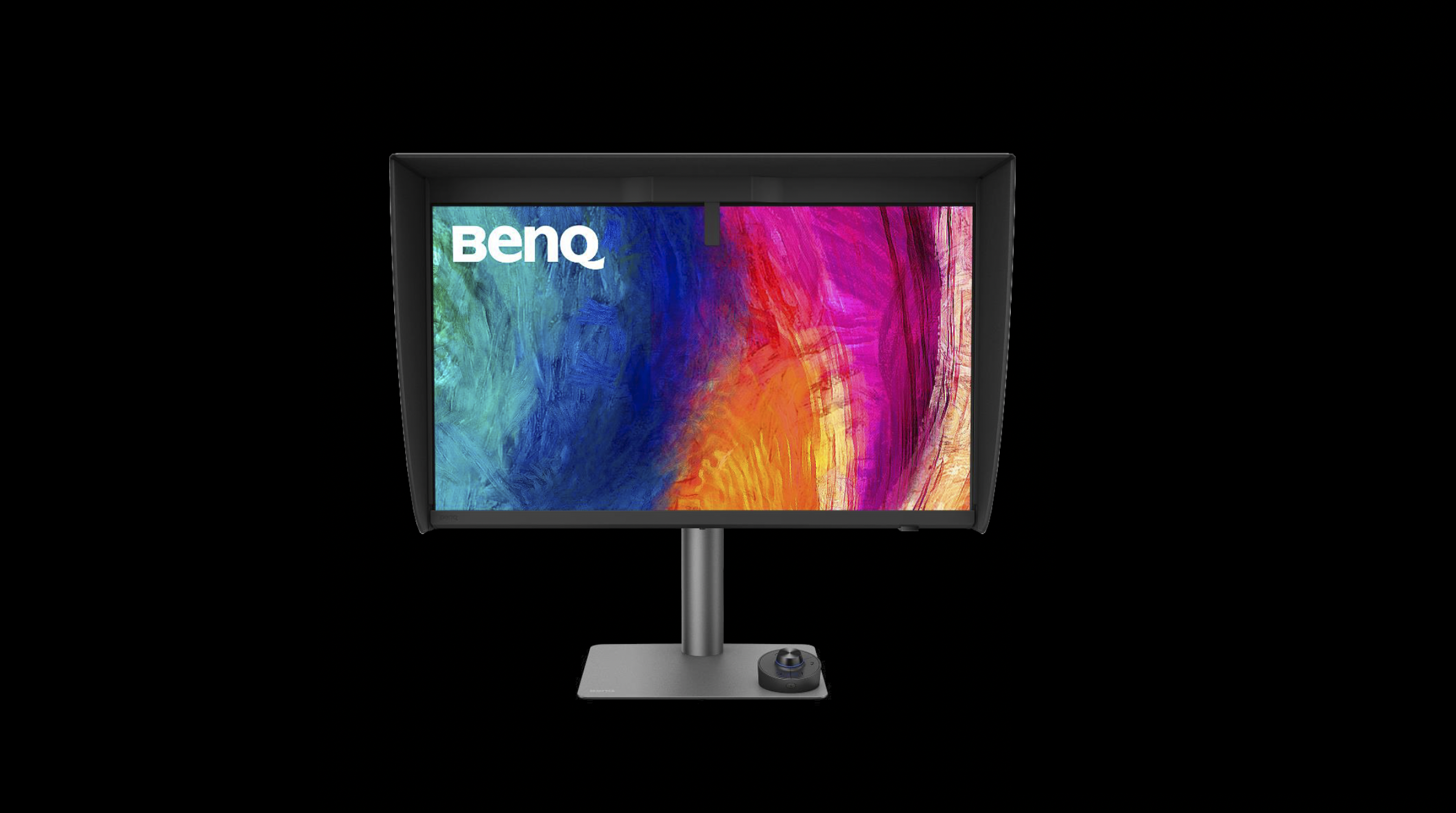
There are products that come along and tick boxes, and then there are products that come along and actually solve a problem you've been living with for years. The BenQ Creative Pro PD2770U falls firmly into the second category for me.
Let me explain why …
A Built-In Calibrator. Finally.
If you've followed my work for any length of time, you'll know I've been a BenQ display user for a long time. I've recommended their monitors, used them in my own setup, and talked about them on the channel more times than I can count, but there has always been one thing missing … a built-in hardware calibrator.
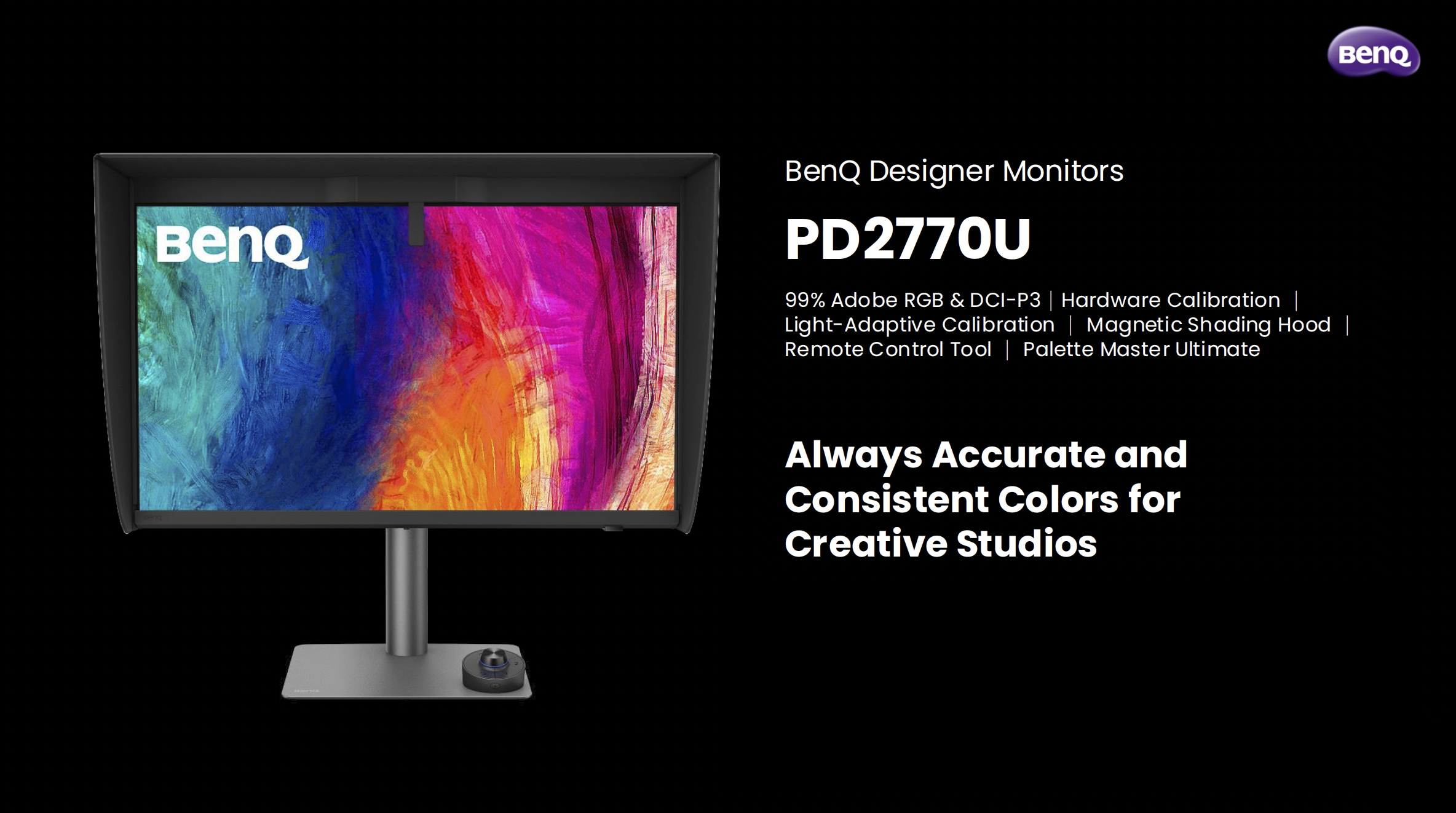
Every time a new BenQ display launched, that was the thing I found myself quietly hoping for, and every time, it wasn't there. Until now.
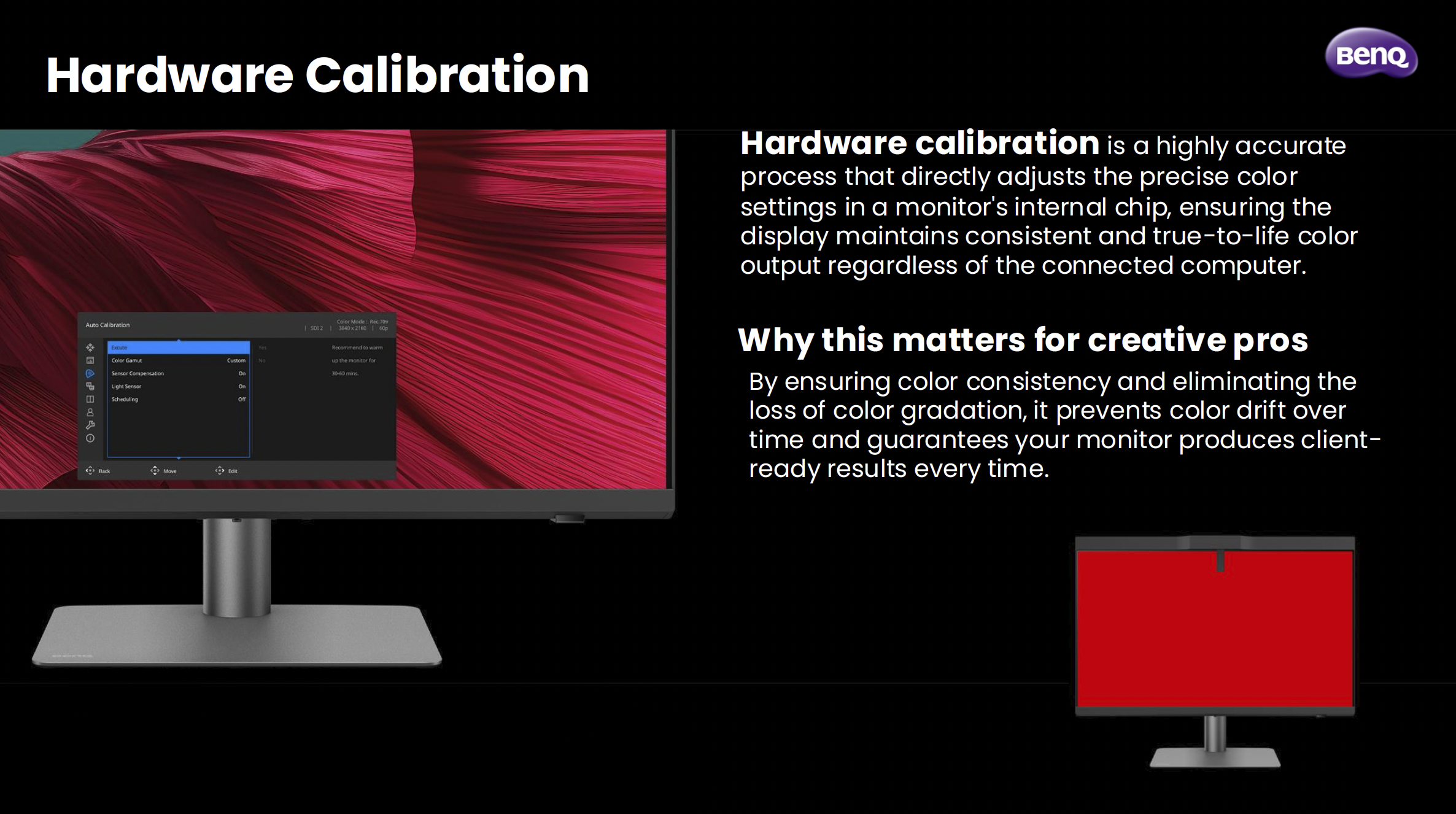
The PD2770U is the first BenQ PD Creative Pro display to feature hardware calibration with a built-in calibrator, and honestly, that alone was enough to get my attention. Hardware calibration is a different beast to software calibration. Rather than adjusting things at the GPU level, it works directly inside the monitor's chip. The result is more accurate, more consistent, and doesn't eat into your bit depth the way software calibration can. For anyone doing colour-critical work, that distinction genuinely matters.
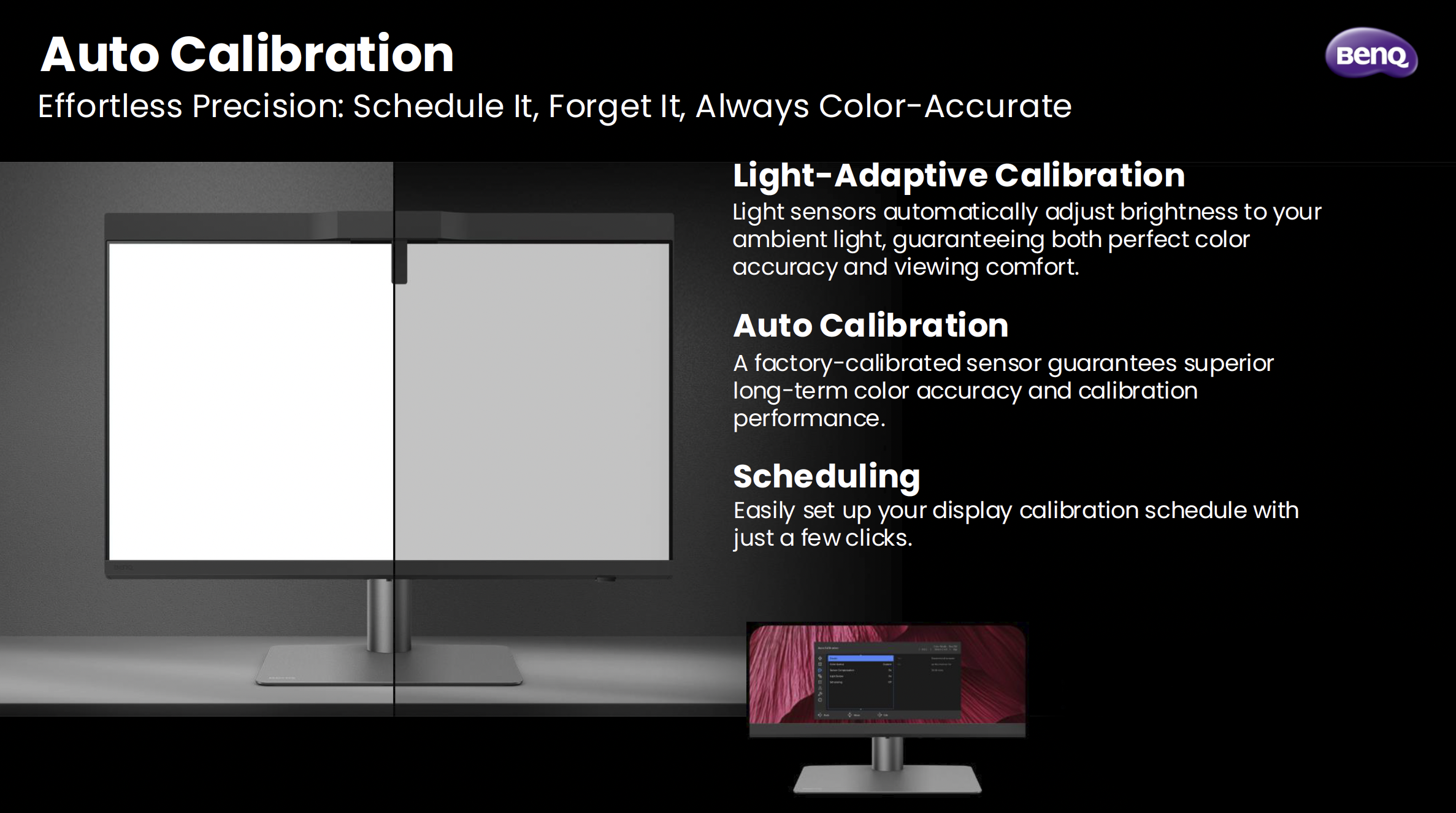
What makes it even smarter is something BenQ calls Light-Adaptive Calibration. The display has a light sensor that reads your ambient environment and adjusts the monitor's brightness to match before the calibration runs. It sounds like a small detail, but it's actually solving a real problem. How many times have you calibrated a display only to find the brightness felt off the moment you sat back down to work? That's exactly what this is designed to prevent.
Also, you can schedule it. Set it, walk away, come back to a calibrated display. No puck, no laptop, no cables. Just done.
Why I've Made This My Main Display
I've switched the PD2770U to my main display, and the reason comes down to one thing: Adobe RGB.
I do a lot of work that ends up in print, and Adobe RGB covers a much wider range of printable colours than standard sRGB. When you're working in a narrower colour space and then sending files to print, you're essentially working blind. What you see on screen isn't what comes back from the lab. The PD2770U covers 99% of Adobe RGB, which means what I'm seeing when I'm editing is as close as it gets to what's actually going to be printed.
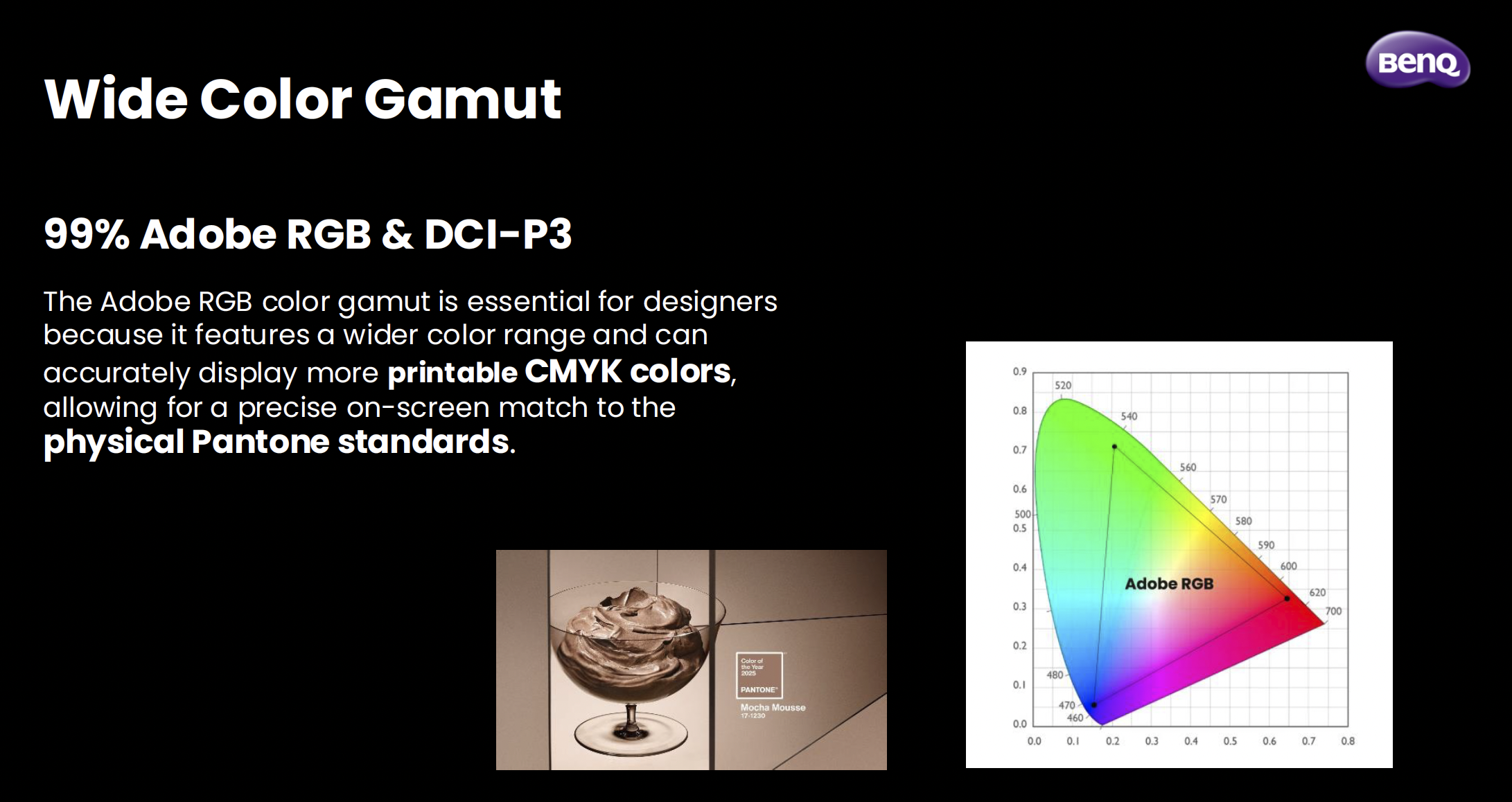
Pair that with a Delta E of ≤1.5 out of the box, triple certification (Calman Verified, Pantone Validated, and SkinTone Validated), and the fact that the panel goes through BenQ's AQCOLOR uniformity calibration where every section of the panel, right out to the edges, is individually tuned, and you've got a display that I genuinely trust. That trust is hard to put a price on when you're making colour decisions for print.
The Bits That Make Day-to-Day Life Easier
Beyond the calibration story, there are a few things about this display that have genuinely improved how I work day to day.
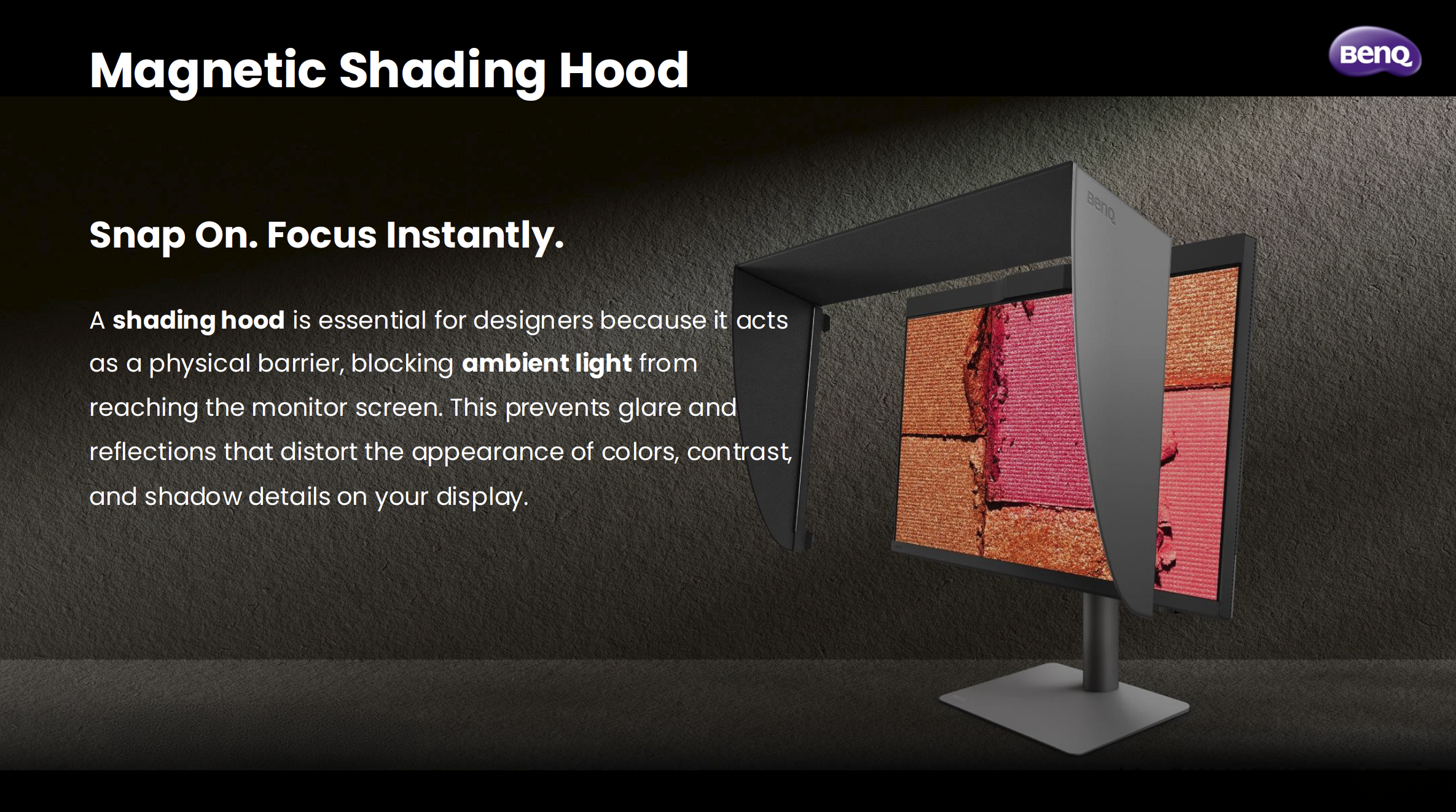
The magnetic shading hood is one of them. It snaps on cleanly, blocks ambient light from messing with how you perceive colour on screen, and is built from noticeably sturdier material than what I've seen on other hoods. It's one of those things where you don't realise how much ambient light was affecting your judgement until you block it out.
The Wireless Hotkey Puck G3 is another. It's a small dial that sits on your desk and lets you switch colour modes, inputs, and now with the G3, launch applications directly. I use it to jump between Adobe RGB mode and sRGB mode when I need to check how something's going to look on a standard screen. It sounds like a minor convenience, but when you're doing it multiple times a day, having it on a dial rather than digging through a monitor menu makes a real difference.
On the connectivity side, the PD2770U has two USB-C ports (both at 96W charging), two HDMI 2.1 ports, a DisplayPort, and a wired ethernet port via RJ45. My desk runs a single USB-C cable from the laptop to the monitor, and everything else flows through the display. Clean, simple, exactly how it should be.
The Panel Itself
27 inches, 4K UHD, IPS. The panel uses BenQ's Nano Matte technology, which brings the reflection rate down to under 3%. That's noticeably lower than a standard matte panel sitting at 3.5%, and miles away from a glass panel at over 4%. In a real working environment with lights and windows, that matters more than it sounds on paper.
It's a 60Hz panel, which for creative work is absolutely fine. This isn't a gaming monitor. It's built for people who need to trust what they're looking at.
Is It Worth It?
If you shoot for print, work in Adobe RGB, or just want the confidence of knowing your display is consistently accurate without faffing about with external calibrators and third-party software, yes, I think it is. The built-in calibrator alone changes the equation for the PD range. The fact that it comes with everything else the PD2770U offers makes it, for me, the most complete BenQ display I've used.
I've wanted a display like this from BenQ for a long time, and this has definitely worth the wait.