Gear

BenQ Creative Pro PD2770U: The Display I've Been Waiting For 😍

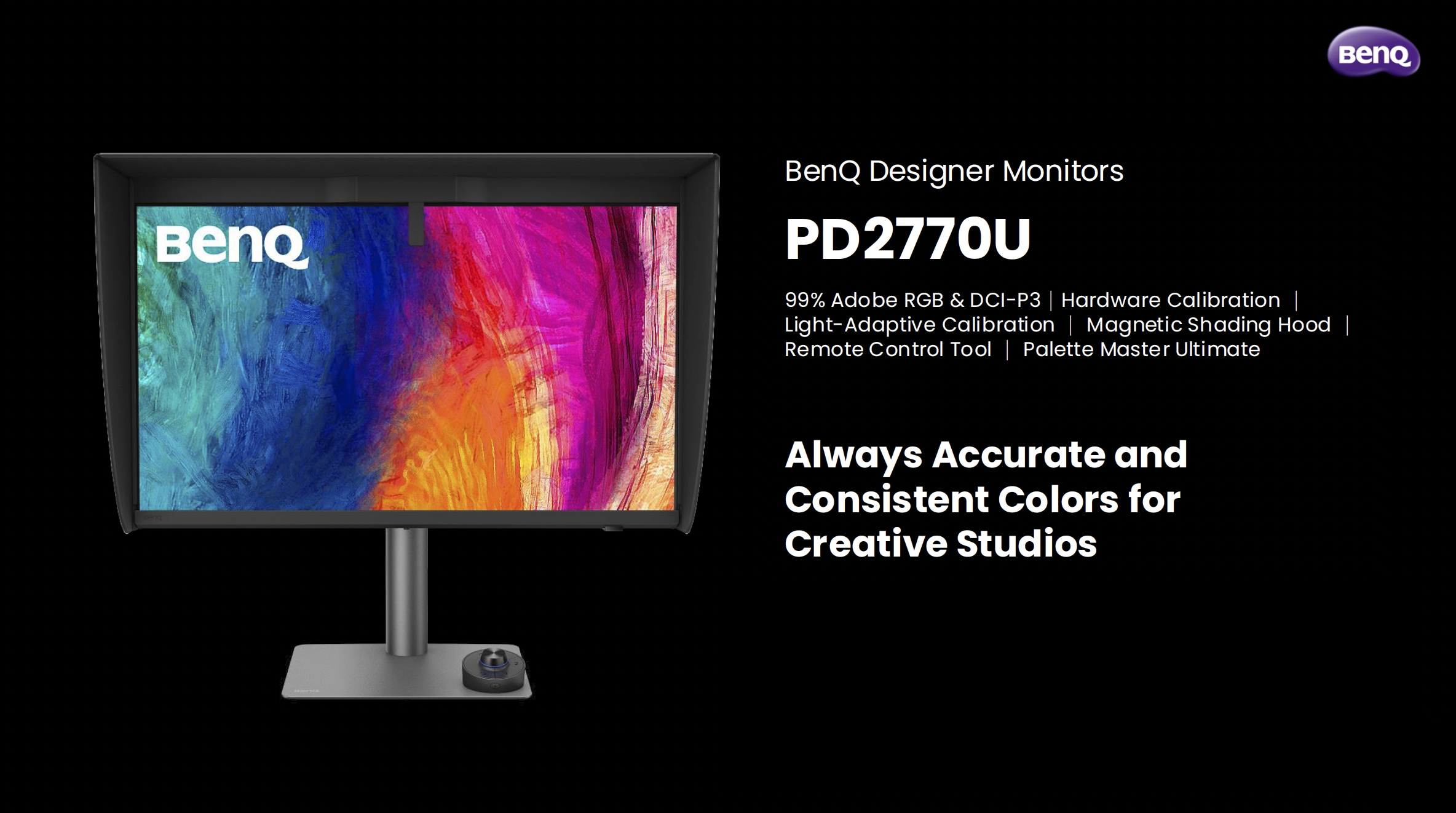
There are products that come along and tick boxes, and then there are products that come along and actually solve a problem you've been living with for years. The BenQ Creative Pro PD2770U falls firmly into the second category for me.

Let me explain why …

A Built-In Calibrator. Finally.

If you've followed my work for any length of time, you'll know I've been a BenQ display user for a long time. I've recommended their monitors, used them in my own setup, and talked about them on the channel more times than I can count, but there has always been one thing missing … a built-in hardware calibrator.

Every time a new BenQ display launched, that was the thing I found myself quietly hoping for, and every time, it wasn't there. Until now.

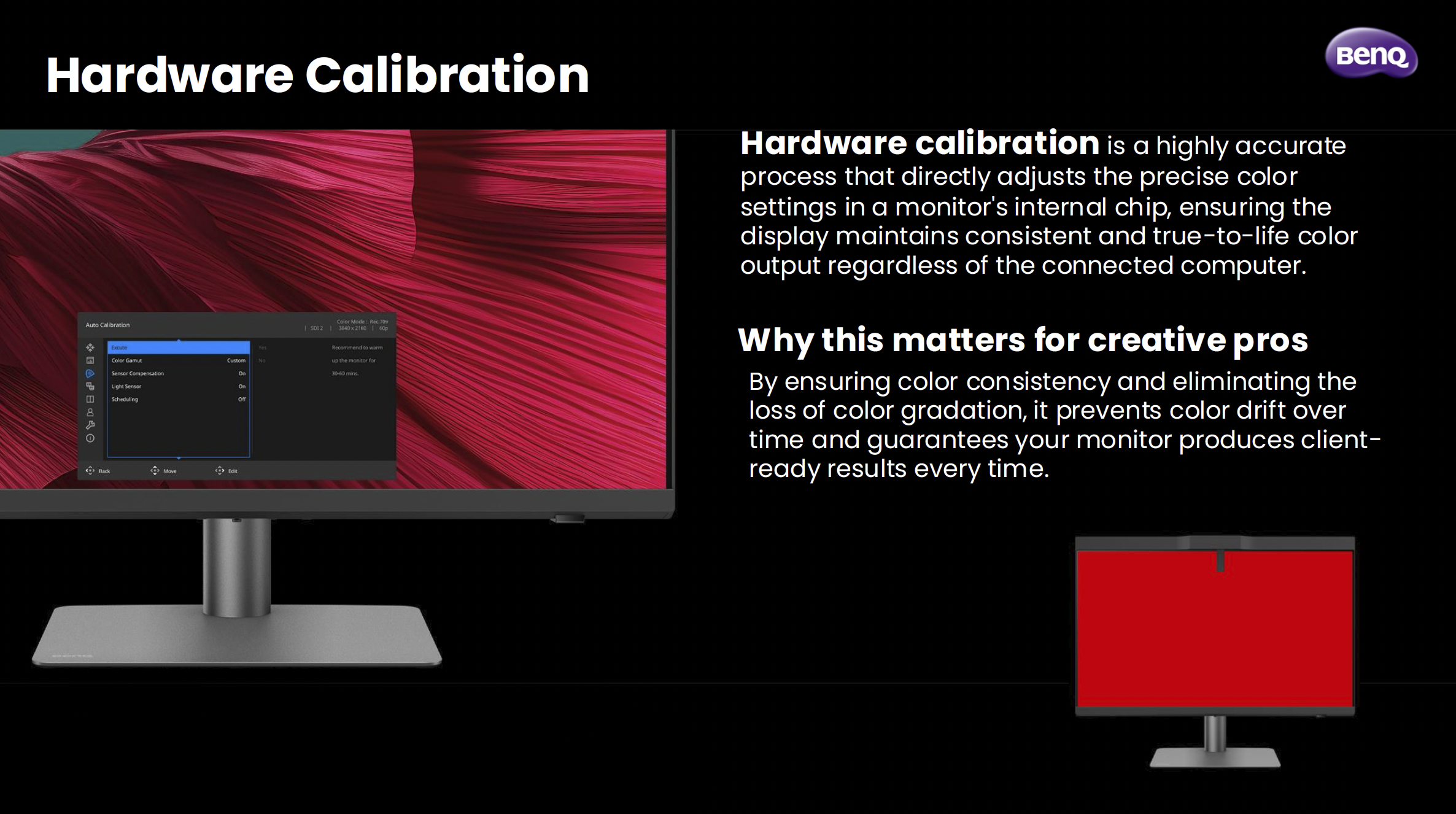
The PD2770U is the first BenQ PD Creative Pro display to feature hardware calibration with a built-in calibrator, and honestly, that alone was enough to get my attention. Hardware calibration is a different beast to software calibration. Rather than adjusting things at the GPU level, it works directly inside the monitor's chip. The result is more accurate, more consistent, and doesn't eat into your bit depth the way software calibration can. For anyone doing colour-critical work, that distinction genuinely matters.

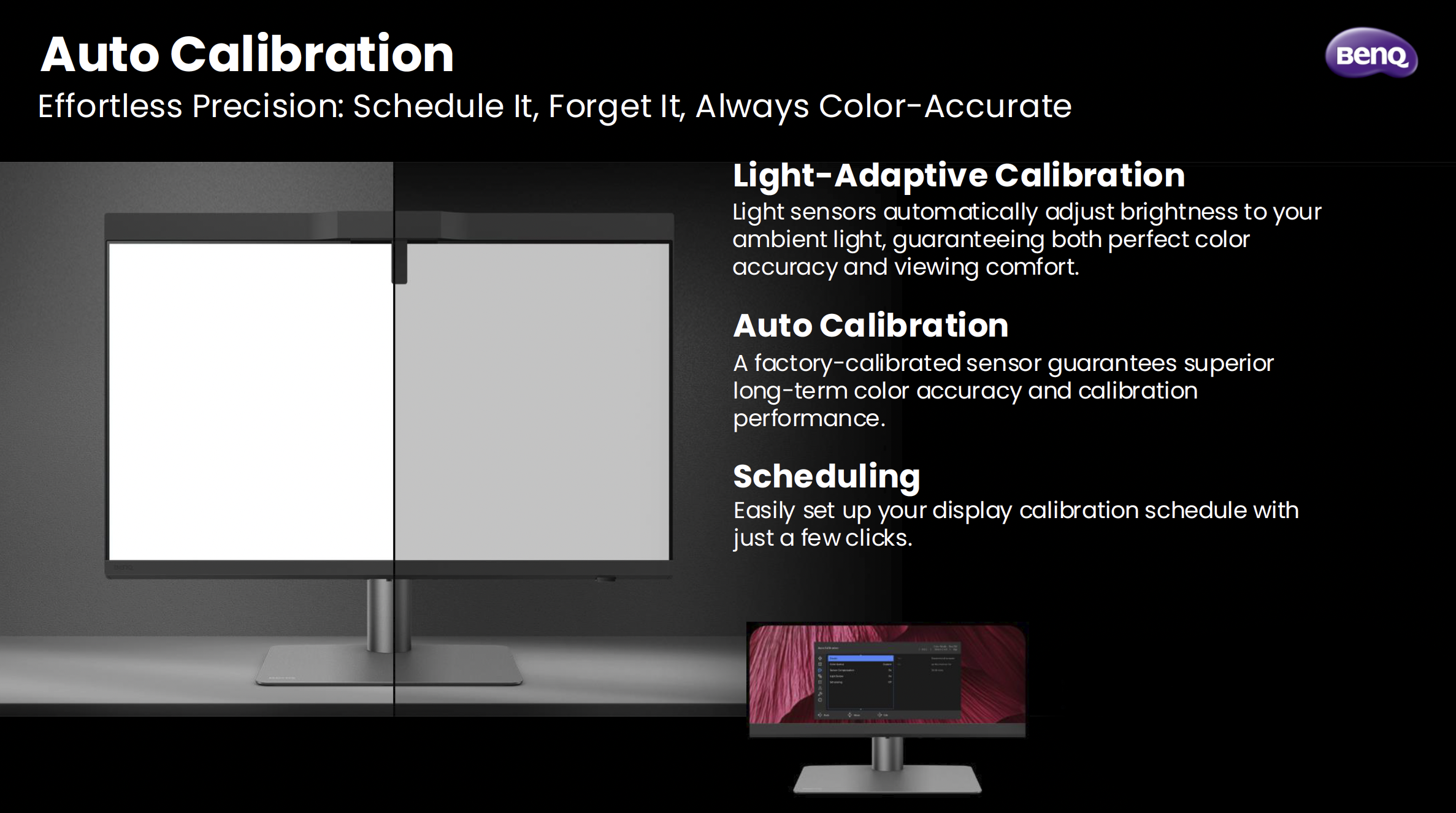
What makes it even smarter is something BenQ calls Light-Adaptive Calibration. The display has a light sensor that reads your ambient environment and adjusts the monitor's brightness to match before the calibration runs. It sounds like a small detail, but it's actually solving a real problem. How many times have you calibrated a display only to find the brightness felt off the moment you sat back down to work? That's exactly what this is designed to prevent.

Also, you can schedule it. Set it, walk away, come back to a calibrated display. No puck, no laptop, no cables. Just done.

Why I've Made This My Main Display

I've switched the PD2770U to my main display, and the reason comes down to one thing: Adobe RGB.

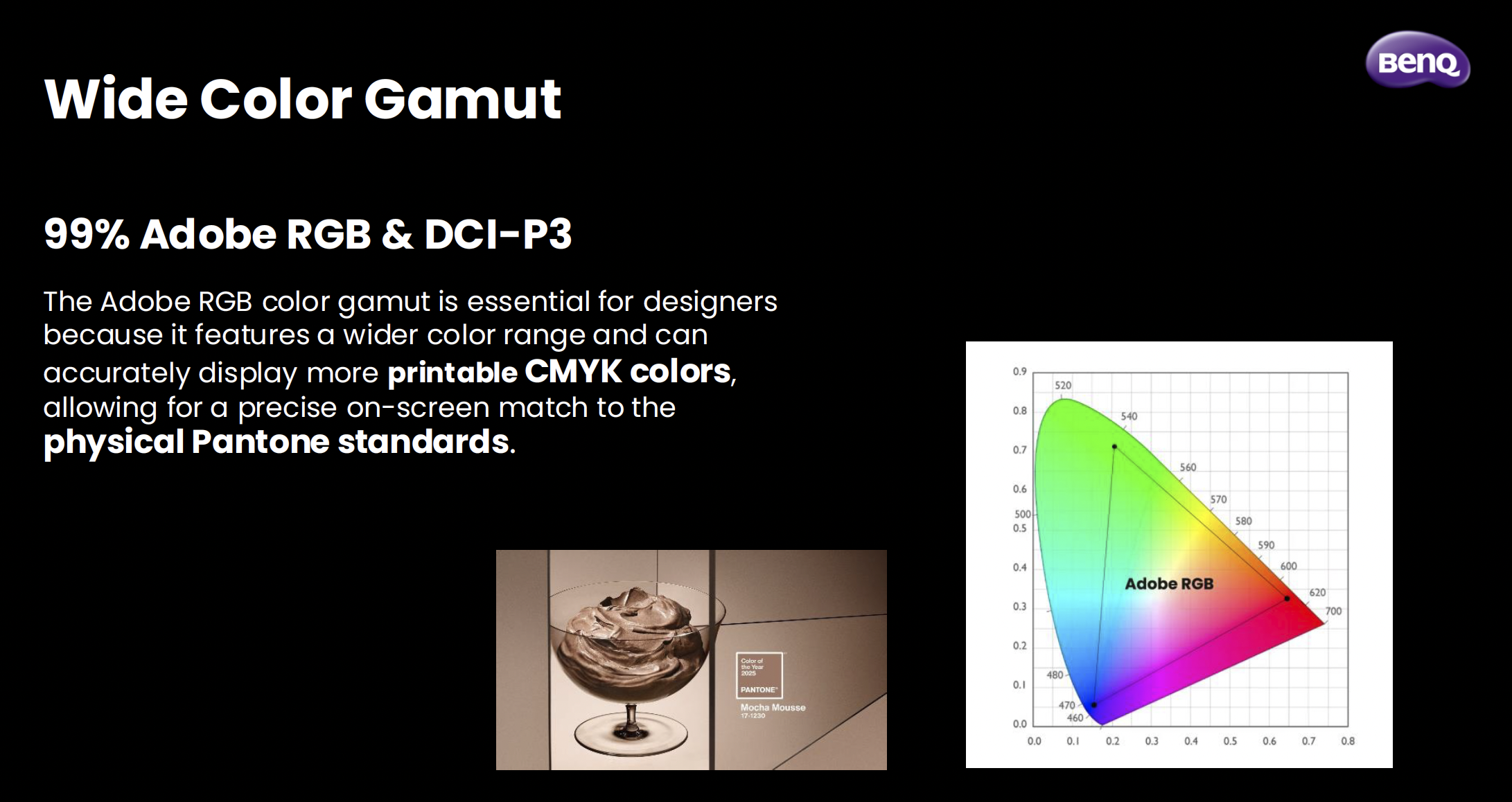
I do a lot of work that ends up in print, and Adobe RGB covers a much wider range of printable colours than standard sRGB. When you're working in a narrower colour space and then sending files to print, you're essentially working blind. What you see on screen isn't what comes back from the lab. The PD2770U covers 99% of Adobe RGB, which means what I'm seeing when I'm editing is as close as it gets to what's actually going to be printed.

Pair that with a Delta E of ≤1.5 out of the box, triple certification (Calman Verified, Pantone Validated, and SkinTone Validated), and the fact that the panel goes through BenQ's AQCOLOR uniformity calibration where every section of the panel, right out to the edges, is individually tuned, and you've got a display that I genuinely trust. That trust is hard to put a price on when you're making colour decisions for print.

The Bits That Make Day-to-Day Life Easier

Beyond the calibration story, there are a few things about this display that have genuinely improved how I work day to day.

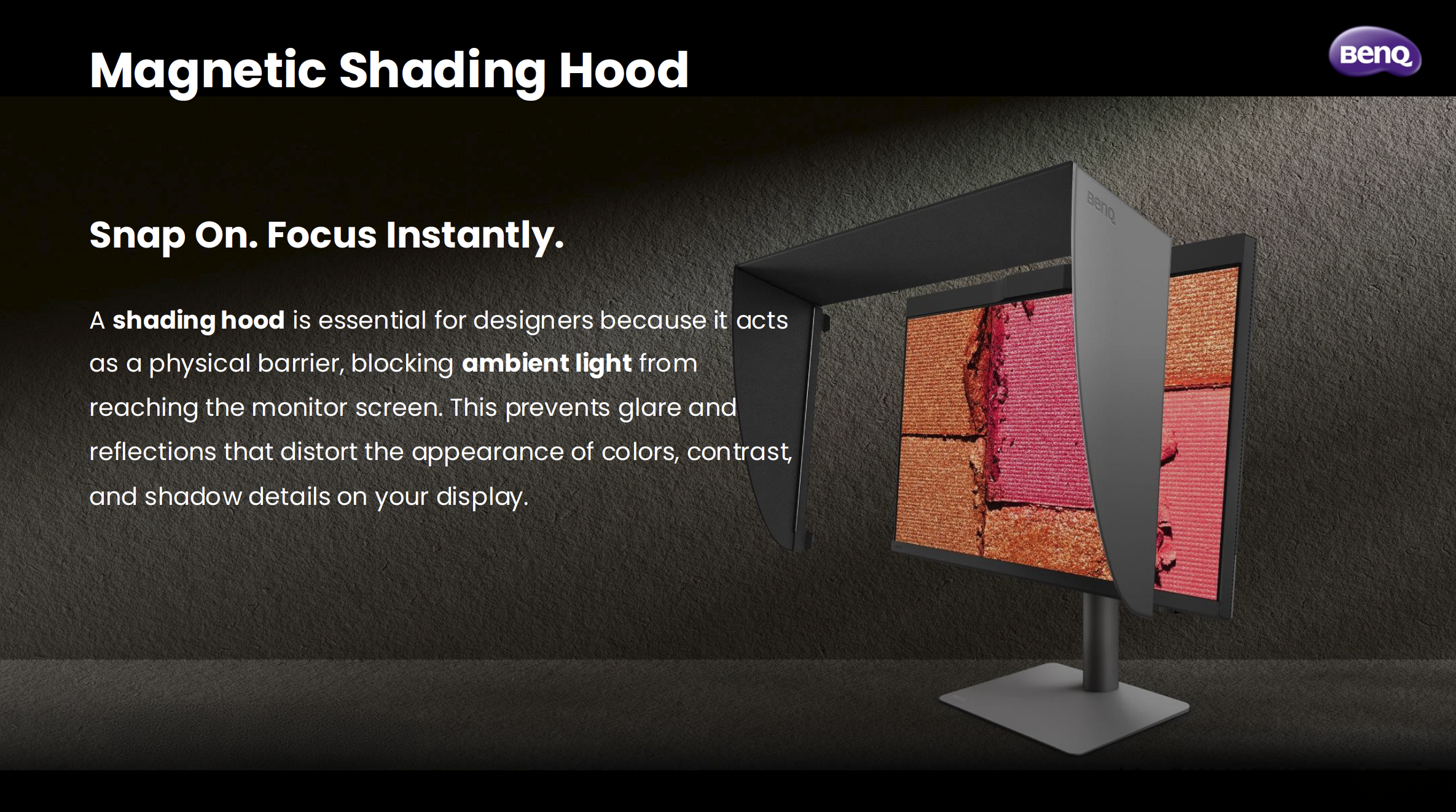
The magnetic shading hood is one of them. It snaps on cleanly, blocks ambient light from messing with how you perceive colour on screen, and is built from noticeably sturdier material than what I've seen on other hoods. It's one of those things where you don't realise how much ambient light was affecting your judgement until you block it out.

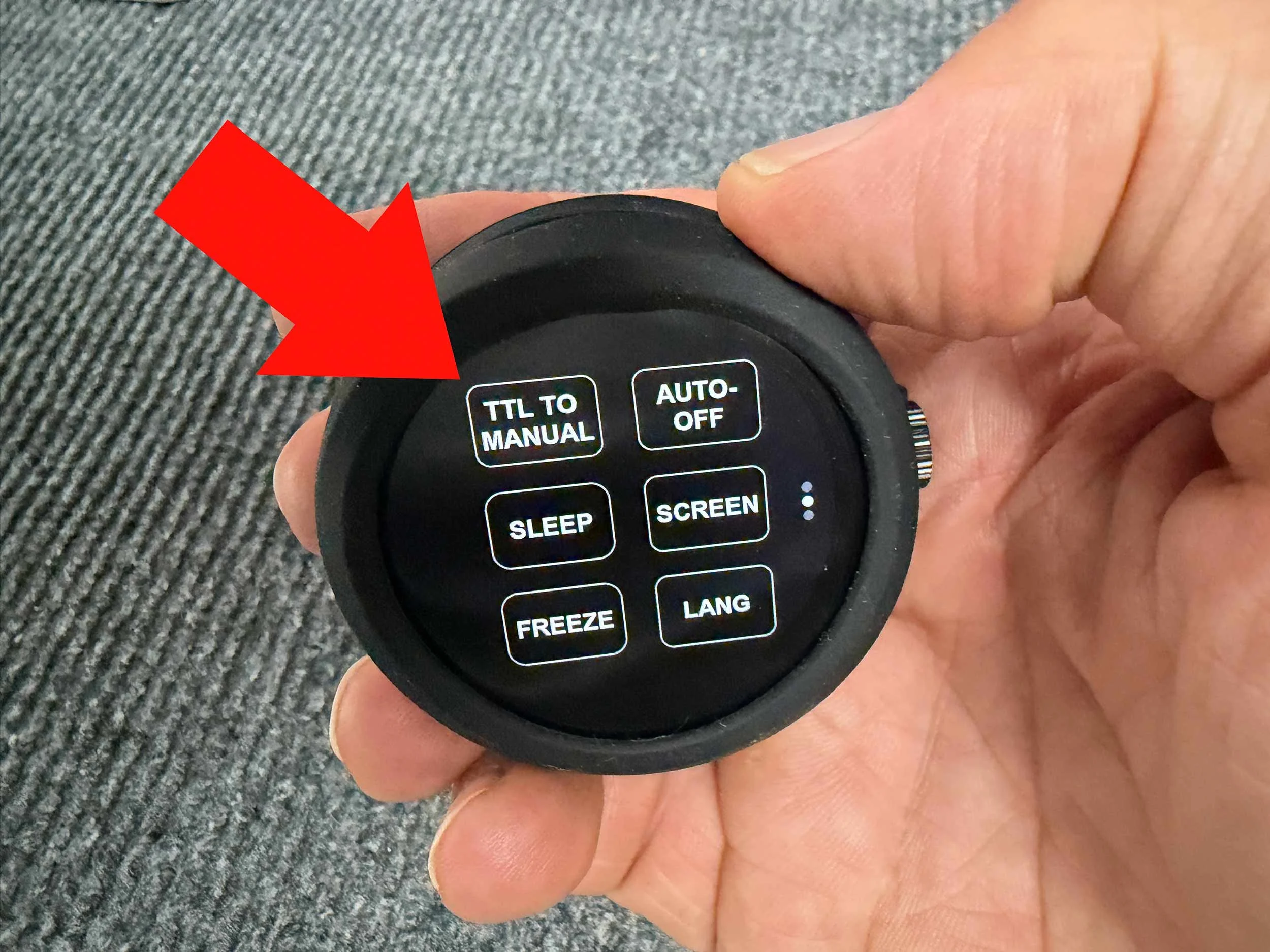
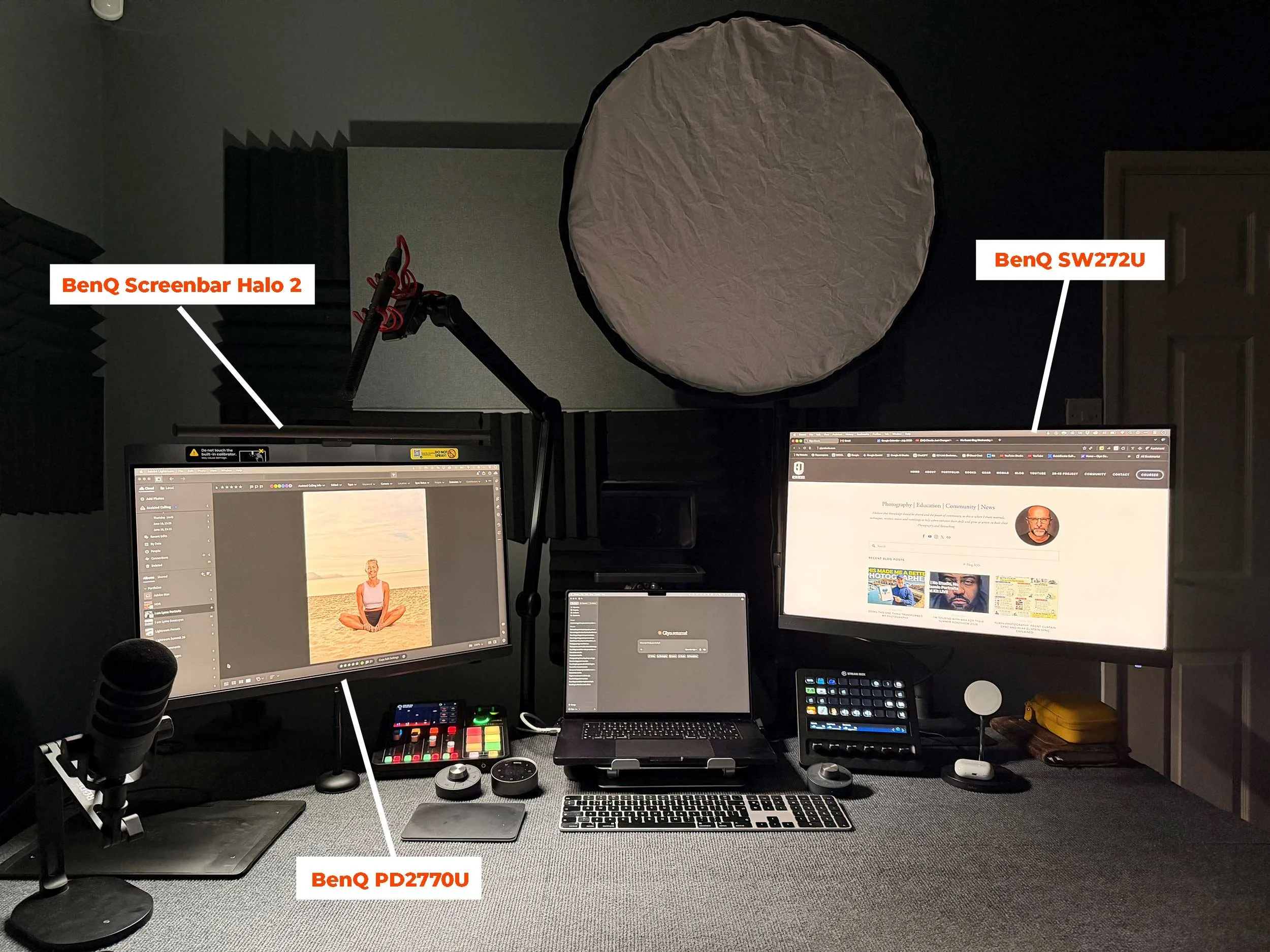
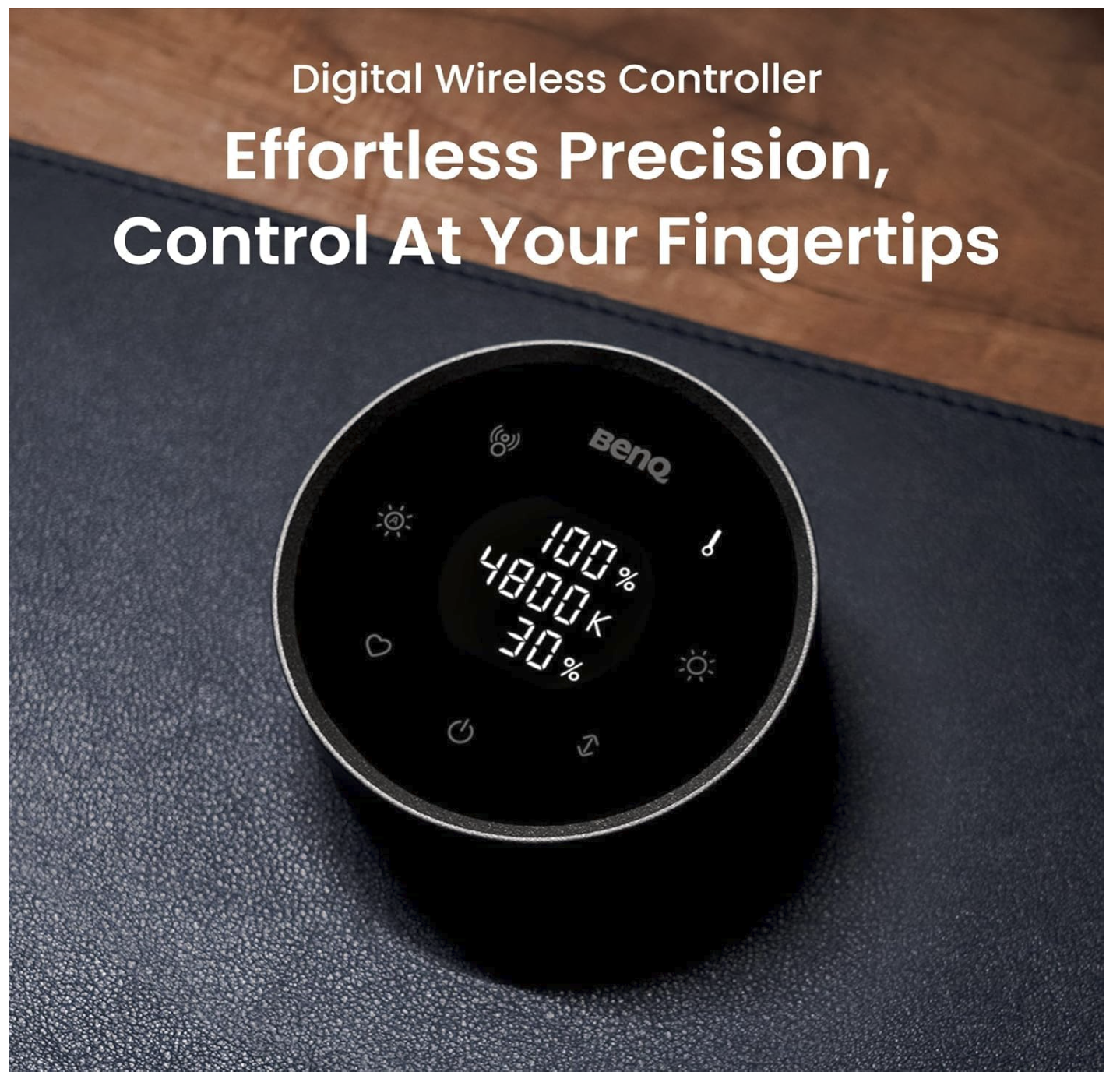
The Wireless Hotkey Puck G3 is another. It's a small dial that sits on your desk and lets you switch colour modes, inputs, and now with the G3, launch applications directly. I use it to jump between Adobe RGB mode and sRGB mode when I need to check how something's going to look on a standard screen. It sounds like a minor convenience, but when you're doing it multiple times a day, having it on a dial rather than digging through a monitor menu makes a real difference.

On the connectivity side, the PD2770U has two USB-C ports (both at 96W charging), two HDMI 2.1 ports, a DisplayPort, and a wired ethernet port via RJ45. My desk runs a single USB-C cable from the laptop to the monitor, and everything else flows through the display. Clean, simple, exactly how it should be.

The Panel Itself

27 inches, 4K UHD, IPS. The panel uses BenQ's Nano Matte technology, which brings the reflection rate down to under 3%. That's noticeably lower than a standard matte panel sitting at 3.5%, and miles away from a glass panel at over 4%. In a real working environment with lights and windows, that matters more than it sounds on paper.

It's a 60Hz panel, which for creative work is absolutely fine. This isn't a gaming monitor. It's built for people who need to trust what they're looking at.

Is It Worth It?

If you shoot for print, work in Adobe RGB, or just want the confidence of knowing your display is consistently accurate without faffing about with external calibrators and third-party software, yes, I think it is. The built-in calibrator alone changes the equation for the PD range. The fact that it comes with everything else the PD2770U offers makes it, for me, the most complete BenQ display I've used.

I've wanted a display like this from BenQ for a long time, and this has definitely worth the wait.

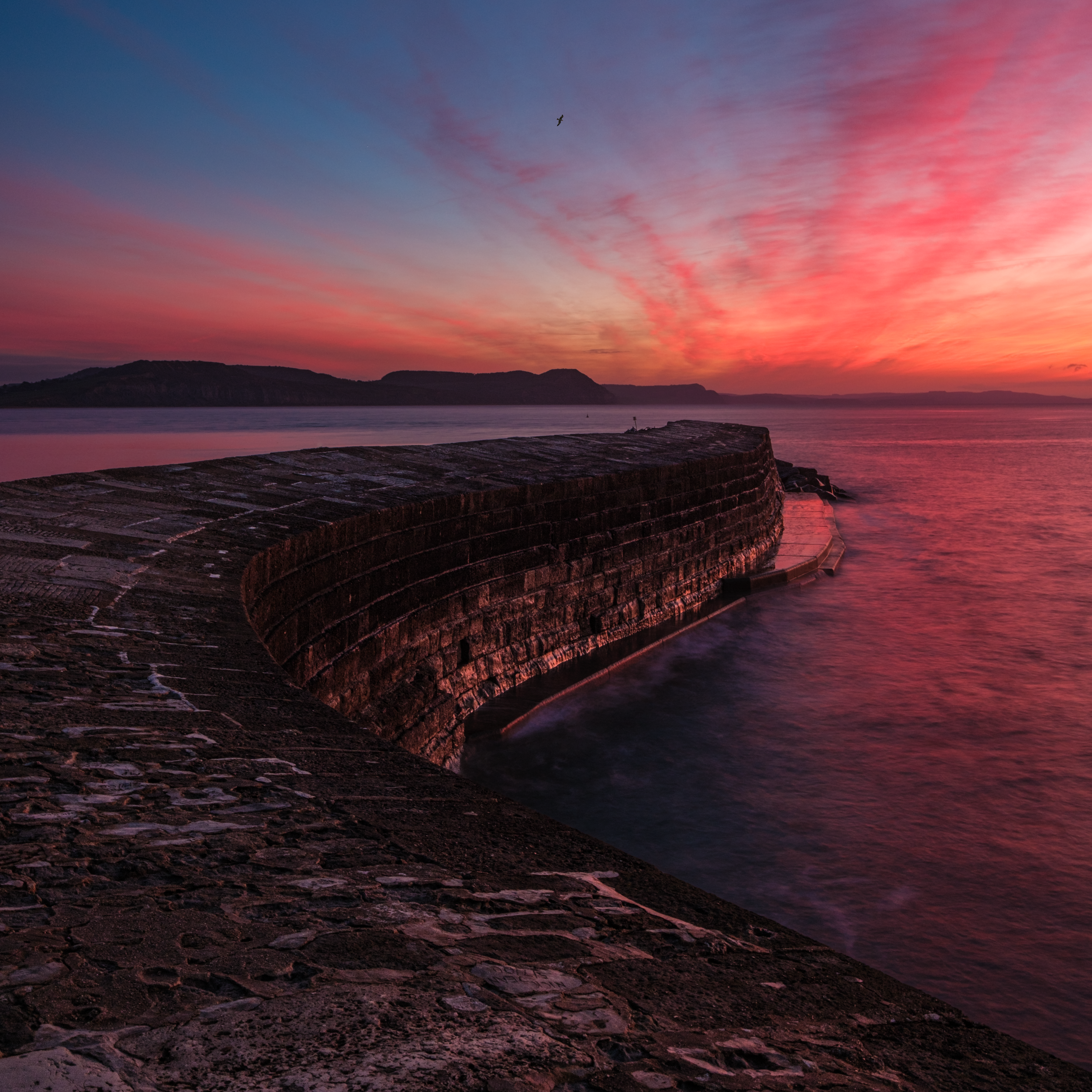
Catching the New Years Day Sunrise 2026 ☀️

Got up early and popped down to the local beach to photograph the sunrise, and Mother Nature did not disappoint 😍

Happy New Year 🎉

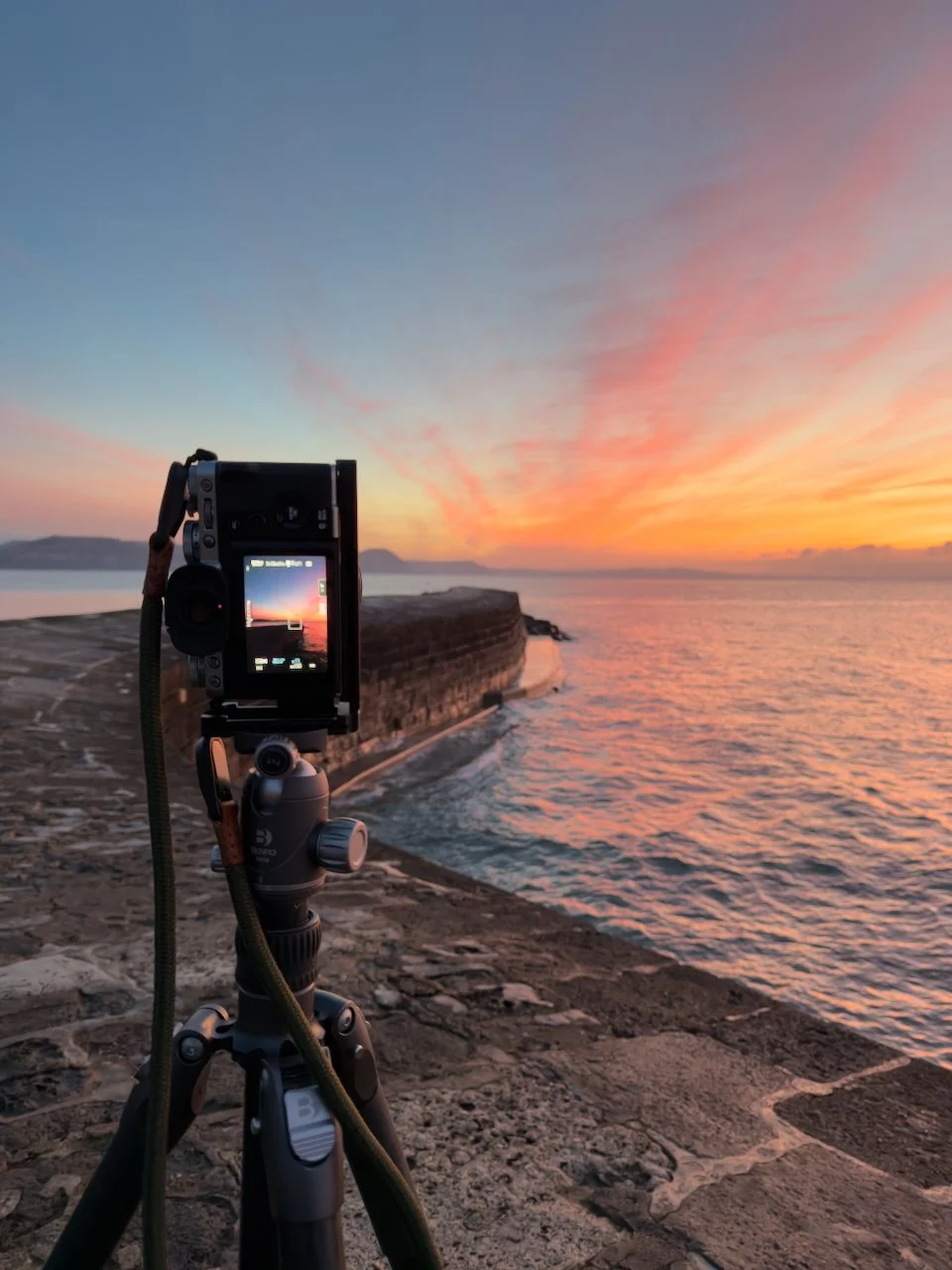
Fuji X-T5
Fuji 18mm f/1.4 @ f/11
2.5 sec, f/11 , ISO 125

NiSi 3 Stop JetMag Pro ND Filter

Benro Rhino Carbon Fibre Tripod

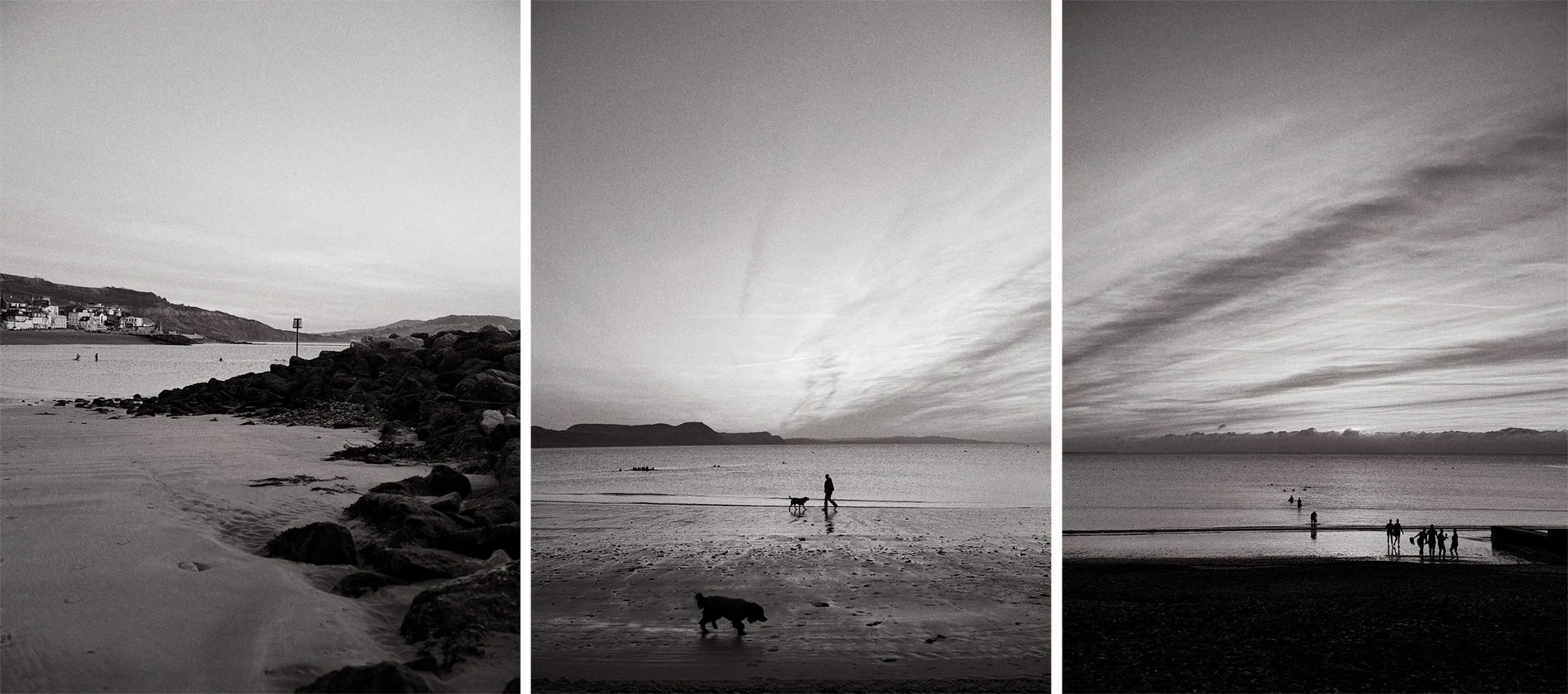
Images below captured on my iPhone 17 Pro Max using the Leica Camera App and the Greg WLM B&W setting…

BenQ PD2730S - The 5K Upgrade My Desk Was Missing ✅

The BenQ PD2730S is a premium 27-inch 5K (5120×2880) monitor designed for creative professionals who demand high resolution and precise color. It offers:

  • Exceptional image clarity at 218 PPI — ideal for photo, video, and design work.

  • Wide color gamut with 100% sRGB, 100% Rec.709, and 98% DCI-P3 coverage; factory-calibrated to Delta E ≤ 2.

  • Professional features, including a Nano-Matte anti-glare coating, HDR10 support, and the Hotkey Puck G3 for quick adjustments.

  • Extensive connectivity, with Thunderbolt 4 (90W PD), USB-C, HDMI 2.1, DisplayPort, and a 10 Gbps USB hub.

  • Ergonomic design with full adjustability and VESA compatibility.

While its HDR capabilities and built-in speakers are modest, the PD2730S delivers superb color performance, sharp visuals, and a workflow-friendly design — making it a strong alternative to the Apple Studio Display.

Latest Gear, News and Events with The Photography Insider - Mark Baber

Watch the recording of this LIVE Broadcast as I chat with Mark Baber aka “The Photography Insider” (London Camera Exchange Events Manager) and discuss the latest Gear, News and Events from within the Photography Industry …

links mentioned during the LIVE Episode…

  • London Camera Exchange: ( LINK )

  • LCE Events, Experience Days, Hands-On, Workshops etc … ( LINK )

  • The South West Photography Show - Saturday 24th May 2025: ( LINK )

  • The Photography Show 2025: ( LINK )

ShiftCam ProGrip: The Best iPhone Photography & Video Grip?

Is the ShiftCam ProGrip the ultimate accessory for iPhone photography and videography? In this video I give you hands-on honest look both positive and negative of this iPhone Traditional Camera Style Grip; its ergonomic design, wireless charging, and enhanced grip to see if it truly transforms your iPhone into a pro camera setup. Whether you're a content creator, mobile filmmaker, or just love taking photos, this grip might be a game-changer!

🔹 What You’ll Learn in This Video:
✔️ Hands-on review of the ShiftCam ProGrip
✔️ Key features & benefits for iPhone photography & videography
✔️ How it enhances stability, ergonomics, and battery life
✔️ Is it worth the price?

📌 Check out the ShiftCam ProGrip and other Mobile Accessories I use here: ( LINK )

HOW TO PRINT - The ULTIMATE Guide to Achieving the PERFECT PRINT

Watch this recording of a LIVE Broadcast following the launch of my long awaited HOW TO PRINT course for a Behind the Scenes look at what went into making the course content, tips, additonal learning and Q&A

Well my HOW TO PRINT course has officially launched, and I don't care whether it's right or wrong to say this but ... "I'm Bloomin Proud of myself"

As of today the course has over 7 hours of content which, I hasten to add, is the least amount of content that there will ever be as I'm looking forward to keeping this well and truly up to date for everyone that has and does enroll.

The support I've had has been incredible from close friends and people across the industry being willing, sometimes at short notice, to open their company doors and allow me in to do some filming and also them jumping on to a video conference to record an interview covering a certain topic relating to printing.

SPECIAL THANKS goes to Dominic Gurney from Epson UK who as well as freely sharing his vast knowledge has driven considerable mileage (more than once) to pass on some kit for me to use.

Everyone at Permajet for their constant support from Day 1 when I was planning this course. Inviting me into their offices, filming, lunch, paper, interviews and so much more. Outstanding!

Dr Chris Bai from BenQ whom I'm proud to call a friend and everyone at BenQ; always there and always willing to help and provide support. When I first met Dr Bai he said that his purpose was to educate me about colour and display technology and he sure has!

The BRILLIANT people at Digitalab who invited up to their offices for 2 days when I first started working on the course. Nothing was and is too much trouble for them and for that and all they do I am so incrediby grateful.

The great folks at Calibrite for helping out in so many ways providing kit, promotion, technical advice and information and always reaching out to see if I need any support.

Trevor Williams of West Street Picture Framing who opened his shop on a day it was ordinarily closed just so that I could do some filming of him showing how to correctly add a print onto backing board and add them into a mount for display.

MASSIVE thank you to everyone that has Pre Ordered the Course so far. I'm genuinely blown away at the response but also at the trust placed in me to provide a course that you're willing to hand over some of your hard earned money for. It is VERY much appreciated. (your course content will be available from 6pm UK today)

... and finally my wife Anne who does everything she can to make it easier for me to get on with getting on. Because of her support I don't have to think about anything other than getting this done and hand on heart I wouldn't have been able to get it finished and produced what I have without her.

This might sound a bit dramatic ... I mean it's 'only' a course that I've put together but heck, I've worked hard on this. I wanted to make this THE go-to course for printing so that others can get their share of the pleasure I get when seeing an image that you took the time and effort to get out and capture, retouch and finally hold in your hands.

"The ART doesn't end at the EDIT"

TOP 10 TECH TIPS for Photographers to AVOID DISASTER and KEEP YOUR PHOTOS SAFE | Peter Morgan

Watch the recording of this LIVE Broadcast as I chat with Photographer and Tech Expert Peter Morgan as we discuss the TOP 10 TECH TIPS for Photographers including Backup Solutions BEST PRACTICE to AVOID DISASTER and KEEP YOUR PHOTOS SAFE …

links mentioned in the video:

Beyond the Flash: Unlocking the. Potential of Constant Lighting in Photography

On Thursday of last week I had the pleasure of being invited to be part of Wescott Wednesday hosted by B&H Photo Video on their Event Space.

As I’m using Constant Flash more and more these days for when taking portraits I was asked to talk about my experience and how / why I feel that it has made such a positive impact on how I portraits, but not just for me but also the person being photographed.

The recording of the LIVE Broadcast I’ve added below, in which I go through what constant light I’m using, how I’m using it and also go through tips on how I take portraits in which I hope you’ll see how good constant light is to combine with them.

HUGE thanks to Westcott for inviting me to speak and also to the great folks at B&H who do such a great job hosting and preswenting these events.

From Movie Magic to Photographic Mastery | Lisa Carney

Thoroughly enjoyed chatting with Hollywood Movie Poster / Art Work Retoucher Lisa Carney and uncovering the HOW, WHAT and WHY of her personal work, her photography, process, retouching, personal projects and travel.

At the beginning of this recording check out the slideshow of her images and then learn how she captures and edits them because I guarantee, like me, you’ll be blown away!

Links mentioned in the video

Website: lisacarney.com (Portfolios, Photoshop Tutorials, Courses and more … )

Grief ( Art as Therapy - Personal Project ) LINK

Instagram: @lisacarney

The Lightroom Virtual Summit 2024: bit.ly/lvs-2024

Glyn’s Adobe Lightroom Community Page: LINK

Unsurprisingly, Lisa was a HUGE hit judging by some of the comments posted already from folks watching the recording …

Westcott Wednesday: Unlocking the Potential of Constant Lighting

So here’s a date for the diary …

In conjunction with Westcott and B&H Photo and Video, on the 15th May @ 3pm EDT (8pm UK) I'll be on "Westcott Wednesday" going through the WHY, WHAT and HOW of using Constant Lighting when taking portraits.

Thid will be the latest installment of the regular Westcott Wednesday series hosted by B&H in which I’ll be, as the description says …

Join us for this presentation as Photographer Glyn Dewis takes us through a journey shifting from traditional flash to constant lighting in portraiture. With a mix of image examples and behind the scenes, Glyn will explain how constant lighting has become the cornerstone of his portrait work, injecting a newfound level of creativity and enthusiasm into his photography.

“At first, using constant light almost felt like cheating but I’ve since completely changed my mind because aside from being under no illusion of the results I get and the ease of setting up, more than anything it enables me to concentrate even more on the person in front of my camera and the concept we’re working on.”

Oh and this event is FREE , will last about 1 hour and will be over on the B&H Event Page on YouTube ( LINK )