Really impressed with how Adobe have added the Remove Tool and Generative Fill into Photoshop on the iPad.
Works a treat!

Really impressed with how Adobe have added the Remove Tool and Generative Fill into Photoshop on the iPad.
Works a treat!
The Remove Tool in Photoshop might be even more powerful than you think. It's easy to see it as something for brushing away the odd small distraction, but here I show why I'd go as far as calling it the most powerful tool in Photoshop, and how it can do a lot more for your images than you might expect when it comes to taking out the things you don't want in a shot.
Don't know if it's because Christmas is on the horizon, but this evening sat here at my computer replying to emails I felt compelled to look at family photographs.
Saw this one of my Grandad. Loved him. Opened it in Photoshop and after a few minutes of making edits, immediately it made me think about how important Photography is and how much good we're able to do with it.
Photography is so much more than Pixels.

We can spend a lot of money and time striving for the perfect photograph, but what exactly is that?
I remember presenting at The Professional Imaging Show in The Netherlands a few years back, all about "The Importance of Photography" when at the end of my presentation I was approached by an attendee who had clearly been crying.
He went on to tell me that the last photograph he took of his Dad (who had since passed) ended up being blurred and out of focus.; he was devastated that of all the times to 'mess up' (his words) it was then.
I got it. I totally understood why he was upset but trying to help I asked him ... "What do you see when you look at that blurred photograph? Is your Dad blurred when you see him in your mind?
"No" he answered.
”Then that is the most important thing of all. Of course we all want the sharpest, best composed pictures with great colours, but the most important thing here is that in your head you picture your Dad and in your head that picture isn't blurred, and that will always be the way when you look at THAT photograph.”
Hair and fur are some of the trickiest things to deal with when you're making selections and cut-outs in Photoshop. This is a masterclass in creating your own hair and fur brushes in Photoshop with Aaron Blaise, who was at Disney for more than 20 years. Being able to create brushes like this can be incredibly useful when you're working on difficult selections and cut-outs, and it's a real treat to watch someone with his background show how he builds them.
This is a recording of a live stream I hosted on YouTube and Facebook on Sunday 29th October 2023, where I went through how I edited a selection of iPhone photographs in Lightroom. The images are portraits and seascapes I took during a North Wales road trip, and I work through the editing steps on each one so you can see how they came together. The live feed did cut off moments before the end of the broadcast, but everything relevant had already been covered by then.
The October 2023 update to Lightroom and Camera Raw introduced Point Color, and it's a really powerful way to target and manipulate colour in your images. Here I take a look at what it does and how it works, showing how you can pick out a specific colour and then change it, rather than adjusting colour across the whole photograph. It gives you a lot more precision when it comes to colour, and it's well worth getting to know if you edit in Lightroom or Camera Raw.
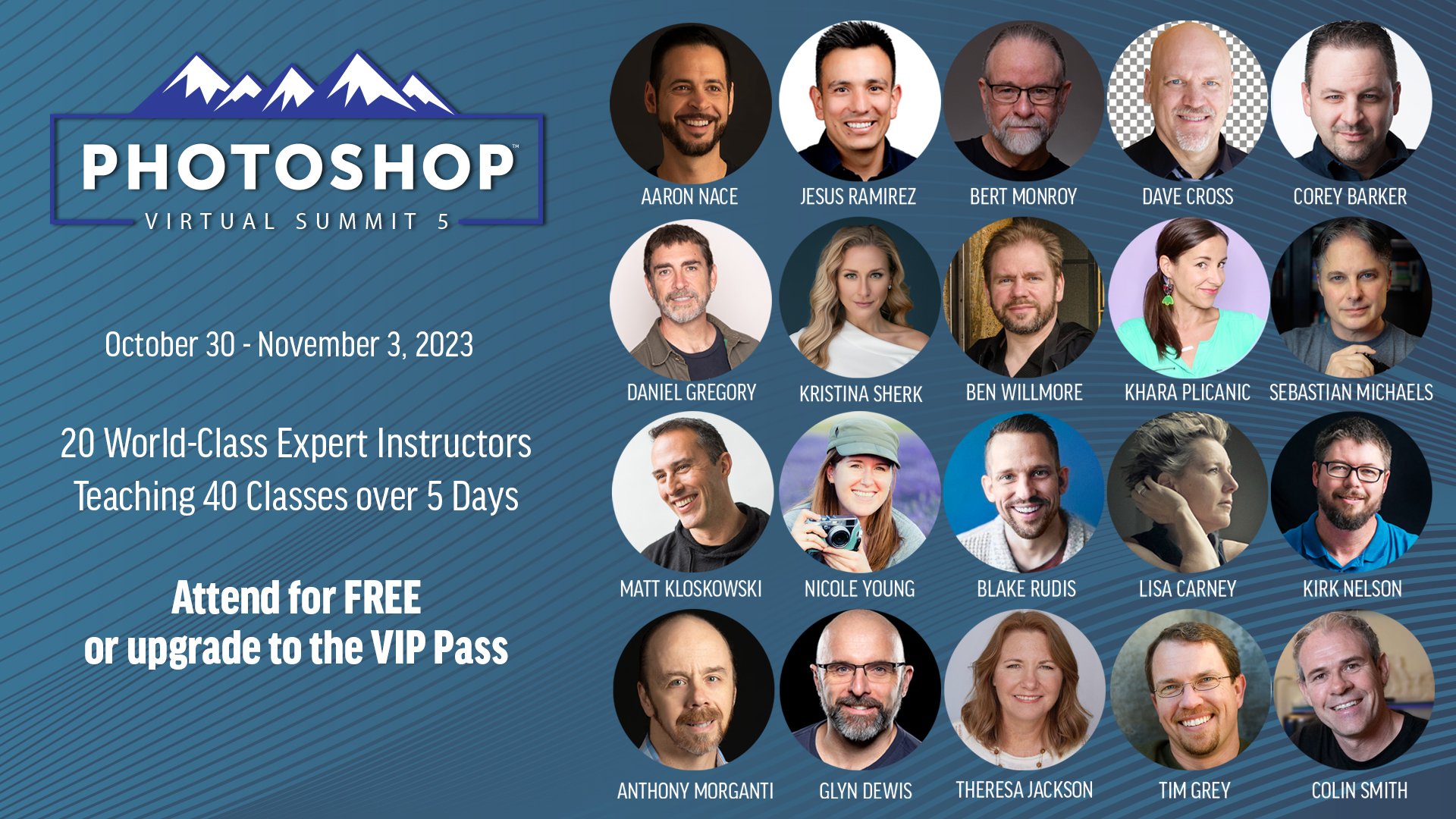
With just over 4 weeks to go until the Photoshop Virtual Summit 5 which runs from 30th October thru 3rd November 2023 …

You can also use the link above to check out the page on the official website where the Founder and Organiser, Dave Cross, chats with each of us instructors for a couple of minutes about the classes we'll be presenting; ALWAYS more to learn
There are plenty of questions around Generative Fill and Generative Expand in Photoshop 2024, so this is an update going through the facts. I look at the questions that keep coming up: are the results low resolution or high resolution, and will that change? Will it cost you to get high resolution results? Is the output 1024 pixels square or 2000 pixels square, and does using a smaller selection work better? I also cover what we know about the future of these tools and how credits fit into it all.
Generative Fill in Photoshop 2024 can produce some impressive results, but there's a problem that photographers need to be aware of. Here I ask whether Generative Fill AI is really ready for serious use by photographers, rather than just for images that are going to be posted on social media. The issue comes down to the size of what it generates, and as an update to this video, Generative Fill dimensions remained at 1024 pixels square, which matters a great deal if you're working on high resolution files you want to print or use professionally.
This is the recording of one of my weekly live broadcasts from Sunday 17th September 2023, and the first one I streamed to both YouTube and Facebook at the same time, thanks to having ultra fast fibre broadband installed. During the broadcast I went through three Photoshop techniques. The first shows how to use Auto Blend Layers for face swaps, which can also be used in some very practical and useful situations. Next is a dodging and burning technique that makes a pine skirting board look as though it's been carved, and finally I show how to use the Remove Tool when working on skin.
© Glyn Dewis 2026