Photographing Storm Agnes with my iPhone 15 Pro Max

So although in the South West we didn’t get the full force of Storm Agness last week (unlike Ireland and parts of Wales) , what we did get still caused some pretty impressive scenes.

Timing couldn’t have been better on Thursday last week as the tail-end of the storm also coincided with a high tide of 4.5 metres at Lyme Regis Sea Front.

This was also to be my first time out ‘in anger’ with my new iPhone 15 Pro Max which I used to photograph the storm along with the ReeXpose App from ReeFlex.

I only had a few mintes to capture whatever I could before the heavens opened and heavy rain joined the party, but here’s the results …

Black and white iPhone photograph of Storm Agnes waves crashing on rocks below seafront buildings

Both results are a blend of several long exposures ( 0.5 seconds and 1 seconds ) taken with my new iPhone 15 Pro Max and the ReeXpose App from ReeFlex and edited in Lightroom Mobile / Cloud and Photoshop.

Black and white iPhone photograph of Storm Agnes with rough sea over rocks and a heavy sky

One of the BEST pieces of advice I was given when starting out as a Portrait Photographer was to move around ... don't take photographs from one spot ... look how the light changes as you take a step to the left or a step to the right.

Since the Covid Pandemic when I first ventured out into landscape and seascape photography as a means of keeping active and keeping creative, one of the most important things I've learned is ... when you find a composition make sure to LOOK BEHIND YOU

This is how the 2nd results came about with the tail-end of Storm Agnes and was what was happening behind me whilst I captured the first.

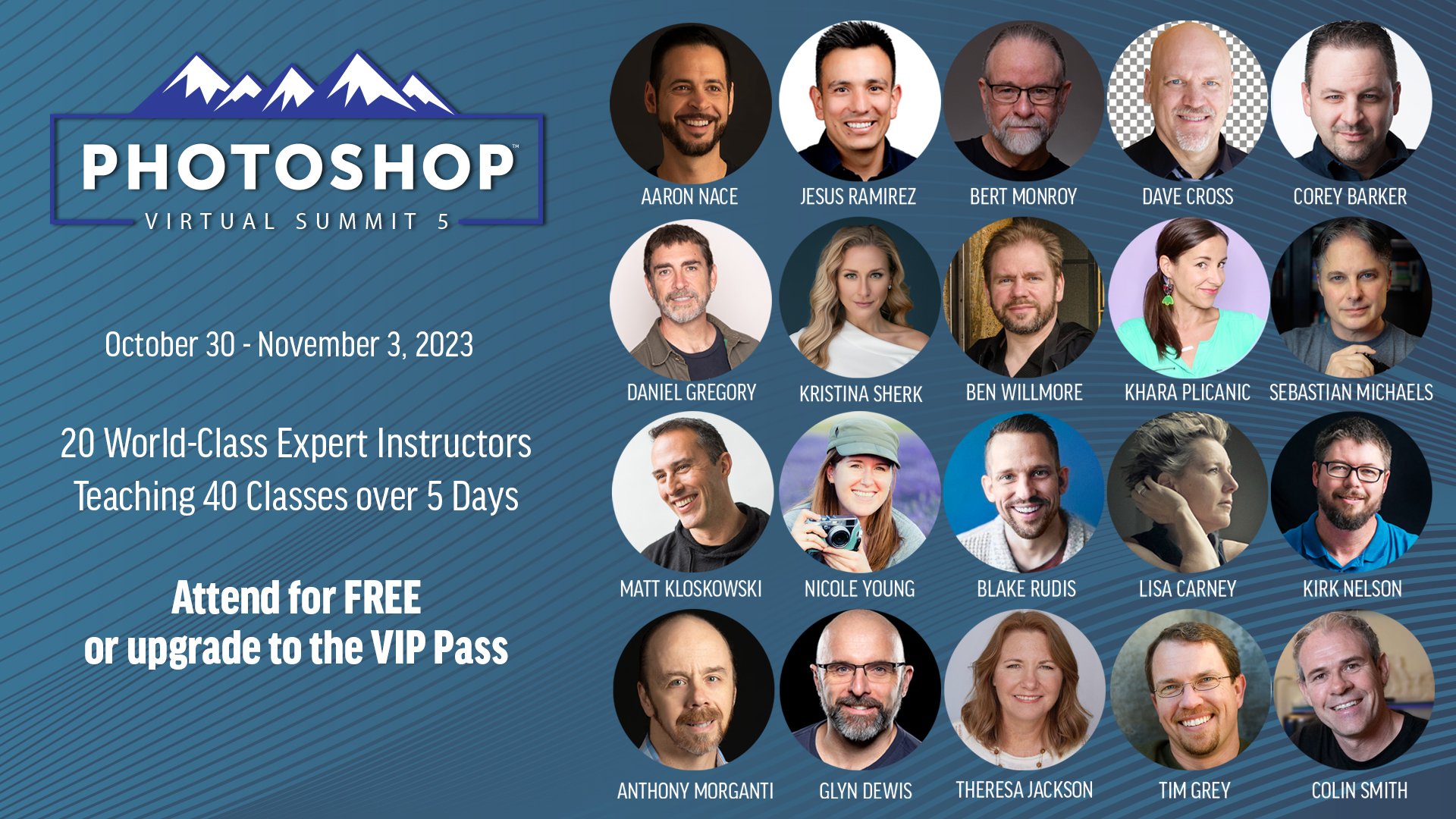
Dave Cross chats with Photoshop Virtual Summit 5 Instructors

With just over 4 weeks to go until the Photoshop Virtual Summit 5 which runs from 30th October thru 3rd November 2023 …

You can also use the link above to check out the page on the official website where the Founder and Organiser, Dave Cross, chats with each of us instructors for a couple of minutes about the classes we'll be presenting; ALWAYS more to learn

UPDATE 💥 The FACTS ABOUT GENERATIVE FILL in PHOTOSHOP 2024

There are plenty of questions around Generative Fill and Generative Expand in Photoshop 2024, so this is an update going through the facts. I look at the questions that keep coming up: are the results low resolution or high resolution, and will that change? Will it cost you to get high resolution results? Is the output 1024 pixels square or 2000 pixels square, and does using a smaller selection work better? I also cover what we know about the future of these tools and how credits fit into it all.

There's a PROBLEM with GENERATIVE FILL AI in PHOTOSHOP 2024 😳 Photographers ... Be Aware!

Generative Fill in Photoshop 2024 can produce some impressive results, but there's a problem that photographers need to be aware of. Here I ask whether Generative Fill AI is really ready for serious use by photographers, rather than just for images that are going to be posted on social media. The issue comes down to the size of what it generates, and as an update to this video, Generative Fill dimensions remained at 1024 pixels square, which matters a great deal if you're working on high resolution files you want to print or use professionally.

Seriously ? ... Photoshop can do that ?

This is the recording of one of my weekly live broadcasts from Sunday 17th September 2023, and the first one I streamed to both YouTube and Facebook at the same time, thanks to having ultra fast fibre broadband installed. During the broadcast I went through three Photoshop techniques. The first shows how to use Auto Blend Layers for face swaps, which can also be used in some very practical and useful situations. Next is a dodging and burning technique that makes a pine skirting board look as though it's been carved, and finally I show how to use the Remove Tool when working on skin.

Presenting for the Royal Photographic Society on Adobe AI

On Saturday 18th November at 4pm UK I'm presenting online for The Royal Photographic Society’s Digital Imaging Group ... "Practical Retouching Techniques for Photographers using AI"

This event is for members and non-members with a nominal fee of £3

From the description …

“Join us for this session as Photographer, Educator and Author Glyn Dewis, gets us up-to-speed with the latest technological advances from Adobe focusing mainly on Artificial intelligence. In addition to creative uses, Glyn will show how Artificial Intelligence in the form of Photoshop’s Remove Tool and Generative Fill can be incredibly useful in helping us carry out challenging and time consuming tasks, which in turn leaves us with more time to be creative. Of course A.I. has its limitations but there are also times when it is NOT the right tool for the job; the reasons though, might surprise you.”

This event is for members and non-members with a nominal fee of £3 ; hope to see you there 😃

Scott Kelby Worldwide Photo Walk in Cardiff Bay - 7th October 2023

I remember when Scott Kelby first launched his Annual Scott Kelby Worldwide Photo Walk back in August 2008 but I can’t for the life of me think where the past 15 years have gone 😳

I lead a number of the photo walks over the years in locations such as Windsor, Brighton, Stratford-upon-Avon and Lichfield and have great memories of each one and friendships that remain to this day.

For one reason or another I’ve not been able to particiapte in the World Wide Photo Walk for a few years now, but this year on Saturday 7th October, I will be … not leading a walk though, but as a particiapnt and I can’t wait.

I’m signed up for a World Wide Photo Walk being led by my great friend Anthony Crothers (his first) which is being held in and around the stunning Cardiff Bay in the City of Cardiff, South Wales.

Knowing how good these get-togethers are with groups of people all with an interest in photography be it with a DSLR, Mirrorless or Mobile Phone (which I will be using) , I cannot wait, and with Anthony living just a short drive away, you can guarantee the route he’s organised will bring some fantastic opportunities.

Each World Wide Photo Walk Leader / Organiser creates a dedicated page on the main WWPW website giving detials of date, meet up time and location, end time and location plus any other information to keep everyone informed, and knowing Anthony as I do, he’ll leave notihng to chance to ensure that everyone has the best time possible.

To join us in Cardiff Bay for some photography and social, just tap / click on the button below where you can read more information and claim your spot.

Joining a Photo Walk is completely free but sapces at each are limited to 30.

Hope to see you there 😃

IT DOESN'T GET EASIER THAN THIS 🥹 Mobile Photography and COMPLETE Editing Workflow

This is the recording of a YouTube live broadcast where I went through the complete mobile workflow for a seascape long exposure, from capture through to the finished retouch. I took the photograph with my iPhone 14 Pro Max using the ReeXpose app, and then edited it in Lightroom and Photoshop, showing each step along the way. I also talked about some of my wishes for the iPhone 15 Pro Max, whatever it ended up being called, and how a change to USB-C, which I was hoping for, would make a huge difference to the mobile workflow, especially when travelling and away from good internet speeds.

Fixing Hair and Fur with Photoshop Generative Fill AI + when NOT TO USE IT 😳

Hair and fur can be some of the most awkward things to fix when you're editing, and Photoshop's Generative Fill AI can be a real help with them. Here I show how to use Generative Fill to fix hair and fur, but just as importantly I also look at when not to use it. For those times when it isn't the right tool for the job, I go through how to fix things manually instead, so you've got both approaches to choose from depending on the image in front of you.

The POWER of Personal Projects (Mini Course / Presentation)

Originally recorded exclusively for the Photoshop Creativity Virtual Summit, this presentation out of my 15+ years being involved in this industry, has received the most amount of comments and positive feedback of ANYTHING I’ve ever presented or recorded! …

YouTube comment from a viewer saying a video stopped them in their tracks and moved them

Since the Creativity Summit I’ve been asked a number of times if I could make the presentation available, so from today I’m really happy to let you know it is!

What is it all about?

On the main course / presentation page I’ve recorded a short 1 minute or so video explaining exactly what the presentation / course is all about plus details of what is included AND the curriculum …

Keeping consistently creative in a modern world can be challenging, especially when outside forces intervene and put a stop to the process, so I really hope, that like the folks who originally watched and left feedback, this helps, inspires and motivates.

Captions in different Languages

Teachable, the platform where I host all my courses / videos now have new Artifical Intelligence that can not only create captions from the video content but also create captions in a ton of different languages.

I can’t vouch for how accuate the other languages will be but if you’d like to see them in a particular language, let me know and I’ll sort that out.

Give 20% , Get 20%

The last thing to let you know about is that I’ve also added a new Referal Scheme where both you and the person you refer to my video courses, both get 20% OFF your next course/s.

Enjoy,
Glyn