Photography

STOP using 10 Apps to Plan your Photography! (Do this instead)

The Problem with "Too Much" Information

We have an incredible amount of data at our fingertips these days. If you are planning a landscape or seascape trip, there are hundreds, maybe thousands of apps available. Honestly, that is part of the issue for me. There is just too much choice, and every day there seems to be a new app hitting the store. I never quite know which one to use for what.

While I still use a dedicated app to check the position of the sun, I have moved everything else over to AI.

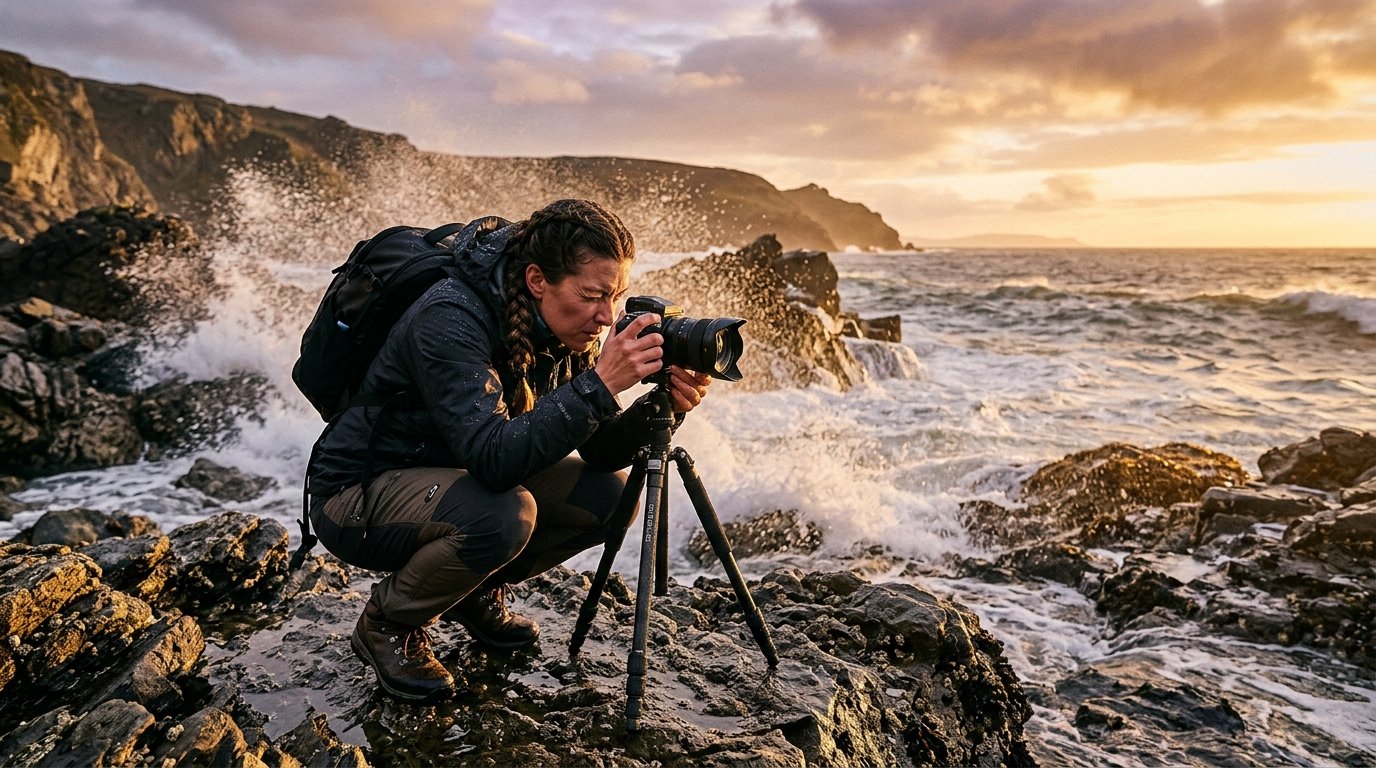
How I Use AI as a Location Scout

It doesn't really matter which platform you prefer. I use Google Gemini, but you can do the exact same thing with ChatGPT, Claude, or Perplexity. The goal is to move away from checking ten different websites and instead have one single place that "scouts" the location for you.

I have set up something called a "Gem" in Gemini (or a Custom GPT if you use ChatGPT). I call it my Seascape Photography Planner. All I have to do is tell it where I am going and when, and it does the rest.

For example, if I tell it I am heading to Godrevy Lighthouse this coming Saturday, within seconds it populates the screen with:

  • Weather conditions: Temperature, precipitation, and wind speeds.

  • Lighting: Sunrise, sunset, and golden hour times.

  • The Ocean: Tide times and tide heights.

  • Logistics: Where to park, how to pay (cash or app), and where to find food or fuel nearby.

  • Safety: The nearest hospital and contact details for the police.

  • Drone Info: Nearest airfield and air traffic control contacts, just in case a drone goes rogue.

Setting It Up Yourself

The process is incredibly simple. You start by asking the AI to find this information for a specific trip. I often use a dictation app called Whisper to just speak my request into the text box.

Once the AI gives you a great result, you ask it one simple question: "Can you now create a system prompt from this so that the next time you can give me all of this information, but all I need to tell you is where I'm going and when?"

The AI will then write a "formula" for itself. It might say something like, "You are an expert photography location scout. Your goal is to provide a comprehensive, data-driven briefing."

You simply copy that text, go into your settings to create a new "Gem" or "Custom GPT," and paste those instructions in. Give it a name, save it, and you are done.

The Real-World Benefit

The best part about this is that it syncs to your phone. On the morning of a shoot, I can quickly check the latest updates while I'm having my coffee. I have even added "road conditions" to my prompt lately so I know if there are any last-minute diversions or roadblocks before I set off.

It is a massive time-saver. Instead of bouncing between weather apps, tide tables, and Google Maps, I get a tailored briefing in one go. It has definitely increased my success rate, but more than that, it has made the whole experience of being out in the field much more relaxed.

Reality vs Photoshop - Is Faking It Cheating? 🤷‍♂️

Car photography always looks that little bit more dramatic when there's a wet road reflection underneath the vehicle. But what do you do when the road is bone dry? In this guide, I'll walk you through two ways to fake a puddle reflection in Photoshop -- one traditional, one powered by AI -- and then I'll leave you with a question worth thinking about.

Method One: The Manual Approach

Step 1: Select the Car

Start by grabbing the Object Selection tool from the toolbar. In the options bar at the top of the screen, make sure the mode is set to Cloud for the best possible result, then click Select Subject. Photoshop will do a surprisingly good job of selecting the car in just a moment or two.

Step 2: Copy the Car onto Its Own Layer

With your selection active, press Command + J (Mac) or Control + J (Windows) to copy the car up onto a new layer. If you toggle every other layer off, you should see just the isolated car sitting cleanly on a transparent background.

Step 3: Flip It Upside Down

Go to Edit > Transform > Flip Vertical. This flips the car layer to create the basis of your reflection. Now grab the Move tool, hold down Shift (to keep movement perfectly vertical) and drag the flipped car downwards until the tyres of both the original and the reflection are just touching.

If things look slightly off-angle, go to Edit > Free Transform, move your cursor just outside the bounding box until you see the rotation cursor, and give it a gentle nudge until it lines up properly.

Step 4: Add a Black Layer Mask

Rename this layer "Reflection" to keep things tidy. Then, holding down Option (Mac) or Alt (Windows), click the Layer Mask icon at the bottom of the Layers panel. This adds a black mask that hides the layer entirely -- which is exactly what you want for now.

Step 5: Draw the Puddle Shape

Select the Lasso tool and make sure you click directly on the layer mask thumbnail (you should see a white border appear around it, confirming it's active). Now draw a rough, freehand puddle shape beneath the car's tyres -- it doesn't need to be perfect, natural-looking and irregular is actually better here.

Step 6: Fill with White to Reveal the Reflection

Go to Edit > Fill, set the contents to White, and click OK. The reflection will now appear only within the puddle shape you drew.

Step 7: Soften the Edges

Zoom in and you'll notice the puddle edge looks very sharp and unnatural. To fix that, go to Filter > Blur > Gaussian Blur and apply just a small amount -- around 3 pixels is usually enough. This softens the boundary and helps the reflection blend into the ground convincingly.

Finally, you can reduce the opacity of the Reflection layer slightly to make the whole thing look a little more subtle and true to life.

Method Two: Using Adobe Firefly's Generative Fill

If you want a quicker and arguably more realistic result, Photoshop's AI tools can do a remarkable job here.

Step 1: Load the Puddle Selection

Hold Command (Mac) or Control (Windows) and click directly on the layer mask from your first reflection layer. This loads the puddle shape back as an active selection, saving you from having to draw it again.

Step 2: Select the Background Layer

Click on the main image layer, so that Generative Fill works on the background rather than the reflection layer.

Step 3: Run Generative Fill

In the contextual taskbar, click Generative Fill and type a prompt along the lines of: a reflection of car in puddle of water. For the AI model, select Firefly (specifically the Firefly Built and Expand model released in January 2026). If you're on a Creative Cloud Pro account, this won't cost you any credits -- whereas models like Flux or Nano Banana can use anywhere between 20 and 30 credits per generation.

Click Generate.

Step 4: Choose Your Favourite Variation

Firefly will produce three variations for you to compare. Have a look through them and pick the one that looks most convincing. You'll likely notice that the AI does something quite clever: it reflects the sky in the puddle on the far side of the car, just as real water would. Achieving that manually in Photoshop would take considerably more time and effort.

Which Method Should You Use?

For a quick, dirty result, the manual method works well and gives you full control. But for something that genuinely looks like a photograph taken on a wet road, the AI approach is hard to argue with -- particularly because of how naturally it handles the environmental reflections in the water.

A Question Worth Thinking About

Here's something to consider. When photographing that car, there were really two options: bring bottles of water to pour around the car and create a real puddle on the dry road, or add the reflection later in post-production, either manually or with AI.

Both approaches result in a reflection that wasn't originally there. The only difference is when in the process you add it.

So what do you think -- is there a meaningful ethical difference between physically creating something on location and digitally adding it afterwards? When it comes to reflections specifically, does it matter?

Let me know your thoughts in the comments below.

Why AI Enhancement Isn't Cheating in Wildlife Photography

Wildlife photography is something I'd love to do more of, but at the moment, time doesn't allow it. However, when I do get the chance to head out with a long lens to give it a go, I gain deep respect for what it takes to capture the shot.

That's why the debate around AI editing tools fascinates me.

Critics argue that tools like Topaz Gigapixel or AI sharpening "ruin" wildlife photography. If your lens wasn't long enough or your sensor didn't capture fine details, using AI to reconstruct them is cheating.

I disagree completely.

The soul of wildlife photography is being there. If you hiked to a remote location, endured harsh weather, and invested hours of patience to witness a specific behaviour, that has real value. That's the foundation of your photograph.

So why should using AI to overcome your gear's physical limitations invalidate your fieldwork?

AI enlargement or texture refinement doesn't fabricate what the animal did. When a predator chases prey, AI doesn't invent the event. It helps your image reflect what you actually witnessed. It bridges the gap between your equipment's constraints and the magnitude of the moment.

We obsess over the technical "purity" of raw files, but we should focus on the effort required to be standing in that field. Cameras are tools, and every tool has limits. If software rescues a once-in-a-lifetime encounter from being a blurry mess, that's a win.

The truth of wildlife photography isn't in the pixels. It's in the person willing to get cold, wet, and tired to document the natural world.

What's your take?

Does AI enhancement cross a line, or does the real work happen in the field?

I'd genuinely love to hear your perspective.

Why "Digital Infinity" is Killing Your Creativity (and How to Fix It)

We often see videos on YouTube claiming that one "magic trick" will change your life, but they usually fall a little bit flat. However, I recently ran an experiment in our creative community that I don't just believe will transform your photography, I know it will.

We live in an age of "digital infinity." Our phones can hold thousands of images, and it costs us absolutely nothing to press the shutter button. But this unlimited choice has a hidden downside: it can make us lazy.

To combat this, I set a challenge for our photographers that was brutally simple, and the results were completely unexpected.

The 10-Exposure Challenge

The rules were designed to strip away the safety nets we've become so reliant on:

  1. Only 10 exposures. That's it.

  2. No fixing it in post. What you shoot is what you get.

  3. No do-overs. If you click it, it counts, even if it's an accidental selfie.

The "Maddening" First Step

For many, the first reaction wasn't creative bliss; it was pure frustration. We had a studio photographer, Sarah, who is used to total control over lighting and props. Suddenly, out in the real world with only 10 frames, that control vanished. She described the experience as "maddening."

Another photographer, Francois, usually shoots a hundred frames just to get one perfect food shot. Having to tell the entire story of a meal in just 10 frames was a massive mental shift.

The Turning Point: Slowing Way Down

Once the frustration settled, something powerful happened. The photographers started to see this limitation as a lens that focused their attention.

They were forced to stop, look, and truly see what was in front of them. One member, Brian, took the challenge on his usual 90-minute walk. It ended up taking him three hours to take just 10 photos. That is the pace of deliberate creation.

What We Learnt

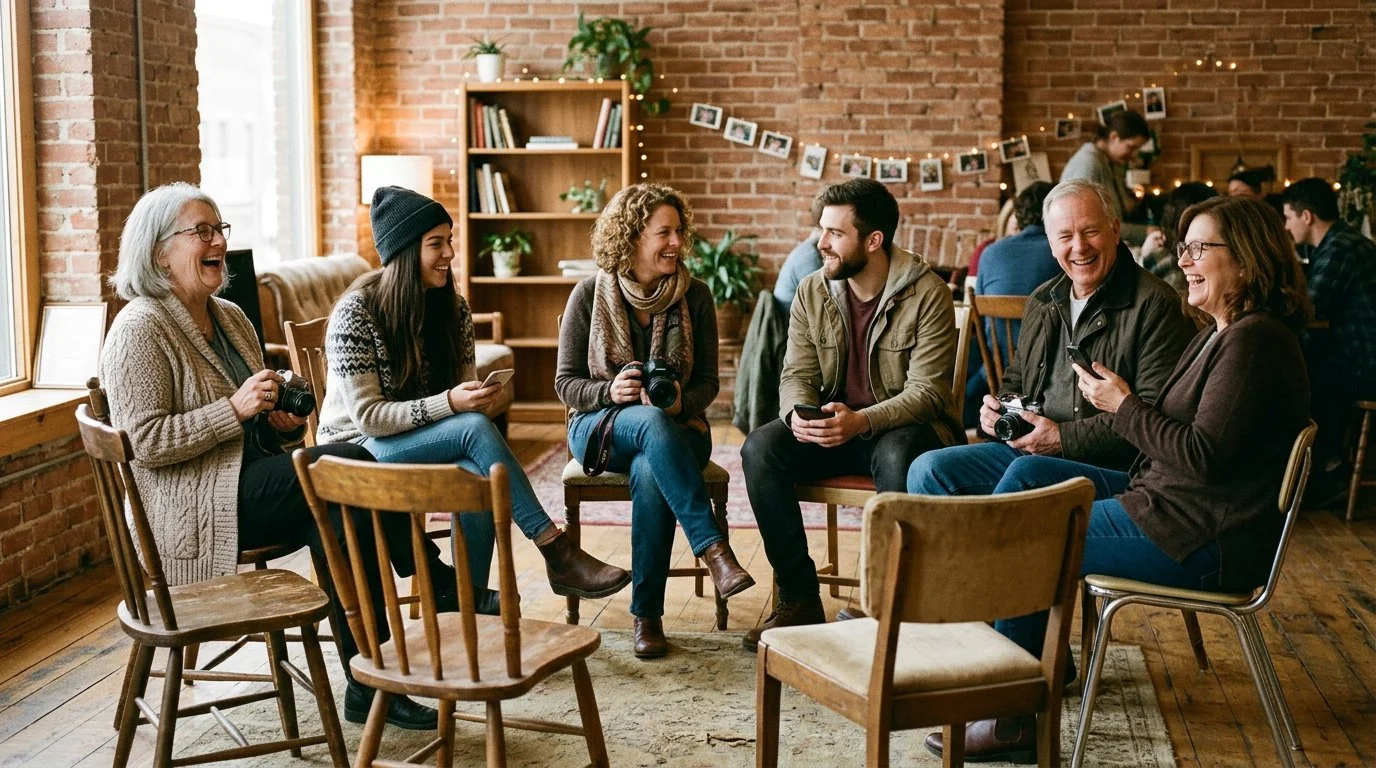
This challenge acted like a time machine, throwing us back to the discipline of the film era where every shot cost money. Here are the big takeaways:

  • Visualise first: We rediscovered the importance of walking around and using our eyes to find the angle before ever lifting the camera.

  • Embrace imperfection: Francois realised that his industry's obsession with "perfection" wasn't authentic. By embracing little imperfections, his photos felt more real and more appetising.

  • Constraint is liberating: Without the pressure of endless choices and editing, the simple act of taking a picture became joyful again.

The Final Verdict

Would they do it again? It was a resounding yes across the board. One member was so inspired he actually went back to shooting on real film.

The value wasn't really in the final 10 images; it was about rediscovering a mindful, deliberate way of working.

So, I have a question for you. In a world of unlimited options, what's one constraint you could impose on yourself to unlock a new level of creativity?

Give this challenge a go. I guarantee you'll see a difference and feel like an artist again.

Why I Love AI ... and Why I'm Still the Boss 😎

When I think back to the not-too-distant past, it's wild how much has changed. An editing task that used to take me thirty minutes (hair selections, cloning, backdrop cleanup) now takes about thirty seconds; and THIS is why I'm excited about what AI brings to the party.

AI: The Best Assistant I Never Had to Train

Look, nobody got into photography because they dreamed of removing sensor dust or spending three hours meticulously masking flyaway hairs. That stuff isn't the art. It's just the cleanup crew work that has to happen before we get to make our magic.

And honestly? AI is brilliant at that stuff.

Think of it this way: AI handles the grunt work so I can focus on the vision. It's like having an incredibly fast, never-complaining assistant who's amazing at the boring bits and then steps aside when the real creative decisions need to be made.

Oh and those decisions that need to be made? Those are still mine.

Where AI Stops and I Begin

There's a line, though, and it's one I think about a lot.

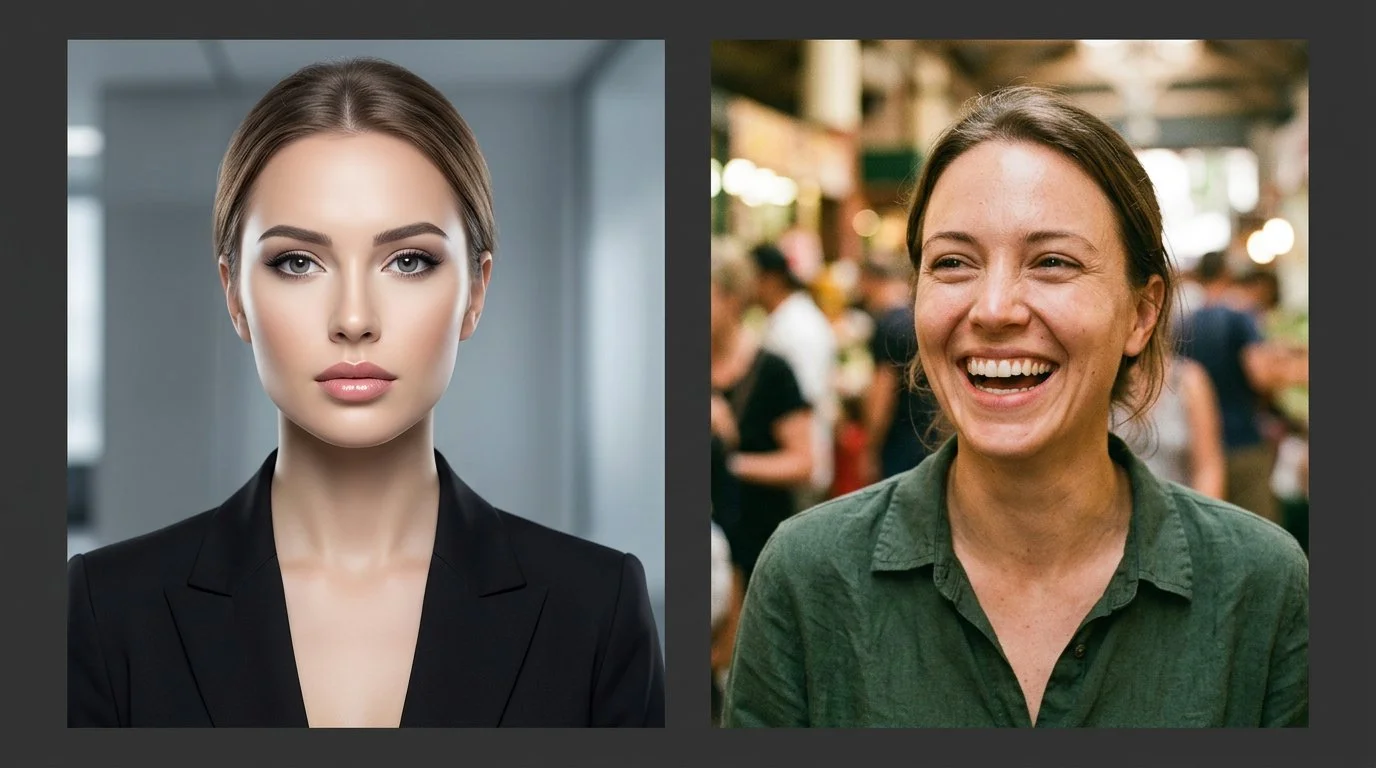
AI can smooth skin, relight faces, swap out skies. It can create a technically "perfect" image in seconds. But here's the thing: perfect isn't always interesting. Sometimes those ultra-polished images feel a bit ... lifeless. Like they're missing something human.

The magic happens in the choices we make. The colour grade that shifts the whole mood. The decision to keep a little texture in the skin because real people aren't porcelain. The way we balance light and shadow to tell the story we want to tell.

That's where our style lives. That's the part AI can't do because it doesn't have taste, intuition, or a point of view.

It's a tool. A really good tool. But we’re the one holding it.

Getting My Life Back

The biggest win isn't just sharper images or cleaner backgrounds. It's time.

AI is giving me hours back. Hours I used to spend in my office, squinting (I’ve now got new glasses) at a monitor, doing repetitive tasks that made me question my life choices.

Now I can use that time for the stuff that actually matters: shooting more personal projects, experimenting with new techniques, or better still, spending time with my wife and friends. Making memories instead of just editing them. Living the life that's supposed to inspire the work in the first place.

We shouldn't fear these tools. We should embrace them (smartly) so we can get back to doing what we love.

Where Do You Stand?

I'm curious how you're navigating this shift.

Are you using AI tools to speed up your workflow? Or are you still figuring out where the line is between "helpful assistant" and "too much automation"?

I'd love to hear how you're finding the balance in the comments below.


The Return of Intention: The Camera Comeback! 📷

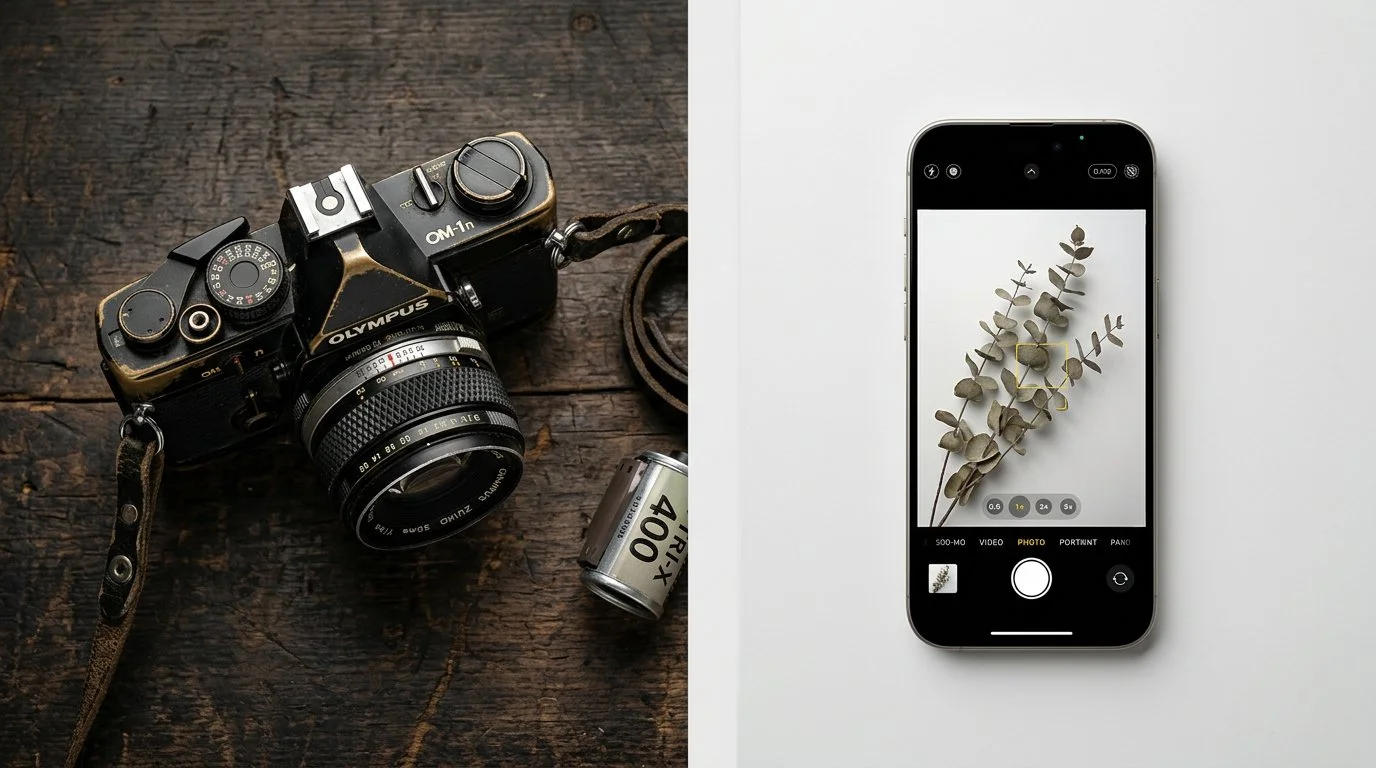
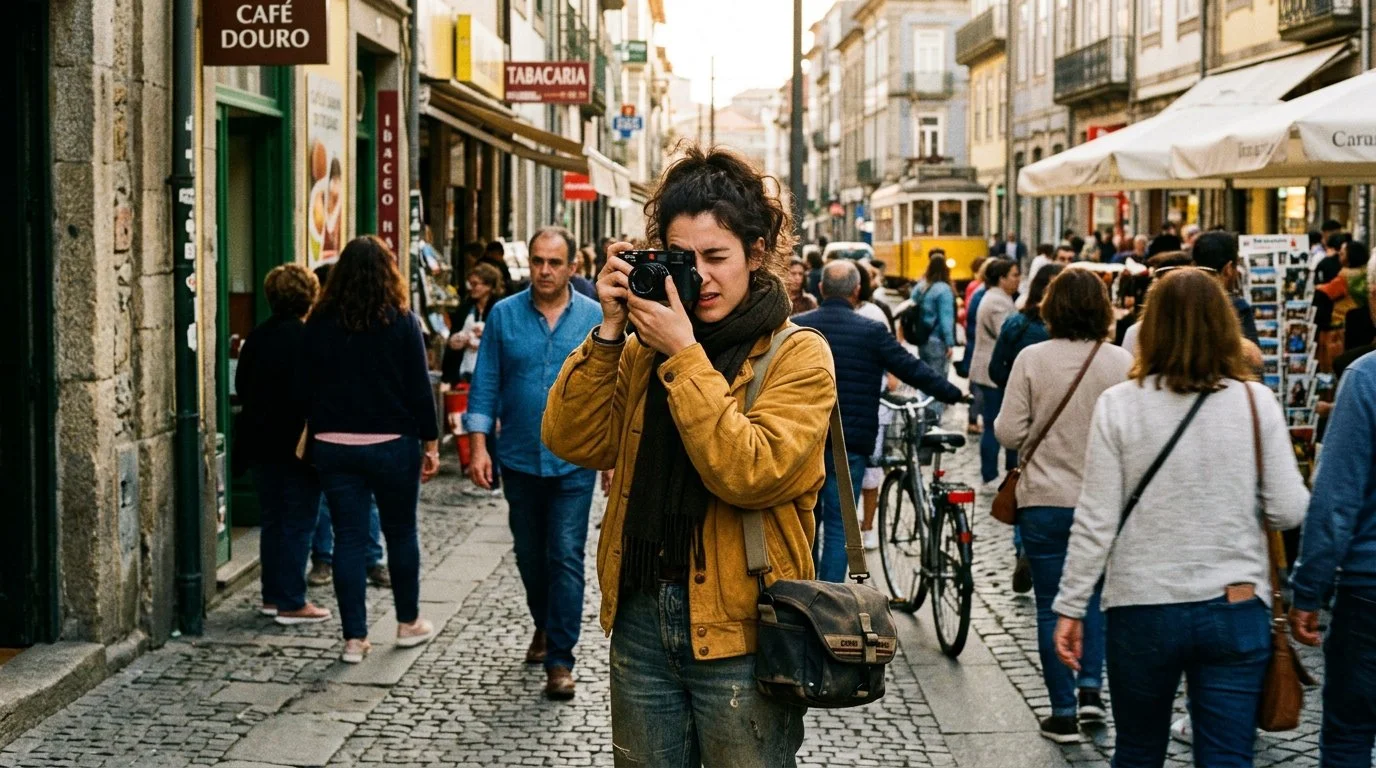
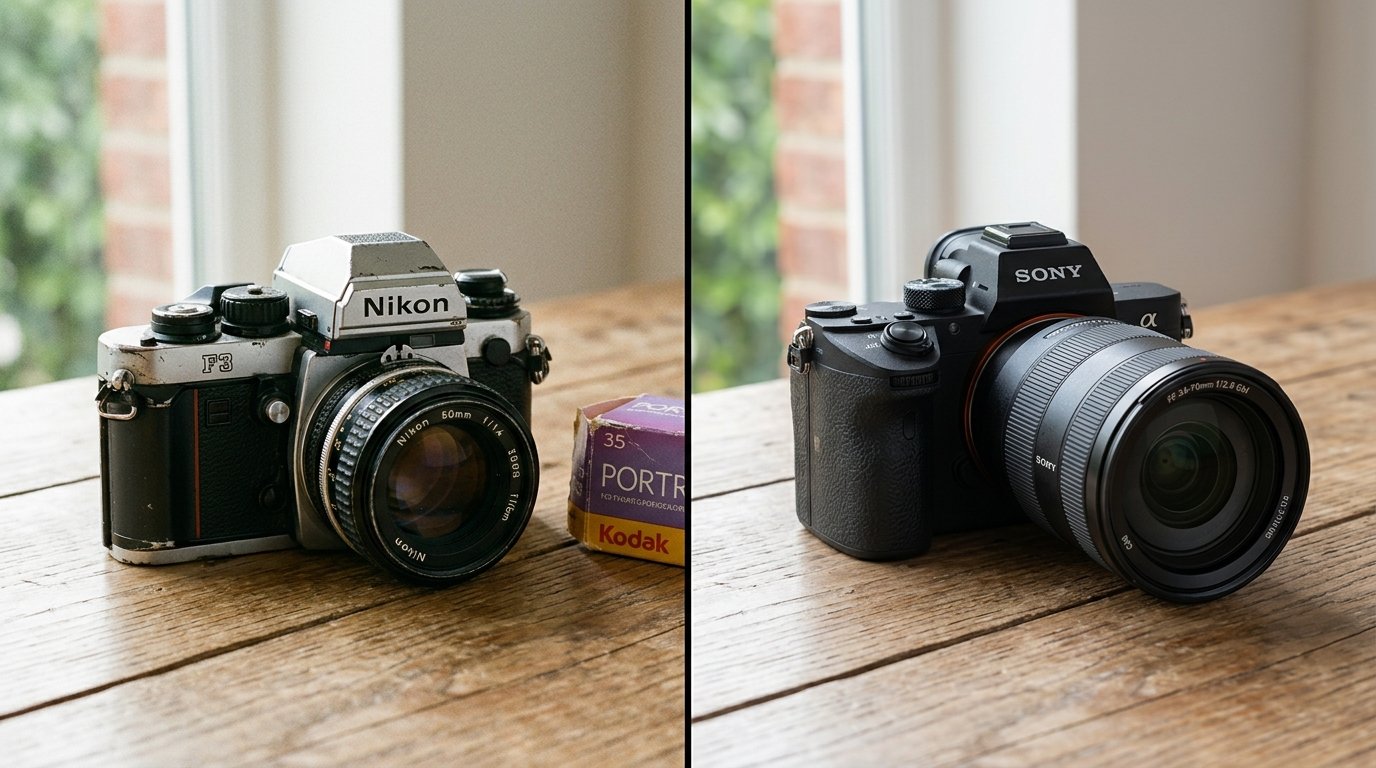
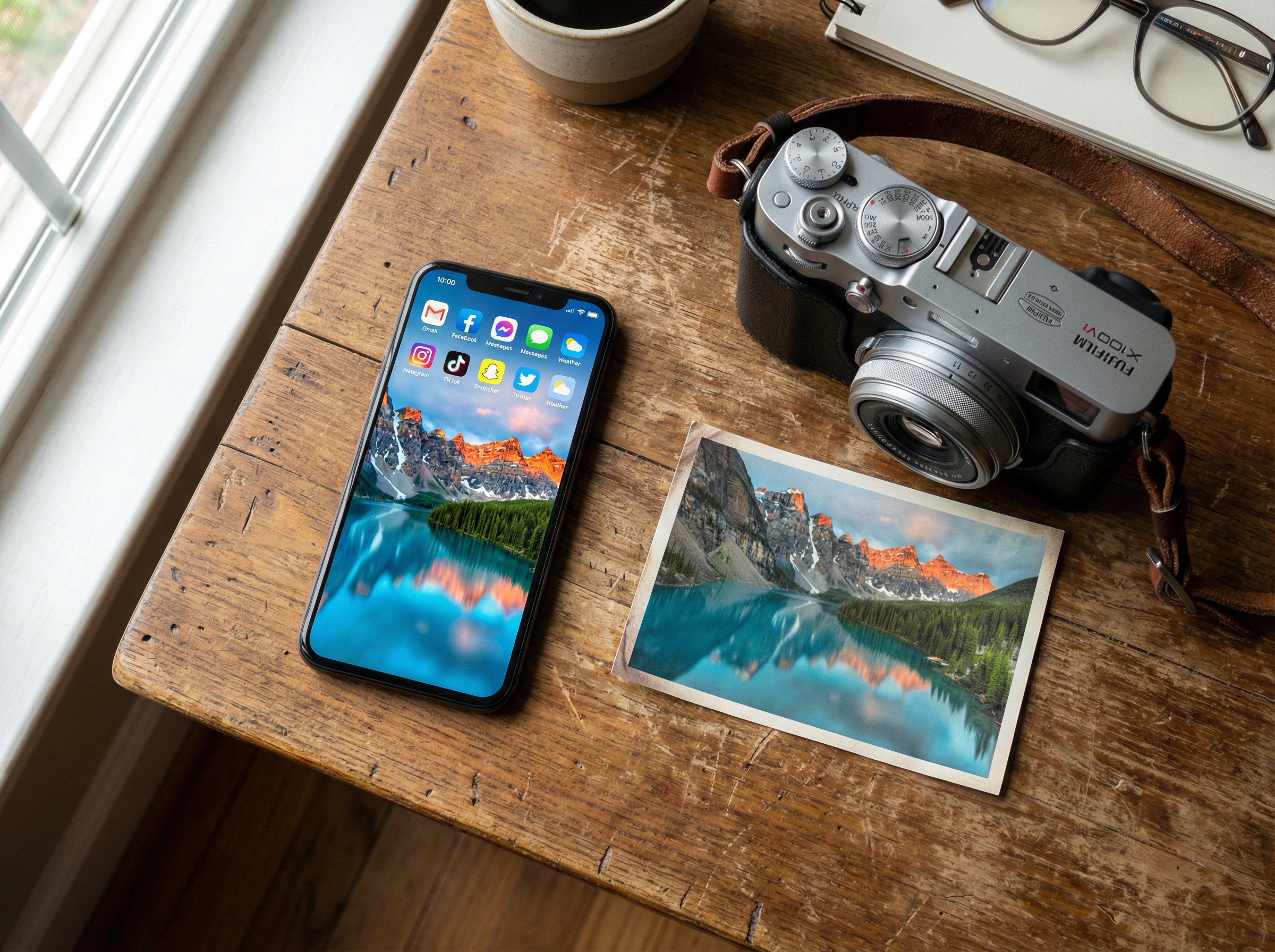
It seems counterintuitive, perhaps even backwards. We walk around with incredibly powerful computers in our pockets, equipped with camera systems backed by billions of pounds of R&D and AI processing. These devices have democratised photography on an unprecedented scale. In recent 2025 data, smartphones capture around 92.5% of all pictures taken globally, leaving only 7.5% to conventional cameras (PhotoAid) (ElectroIQ). In the war for convenience, the smartphone has won decisively.

The Pivot

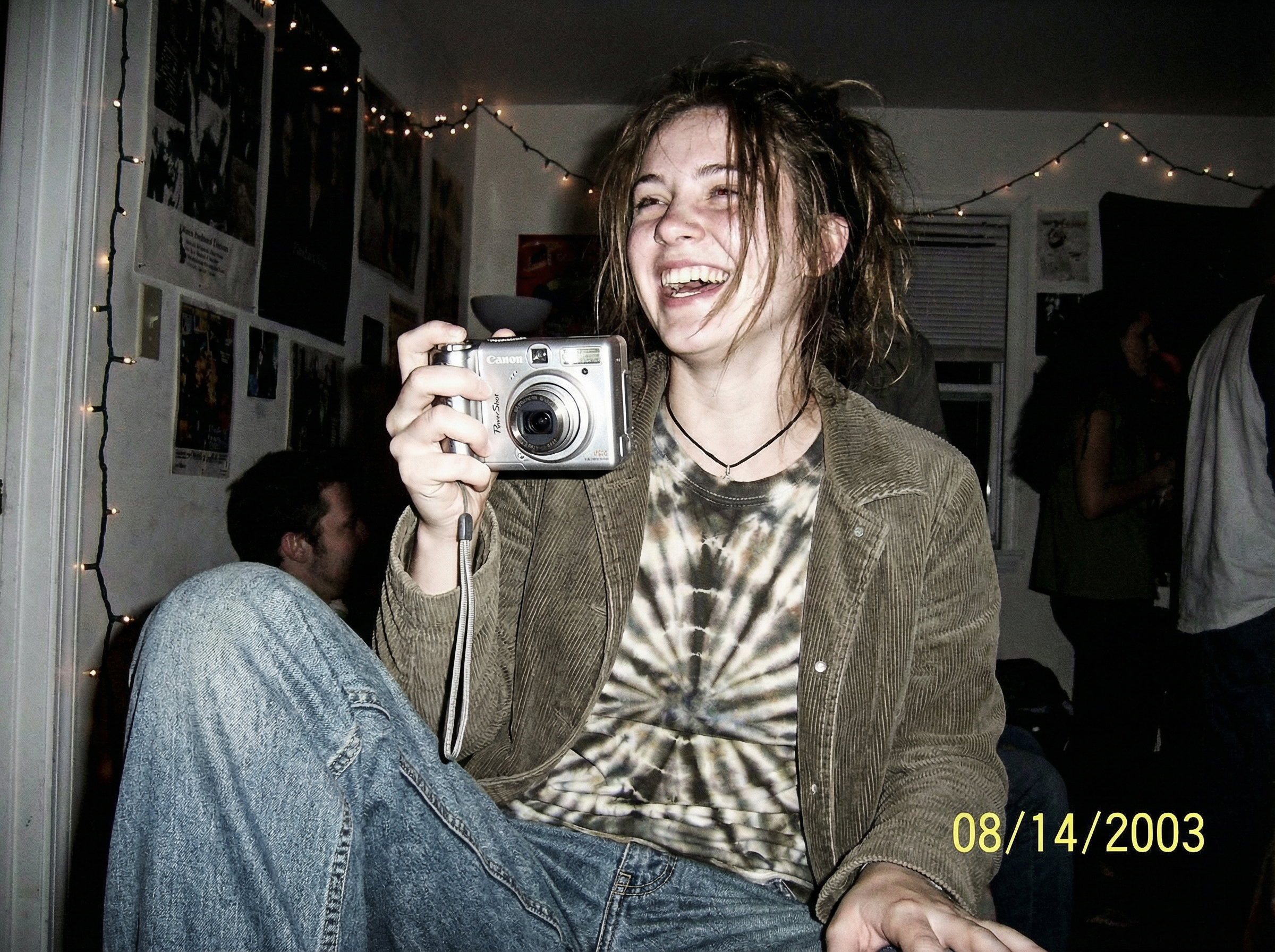
But if mobile photography is the undisputed champion of convenience and technical prowess, why are we seeing significant cracks in its dominance? Why, in an era of hyper-advanced phone sensors, are Gen Z buyers scouring eBay for 20-year-old, low-megapixel Canon PowerShots, and why are modern, retro-styled cameras like the Fujifilm X100VI so popular that waiting lists and intermittent shortages have persisted well into 2025 (Digital Camera World) (Yahoo)? Something fascinating is shifting in the photographic landscape: a cultural counter-movement away from frictionless, instant capture toward something slower, more deliberate, and more tangible.

Craving Friction in a Seamless World

This resurgence of traditional cameras - ranging from vintage "digicams" to high-end mirrorless systems - is not just a passing fad. It reflects a psychological response to increasingly automated, AI-mediated lives, where many people feel over-optimised and under-expressed (Passport Photo Online). Cultural reporting and social trends show younger users embracing tools that feel imperfect, limited, and more human in how they render the world.

1. The Revolt Against AI Perfection

Modern smartphone cameras rely heavily on computational photography and AI to render a "perfect" image instantly: enhanced skies, lifted shadows, and smoothed skin by default (Fortune Business Insights). For many - especially a generation raised entirely on screens - this perfection can feel sterile and inauthentic, feeding fatigue with the "over-processed" look.

This sentiment has helped fuel a revival of early-2000s point-and-shoot digital cameras, where users actively seek harsh flash, grainy low-light performance, and unpolished color as part of a more "real" aesthetic. In line with this shift, compact camera sales and shipments in Japan climbed again in 2024 after years of decline, marking the first clear rebound in that segment in roughly seven years (PetaPixel) (AI-AP).

2. The Tactile Rebellion

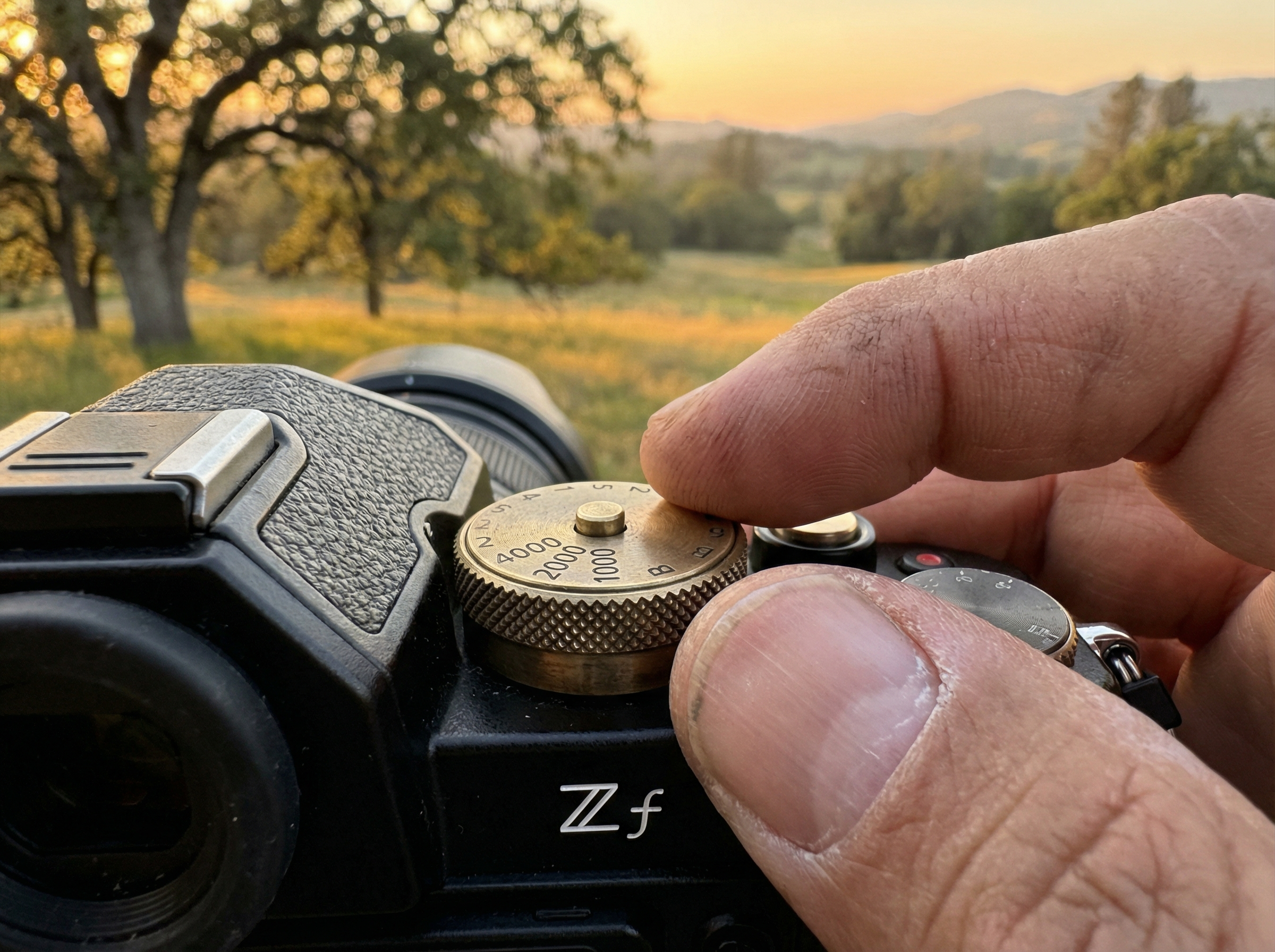
Humans are tactile creatures, and many are growing weary of tapping glass screens to perform every function in their lives. Cameras that emphasize physical controls - shutter speed dials, aperture rings, ISO knobs, and mechanical shutters - turn photography back into a physical craft rather than just another app interaction (FujiX Weekly). Recent financial and industry reports highlight strong demand for enthusiast-focused, retro-styled models like the Nikon Zf, which has contributed meaningfully to Nikon's imaging profits and unit growth in 2024-2025 (The New Camera).

3. The "Single-Purpose" Digital Detox

Perhaps the most profound insight is that the phone is simply too good at too many things. The moment you take a photo, you are milliseconds away from an email notification, a message, or the urge to edit and post instantly on social media, collapsing creation and distraction into the same gesture. A dedicated camera does essentially one thing, and picking it up creates a small "pocket of time" in which attention narrows to seeing and composing, separating the act of photographing from the noise and incentives of the broader internet (ElectroIQ).

The Takeaway

The shift back to traditional cameras is not primarily about technical image quality. In many measurable respects, the phone in your pocket may outperform the vintage digicam being bid up online, from dynamic range to autofocus intelligence. This movement is about mindfulness: embracing a bit of friction, accepting imperfections, and reclaiming the feeling that you - not an algorithm - made the photograph, signaling a genuine return of intention to photography.

References

  1. PhotoAid - Mobile Photography Statistics

  2. ElectroIQ - Mobile Photography Statistics

  3. Yahoo - Compact Cameras Firmly Back in Spotlight

  4. Digital Camera World - Compact Cameras Are Firmly Back

  5. Passport Photo Online - Mobile Photography Trends

  6. PetaPixel - Camera Sales Surged in Japan

  7. AI-AP - Sales of Compact Cameras in Japan

  8. Fortune Business Insights - Computational Photography Market

  9. FujiX Weekly - Why the Upcoming Nikon Zf Won't Be a Fujifilm Killer

  10. The New Camera - Nikon Imaging Business Booms

  11. ElectroIQ - Camera Statistics


No Limits Creativity and Visual Storytelling with Kirk Nelson aka The Pixel Pro

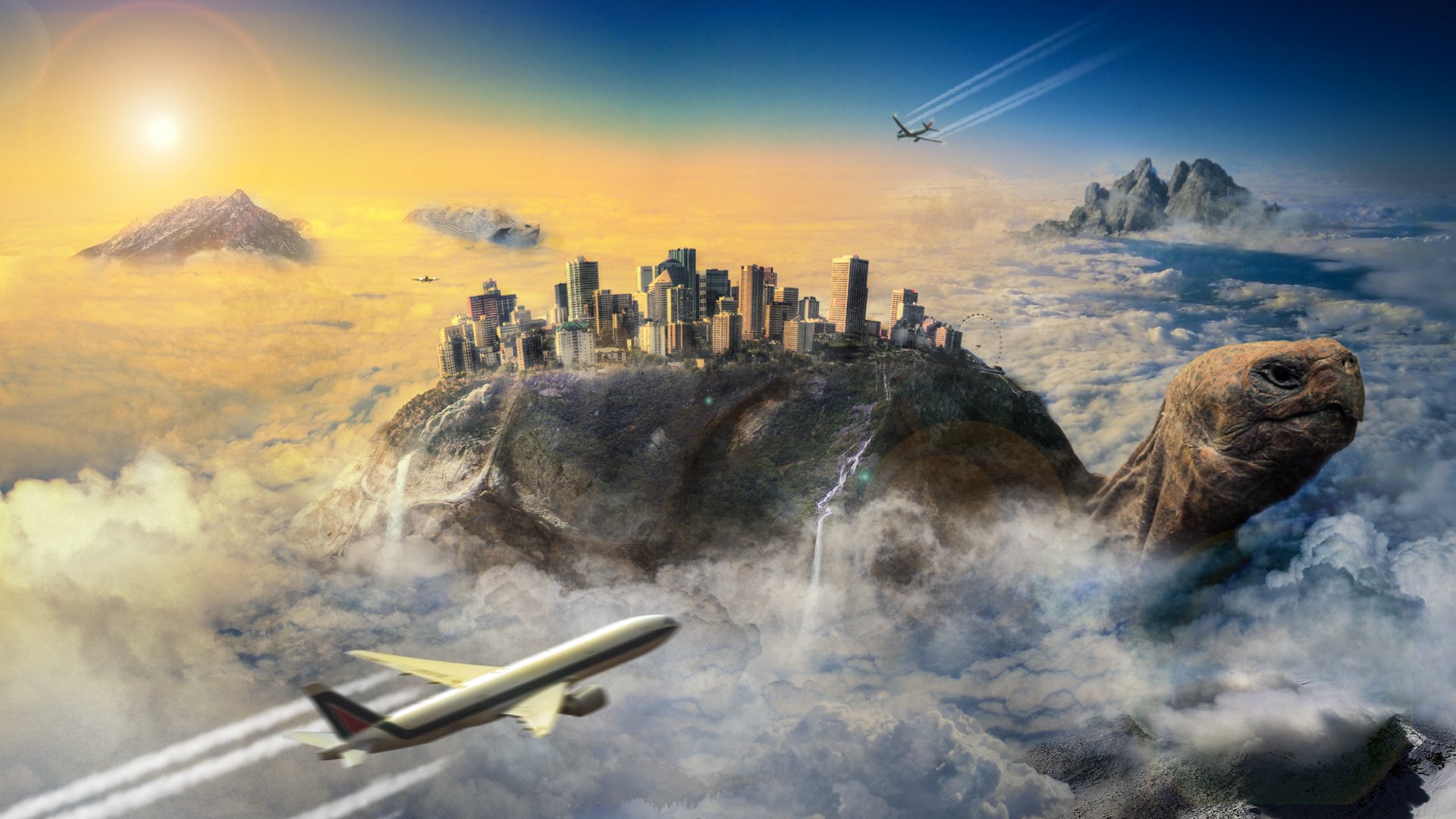
Watch the recording of this LIVE Broadcast from when I chatted with Photographer and Photoshop Artist Kirk Nelson aka The Pixel Pro and discovered how we creates his Fantasy Art Composites and creates Special Effects in his Images …

links mentioned in the video:

50% OFF Courses, Overlays ans Bruashes in Kirk’s Store using code: friendsofglyn

Kirk’s link for a FREE PASS at the Photoshop Creativity Virtual Summit:
https://bit.ly/pixelpro-creative

ShiftCam ProGrip: The Best iPhone Photography & Video Grip?

Is the ShiftCam ProGrip the ultimate accessory for iPhone photography and videography? In this video I give you hands-on honest look both positive and negative of this iPhone Traditional Camera Style Grip; its ergonomic design, wireless charging, and enhanced grip to see if it truly transforms your iPhone into a pro camera setup. Whether you're a content creator, mobile filmmaker, or just love taking photos, this grip might be a game-changer!

🔹 What You’ll Learn in This Video:
✔️ Hands-on review of the ShiftCam ProGrip
✔️ Key features & benefits for iPhone photography & videography
✔️ How it enhances stability, ergonomics, and battery life
✔️ Is it worth the price?

📌 Check out the ShiftCam ProGrip and other Mobile Accessories I use here: ( LINK )

Turning IMAGINATION into REALITY with Photography and Photoshop | Dracorubio

Watch the recording of this LIVE Broadcast as I chat with Photographer and Digital Artist Roderique Arisiaman aka Dracorubio and discuss his Photography, ideas, inspiration and his retouching process for turning his imagination into reality and a final image.

links mentioned in the video:

Roderique’s Website: www.dracurobio.com

Flickr: www.flickr.com/photos/dracorubio

Instagram: @roderique_arisiaman


Roderique’s Promo / Slideshow