
video

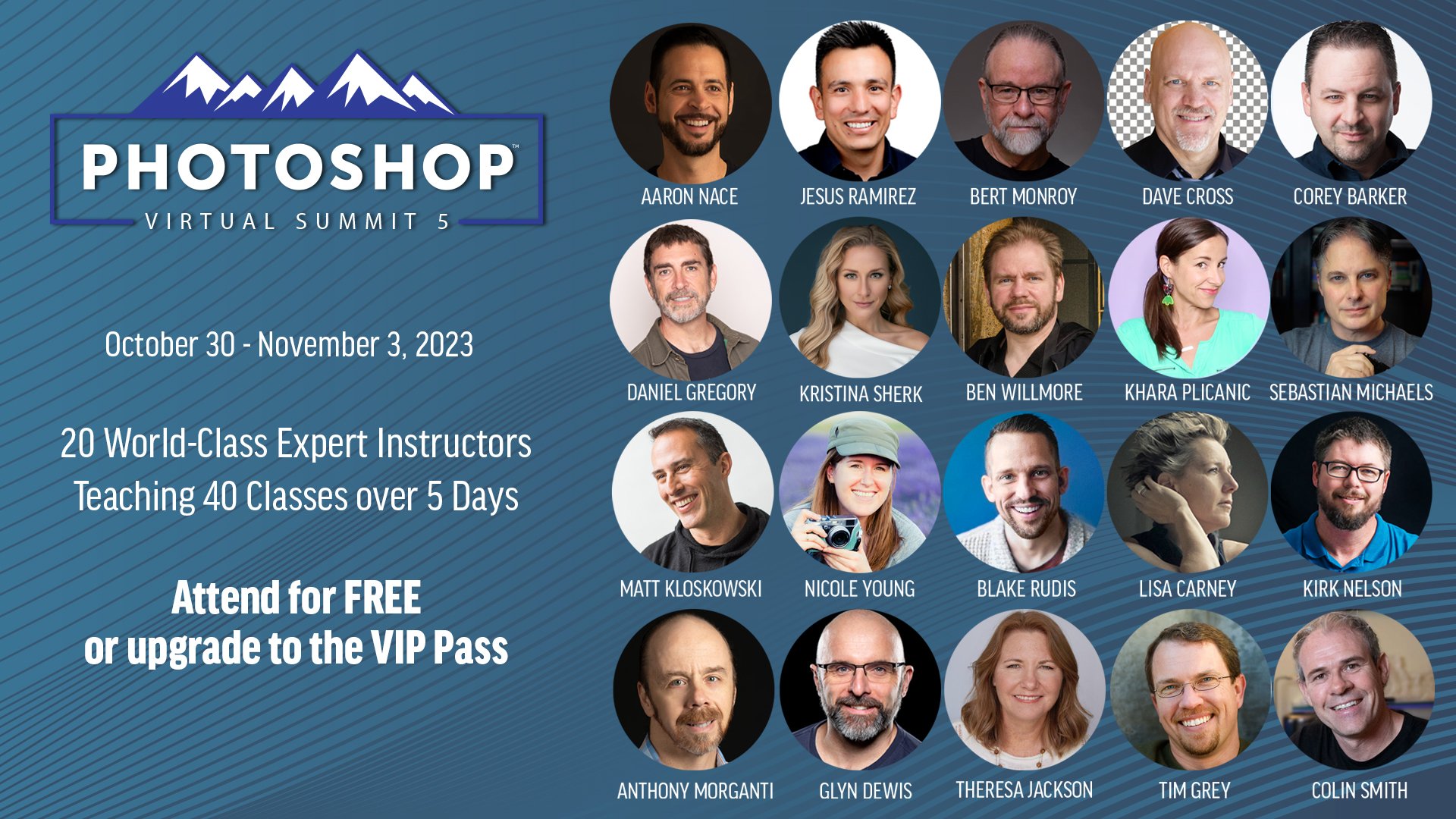
Dave Cross chats with Photoshop Virtual Summit 5 Instructors

With just over 4 weeks to go until the Photoshop Virtual Summit 5 which runs from 30th October thru 3rd November 2023 …

You can also use the link above to check out the page on the official website where the Founder and Organiser, Dave Cross, chats with each of us instructors for a couple of minutes about the classes we'll be presenting; ALWAYS more to learn
Photoshop A.I. Techniques for Photographers BUT what about Camera Clubs ??? πŸ€·β€β™‚οΈ

Here’s a recording of a LIVE Broadcast that I did on my YouTube Channel on Wednesday 23rd August 2023 and where I showed practical and VERY useful ways of using Photoshop’s Generative Fill Artificial Intelligence BUT also where NOT to use it.

This video sparked a lot of conversation and comments because of an email I received and read out at the very start regarding the use of A.I. and Camera Clubs …

😲 PERFECT SELECTIONS and CUT-OUTS with Photoshop A.I. (Generative Fill)

Selections and Cut-Outs of Hair and Fur can be challenging BUT Photoshop's Generative Fill A.I. CHANGES EVERYTHING!

( YouTube LIVE ) DRAMATIC Stormy Sea Capture + Retouch: Complete Mobile Workflow

This is the recording of a YouTube LIVE Broadcast from Thursday 20th July 2023 where I go through the entire workflow from capture with an iPhone and all the editing steps in Lightroom and Photoshop Beta also making use Generative Fill A.I.

TRY THIS πŸ”₯ AWESOME Photoshop Plug In for REALISTIC SHADOWS and SPECIAL EFFECTS

Here's a look at a FANTASTIC Photoshop Plug In from Boris FX for adding realisitc shadows into your picture and INCREDIBLE Special Effects

𝐎𝐩𝐭𝐒𝐜𝐬 𝐛𝐲 𝐁𝐨𝐫𝐒𝐬 𝐅𝐗 (ππŽπ“ π€πŸπŸπ’π₯𝐒𝐚𝐭𝐞𝐝) ( LINK )

How to add REALISTIC LIGHT using LIGHTROOM's INTELLIGENT PRESETS

Here's a great way to use the Masking Section in Lightroom and / or Camera Raw for adding Realistic Light into your pictures AND how to create an Intelligent Preset to do it on ANY PICTURE with just 1-click

How to make the DARK and MOODY PRESET in Lightroom (and Camera Raw)

The Dark and Moody look is extremely popular at the moment especially on social media; it's a great look that can add drama and impact to your pictures.

Here's how I create it and how to make it as a preset so that you can quickly and easily use it again and again in Lightroom Classic, Lightroom CC, Lightroom Mobile and Camera Raw.

My COLOUR GRADING: THE ESSENTIAL FINISHING TOUCH mini course is NOW AVAILABLE

Really excited to let you know that I have a NEW course NOW AVAILABLE …

Colour Grading: The Essential FiNishing Touch

Just as with my other courses, you can stream / download all of the included video tutorials, download work files to follow along step by step, download a PDF of Class Notes ans have Life Time Access. Plus there’s a knowledge check and certificate of completion.

For more information check out the button link below

See you in class πŸ˜ƒ

How I PHOTOGRAPH and EDIT an ICONIC LANDSCAPE using my iPhone and iPad (LIGHTROOM MOBILE)

How I PHOTOGRAPH and EDIT an ICONIC LANDSCAPE using my iPhone and iPad (LIGHTROOM MOBILE)

Here's a COMPLETE MOBILE WORKFLOW showing how I photographed and Edited the iconic Prince of Wales Bridge using just my iPhone and my iPad. I am BLOWN AWAY by the qulity of the file produced and the print which could easily be A2!!! Exciting times in Photography!

5 TIPS to INSTANTLY IMPROVE your PORTRAITS

GREAT Portraits start with the person in front of the camera feeling relaxed.

BUT how do you help someone to be relaxed?

Here's 5 ways that I use ALL the time and work a treat!

VIDEO CONTENTS

  • Introduction

  • Connection

  • Slow Down

  • Eye Contact

  • At and Past

  • Show Them

  • Listen

  • The 5 Tips

  • MMFI