Interviewed by London Camera Exchange at the South West Photo Show

At the South West Photo Show in Exeter I sat down with Pete Rawlinson of London Camera Exchange for this interview. We talked about my 39-45 Portraits Project, the series honouring Second World War veterans through timeless portraiture, and the stories and inspiration behind it. Pete also asked about the way photography is changing, and I shared how I've embraced AI editing tools to help my creative process while still staying true to my own style.

How to MASK HAIR PERFECTLY for Background Changes in LIGHTROOM 💥

Getting a clean mask around hair is one of the trickiest parts of changing a background, and in this video I show how to do it properly in Lightroom. The secret is to work in reverse. Rather than reaching for the Background mask option first, I build the mask the other way round, which gives a far better result around the hair and lets you isolate the background cleanly, ready to be changed.

Why I'm using this MASKING TOOL in Lightroom MORE THAN EVER!

There's one masking tool in Lightroom I'm finding myself using more than ever, and this video shows why. I work through three things in the edit, starting with fixing the distortion caused by shooting on a wide angle lens. From there I convert the image to black and white using the Adaptive Profiles, which are incredibly powerful, before moving on to masking and showing how to get better, more accurate results from Lightroom's masks.

🎥 I Recorded 5 Lightroom Tutorials for Adobe

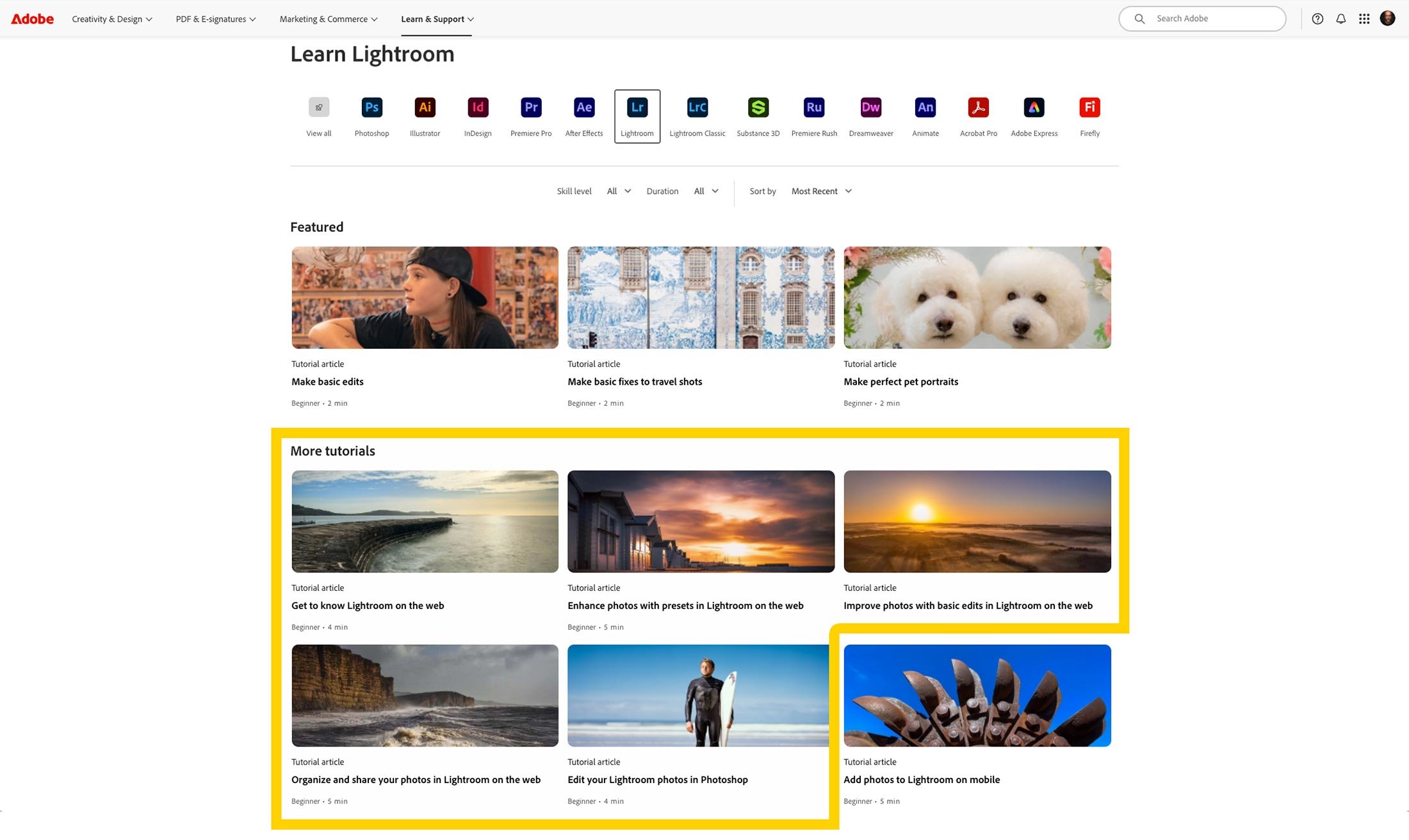
I'm excited to finally share some news I've been keeping under wraps: I recently had the opportunity to create five tutorial videos for Adobe, now featured on the Adobe Learn site … learn.adobe.com

These videos are designed with beginner and intermediate users in mind, walking through some of the most useful and practical workflows in Lightroom and Lightroom on the Web.

Whether you're just starting out or want to brush up on your skills, these tutorials are built to help you feel more confident with your editing and photo management.

Here's a quick look at the topics I covered:

✨ 1. Edit your Lightroom Photos in Photoshop

Start your edits in Lightroom and then send an image to Photoshop for additional creative possibilities.

🌐 2. Get to Know Lightroom on the Web

Access all your Lightroom photos in a web browser and any edits you make will sync across the Lightroom ecosystem.

🛠 3. Improve Photos with Basic Edits in Lightroom on the Web

Start with an auto adjustment and fine tune your edits with changes to the brightness, contrast, and color in a photo.

🎨 4. Enhance Photos with Presets in Lightroom on the Web

Take advantage of presets to jumpstart your image editing or explore new creative styles.

📁 5. Organize and Share Your Photos Using Lightroom on the Web

Use albums and folders to organize your photos and create a link to share an album as an online web gallery.

UNLIMITED Presets for Lightroom CLASSIC Users – EASY HACK! 💥

Lightroom Classic users can have unlimited presets too, and it only takes a simple workaround. In this video I show you the hack, which makes use of Lightroom on the Web to give you unlimited presets across every Lightroom platform, Classic included. It's an easy one to set up, and once you know it's there, it opens up far more presets than you'd otherwise have to choose from in Classic.

My Latest (and 5th) Book "How to Print" is now available to Pre-Order on Amazon

It's getting real now ...

My latest (and 5th) book How to Print - The Ultimate Guide to Achieving the Perfect Photographic Print published by Rocky Nook is now available for Pre-Order on Amazon

Amazon page for the paperback How to Print: The Ultimate Guide to Achieving the Perfect Photographic Print

The art of printing photographs has become a forgotten final step for many photographers. Yet nothing compares to holding a beautifully printed photograph in your hands--the culmination of your creative vision from capture to final output. In How to Print, photographer and educator Glyn Dewis demystifies the often intimidating world of photographic printing with a comprehensive guide that offers clear, accessible instruction.

Dewis guides you through every aspect of the printing workflow, from monitor calibration to paper selection, and from color management to final presentation. Whether you're printing at home on an inkjet printer or preparing files for a professional lab, How to Print eliminates the frustration and disappointment of mismatched colors and poor output quality.

Written in Dewis's approachable style and featuring practical, real-world solutions to common printing challenges, this essential resource belongs on every serious photographer's bookshelf. You'll learn:

  • How to select the right printer, monitor, and calibration tools for your needs and budget
    Essential color management techniques, including understanding color spaces and ICC profiles

  • The critical differences between OEM and third-party inks and when to use each
    How to properly evaluate printer health and output quality with test prints
    Techniques for preparing both black and white and color images for optimal printing

  • The secrets of effective sharpening for print output

  • How to choose the perfect paper for your specific image and artistic vision

  • Step-by-step workflows for both DIY printing and professional lab preparation
    Professional mounting and display techniques to showcase your work

Perfect for both beginners struggling with their first prints and experienced photographers looking to refine their output, How to Print is the most up-to-date and complete resource available today. With it by your side, you'll be creating beautiful prints in no time.

Cover of How to Print by Glyn Dewis showing waves crashing below a cliff

How to LEARN LIGHTROOM by Copying ... WITH Permission❗️

One of the best ways to learn Lightroom is to see exactly how other people edit, and the Lightroom Community lets you do just that, with permission. It's a free space, available to all Lightroom users whether you're on Lightroom, Classic, Mobile or Web, where people share their edits from start to finish, showing every slider and setting they used to create the final look. You can also download presets for free, which makes it a great resource for learning Lightroom, and in this video I show you how to use it.

Delivering Iris Jefferies' Portrait from the 3945 Portraits Project

THIS is what it’s all about ❤️

Yesterday afternoon I drove to Bristol to deliver Iris Jefferies’ portrait and I couldn’t have wished for a better reaction …

Older woman in a striped top seated in an armchair holding a framed portrait of herself

So pleased too that Iris’ family got to see her portrait and Iris’ late husband David’s portrait as they appeared during the BBC’s VE80 Celebration Concert ( LINK )

BBC broadcast of a night-time stage show with red arrows pointing to portraits on the screens
Night-time concert stage with red arrows pointing to portraits displayed on the big screens

3945 WW2 Veterans Portraits Project shown during the BBC's VE80 Concert

So incredibly proud and honoured that portraits from the 3945 Portraits Project were shown, projected on stage during the BBC’s VE80 Celebration Concert at Horse Guards Parade in London, infront of the King, Veterans, Veteran’s Families and the Nation

The portraits appeared during a rendition of "You'll never walk alone" sung by Sir Willard White. You can watch it here: https://glyndewis.com/3945portraits

Large portraits of Second World War veterans on stage screens behind a presenter at a televised event

✅ 5 EASY POSING TIPS for EVERY Beginner Portrait Photographer 📷

If you find yourself struggling to pose the people you photograph, this video is for you. I break down five super simple posing tips that will give you great results. They're aimed at anyone who's new to portrait photography, but they're just as useful if you've been at it a while and simply want to improve. None of them are complicated, and each one is easy to put into practice the next time someone steps in front of your camera.