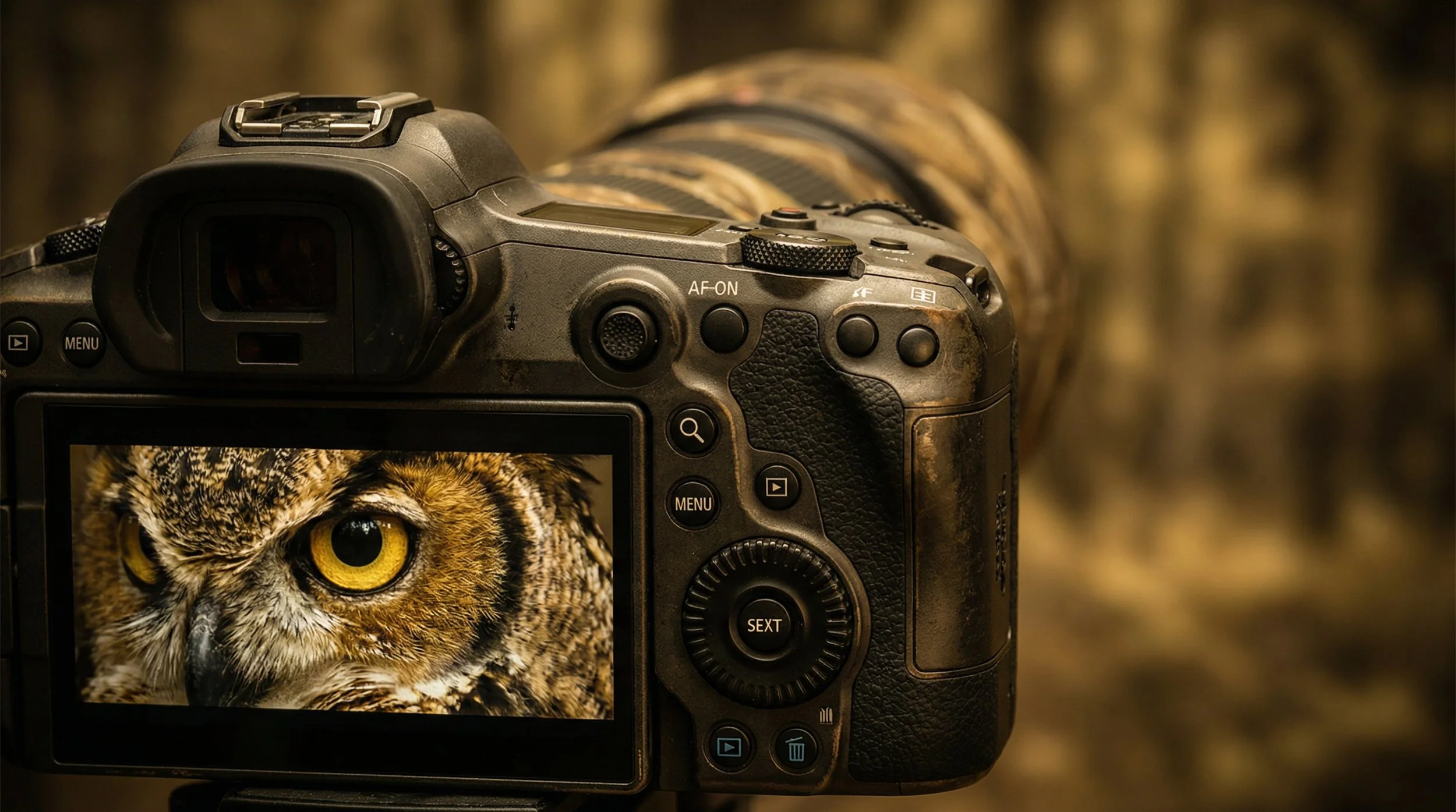
APS-C and Micro Four Thirds are Quietly Winning

Fresh shipment data from the Camera & Imaging Products Association (CIPA) for 2025 shows that mirrorless cameras keep growing, and that most interchangeable-lens cameras being sold are not full frame at all, but APS-C and Micro Four Thirds.

Out of more than 9.4 million cameras shipped worldwide in 2025, around 6.3 million were mirrorless models, while DSLRs fell to just over 690,000 units.

Mirrorless up, DSLRs down

CIPA's latest report confirms what most of us have been seeing in camera announcements for a while now.
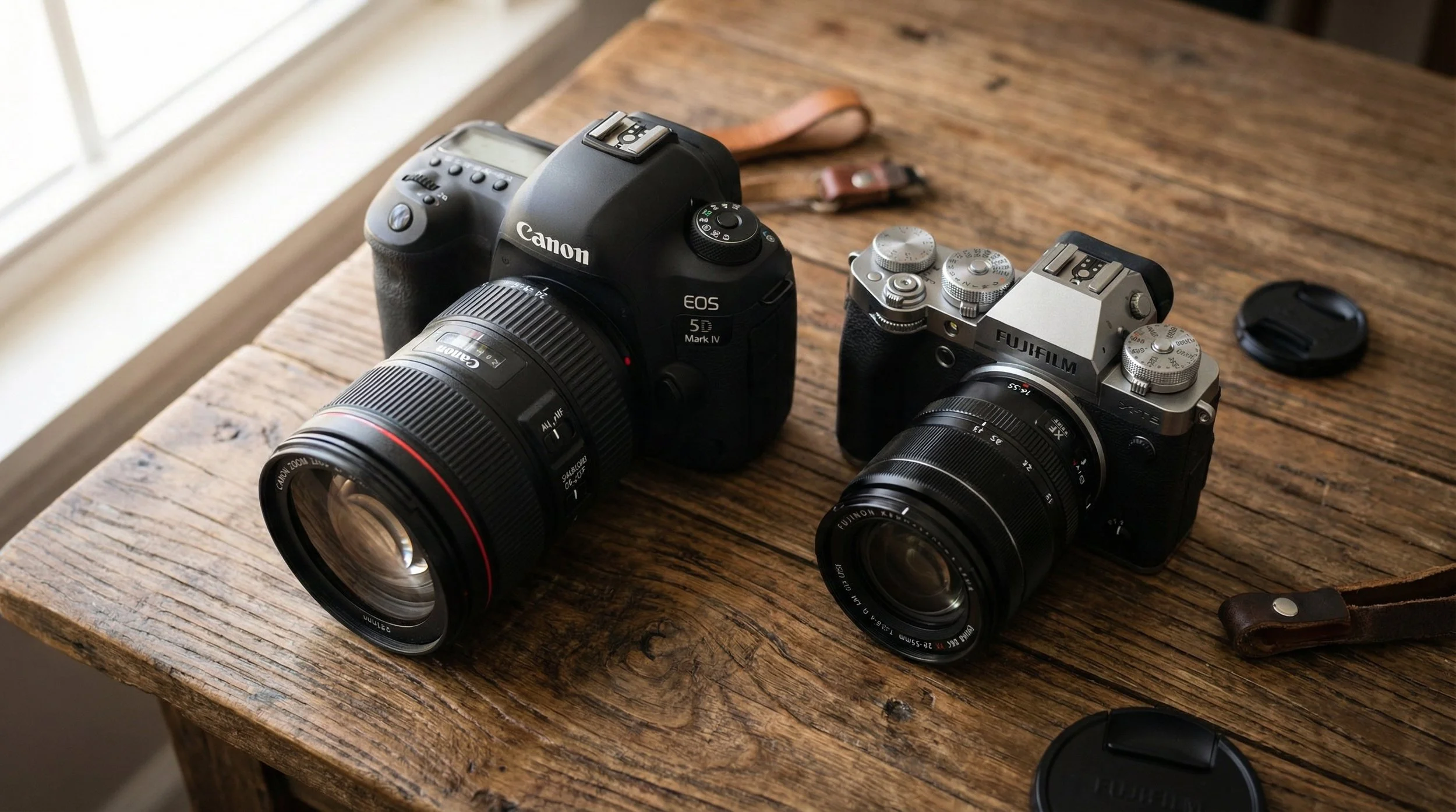
Mirrorless shipments in 2025 reached about 6.3 million bodies, which represents roughly 112.5% of the previous year's levels. That's actual year-on-year growth rather than just holding steady. Meanwhile, DSLR shipments dropped to just over 690,900 units worldwide, only 69.3% of what we saw in 2024.

In other words, mirrorless isn't just the future anymore. It's the present. And the traditional DSLR market continues to shrink.

Smaller sensors outsell full frame

For 2025, CIPA began breaking out interchangeable-lens camera shipments by sensor size, and this paints a really clear picture.

APS-C and Micro Four Thirds bodies accounted for more than 4.45 million units shipped. Full-frame and larger (including medium format) reached around 2.54 million units.

So despite all the marketing focus on high-end full-frame systems, the majority of buyers are actually choosing cameras with smaller sensors.

This makes sense when you look at where these cameras sit in the market:

  • Price: APS-C and Micro Four Thirds models typically launch at more accessible price points, which makes them attractive to newcomers and enthusiasts who don't want to commit full-frame money on day one.

  • Size and weight: Smaller sensors usually mean smaller bodies and lenses, which is brilliant if you travel, hike, or just don't fancy lugging around a heavy bag.

  • Reach: The crop factor effectively gives you more telephoto reach from the same focal lengths, which is really handy for wildlife, sports, and distant subjects.
The flip side is that wide-angle work becomes trickier, as you need much shorter focal lengths to get the same field of view as full frame. Of course, if you love ultra-wide landscapes, you just have to adjust your lens choice. You’ll be looking for shorter focal lengths to get the same view as a full-frame setup, but there are some fantastic, tiny wide-angle lenses out there that do the job perfectly.

Regional trends: where DSLRs still hang on

When you zoom into the regional breakdown, DSLRs haven't vanished everywhere at the same pace.

In the Americas, DSLR shipments were still at 86.9% of their 2024 level. That's a decline, but not a total collapse. In Europe, the figure was 61.7% of the previous year. In Japan, fewer than 14,500 DSLRs were shipped, only about 47.3% of the 2024 volume. And in China, just over 28,250 DSLRs went out, which is 33.1% compared with the year before.

This suggests that in markets like Japan and China, the shift to mirrorless has been more decisive, while in the Americas and Europe there's still a meaningful base of DSLR users and buyers.

crop systems still dominate, but the gap is narrower

The lens numbers tell a similar story, but it's slightly more nuanced.

CIPA members shipped more than 10.6 million lenses worldwide in 2025, which corresponds to 102.8% of the 2024 figure, so lens sales are growing alongside cameras.
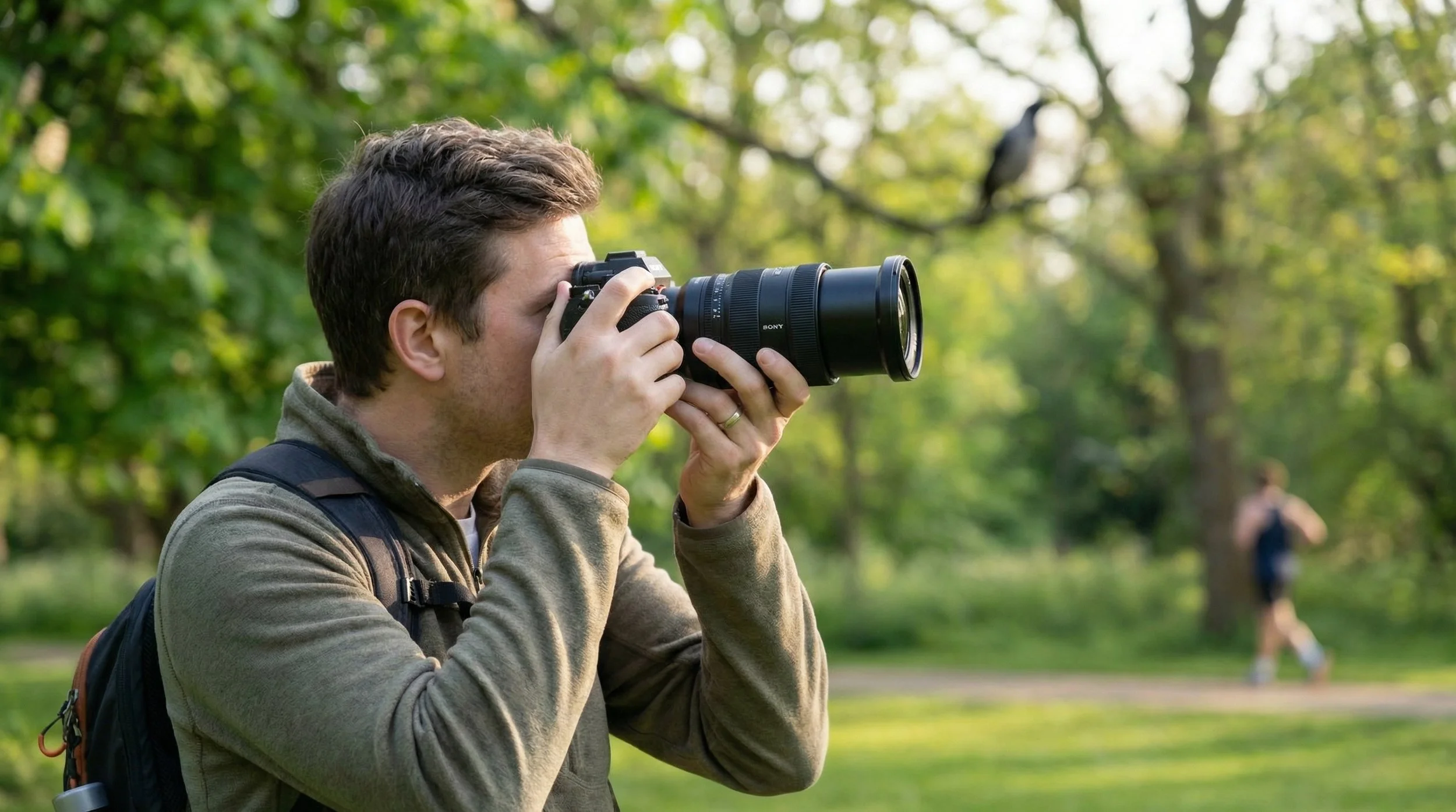
Lenses designed for sensors smaller than full frame accounted for about 5.82 million units. Full-frame and larger lenses reached more than 4.77 million units.

Here the split between crop and full-frame glass is tighter than it is for camera bodies. This implies that full-frame shooters are more likely to invest in multiple lenses, while many crop-sensor buyers stick with a kit zoom or a minimal setup.

Compacts: a small comeback from a very low base

Compact cameras are also seeing a modest resurgence, though the segment is still a shadow of its early-2010s heyday.
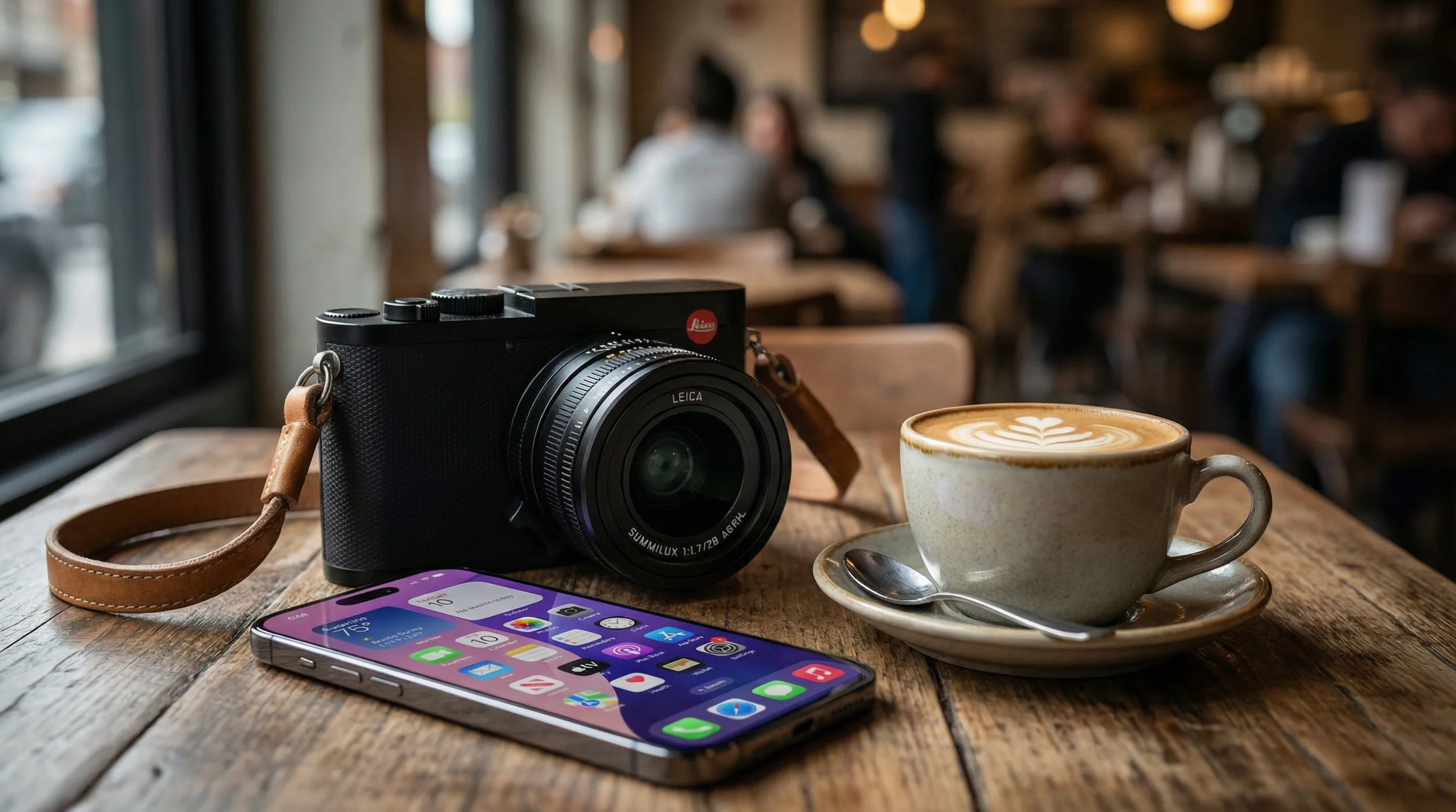
CIPA's report notes growth in compact shipments in 2025, but they remain far below the peak of the point-and-shoot era around 2010.

Today's compact buyers tend to be people looking for something clearly better than a phone. Often that means premium compacts, travel zooms, or niche models, rather than the mass-market "family camera" of the past.

What these trends mean for photographers

A few practical takeaways if you're deciding where to invest next:

You don't need full frame to be "serious". The majority of new interchangeable-lens cameras sold in 2025 were APS-C or Micro Four Thirds, and the lens ecosystem around them is clearly healthy.

Full frame is increasingly a committed choice. The tighter body numbers but strong lens sales suggest that full-frame systems are being used by photographers who are happy to invest more heavily in lenses.

DSLR systems will keep shrinking. There's still life in DSLRs in some regions, but the long-term trend in shipments is firmly downward.

For most photographers, especially those who value portability or are budget-conscious, sticking with or moving to a modern crop-sensor mirrorless system remains a very smart choice.

βœ… Photoshop JANUARY 2026 - Everything NEW πŸ’₯

Adobe dropped Photoshop 27.3.0 on the 27th January, and for once it's not just AI hype and features nobody asked for. This update brings some genuinely useful stuff that photographers and editors have been requesting for years.

Camera Raw tools finally join the party

The headline features are 2 (actually 3) new Adjustment Layers: Clarity & Dehaze and Grain.

If you've ever wanted to use Clarity or Dehaze without opening Camera Raw or converting to a Smart Object, your prayers have been answered. They now work exactly like Curves, Levels or any other adjustment layer. You can mask them, adjust opacity, change blend modes, and they stay fully editable in your PSD.

Clarity is brilliant for adding punch to textures and details in your midtones without blowing out highlights or crushing shadows. Dehaze cuts through atmospheric haze (or adds it if you reverse the slider), and having it as an adjustment layer means you can apply it selectively with a mask.

Grain gets the same treatment. Want to add film-style texture to knock the digital edge off a super-clean file? Chuck a Grain adjustment layer on top, dial it in, and you're done. It's particularly good for black and white work or vintage treatments.

The AI tools are growing up

On the generative side, things have improved quite a bit.​

Generative Fill and Generative Expand now output at up to 2K resolution, which means extended canvases and filled areas look far less mushy and hold detail much better. Adobe has also added model selection, so you can pick the Firefly version that best suits what you're doing.

The real game-changer is Reference Image support in Generative Fill. You can now feed Photoshop a reference photo and it'll try to match the lighting, colour and structure when generating new content. This is massive for compositing work or keeping a series of images consistent.

The Remove tool has also been quietly upgraded. It does a much cleaner job removing objects and people, with fewer obvious smears and repetitive patterns. In most cases you'll get a usable result without needing to follow up with Clone Stamp or Healing Brush.​

Why this one matters

This isn't a flashy update, but it's the kind that actually changes how you work.

Having Clarity, Dehaze and Grain as proper adjustment layers keeps everything inside Photoshop's layer stack where it belongs. No more jumping between Camera Raw, no more Smart Objects eating up file size, no more destructive edits.

The AI improvements make the generative tools feel less like tech demos and more like something you'd actually use in client work. Higher resolution output and better reference matching mean you can rely on them for real projects, not just Instagram experiments.

If you're on Creative Cloud, the update should already be available. The new adjustment layers live in the standard Adjustments panel alongside everything else. Well worth checking out, especially if you shoot landscapes, architecture or do any kind of composite work.​

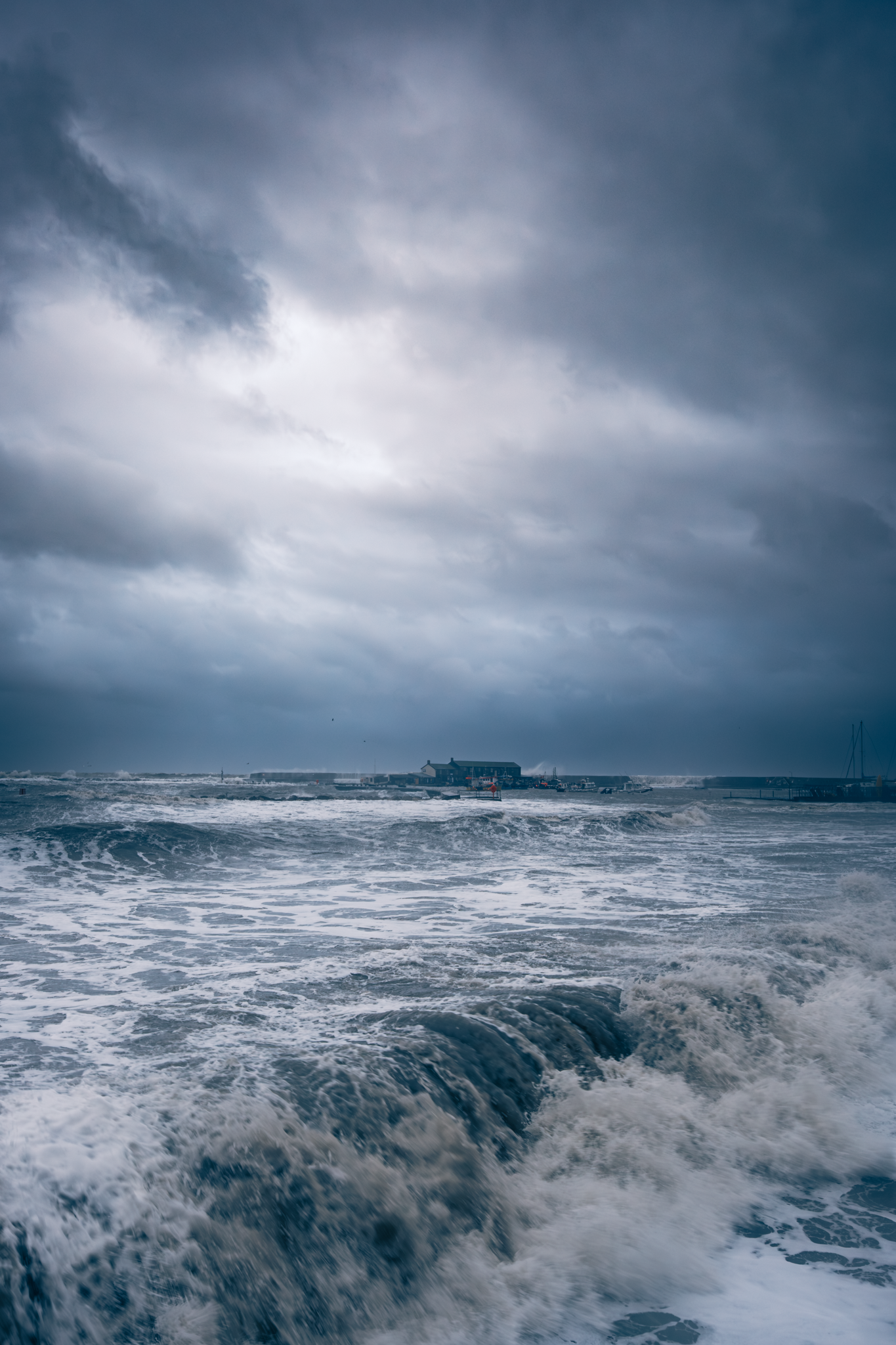
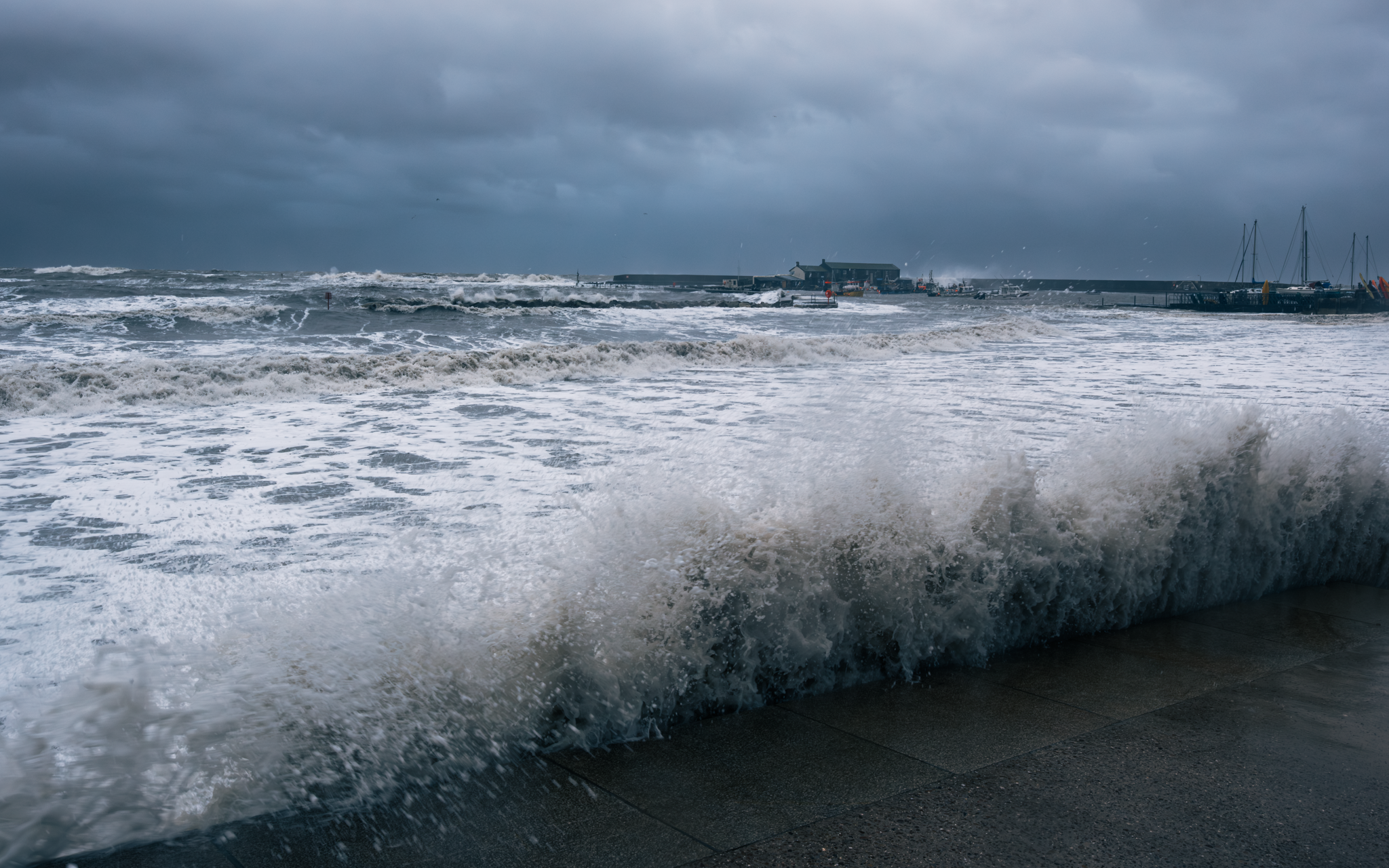
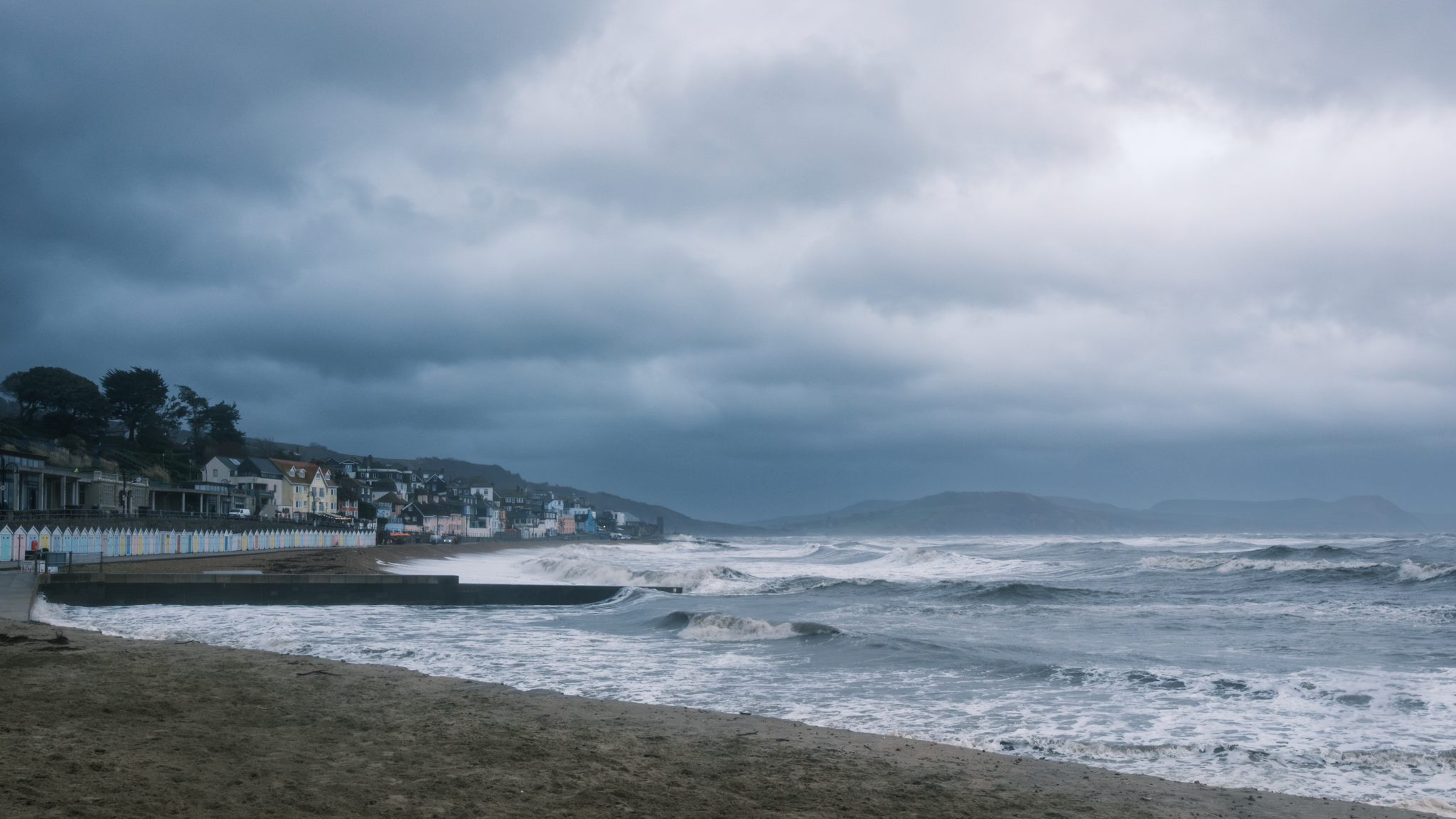
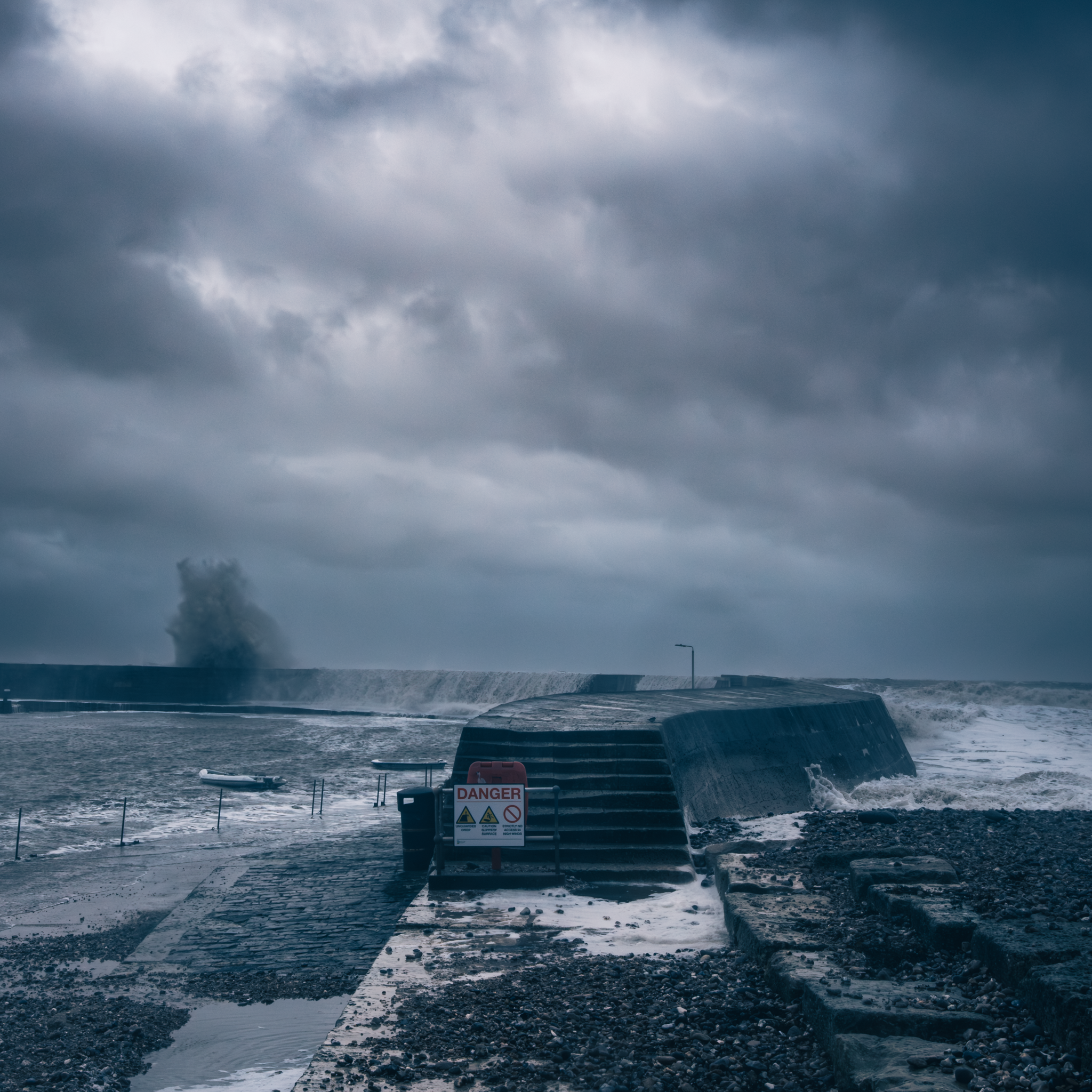
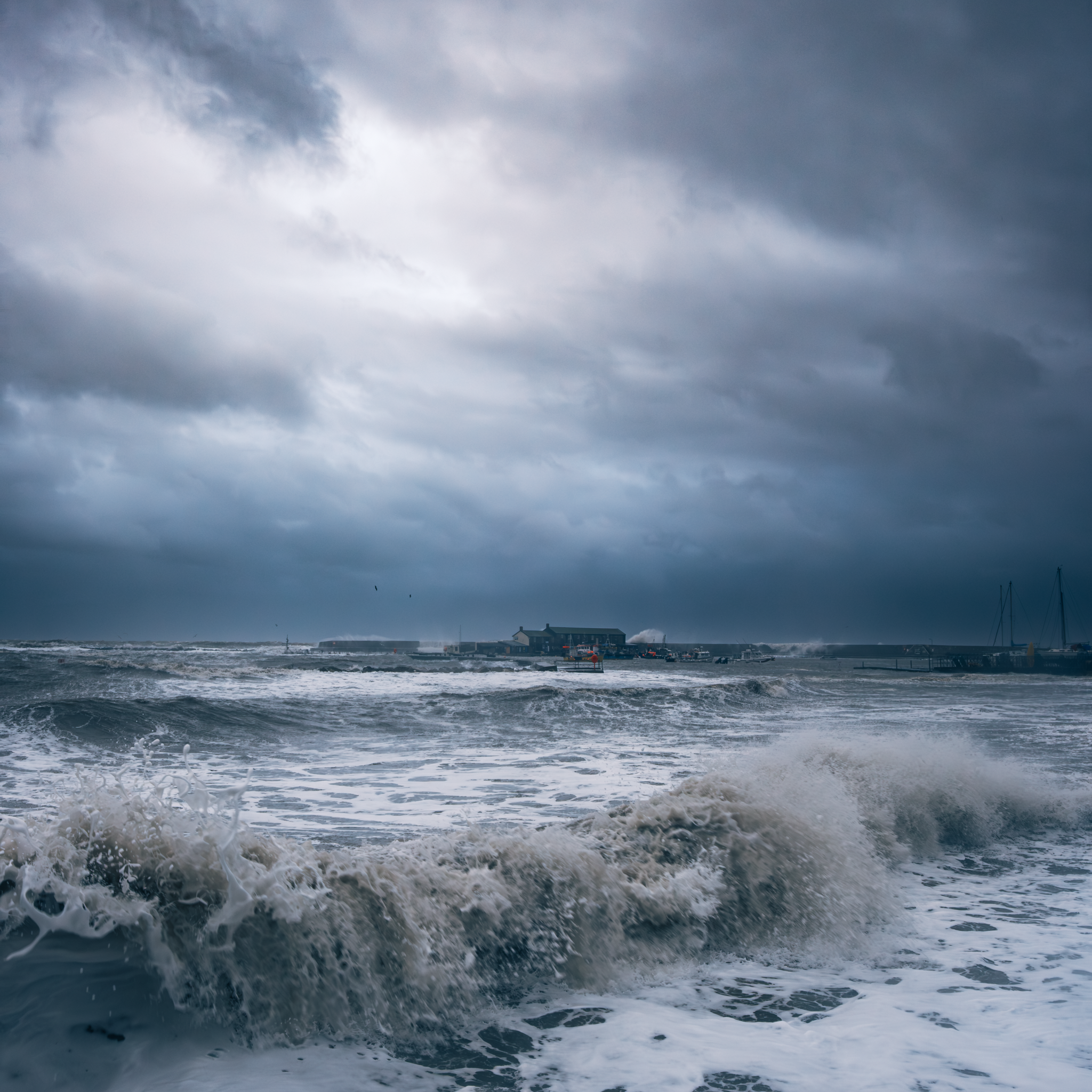
Stormy Sea at Lyme Regis 🌊

I hadn’t intended to head down to the seafront this morning, but with a storm still present I checked the tide times and with high tide in a couple of hours, I couldn’t resist.

WOW! The sea was incredible!

Waves crashing and pounding The Cobb as it stood firm protecting the harbour, the beach not visible as the sea washed over it throwing sea water onto the promenade and waves crashing against the sea wall at Gun Cliff dwarfing the tower two-fold!

Such a Thrill!

All photographs hand-held using …

Fuji X-T5 with 18mm f/1.4
1/125 sec
f/11
ISO 400

You NEVER Know ❀️

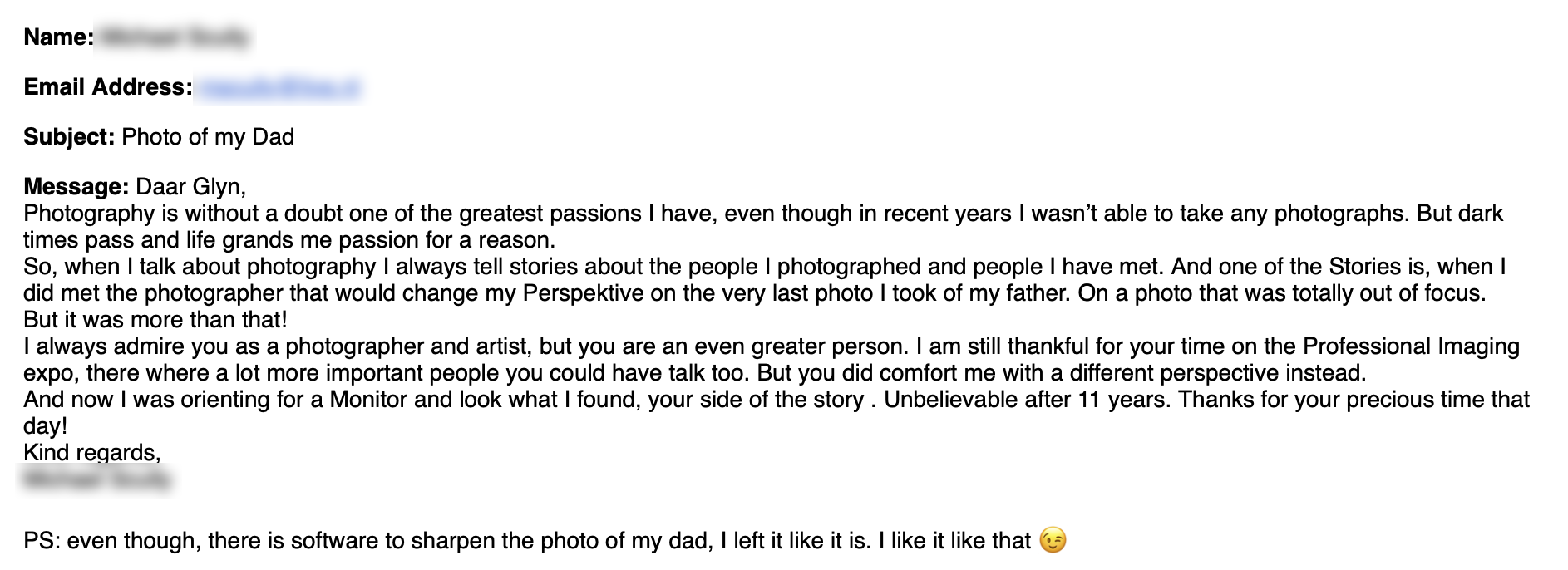
One story I often tell is of a time when I was presenting at a Photography Conference in The Netherlands called β€œProfessional Imaging” a few years back, when at the end of the presentation, a man and his wife came to the side of the stage to speak to me, and mentioned about his Father Dying and how devastated he was, that the last photograph he took of him, was out of focus.

Well, today, completely out of the blue, I had an email come through from him, mentioning about our conversation all those (11) years ago.

I've attached it here for you, for no other reason than to say ... you NEVER know who you are affecting and you never know who is looking in.

Each of us goes about our thing day to day. We take pictures, we create and we share, but believe when I say that someone is watching, someone is looking in, and is being inspired and encouraged by what you do.

You've not met them yet, and maybe you never will but they are 100% out there, and for that reason alone ... we have to keep on, keeping on!

Best to you,
Glyn

⛔️ Stop Policing Creativity

I don’t normally write a post such as this, but I’ve seen a fair bit of β€˜this’ lately so just felt the need to put pen to paper, so to speak.

I’m tired of seeing people tell others what they should or shouldn’t be doing with their photography and editing.

We see it all the time in comments and forums; people acting like there is a "correct" way to be creative.

It's tedious. It’s exhausting.

The escape is the point

Photography and editing are personal.

For loads of us, picking up a camera is a break from all the rules, deadlines and stress that come with modern life.

When someone sits down to create, that might be the only hour in their day where they actually feel in control of something. If they want to use a tool that makes things easier or more enjoyable, that's up to them.

The minute we start slapping "rules" on creativity, we turn what should be a release valve into just another chore; we make people second-guess themselves before they share their work, or even worse, they stop creating altogether because they're worried about being judged by the purists.

Use the tools you want

This goes for the tools we choose too.

If someone wants to use a particular bit of software or decides to use AI, so what? That's their choice.

If what someone else is doing has absolutely no impact on you, your life, or your own creativity, then why let it concern you?

As long as they're not trying to deceive people or claim credit for something they didn't actually do, let them get on with it, and even if someone does try to be deceptive, they'll get found out eventually. We'd probably do better spending our time keeping our own house in order before we start telling everyone else how to run theirs.

The elitism of the "right" way

Then you've got the phrases that always come up, like "getting it right in camera" or "we should all go back to basics."

Every time I see or hear this, it comes across as elitist. It feels like they're saying "I'm better than you."

Do the people who say this honestly think everyone else is deliberately trying to get things "wrong" in camera?

We all try to do our best at the point of capture, but for many people, that's just the start of the process.

And as for going back to basics, who are we to say that?

Just because one person finds joy in the traditional way of doing things doesn't mean everyone else has to. Why should someone else do what you reckon they should do?

Leave them be

Life's tough enough as it is. We're all different, and thank goodness for that; the world would be a boring place if we all worked the same way.

If someone's getting enjoyment out of what they're doing, leave them be. The world doesn't need more critics, it needs more people finding a way to enjoy themselves.

If their process made their day a bit better, they didn't break a rule, they won.

πŸ™…πŸΌβ€β™‚οΈ How to NEVER forget your Photoshop edits again βœ…

I have lost count of the times I have finished an edit, loved the result, and then completely forgotten how I actually got there.

In this video, I am showing you a simple trick using the Photoshop History Log and AI to create a perfect, step-by-step record of every single move you make.

No more guessing which filter you used or what that specific slider value was; it’s like having a digital assistant write your editing recipes for you while you work.

What I cover:

βœ… How to turn on the hidden History Log in Photoshop.
βœ… Exporting your editing steps as a simple text file.
βœ… Using a clever AI prompt to turn that messy log into a clear workflow.
βœ… Why this is a game-changer for your consistency and learning.

Evoto's AI Headshots: When Your Favourite Tool Turns Against You

Evoto's AI headshot generator has become a cautionary tale about how quickly an AI company can burn through the trust of the very professionals who helped build its reputation.

When your retouching app becomes a rival

At Imaging USA 2026 in Nashville, portrait and headshot photographers discovered that Evoto had been quietly running a separate "Online AI Headshot Generator" site. The service let anyone upload a selfie and receive polished, corporate-style portraits, with marketing that openly pitched it as a cheaper, easier alternative to booking a photographer.

This wasn't a hidden experiment tucked away behind a login. The headshot generator had a public URL, example images, an FAQ and a clear path from upload to final "professional" headshot. For photographers who had built Evoto into their workflow, it felt like discovering that a trusted retouching assistant had quietly set up shop down the road and started undercutting them.

Why Evoto's role made this sting

Evoto built its identity as an AI-powered retouching and workflow tool aimed squarely at professional photographers, especially those shooting portraits, headshots and weddings. The pitch was straightforward: let the software handle the tedious stuff like skin smoothing, flyaway hairs, glasses glare, background cleanup and batch retouching so photographers can focus on directing and shooting.

That positioning worked. Photographers paid for it, used it on paid client work, recommended it in workshops and videos, and sometimes became ambassadors or power users. The unspoken deal was that Evoto would stay in the background, supporting human photographers rather than trying to replace them. A consumer-facing headshot generator cut straight across that understanding.

What the headshot generator offered

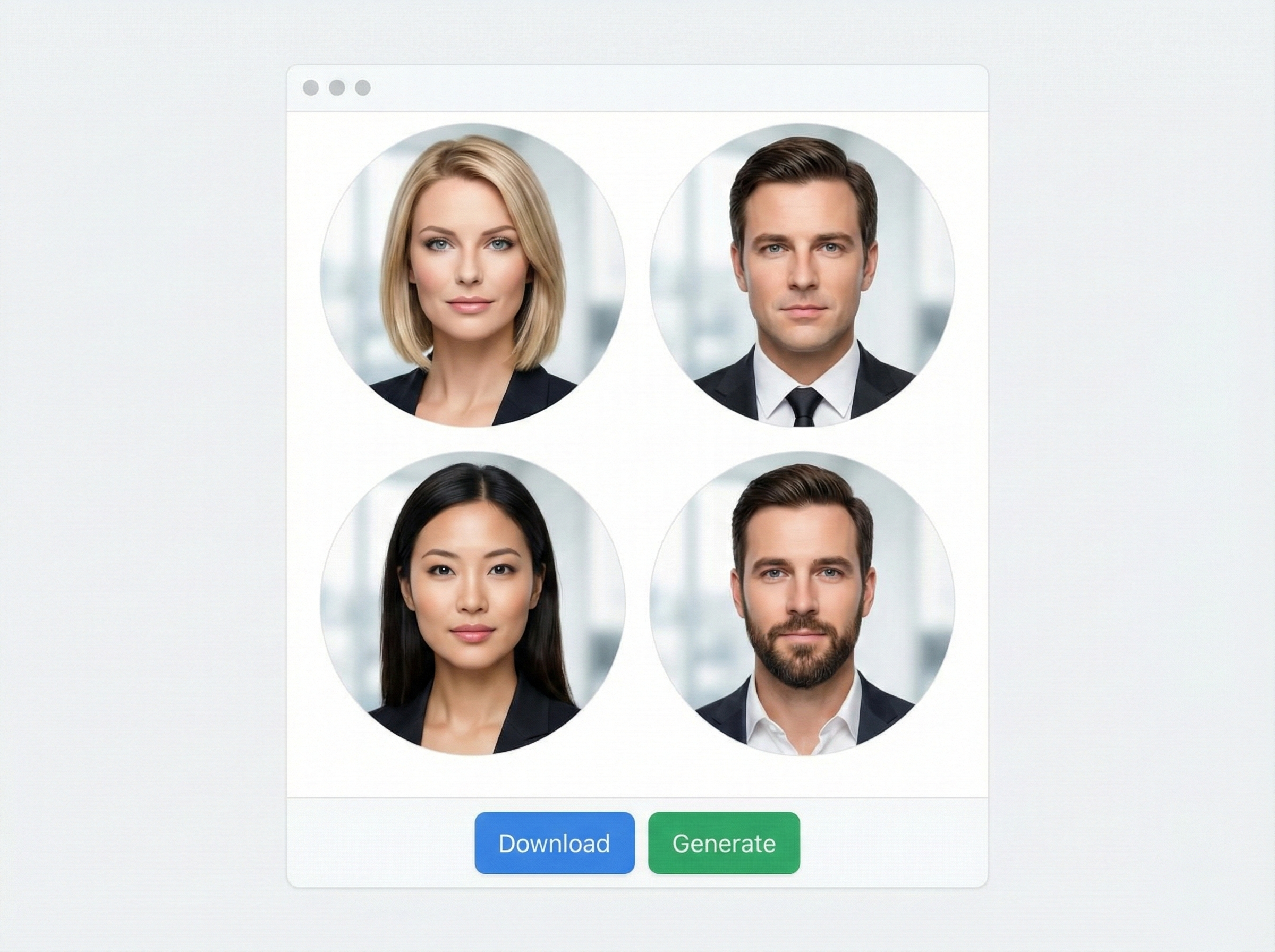
The AI headshot tool followed a familiar pattern: upload a casual selfie, choose a style and receive cleaned-up headshots with flattering lighting, neat clothing and tidy backgrounds, ready for LinkedIn or company profiles. The examples looked very similar to the kind of "studio-style" work many Evoto customers already produce for corporate clients.

*Simulation Only ; NOT the Evoto Interface

The wording is what really set people off. The marketing leaned heavily into cost savings, avoiding studio bookings, quick turnaround and "professional-looking" results without needing a photographer. Coming from a faceless tech startup, that would already be provocative. Coming from a tool that photographers had trusted with their files and workflows, it felt like a direct invitation for clients to pick AI over them.

For many creatives, this is the line that matters: AI that helps you deliver better work is one thing. AI that presents itself as your replacement is something else entirely.

Why photographers are so angry

Photographers' reactions centre on three main issues.

First is a deep sense of betrayal. People had paid into the Evoto ecosystem, uploaded thousands of client images and publicly championed the product. Learning that the same company had built a consumer brand aimed at undercutting them felt like discovering that their support had funded a tool designed to compete with them.

Second are concerns about training data. Photographers have pointed out that the look of the AI headshots seems very close to the kind of work Evoto users upload. Evoto now says its models are trained only on commercially licensed or purchased imagery, not on customer photos, but those reassurances arrived after the story broke and against a backdrop of widespread anxiety about AI scraping. Without long-standing, transparent policies on data use, many remain sceptical.

Third is the tone of the marketing. Promises of saving money, avoiding bookings and still getting "pro-quality" results read like a direct invitation for clients to choose a cheap AI pipeline instead of hiring a photographer. Photo Stealers captured the mood with a blunt "WTF: Evoto AI Headshot Generator" and reported photographers literally flipping off the Evoto stand at Imaging USA. The Phoblographer went further, calling the service an attempt to replace photographers with "AI slop" and questioning the claim that this was simply an innocent test.

The apology that didn't land

In response, Evoto posted a statement saying the headshot generator had "missed the mark", "crossed a line" and was being discontinued. The company framed it as a test of full image generation that strayed beyond the support role it wants to play, and promised that user images are not used to train its models, describing its protections as "ironclad" and its training data as licensed only.

On the surface, this sounds like the right approach: apology, cancelled feature, clearer explanation of data use. In practice, many photographers point out that a fully branded, public site with examples and a working workflow doesn't look like a small internal trial. Shutting down comments on the apology thread after a wave of criticism made it feel more like damage control than a genuine conversation with paying users.

Commentary from outlets such as The Phoblographer argues that the real problem is the direction Evoto appears to be heading. If a company plans to sell "good enough" AI portraits directly to end clients while also charging photographers for retouching tools, trust will be almost impossible to rebuild.

What photographers can learn from this

The Evoto story lands at a time when photographers are already rethinking their place in an AI-saturated world, from smartphone "moon shots" to generative backdrops and AI profile photos. Beyond the immediate anger, it points to a few practical lessons.

Treat AI tools as business partners, not just clever software. Pay attention to how they talk to end clients and where their roadmap is heading.

Ask clear questions about training data and future plans. You need to know if your uploads can ever be used for model training and whether the company intends to build services that compete with you.

Be careful about attaching your reputation to a brand. Discounts and referral codes matter less than whether the company's long-term vision keeps human photographers at the centre.

For AI companies in imaging, the message is equally direct. You cannot present yourself as a photographer-first platform while quietly testing products that encourage clients to bypass those same photographers. In a climate where trust is already thin, real transparency, clear boundaries and honest dialogue are the only way to stay on the right side of the people whose pictures, workflows and support built your business in the first place.

Why AI Enhancement Isn't Cheating in Wildlife Photography

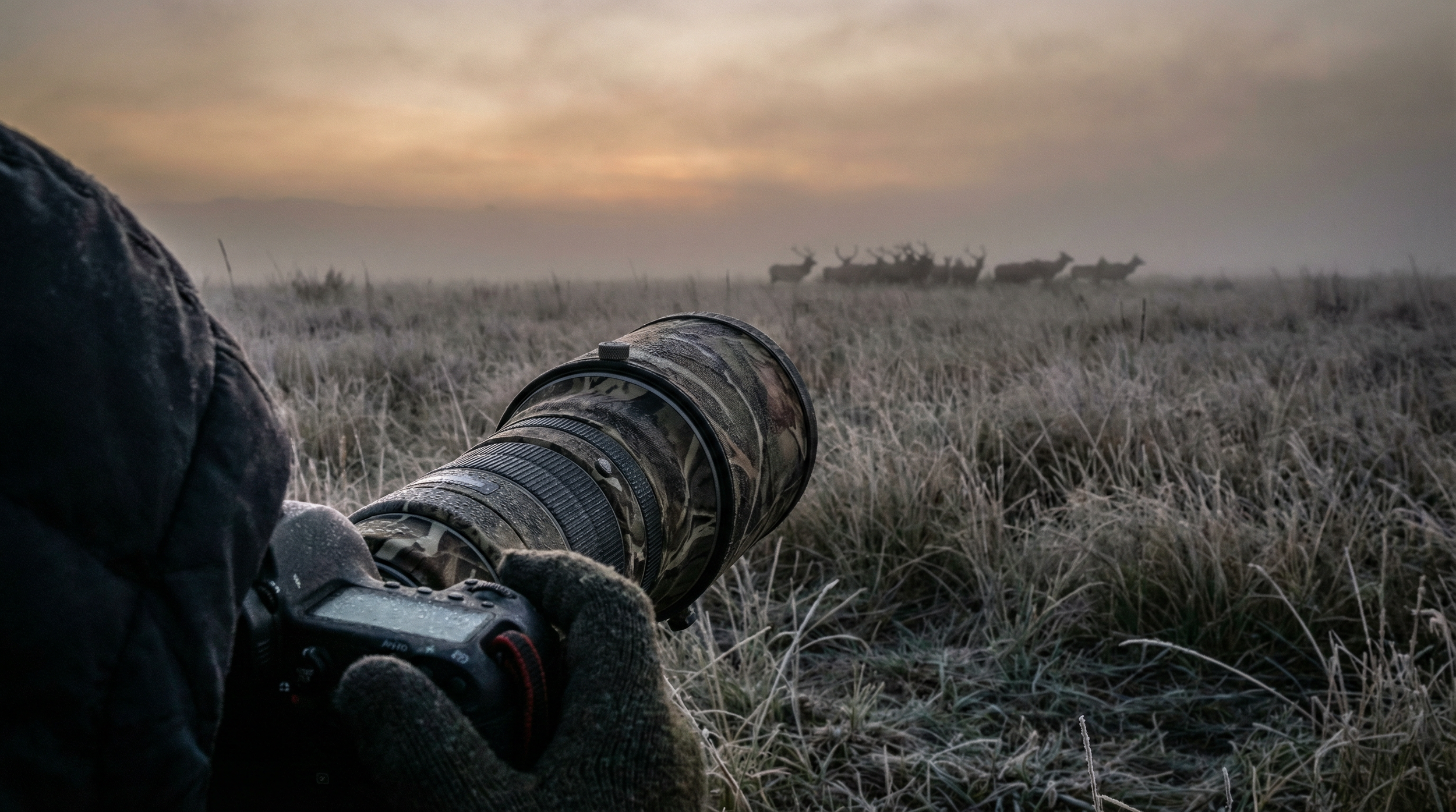
Wildlife photography is something I'd love to do more of, but at the moment, time doesn't allow it. However, when I do get the chance to head out with a long lens to give it a go, I gain deep respect for what it takes to capture the shot.

That's why the debate around AI editing tools fascinates me.

Critics argue that tools like Topaz Gigapixel or AI sharpening "ruin" wildlife photography. If your lens wasn't long enough or your sensor didn't capture fine details, using AI to reconstruct them is cheating.

I disagree completely.

The soul of wildlife photography is being there. If you hiked to a remote location, endured harsh weather, and invested hours of patience to witness a specific behaviour, that has real value. That's the foundation of your photograph.

So why should using AI to overcome your gear's physical limitations invalidate your fieldwork?

AI enlargement or texture refinement doesn't fabricate what the animal did. When a predator chases prey, AI doesn't invent the event. It helps your image reflect what you actually witnessed. It bridges the gap between your equipment's constraints and the magnitude of the moment.

We obsess over the technical "purity" of raw files, but we should focus on the effort required to be standing in that field. Cameras are tools, and every tool has limits. If software rescues a once-in-a-lifetime encounter from being a blurry mess, that's a win.

The truth of wildlife photography isn't in the pixels. It's in the person willing to get cold, wet, and tired to document the natural world.

What's your take?

Does AI enhancement cross a line, or does the real work happen in the field?

I'd genuinely love to hear your perspective.

Come on Adobe πŸ™πŸ» We NEED THIS FEATURE ⚠️

I've put together this short video because I need to ask a favour from anyone who uses Photoshop Camera Raw or Lightroom. There's a fundamental feature that's been missing for years, and it seriously impacts how we edit our images and the results we achieve.

The Missing Piece in AI Masking

The issue centres on masking, specifically the AI-generated masks available in the masking panel. Being able to select a sky or subject with one click is genuinely incredible, but there's a massive gap in functionality. We have no way to soften, blur, or feather those AI masks after they've been created.

Instead, we're left with incredibly sharp, defined outlines that sometimes look like poorly executed cutouts. This makes blending our adjustments naturally into the rest of the image much harder than it needs to be.

Years HAVE PASSED

Adobe introduced the masking panel back in October 2021. It changed the way we work and represented a huge step forward. Yet here we are, years later, still without a simple slider to soften mask edges.

If you want to blend an adjustment now, you're often stuck trying to subtract with a large soft brush, using the intersect command with a gradient, or employing other crude workarounds to hide the transition. It feels like excessive work for what should be a standard function.

The Competition Gets It Right

What makes this even more frustrating is seeing other software solve this problem elegantly. The new Boris FX Optics 2026 release includes AI masking controls where a single slider softens and blurs the mask outline, and it works incredibly well. Luminar has been offering this functionality for quite a while too.

These tools understand that a mask is only as good as its edges. When the competition provides ways to feather and refine AI selections, the absence of this feature in Adobe's ecosystem feels glaringly obvious.

Adobe's Strengths and Opportunities

Don't get me wrong. I appreciate that Adobe constantly pushes boundaries. We've witnessed tremendous growth over recent years, with developments from third-party AI platforms like Google's Gemini, emerging models, and innovations from Black Forest Labs with Flux and Topaz Labs. It's an exciting time to be a creator.

But I wish Adobe would take a moment to polish what we already have. Adding flashy new features is great, but refining the core workflows we use every single day would be a massive leap forward for all of us.

How You Can Help

Rather than simply complaining about this issue, I've created a feature request post in the Adobe forums. It's been merged with an existing thread on the same topic, which actually helps consolidate our voices into one place.

Here's what I need you to do: click the link below to visit the post and give it an upvote by clicking or tapping the counter number in the upper left. If we can get enough visibility on this, Adobe might finally recognise how much the community wants and needs this feature.

( LINK )

I believe refining existing tools is just as important as inventing new ones. Thank you for taking the time to vote. It really does make a difference when we speak up together.