Generative Upscaling using Topaz Gigapixel now in Lightroom

Adobe Lightroom version 9.2, released on 20th February 2026, brings with it a significant new feature: generative upscaling powered by Gigapixel from Topaz Labs.

If you've ever needed to enlarge an image whilst maintaining sharpness and clarity, this update is going to be very welcome indeed.

Here's a comprehensive look at what it does, how to use it, and what you need to know before you get started.

What Is Generative Upscale with Gigapixel?

Generative upscale is an AI-powered image enlargement tool built directly into Lightroom, using technology from Topaz Labs' well-regarded Gigapixel application. It works by analysing your image and intelligently increasing its resolution, improving quality, sharpness, and clarity in the process. The key advantage over Lightroom's existing super resolution feature is both the degree of upscaling available and the range of file formats it supports.

How Does It Differ from Super Resolution?

Lightroom has offered super resolution for some time, but it comes with two notable limitations: it only upscales by 2x (200%), and it only works on RAW files. The new Gigapixel-powered generative upscale removes both of those restrictions. You can now upscale by either 2x or 4x, and crucially, it works on RAW files and other file formats too, making it far more versatile.

How to Access Generative Upscale

There are three ways to access the feature within Lightroom:

From the menu bar, go to Photo and select Generative Upscale. Alternatively, right-click on your image in the editing view and choose Generative Upscale from the context menu. You can also right-click on a thumbnail in the grid view to find the same option.

What Happens When You Upscale?

Once you select generative upscale, a dialogue box appears showing your upscaling options (2x or 4x), along with the resulting pixel dimensions and file size in megapixels. You'll also see how many generative credits the process will consume, and a real-time display of your current monthly generative credit balance, which is a very handy addition.

The processing itself takes place in the cloud, regardless of whether your images are stored locally or in Adobe's cloud. This means an active internet connection is required every time you use the feature. In testing, the process took around 30 seconds, though this will depend on your connection speed.

Once complete, the upscaled image is saved as a new DNG file alongside your original. This is an important point: no matter what file format you send for upscaling, the returned file will always be a DNG. The filename will reflect that Gigapixel was used and will indicate the upscaling factor applied (2x or 4x).

An Important Tip: Edit First, Then Upscale

This is perhaps the most important thing to be aware of when using generative upscale. When the upscaled DNG file is returned, all of your existing Lightroom edits, including masks and adjustments, are baked into it. The new file will not retain any editable Lightroom settings. For that reason, you should always complete your editing first before running the upscale. The good news is that your original edited file is preserved, so you will always have access to make further adjustments to it should you need to.

Generative Credits

Using generative upscale consumes generative credits from your monthly allowance. The cost is either 10 or 20 credits, depending on the size of the output, with a maximum of 20 credits per upscale. The dialogue box shows exactly how many credits will be used before you commit, and you can see your remaining balance at the same time.

The Stacking Option for Cloud Images

If you are working with images stored in Adobe's cloud, there is one additional option available: the ability to create a stack. Rather than the upscaled file appearing as a separate thumbnail alongside your original, it will be grouped together with it as a stack, keeping your library neat and organised. This option is not available for locally stored images.

Maximum Output Size

The maximum output size is an impressive 65,000 pixels on the longest edge, making this suitable for very large print work indeed.

Where Generative Upscale Is Most Useful

This feature is particularly well suited to a number of scenarios. It's excellent when you've made a significant crop to an image and want to recover detail and sharpness in the enlarged result. It can also be used to improve low-resolution scans, or to breathe new life into images from older cameras with lower megapixel counts.

Quick Summary of Key Points

  • Available in Lightroom version 9.2 and later

  • Powered by Topaz Labs' Gigapixel technology

  • Upscale options: 2x or 4x

  • Works on RAW files and other file formats (unlike super resolution)

  • All processing is done in the cloud; an internet connection is required

  • Returns a new DNG file regardless of the original format

  • Consumes 10 or 20 generative credits (maximum 20 per upscale)

  • Maximum output: 65,000 pixels on the longest edge

  • Edits are baked into the upscaled file, so always edit first

  • Stacking option available for cloud-stored images

  • Your original file is always preserved

For photographers looking to get the most from their images, whether recovering detail from a tight crop or improving older files, this is a genuinely useful addition to Lightroom's toolkit.
Reality vs Photoshop - Is Faking It Cheating? 🤷‍♂️

Car photography always looks that little bit more dramatic when there's a wet road reflection underneath the vehicle. But what do you do when the road is bone dry? In this guide, I'll walk you through two ways to fake a puddle reflection in Photoshop -- one traditional, one powered by AI -- and then I'll leave you with a question worth thinking about.

Method One: The Manual Approach

Step 1: Select the Car

Start by grabbing the Object Selection tool from the toolbar. In the options bar at the top of the screen, make sure the mode is set to Cloud for the best possible result, then click Select Subject. Photoshop will do a surprisingly good job of selecting the car in just a moment or two.

Step 2: Copy the Car onto Its Own Layer

With your selection active, press Command + J (Mac) or Control + J (Windows) to copy the car up onto a new layer. If you toggle every other layer off, you should see just the isolated car sitting cleanly on a transparent background.

Step 3: Flip It Upside Down

Go to Edit > Transform > Flip Vertical. This flips the car layer to create the basis of your reflection. Now grab the Move tool, hold down Shift (to keep movement perfectly vertical) and drag the flipped car downwards until the tyres of both the original and the reflection are just touching.

If things look slightly off-angle, go to Edit > Free Transform, move your cursor just outside the bounding box until you see the rotation cursor, and give it a gentle nudge until it lines up properly.

Step 4: Add a Black Layer Mask

Rename this layer "Reflection" to keep things tidy. Then, holding down Option (Mac) or Alt (Windows), click the Layer Mask icon at the bottom of the Layers panel. This adds a black mask that hides the layer entirely -- which is exactly what you want for now.

Step 5: Draw the Puddle Shape

Select the Lasso tool and make sure you click directly on the layer mask thumbnail (you should see a white border appear around it, confirming it's active). Now draw a rough, freehand puddle shape beneath the car's tyres -- it doesn't need to be perfect, natural-looking and irregular is actually better here.

Step 6: Fill with White to Reveal the Reflection

Go to Edit > Fill, set the contents to White, and click OK. The reflection will now appear only within the puddle shape you drew.

Step 7: Soften the Edges

Zoom in and you'll notice the puddle edge looks very sharp and unnatural. To fix that, go to Filter > Blur > Gaussian Blur and apply just a small amount -- around 3 pixels is usually enough. This softens the boundary and helps the reflection blend into the ground convincingly.

Finally, you can reduce the opacity of the Reflection layer slightly to make the whole thing look a little more subtle and true to life.

Method Two: Using Adobe Firefly's Generative Fill

If you want a quicker and arguably more realistic result, Photoshop's AI tools can do a remarkable job here.

Step 1: Load the Puddle Selection

Hold Command (Mac) or Control (Windows) and click directly on the layer mask from your first reflection layer. This loads the puddle shape back as an active selection, saving you from having to draw it again.

Step 2: Select the Background Layer

Click on the main image layer, so that Generative Fill works on the background rather than the reflection layer.

Step 3: Run Generative Fill

In the contextual taskbar, click Generative Fill and type a prompt along the lines of: a reflection of car in puddle of water. For the AI model, select Firefly (specifically the Firefly Built and Expand model released in January 2026). If you're on a Creative Cloud Pro account, this won't cost you any credits -- whereas models like Flux or Nano Banana can use anywhere between 20 and 30 credits per generation.

Click Generate.

Step 4: Choose Your Favourite Variation

Firefly will produce three variations for you to compare. Have a look through them and pick the one that looks most convincing. You'll likely notice that the AI does something quite clever: it reflects the sky in the puddle on the far side of the car, just as real water would. Achieving that manually in Photoshop would take considerably more time and effort.

Which Method Should You Use?

For a quick, dirty result, the manual method works well and gives you full control. But for something that genuinely looks like a photograph taken on a wet road, the AI approach is hard to argue with -- particularly because of how naturally it handles the environmental reflections in the water.

A Question Worth Thinking About

Here's something to consider. When photographing that car, there were really two options: bring bottles of water to pour around the car and create a real puddle on the dry road, or add the reflection later in post-production, either manually or with AI.

Both approaches result in a reflection that wasn't originally there. The only difference is when in the process you add it.

So what do you think -- is there a meaningful ethical difference between physically creating something on location and digitally adding it afterwards? When it comes to reflections specifically, does it matter?

Let me know your thoughts in the comments below.

⏰ Wake Up, Camera Manufacturers: Changes you NEED to make 🤷‍♂️

There's an odd thing happening in the camera industry right now. Sales are genuinely picking up for the first time in years, compact cameras are practically flying off shelves, and a whole new generation of young people are actively seeking out dedicated cameras instead of just using their phones. It should be a moment of triumph, and yet, if you look a little closer, you start to notice all the ways manufacturers are in real danger of fumbling what could be their best opportunity in a decade.

The numbers are encouraging on the surface. The first eleven months of 2025 saw over 8.6 million camera units shipped, which works out to around 110% of the same period in 2024. The global market is valued at roughly USD 24.4 billion. But here's the sobering context: that same period in 2019 saw 14.16 million units shipped. The industry hasn't recovered so much as it has stopped bleeding. And the compact cameras driving that recovery? Manufacturers can barely make them fast enough to meet demand.

So what does the industry actually need to do? Quite a lot, as it turns out.

FIRST OF ALL THOUGH, THIS …

Before we even begin talking about piling more technology into cameras, I think there is a much more interesting conversation to be had first. Something that I reckon most photographers have never considered, but once you hear it, you will wonder why nobody has done it already.

I want to see manufacturers produce what I call an out of the box camera.

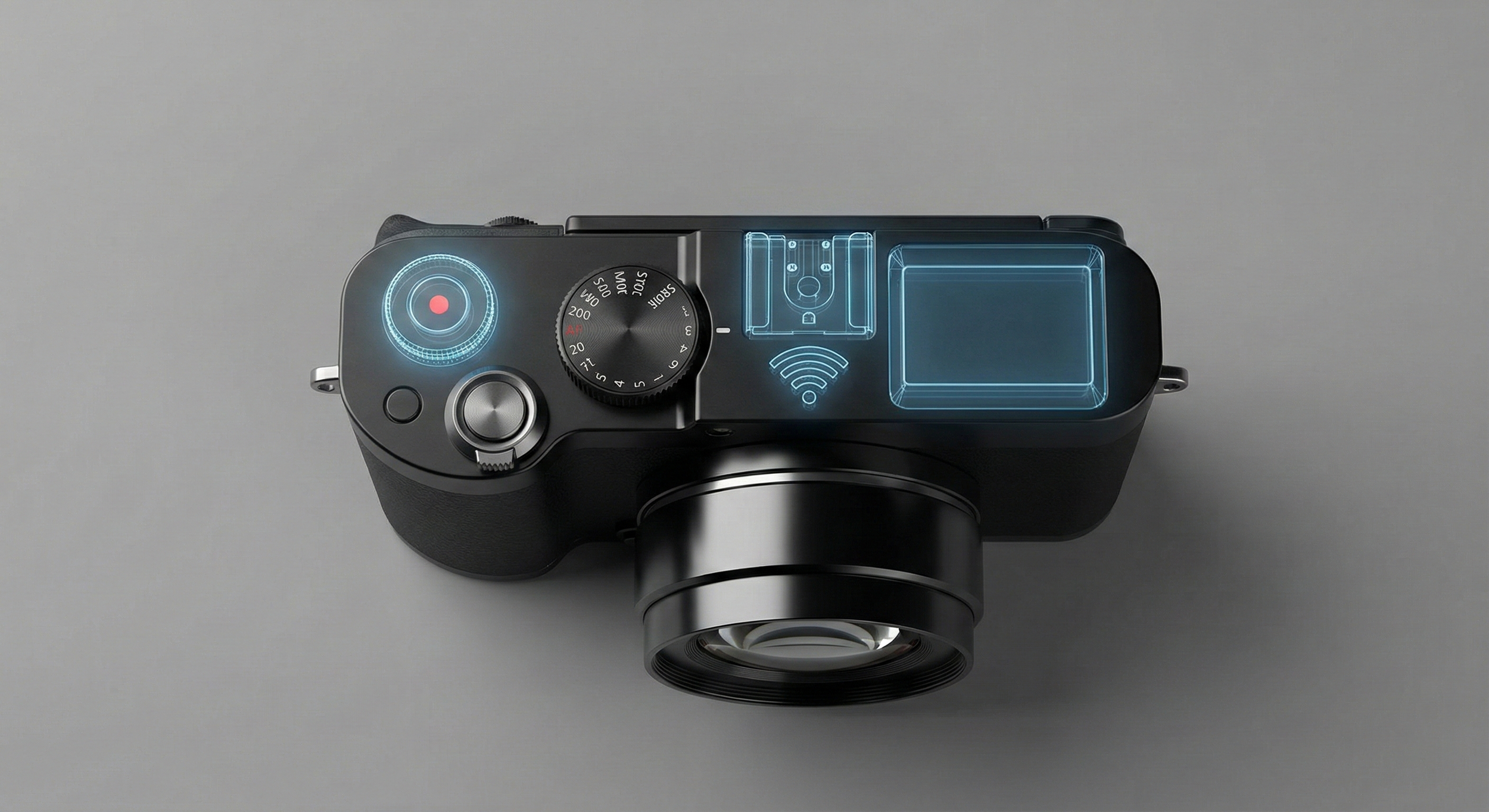
The idea is simple. You get a stripped-back version of the camera where all the complex modern wizardry is switched off by default. Not removed entirely, just dormant. The important stuff is all still there: the sensor, the optics, the fundamentals that actually make a great photograph. But the video functionality, high-end autofocus system, the cloud connectivity, the seventeen different subject tracking modes?… all of that sits quietly in the background until you decide you actually want it.

And if you do want it, you pay a modest one-off fee and it gets unlocked via a firmware update. Simple as that.

We are already seeing this happen in the motor industry. Mercedes, for instance, offers certain features that are physically built into the car but only activated once you pay for them using the “Mercedes Me” App. It raised a few eyebrows when it first came out, but the principle is sound, and I think it translates beautifully to cameras.

Here is why I think this would be a genuinely brilliant approach. First and most obviously, it brings the entry price down considerably, which means more people can get their hands on a quality camera without having to remortgage the house. A lot of photographers would be perfectly happy with the basic version and might never feel the need to unlock anything further. For those who do want the extra features, the option is there whenever they are ready for it. You grow into the system at your own pace, on your own terms.

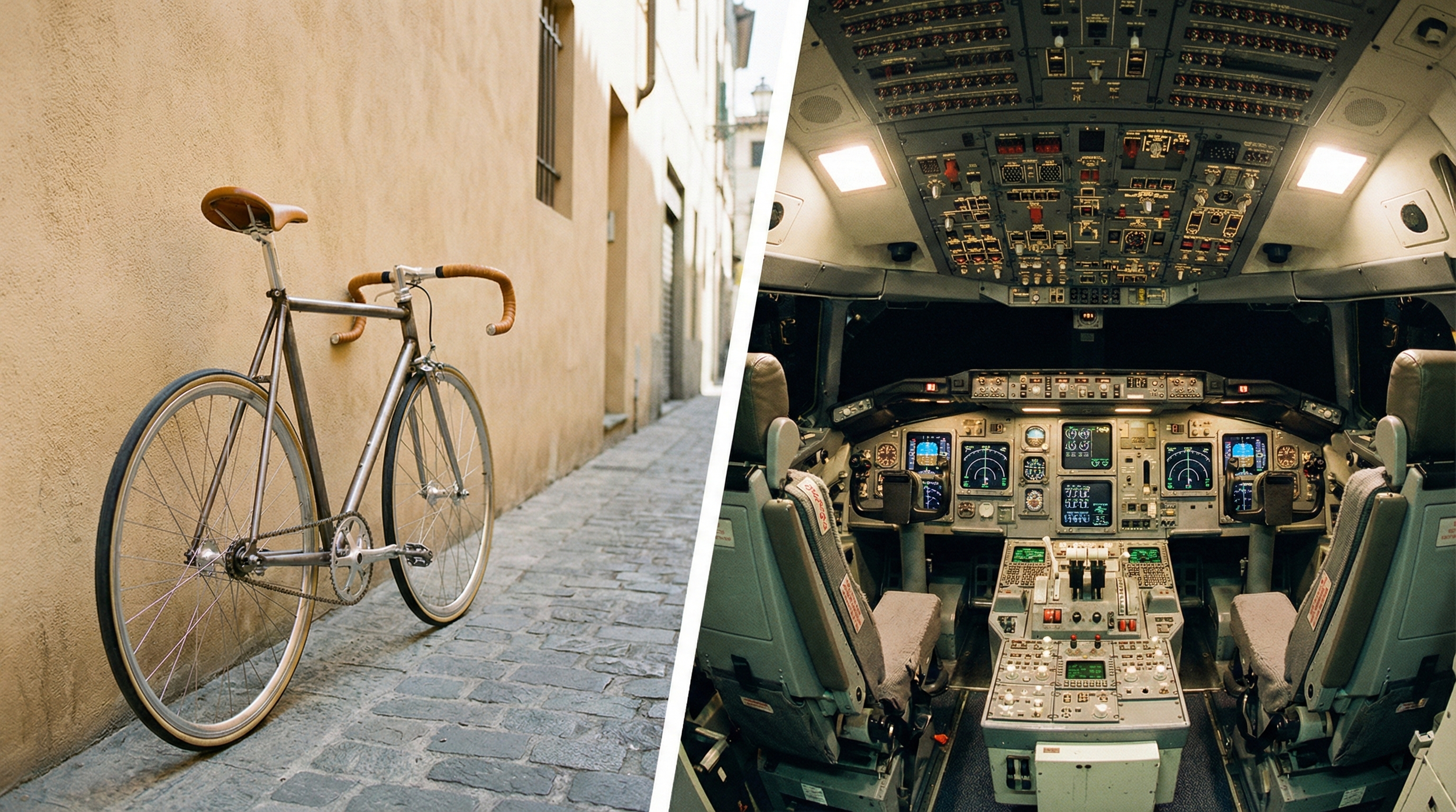
It would also put an end to that slightly deflating feeling of paying for a space shuttle when you only needed a bicycle.

Perhaps more importantly, it would build genuine trust between the manufacturer and the customer. There is something quite refreshing about a brand that says "here is what you need right now, and we will not charge you for what you do not." That turns a camera purchase into more of a long-term relationship rather than a one-time transaction where you pay upfront for features you may never touch.

Now, I do understand the counterargument. Some people will inevitably feel a bit put out at the idea of paying to unlock something that is already physically sitting inside the device they own. It is a fair point, and I do not think we should dismiss it entirely.

But here is the thing. If this model means I can get a genuinely high-quality camera into my hands for a much lower initial outlay, I think most of us would consider that a fair trade. The functionality is there when you want it. You just pay for it when you are ready, rather than all at once on day one.

Seems reasonable to me.

The Things That Need to Be Added

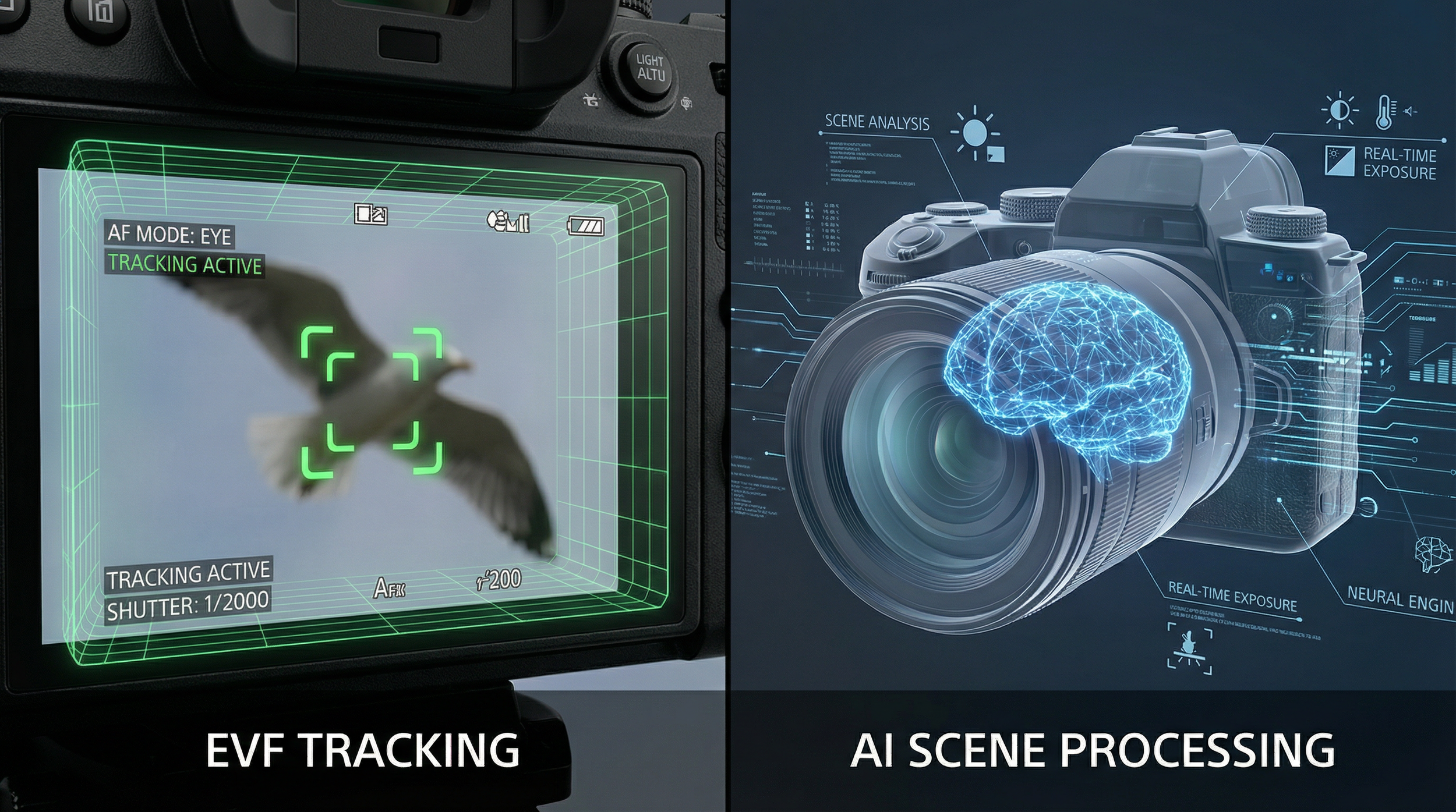
Anyway, thinking beyond that now let's start with artificial intelligence, because like it or not, this is where the battle is being fought. Smartphones have been running sophisticated computational photography for years now, and cameras are only just beginning to catch up. Canon's EOS R5 and R6, along with Nikon's Z-series, have made genuine progress with AI-driven autofocus that can identify vehicles and reliably detect birds and other animals. That's impressive. But the next step is real-time scene recognition that doesn't just track subjects but actively adjusts exposure, white balance, and focus based on what it understands about the scene in front of it. Fujifilm's X-T series has started nudging in this direction. This would basically be a more up to date ‘Auto’ setting so of course bot something on all the time, but something the user can easily turn on or off.

In-camera features like pixel-shift high-resolution modes, focus stacking, and HDR merging also matter more than most manufacturers seem to realise. OM System has been quietly excellent at this for a while. The others need to catch up, because a camera that does the heavy lifting in-body is a camera that doesn't require hours of post-processing on a laptop.

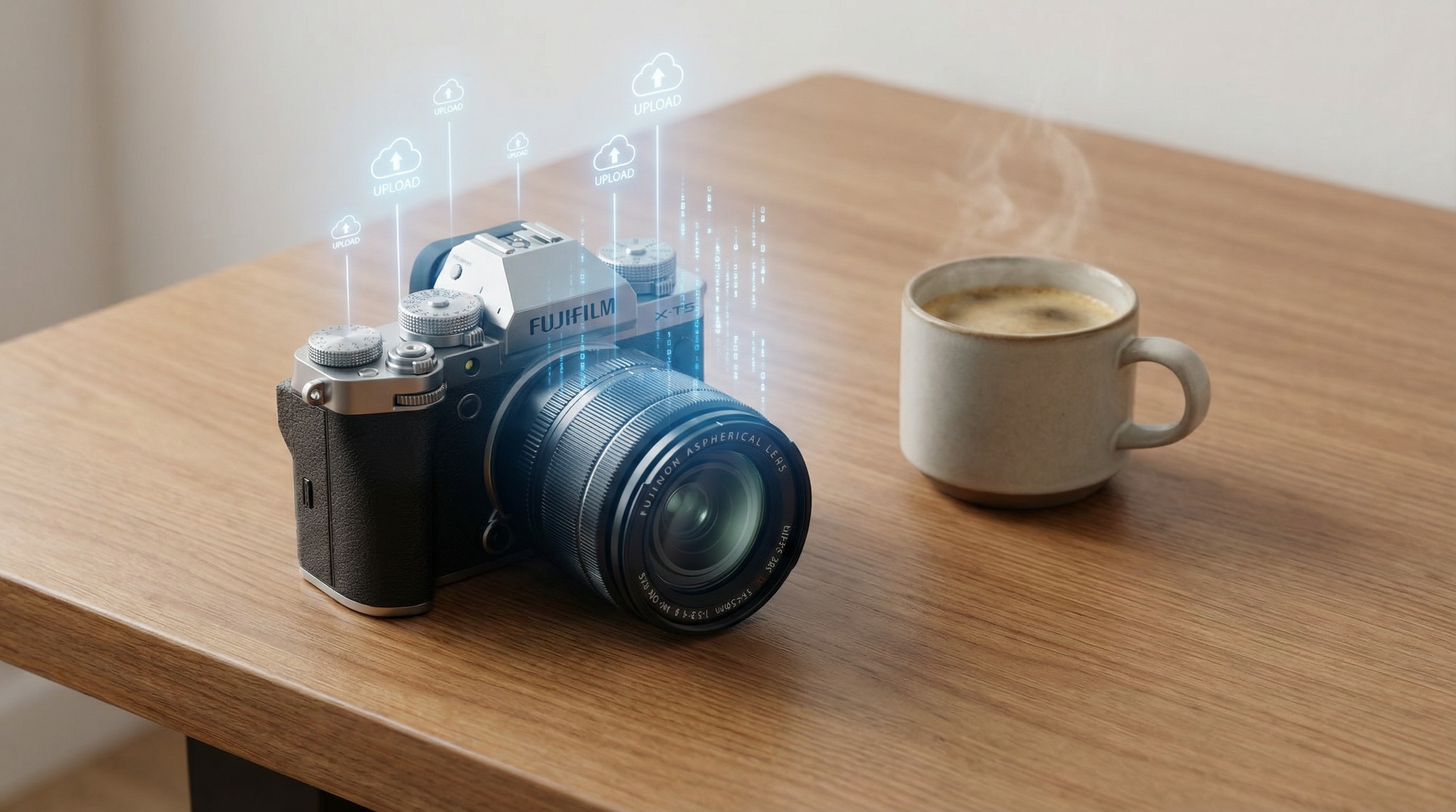
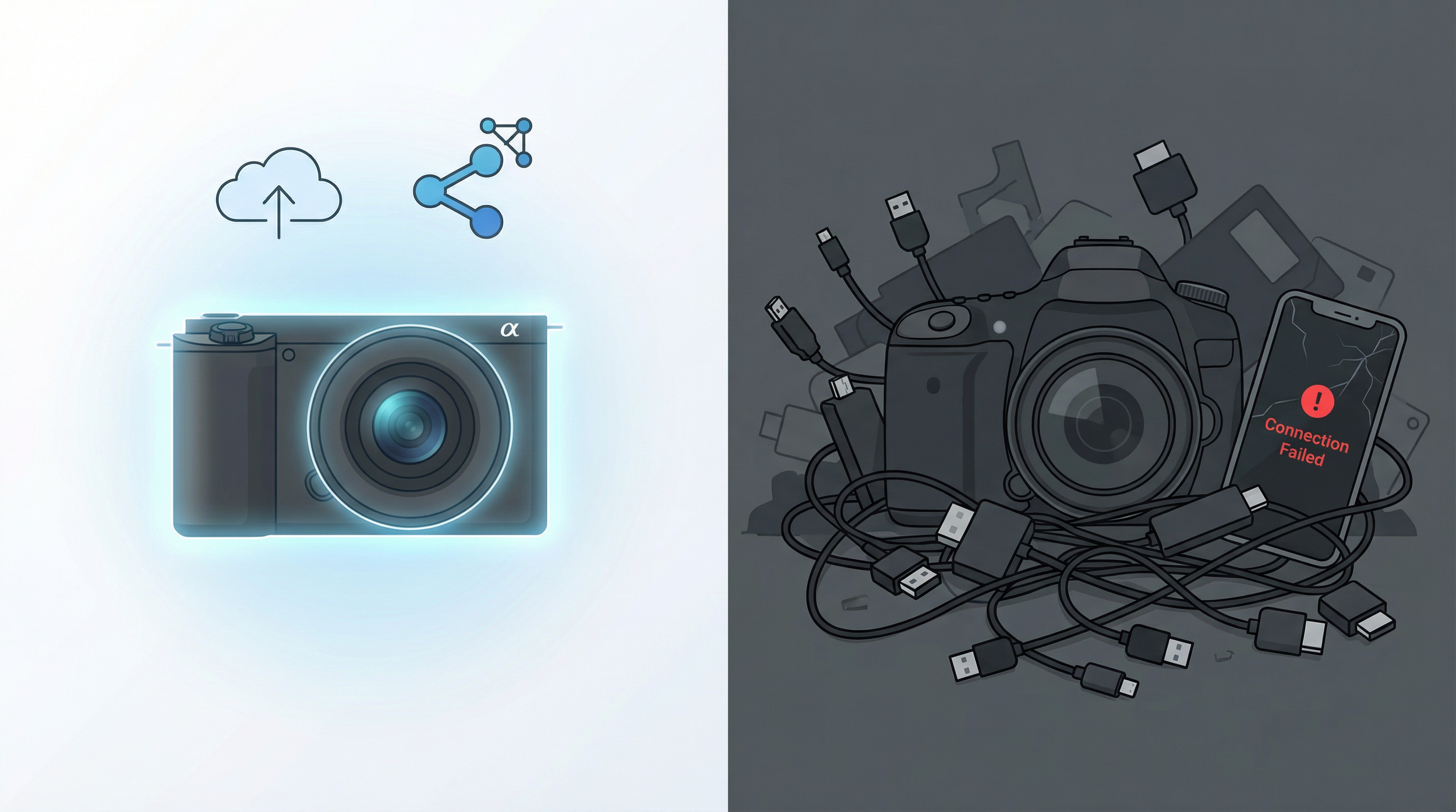
Then there's connectivity, which remains, bewilderingly, the industry's biggest open wound. Photographers have been complaining about this for years on forums and in comment sections, and nothing seems to change. A modern camera should be able to upload automatically to Google Drive, iCloud, or Dropbox the moment it finds a known Wi-Fi network. No app required, no Bluetooth handshake ritual, no manufacturer-specific software that was clearly designed by someone who has never used a smartphone. The fact that this still isn't standard across the industry in 2026 is genuinely hard to explain.

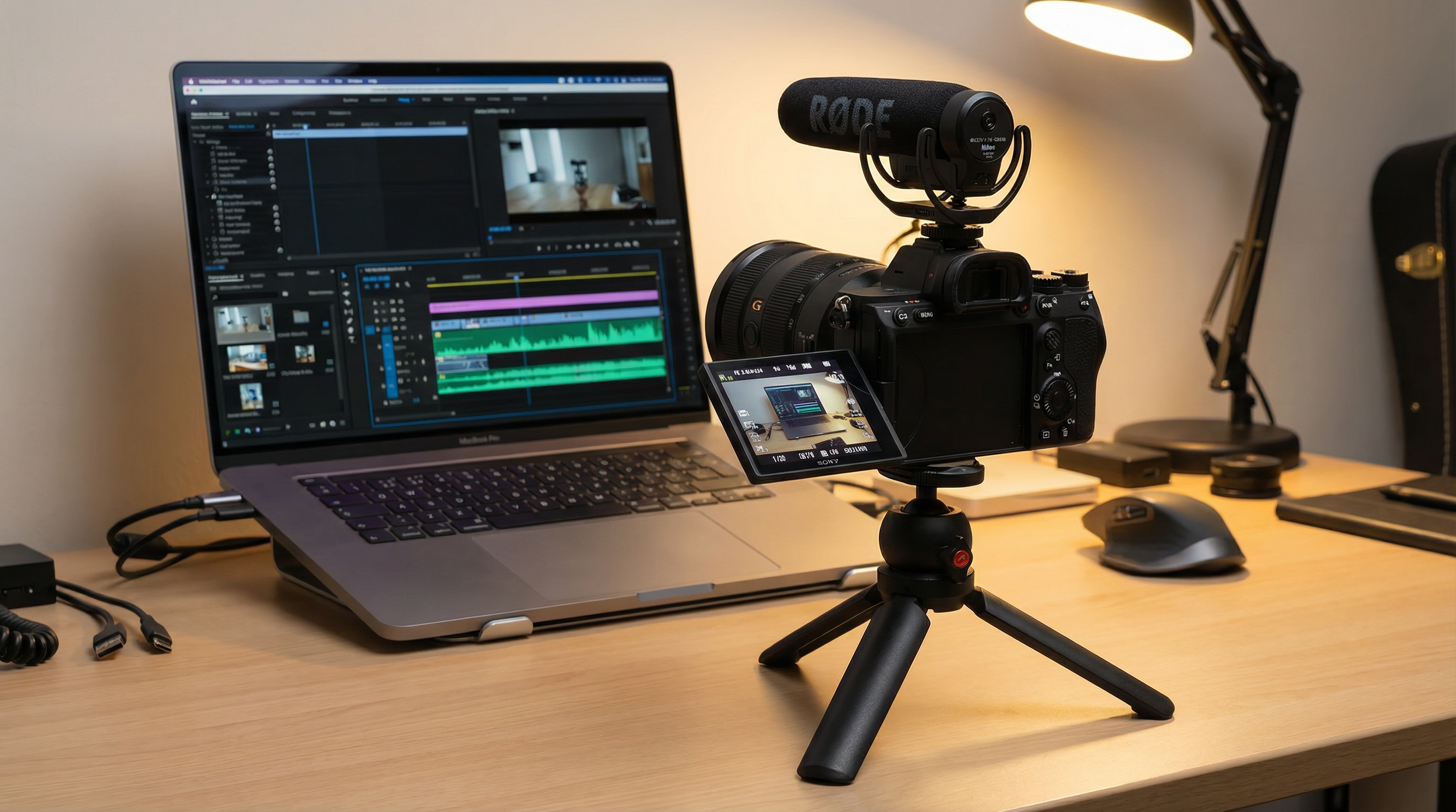
Live-streaming support is the other connectivity gap that's leaving real money on the table. The content creator market is enormous, and those creators want to plug a camera in and stream directly to YouTube or TikTok without a complicated setup. Some cameras are beginning to offer this, but it needs to be a baseline expectation, not a premium feature.

Speaking of content creators, the compact camera renaissance is the most interesting story in the industry right now, and it's being driven largely by Gen Z. Young people are specifically seeking out cameras that give them a tactile, off-phone photography experience, often with a deliberately film-like aesthetic. The Fujifilm X100VI famously sold out almost everywhere almost immediately after launch. Canon responded intelligently, significantly boosting compact camera sales in 2025 by expanding the PowerShot V series and launching the EOS R50V. The lesson for every other manufacturer is obvious: design compact cameras that are genuinely desirable objects, not just stripped-down versions of your mirrorless lineup.

For video and vlogging, the baseline needs to rise. Fully articulating screens, decent built-in microphones, proper audio inputs, and in-body stabilisation that can genuinely compete with smartphone software stabilisation should not be optional extras at this point. They should be standard.

And while we're at it, trade-in and upgrade programmes are criminally underused as retention tools. Canon offers up to 20% off new bodies through its upgrade programme, which is a decent start. But these schemes need to be globally consistent, easy to access online without phoning anyone or visiting a shop, and bundled with things that actually feel like rewards: lens vouchers, extended warranties, workshops. Turn a transaction into a relationship and you've got a customer for life.

The Things That Need to Change

Camera menus. We need to talk about camera menus. They are, as a category, absolutely dreadful. For someone new they are intimidating, illogical, buried in sub-menus that require a degree in archaeology to navigate. For someone coming from a smartphone, opening a camera menu for the first time is like being handed a cockpit manual. Manufacturers need to build genuinely simplified beginner modes alongside deep customisation for professionals, and they need to invest the same design thinking in their touchscreen interfaces that smartphone manufacturers have been applying for fifteen years.

Pricing strategy also needs a rethink. The market has split into two very different things: affordable compacts are booming, while premium interchangeable lens cameras are softening. The answer isn't to abandon entry-level pricing or to cheapen flagships, but to be much more honest about what justifies the price of each. Releasing a camera with a new model number but essentially the same internals as its predecessor isn't just a missed opportunity. It actively erodes trust. The Pentax KF was essentially a repackaged K-70 from 2016. That's the kind of thing that makes photographers feel like they're being taken for granted.

The firmware update culture also needs a fundamental shift. Nikon adding bird detection autofocus via a free firmware update, and Canon enabling a 400-megapixel high-resolution composite mode on the R5 through software, are exactly the right approach. These updates are headline news in the photography community, they generate enormous goodwill, and they extend the useful life of existing hardware. Manufacturers should treat major firmware releases as proper product events, not quiet maintenance drops. There's even a reasonable argument for paid firmware tiers for significant feature additions, similar to how Tesla handles software upgrades. Plenty of photographers have said they'd happily pay for meaningful improvements to hardware they already own.

The bigger cultural shift required is for manufacturers to genuinely embrace the content creator economy rather than treating it as a secondary market. Canon is getting this right with its focus on "hybrid users," designing cameras from the ground up for people who shoot both photos and video. The average new camera buyer in 2026 is increasingly likely to be a YouTuber or TikTok creator as a traditional photographer. That needs to be reflected in every design decision, not just bolted on at the end.

Finally, and this is urgent: supply chains need to become more responsive. Canon has openly acknowledged that compact camera demand is outpacing their production capacity and that "it takes time to make cameras." That's true, but it's also a problem that needs solving. Leaving demand unmet in a hot market is leaving money on the table. And with US tariffs creating additional uncertainty, manufacturers need to be reviewing their regional production strategies now, not in two years.

The Things That Should Go

Some things just need to stop.

The clunky, manufacturer-specific transfer apps that barely work need to be killed off entirely. Replace them with direct integration to standard cloud platforms. If a camera is connected to a known Wi-Fi network, files should transfer automatically, full stop.

The practice of deliberately limiting older cameras through withheld firmware updates needs to end. Right-to-repair legislation is expanding rapidly across both the EU and the US, and consumers are increasingly expecting their expensive purchases to remain useful and repairable for a reasonable amount of time. The EU's newly adopted Right to Repair Directive is pushing this direction and camera manufacturers should be getting ahead of it, not waiting to be dragged. Ensure spare parts are available, repair manuals are accessible, and service remains viable for a sensible period after a product is discontinued. Longevity builds loyalty. Ask Patagonia.

The "facelift as new product" approach, touched on above, deserves its own full condemnation. If your new camera doesn't offer a meaningful improvement in sensor, processor, autofocus system, or form factor, issue a firmware update and save the new model number for when it's actually earned. Photographers talk to each other. They notice.

And on the environmental side, camera makers need to be moving towards designs that can be disassembled and repaired, not sealed units that require a factory visit to fix a basic fault. Weather-sealing and genuine build durability shouldn't be exclusive to flagship models either. A camera that lasts ten years is a camera whose owner becomes a brand advocate.

What This All Adds Up To

The camera market is no longer a megapixel race. Canon projects the interchangeable lens market will barely grow from 6.7 million units in 2025 to 6.8 million in 2026. The compact segment is where the energy and the growth live, and they're being driven by people who want something quite specific: cameras that are beautifully designed, genuinely fun to use, connect effortlessly to the rest of their digital lives, and offer a creative experience that their phone simply cannot replicate.

Meanwhile, enthusiasts and working professionals want something different but equally clear: meaningful innovation delivered through both hardware and a genuine commitment to ongoing software support.

Flagship smartphones now have 200-megapixel sensors, periscope zoom lenses, and AI processing that runs circles around most cameras' on-board software. Nobody is going to out-convenience the phone. That battle is over. What dedicated cameras still offer is larger sensors, superior optics, creative control, and the irreplaceable feeling of a purpose-built tool in your hands.

The manufacturers that lean hard into those genuine advantages, while dragging their software thinking, connectivity, and customer experience into the present, will still be here in a decade. The ones that keep releasing minor refreshes with impenetrable menus and broken transfer apps probably won't be. The next few years are going to be very revealing.

But … I really do think first and foremost, the ‘out of the box’ camera should be considered. The technology exists for this to become reality, so really it all boils down to whether the manufacturers would consider it … and the long term benefits.

The Photography Show 2026

The Photography Show returns to the Birmingham, NEC for 2026 running from Saturday 14th March thru Tuesday 17th March, and I’ll be there for the duration.

This year Adobe USA have asked me to host their CAPTURE, EDIT, PRINT area on their stand, which is where I’ll be taking attendees hands on through portraits shoots, where they can capture images themselves, that can then be edited on the stand printed by Canon on Hahnemühle Paper.

Really looking forward to this using the Westcott L-120B Continuous lighting, modifiers and backgrounds on 2 separate sets ups.

Also, on the Monday 16th @ 1pm, I’ll be on the Rocky Nook Publishers Stand signing copies of my latest book, How to Print

If you’re coming along to the show, please do stop by and say hi.

Hopefully see you then,
Glyn

Drone Photography: Are the Changes in Law and Restrictions Killing it?

If you have glanced at the headlines recently, you could be forgiven for thinking the drone hobby is coming back down to earth. Between sweeping restrictions in the United States and tighter registration rules in the UK, the carefree "wild west" years of flying are clearly behind us. Yet despite the extra admin, the sector itself is thriving. Recent reports put the global drone photography services market at close to the one‑billion‑dollar mark and growing at around 19–25 percent a year, which firmly positions aerial imagery as a serious commercial service rather than a weekend toy.

What Has Changed in the Rules?

The big question many pilots are asking is how the latest rules actually affect them. The answer depends heavily on where you live.

In the United States, the updated FCC "Covered List" is the main story. In December 2025, the FCC was effectively barred from granting new equipment authorisations to certain foreign‑made drones and components, including DJI products, which means newly designed foreign models cannot be approved for import, marketing or sale in the US unless they qualify for a specific waiver. Existing drones tell a different story: aircraft that already have FCC approval remain legal to purchase, own and fly, and retailers can still sell those earlier authorised models. That makes the situation more of a squeeze on future variety than an overnight flying ban.

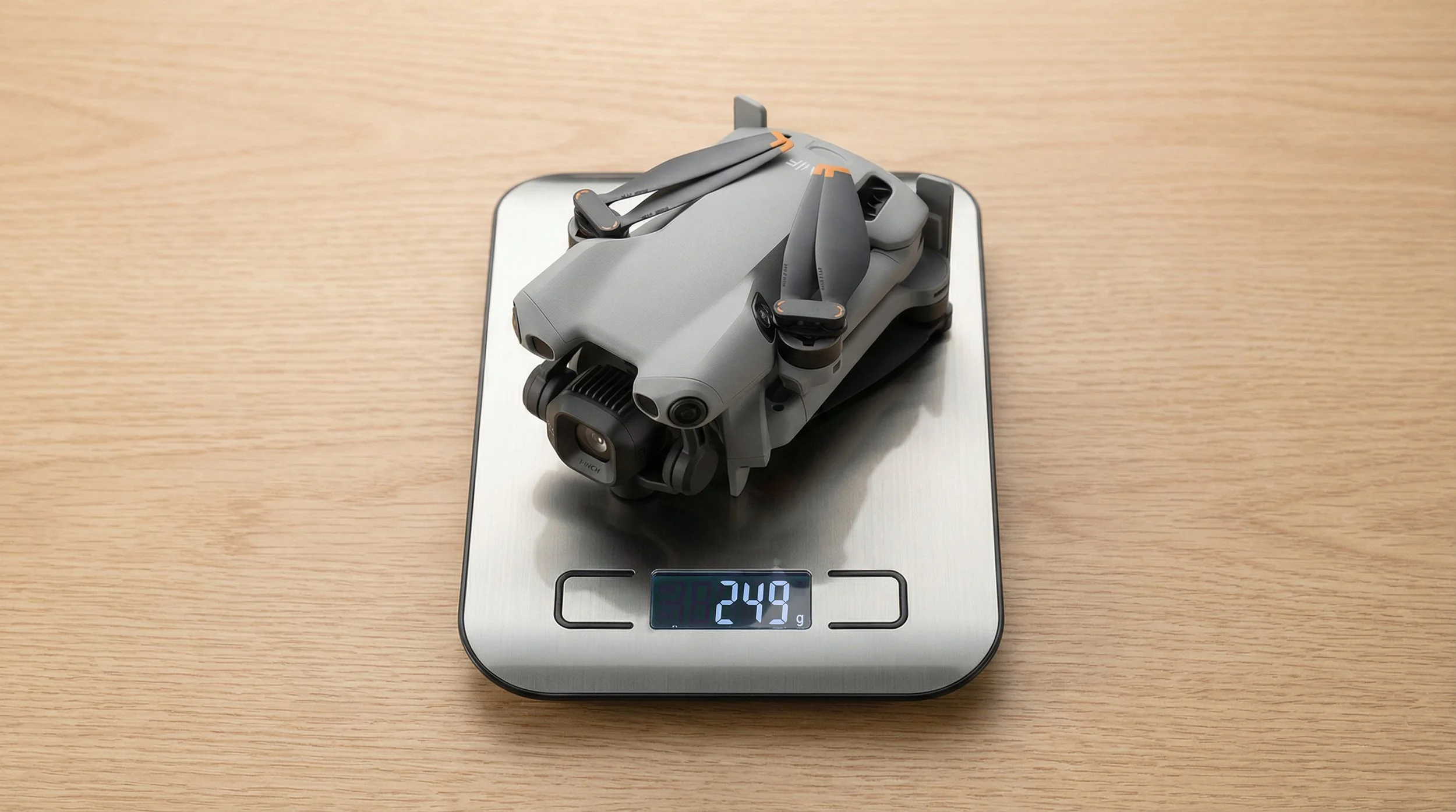
In the United Kingdom, the Civil Aviation Authority has confirmed a major shift in weight thresholds. From 1 January 2026, anyone flying a drone or model aircraft that weighs 100 grams or more must hold a Flyer ID, and if that drone has a camera (or weighs 250 grams or more), they also need an Operator ID. This is a big change from the previous 250 gram threshold for most registration, and it brings a large number of small "everyday" drones into the regulated category, especially popular mini camera drones.

Regulators are also getting tougher on bad behaviour. In the US, the FAA and other authorities have made clear they intend to take enforcement more seriously when flights put people at risk, and civil penalties for serious violations can run into the tens of thousands of dollars per incident. The message is straightforward: casual flying is still welcome, but reckless flying increasingly has real financial consequences.

The Rise of the Lightweight Drone

All of this has turned drone "weight‑watching" into a serious buying consideration. Many pilots are moving towards lighter aircraft to reduce friction with the rules while still getting strong image quality.

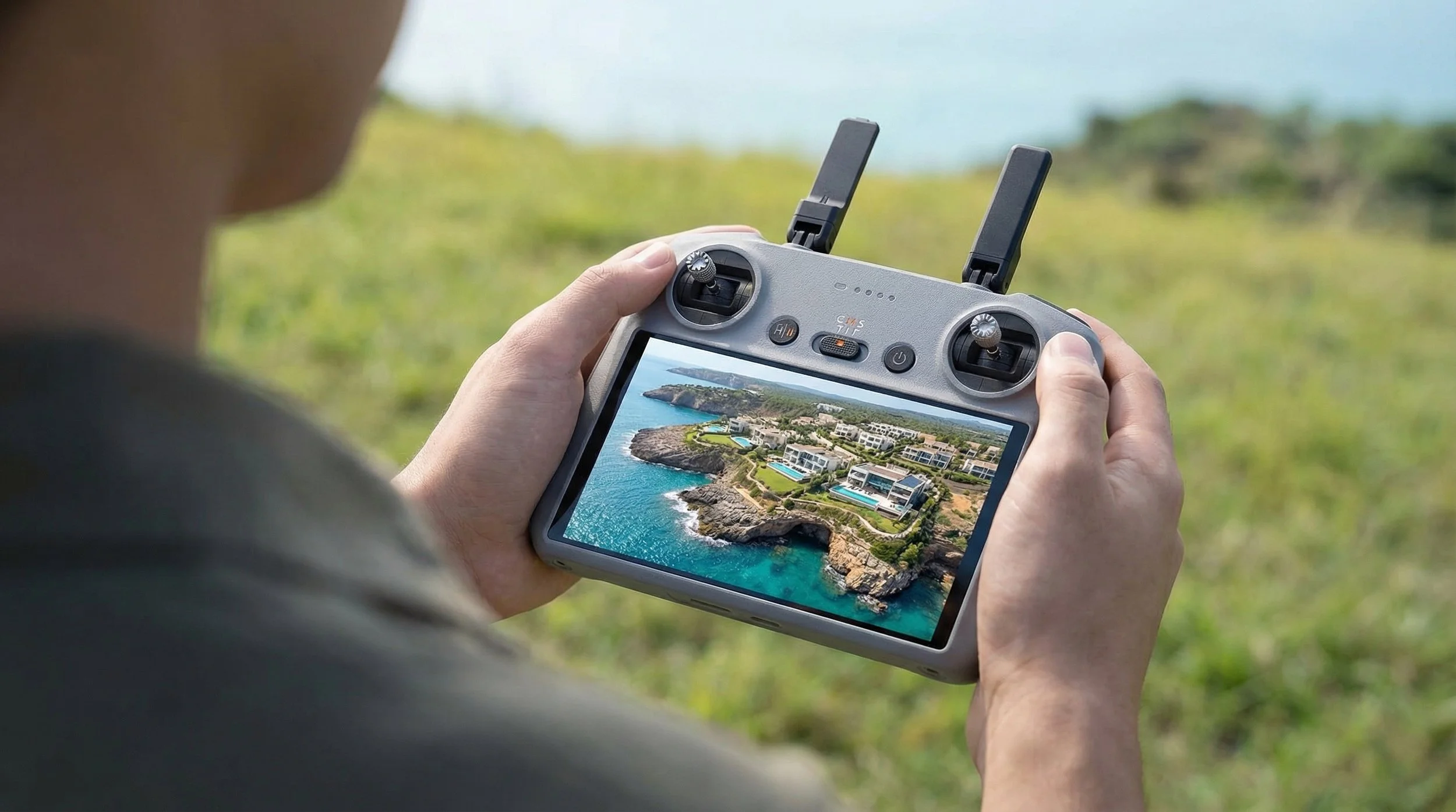
On the prosumer side, there is intense interest in compact models that squeeze larger‑than‑phone‑sized sensors into sub‑250 gram frames, offering high‑resolution video, good low‑light performance and multi‑directional obstacle avoidance in a bag‑friendly package. For beginners, the sweet spot tends to be affordable drones with strong safety features, such as built‑in propeller guards, simplified flight modes and easy hand launches, which make that first flight much less intimidating.

The regulatory pressure in the US has also opened the door wider for alternative brands. With new foreign‑made models facing an approval freeze, manufacturers that already have authorised aircraft in the market, or those operating outside the traditional big‑name ecosystem, are getting more attention, particularly when they can offer 3‑axis gimbals and 4K recording at a lower price. The result is a slow but noticeable diversification of the shelves, even as some pilots remain loyal to existing line‑ups.

Are People Actually Giving Up?

So with more paperwork and stricter enforcement, are hobbyists dumping their drones and walking away? The broader picture suggests the opposite.

Market research on drone services and drone photography shows steady growth through 2024 and 2025, with strong forecasts into the early 2030s, particularly in sectors like real estate, construction monitoring, inspections and media. That does not look like a hobby in decline. While there is certainly some regulatory fatigue in online communities, usage data and revenue projections point towards more flights, more paid work and more creative output … not less.

On the second‑hand market, much of the activity looks less like a mass exit and more like a "fleet refresh". Many pilots are selling older, heavier aircraft in favour of lighter, regulation‑friendly models that are easier to keep compliant under the 2026 rules in both the UK and US. It is a natural response: swap one or two bulky legacy drones for a compact, modern model that is simpler to register, carry and justify to clients.

What 2026 Really Means for Drone Photography

Drone photography has grown up. It has moved from being treated as a novelty to being recognised as a serious imaging tool that sits alongside your main camera kit. The entry barrier is undeniably higher than it was a few years ago, with registration requirements, Remote ID timelines and more stringent enforcement now part of the landscape. At the same time, the technology has never been better: smaller drones, better sensors, improved safety features and expanding commercial demand are all pulling the market upwards.

For bloggers, creators and photographers, the takeaway is simple. The sky is not closing. It is just becoming more organised. If you are willing to learn the rules, pick the right aircraft and fly responsibly, drone photography in 2026 is still very much on the way up.

APS-C and Micro Four Thirds are Quietly Winning

Fresh shipment data from the Camera & Imaging Products Association (CIPA) for 2025 shows that mirrorless cameras keep growing, and that most interchangeable-lens cameras being sold are not full frame at all, but APS-C and Micro Four Thirds.

Out of more than 9.4 million cameras shipped worldwide in 2025, around 6.3 million were mirrorless models, while DSLRs fell to just over 690,000 units.

Mirrorless up, DSLRs down

CIPA's latest report confirms what most of us have been seeing in camera announcements for a while now.

Mirrorless shipments in 2025 reached about 6.3 million bodies, which represents roughly 112.5% of the previous year's levels. That's actual year-on-year growth rather than just holding steady. Meanwhile, DSLR shipments dropped to just over 690,900 units worldwide, only 69.3% of what we saw in 2024.

In other words, mirrorless isn't just the future anymore. It's the present. And the traditional DSLR market continues to shrink.

Smaller sensors outsell full frame

For 2025, CIPA began breaking out interchangeable-lens camera shipments by sensor size, and this paints a really clear picture.

APS-C and Micro Four Thirds bodies accounted for more than 4.45 million units shipped. Full-frame and larger (including medium format) reached around 2.54 million units.

So despite all the marketing focus on high-end full-frame systems, the majority of buyers are actually choosing cameras with smaller sensors.

This makes sense when you look at where these cameras sit in the market:

  • Price: APS-C and Micro Four Thirds models typically launch at more accessible price points, which makes them attractive to newcomers and enthusiasts who don't want to commit full-frame money on day one.

  • Size and weight: Smaller sensors usually mean smaller bodies and lenses, which is brilliant if you travel, hike, or just don't fancy lugging around a heavy bag.

  • Reach: The crop factor effectively gives you more telephoto reach from the same focal lengths, which is really handy for wildlife, sports, and distant subjects.

The flip side is that wide-angle work becomes trickier, as you need much shorter focal lengths to get the same field of view as full frame. Of course, if you love ultra-wide landscapes, you just have to adjust your lens choice. You’ll be looking for shorter focal lengths to get the same view as a full-frame setup, but there are some fantastic, tiny wide-angle lenses out there that do the job perfectly.

Regional trends: where DSLRs still hang on

When you zoom into the regional breakdown, DSLRs haven't vanished everywhere at the same pace.

In the Americas, DSLR shipments were still at 86.9% of their 2024 level. That's a decline, but not a total collapse. In Europe, the figure was 61.7% of the previous year. In Japan, fewer than 14,500 DSLRs were shipped, only about 47.3% of the 2024 volume. And in China, just over 28,250 DSLRs went out, which is 33.1% compared with the year before.

This suggests that in markets like Japan and China, the shift to mirrorless has been more decisive, while in the Americas and Europe there's still a meaningful base of DSLR users and buyers.

crop systems still dominate, but the gap is narrower

The lens numbers tell a similar story, but it's slightly more nuanced.

CIPA members shipped more than 10.6 million lenses worldwide in 2025, which corresponds to 102.8% of the 2024 figure, so lens sales are growing alongside cameras.

Lenses designed for sensors smaller than full frame accounted for about 5.82 million units. Full-frame and larger lenses reached more than 4.77 million units.

Here the split between crop and full-frame glass is tighter than it is for camera bodies. This implies that full-frame shooters are more likely to invest in multiple lenses, while many crop-sensor buyers stick with a kit zoom or a minimal setup.

Compacts: a small comeback from a very low base

Compact cameras are also seeing a modest resurgence, though the segment is still a shadow of its early-2010s heyday.

CIPA's report notes growth in compact shipments in 2025, but they remain far below the peak of the point-and-shoot era around 2010.

Today's compact buyers tend to be people looking for something clearly better than a phone. Often that means premium compacts, travel zooms, or niche models, rather than the mass-market "family camera" of the past.

What these trends mean for photographers

A few practical takeaways if you're deciding where to invest next:

You don't need full frame to be "serious". The majority of new interchangeable-lens cameras sold in 2025 were APS-C or Micro Four Thirds, and the lens ecosystem around them is clearly healthy.

Full frame is increasingly a committed choice. The tighter body numbers but strong lens sales suggest that full-frame systems are being used by photographers who are happy to invest more heavily in lenses.

DSLR systems will keep shrinking. There's still life in DSLRs in some regions, but the long-term trend in shipments is firmly downward.

For most photographers, especially those who value portability or are budget-conscious, sticking with or moving to a modern crop-sensor mirrorless system remains a very smart choice.

✅ Photoshop JANUARY 2026 - Everything NEW 💥

Adobe dropped Photoshop 27.3.0 on the 27th January, and for once it's not just AI hype and features nobody asked for. This update brings some genuinely useful stuff that photographers and editors have been requesting for years.

Camera Raw tools finally join the party

The headline features are 2 (actually 3) new Adjustment Layers: Clarity & Dehaze and Grain.

If you've ever wanted to use Clarity or Dehaze without opening Camera Raw or converting to a Smart Object, your prayers have been answered. They now work exactly like Curves, Levels or any other adjustment layer. You can mask them, adjust opacity, change blend modes, and they stay fully editable in your PSD.

Clarity is brilliant for adding punch to textures and details in your midtones without blowing out highlights or crushing shadows. Dehaze cuts through atmospheric haze (or adds it if you reverse the slider), and having it as an adjustment layer means you can apply it selectively with a mask.

Grain gets the same treatment. Want to add film-style texture to knock the digital edge off a super-clean file? Chuck a Grain adjustment layer on top, dial it in, and you're done. It's particularly good for black and white work or vintage treatments.

The AI tools are growing up

On the generative side, things have improved quite a bit.​

Generative Fill and Generative Expand now output at up to 2K resolution, which means extended canvases and filled areas look far less mushy and hold detail much better. Adobe has also added model selection, so you can pick the Firefly version that best suits what you're doing.

The real game-changer is Reference Image support in Generative Fill. You can now feed Photoshop a reference photo and it'll try to match the lighting, colour and structure when generating new content. This is massive for compositing work or keeping a series of images consistent.

The Remove tool has also been quietly upgraded. It does a much cleaner job removing objects and people, with fewer obvious smears and repetitive patterns. In most cases you'll get a usable result without needing to follow up with Clone Stamp or Healing Brush.​

Why this one matters

This isn't a flashy update, but it's the kind that actually changes how you work.

Having Clarity, Dehaze and Grain as proper adjustment layers keeps everything inside Photoshop's layer stack where it belongs. No more jumping between Camera Raw, no more Smart Objects eating up file size, no more destructive edits.

The AI improvements make the generative tools feel less like tech demos and more like something you'd actually use in client work. Higher resolution output and better reference matching mean you can rely on them for real projects, not just Instagram experiments.

If you're on Creative Cloud, the update should already be available. The new adjustment layers live in the standard Adjustments panel alongside everything else. Well worth checking out, especially if you shoot landscapes, architecture or do any kind of composite work.​

Stormy Sea at Lyme Regis 🌊

I hadn’t intended to head down to the seafront this morning, but with a storm still present I checked the tide times and with high tide in a couple of hours, I couldn’t resist.

WOW! The sea was incredible!

Waves crashing and pounding The Cobb as it stood firm protecting the harbour, the beach not visible as the sea washed over it throwing sea water onto the promenade and waves crashing against the sea wall at Gun Cliff dwarfing the tower two-fold!

Such a Thrill!

All photographs hand-held using …

Fuji X-T5 with 18mm f/1.4
1/125 sec
f/11
ISO 400