UK Drone Rules are Changing

It looks like some big updates are coming to the UK drone scene from 1 January 2026, especially around how drones are classed, identified, and registered. Here is a revised, plain‑English version that reflects the latest CAA guidance.​

1. New UK class marks

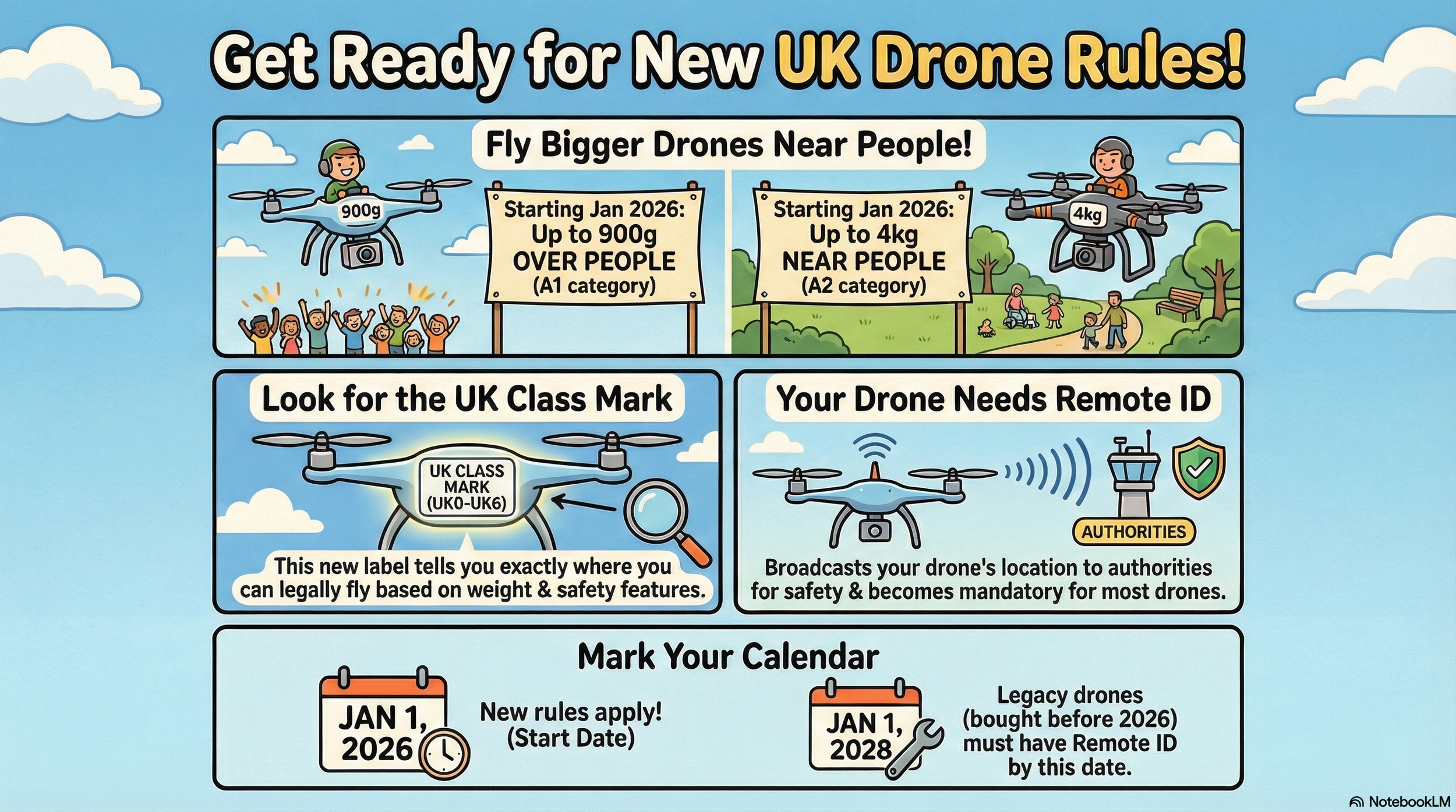
From 1 January 2026, most new drones sold in the UK for normal hobby and commercial flying will carry a UK class mark from UK0 to UK6. This mark shows what safety standards the drone meets and which set of rules apply.​

  • UK0: Very light drones under 250g, including many small “sub‑250” models.​

  • UK1–UK3: Heavier drones intended for typical Open Category flying, with increasing levels of safety features as the class number goes up.​

  • UK4: Mostly used for model aircraft and some specialist use.​

  • UK5 & UK6: Higher‑risk drones designed for more advanced or specialist operations, usually in the Specific Category.​

EU C‑class drones:
If you already own an EU C‑marked drone, it will continue to be recognised in the UK until 31st December 2027, so you can keep flying it under the transitional rules until then.​

2. Remote ID – your “digital number plate”

Remote ID (RID) is like a digital number plate for your drone: it broadcasts identification and flight information while you are in the air. This helps the CAA, police and other authorities see who is flying where, and pick out illegal or unsafe flights.​

  • From 1st January 2026

    • Any UK‑class drone in UK1, UK2, UK3, UK5 or UK6 must have Remote ID fitted and switched on when it is flying.​

  • From 1st January 2028 (the “big” deadline)

    • Remote ID will also be required for:​

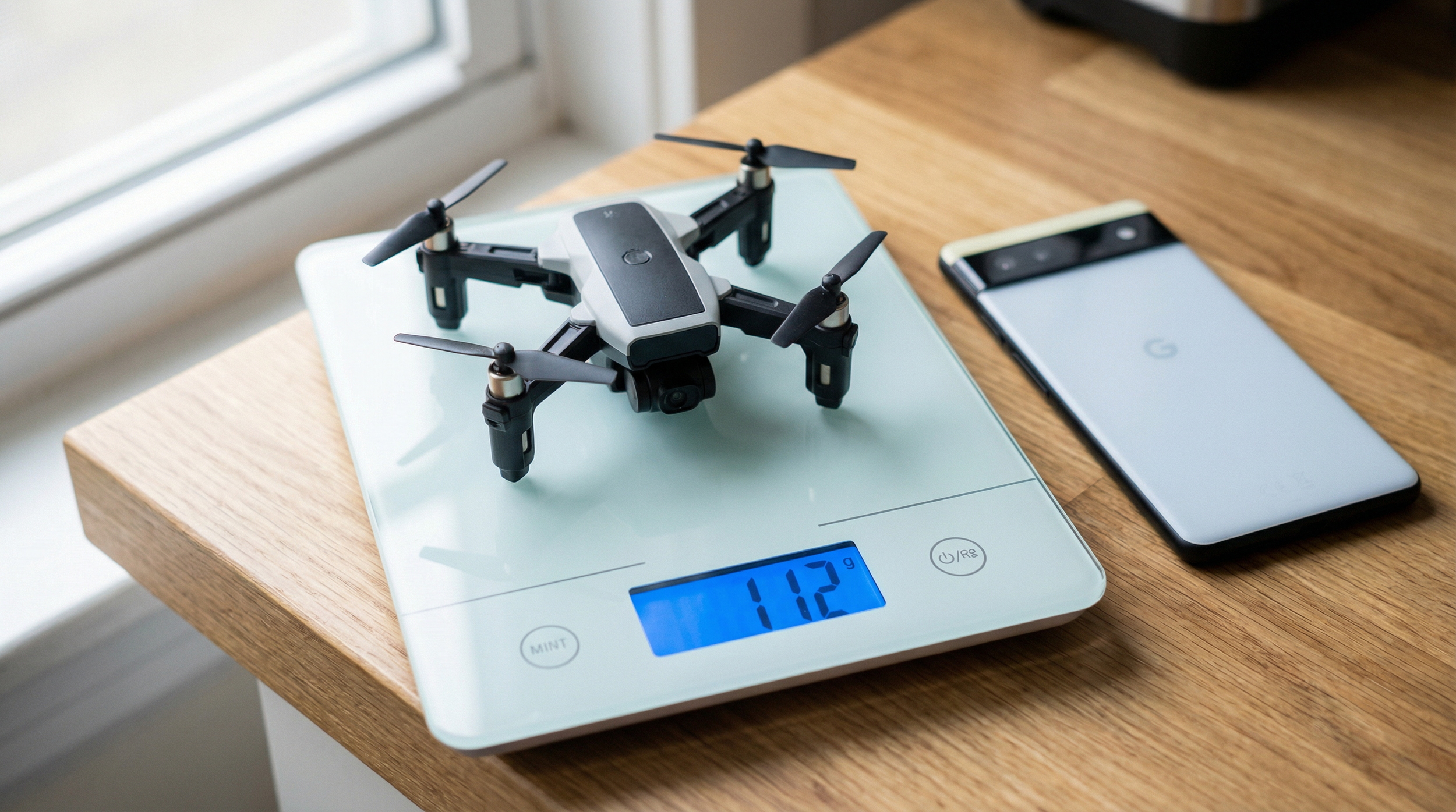
      • UK0 drones weighing 100g or more with a camera.

      • UK4 drones (often model aircraft) unless specifically exempted.

      • Privately built drones 100g or more with a camera.

      • “Legacy” drones (no UK class mark) 100g or more with a camera.

What RID does (and does not) share:

  • It broadcasts things like your drone’s location, height and an identification code (serial/Operator ID), plus some details about the flight.​

  • It does not broadcast your name or home address to the general public; it is designed for safety and enforcement, not doxxing pilots.​

3. Registration

The UK is tightening registration so that more small camera drones are covered. The key change is that the threshold drops from 250g to 100g for many requirements.​

From the new CAA table:​

  • Flyer ID – for the person who flies

    • Required if your drone or model aircraft weighs 100g to less than 250g
      (including UK0), and for anything 250g or heavier.​

  • Operator ID – for the person responsible for the drone

    • Required if your drone:

      • Weighs 100g to less than 250g and has a camera; or

      • Weighs 250g or more, even without a camera.​

    • If your drone is 100–250g without a camera, an Operator ID is optional
      (though it is still recommended).​

In everyday terms:

  • If your drone has a camera and weighs 100g or more, you should expect to need both an Operator ID and a Flyer ID.​

  • Sub‑100g aircraft remain outside the legal registration requirement, but the CAA still recommends taking the Flyer ID test for knowledge and safety.​

4. Night flying

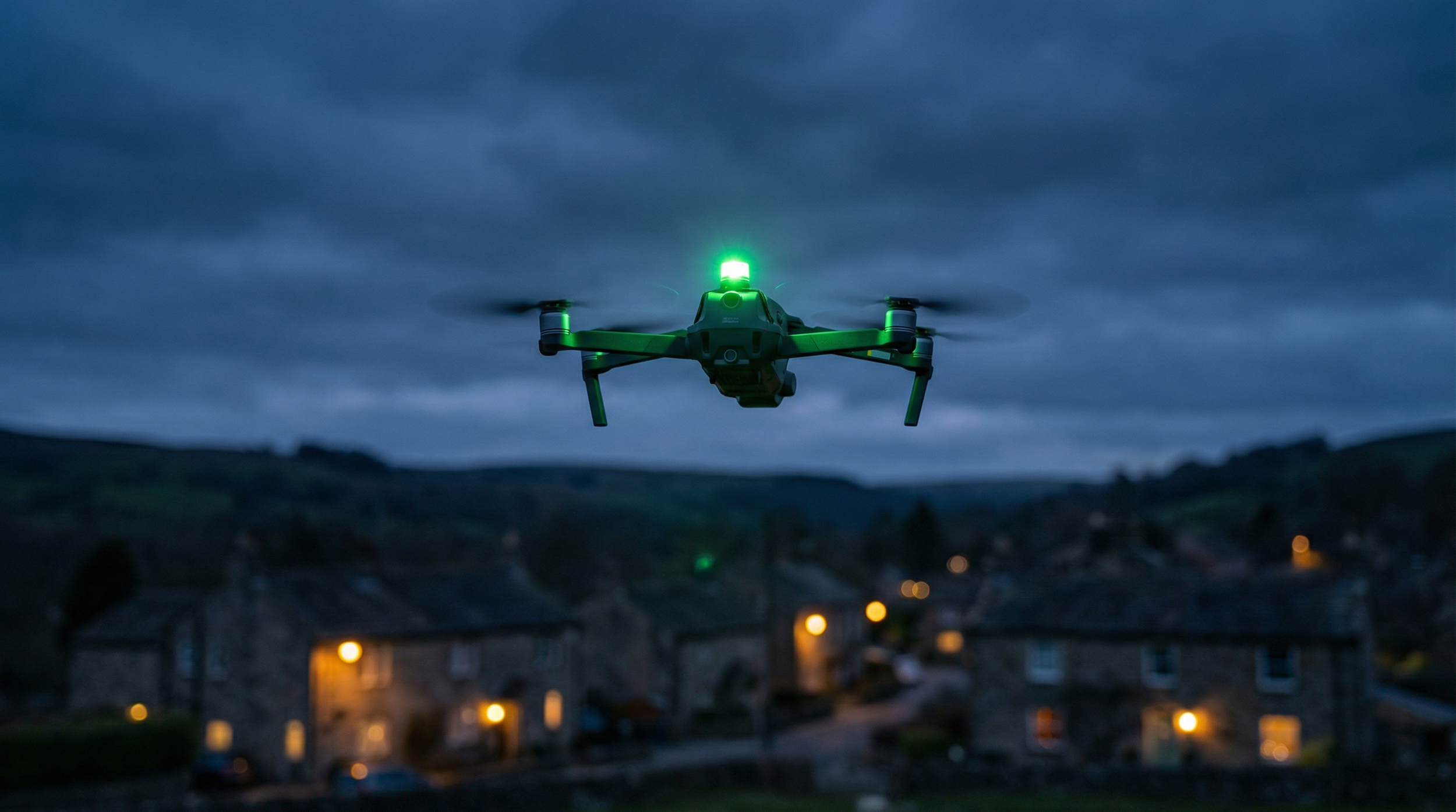
If you fly at night, your aircraft must now have at least one green flashing light turned on. This makes it easier for other people and aircraft to see where it is and in which direction it is moving.​

A2 CofC and how close you can fly

The A2 Certificate of Competency (A2 CofC) still matters for flying certain drones closer to people. Under the new regime:​

  • With an A2 CofC, you can fly UK2‑class drones:

    • As close as 30m horizontally from uninvolved people in normal operation.​

    • Down to 5m in a dedicated “low‑speed mode” if your drone supports it and you comply with all conditions.​

  • For legacy drones under 2 kg, you should still keep at least 50m away from uninvolved people when using A2‑style privileges under the transitional rules.​

Always check the latest CAA drone code for the category you are flying in, as extra restrictions may apply depending on location and type of operation.​

5. What you need to do

If you are already flying legally today, you do not need to panic, but you should plan ahead over the next couple of years.​

  • Now–end of 2025

    • Make sure you have a valid Flyer ID and Operator ID if your drone falls into the current registration thresholds.​

  • From 1st January 2026

    • When buying a new drone, check that it has the correct UK class mark and built‑in Remote ID if it is UK1, UK2, UK3, UK5 or UK6.​

    • Use a green flashing light when flying at night.​

  • By 1st January 2028

    • If you own a legacy drone or UK0/UK4 aircraft 100g or more with a camera, ensure you are ready to comply with Remote ID, either through built‑in hardware or an approved add‑on.​

If you keep an eye on these dates and make sure your registration, class marks and Remote ID are in order, your current setup should remain usable under the new rules for years to come.​

Choosing the Right AI Model in Photoshop: A Credit-Smart Guide

If you've opened Photoshop recently, you've likely noticed that Generative Fill has received a significant upgrade. The platform now offers multiple AI models to choose from, each with distinct capabilities. However, there's an important consideration: these models vary considerably in their generative credit costs.

Understanding the Credit Structure

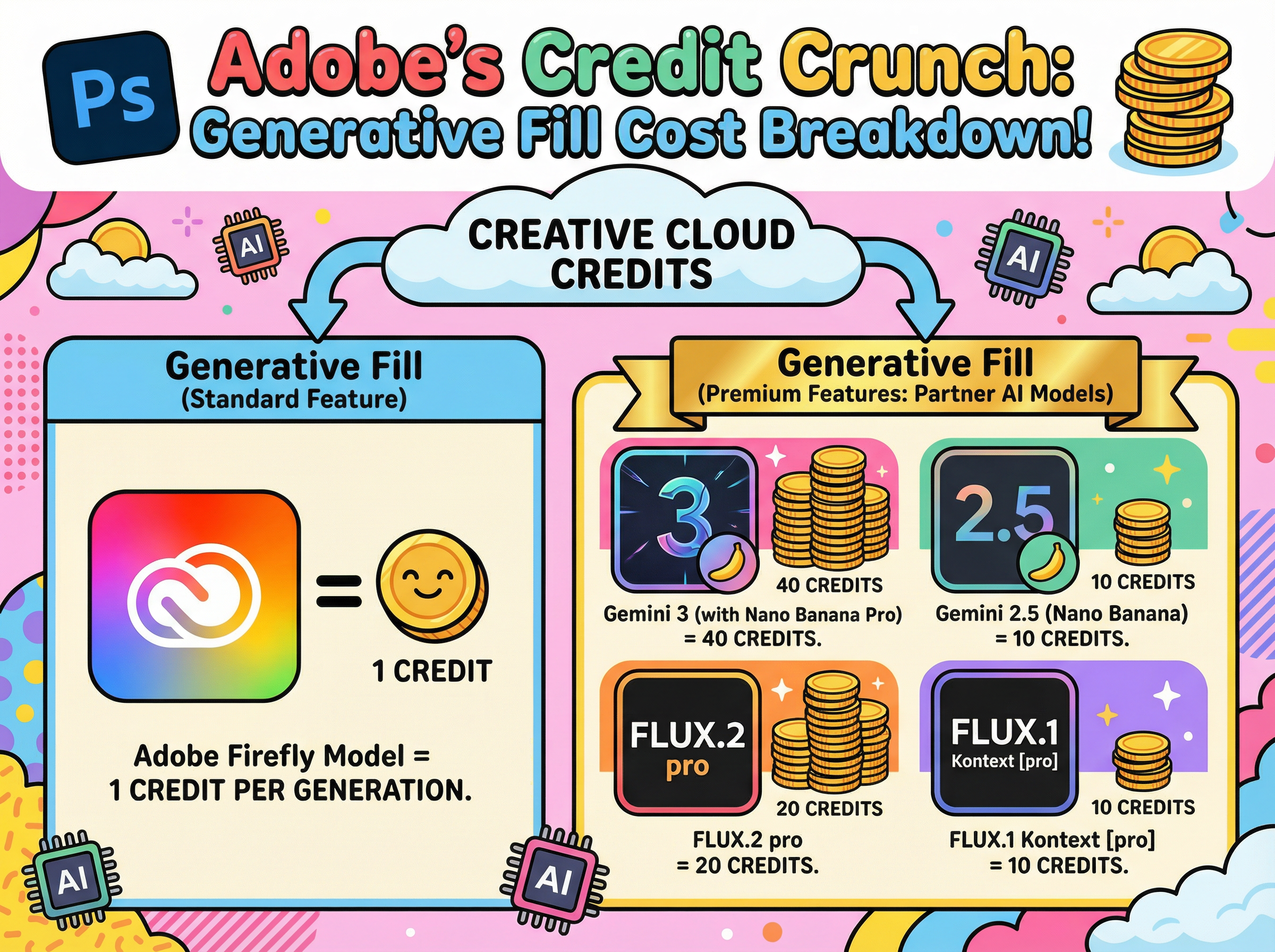
Adobe's proprietary Firefly model requires only 1 credit per generation, making it the most economical option. The newer partner models from Google (Gemini) and Black Forest Labs (FLUX), however, are classified as premium features and consume credits at a substantially higher rate. Depending on the model selected, you can expect to use between 10 and 40 credits per generation.

For users looking to maximize their monthly credit allocation, selecting the appropriate model for each task becomes an essential consideration.

Firefly: Your Go-To Workhorse (1 Credit)

Firefly serves as the default option and remains the most practical choice for everyday tasks. At just 1 credit per generation, it offers excellent efficiency for routine editing work. Whether you need to remove unwanted objects, extend backgrounds, or clean up imperfections, Firefly handles these tasks effectively.

Additionally, it benefits from full Creative Cloud integration, Adobe's commercial-use guarantees, and Content Credentials support. For standard production workflows, it's difficult to find a more cost-effective solution.

The Premium Players

The partner models represent a significant increase in cost, but they also deliver enhanced capabilities. Adobe operates these models on external infrastructure, which accounts for their higher credit requirements. These models excel at handling complex prompts, challenging lighting scenarios, and situations requiring exceptional realism or fine detail.

The credit costs break down as follows:

  • Gemini 2.5 (Nano Banana): 10 credits

  • FLUX.1 Kontext [pro]: 10 credits

  • FLUX.2 Pro: 20 credits

  • Gemini 3 (Nano Banana Pro): 40 credits

All of these models draw from the same credit pool as Firefly, but they deplete it considerably faster.

When to Use What

Gemini 2.5 (Nano Banana) occupies a middle position in the model hierarchy. It performs well when Firefly struggles with precise prompt interpretation, particularly for complex, multi-part instructions. This model also excels at maintaining consistent subject appearance across multiple variations.

FLUX.1 Kontext [pro] specialises in contextual integration. It analyses existing scenes to match perspective, lighting, and colour accurately. When adding new elements to complex photographs, this model provides the most seamless integration, making additions appear native to the original image.

FLUX.2 Pro elevates realism significantly. It generates outputs at higher resolution (approximately 2K-class) and demonstrates particular strength with textures. Areas that typically present challenges, such as skin, hair, and hands, appear notably more natural. For portrait and lifestyle photography requiring professional polish, the 20-credit investment may be justified.

Gemini 3 (Nano Banana Pro) represents the premium tier at 40 credits per generation. This "4K-class" option addresses one of Firefly's primary limitations: text rendering. When projects require legible signage, product labels, or user interface elements, Nano Banana Pro delivers the necessary clarity.

A Practical Approach to Model Selection

Default to Firefly (1 credit) for standard edits, cleanup tasks, and basic extensions

  1. Upgrade to Gemini 2.5 (10 credits) when improved prompt interpretation or likeness consistency is required

  2. Select FLUX.1 Kontext (10 credits) when lighting and perspective matching are priorities

  3. Deploy FLUX.2 Pro (20 credits) when realism and texture quality are essential

  4. Reserve Gemini 3 (40 credits) for situations requiring exceptional text clarity and fine detail

The guiding principle is straightforward: begin with the most economical option and upgrade only when project requirements justify the additional cost.

The Invisible Currency of AI 🤖

If you've been using AI tools for any length of time, you've probably hit a confusing moment. Maybe your chatbot suddenly "forgot" something important from earlier in the conversation. Or you opened Photoshop's Generative Fill and noticed a credit counter ticking down. Perhaps you glanced at an API pricing page and saw costs listed per "1K tokens."

When we interact with AI, we think in words and images. The AI thinks in tokens and credits. Understanding these two concepts makes it far easier to get better results and keep an eye on costs.

Part 1: How Text AI Actually "Reads"

When you type a prompt into a text-based AI like Claude, ChatGPT, or Gemini, it doesn't read your sentences the way a human does. Before processing your request, it breaks your text into small digestible pieces.

Those pieces are called tokens.

  • Simple words: Short, common words like "cat," "run," or "the" are often just one token.

  • Complex words: Longer or rarer words get split up, so "unbelievable" might become three tokens.

  • Punctuation and spaces: Commas, periods, and other symbols can also count as tokens, depending on how the model's tokeniser works.

A useful rule of thumb: 1,000 tokens equals roughly 750 English words.

The Context Window: Why AI Forgets

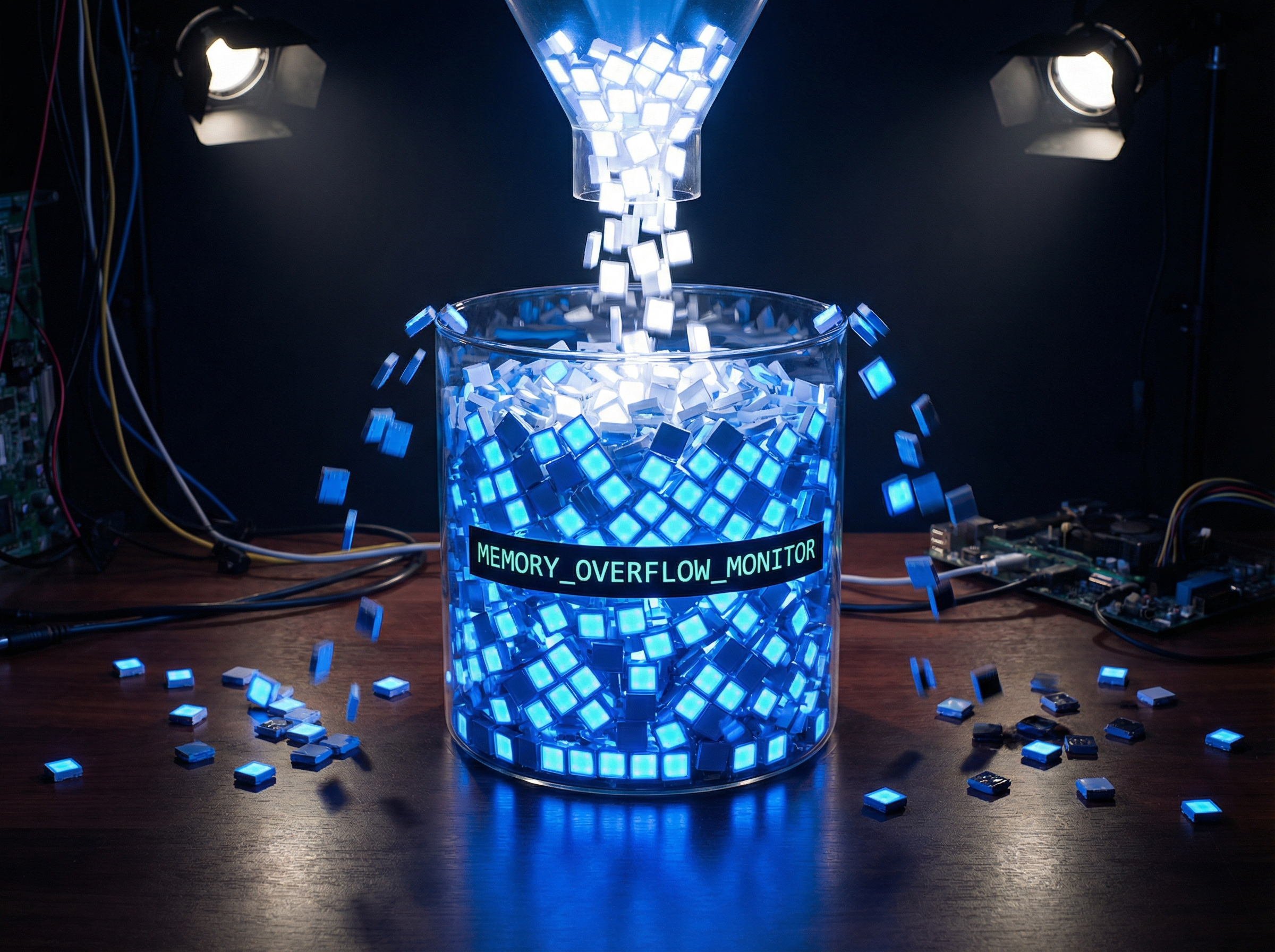
Every AI model has what's called a "context window." Think of it as a short-term memory bucket with a hard limit on how many tokens it can hold at once.

Everything from your conversation has to fit inside:

  • Your original instructions

  • Every question you've asked

  • Every answer the AI has given back

When you're deep into a long conversation or you've pasted in a massive document, this bucket fills up. Once it's full, the model has to discard the oldest tokens to make room for new ones. That's why your AI might suddenly ignore a rule you set at the beginning of the chat. It's not being stubborn, it's just run out of room.

Input vs Output: The Cost of Thinking

From a billing perspective, not all tokens are created equal. Most API pricing separates input tokens from output tokens.

  • Input tokens (reading): What you send in: prompts, documents, instructions.

  • Output tokens (writing): What the AI generates: summaries, code, emails.

Output tokens typically cost more than input tokens because generating new text requires more computation than simply reading and encoding it. This isn't universal, but it's a safe working assumption: longer requested outputs usually cost more on paid APIs.

Part 2: The Visual Artist: Credits

Text models run on tokens, but what about Photoshop's Generative Fill or image tools like Midjourney and Flux? These systems might use tokens behind the scenes, but what you see is usually a simpler "per-generation" approach.

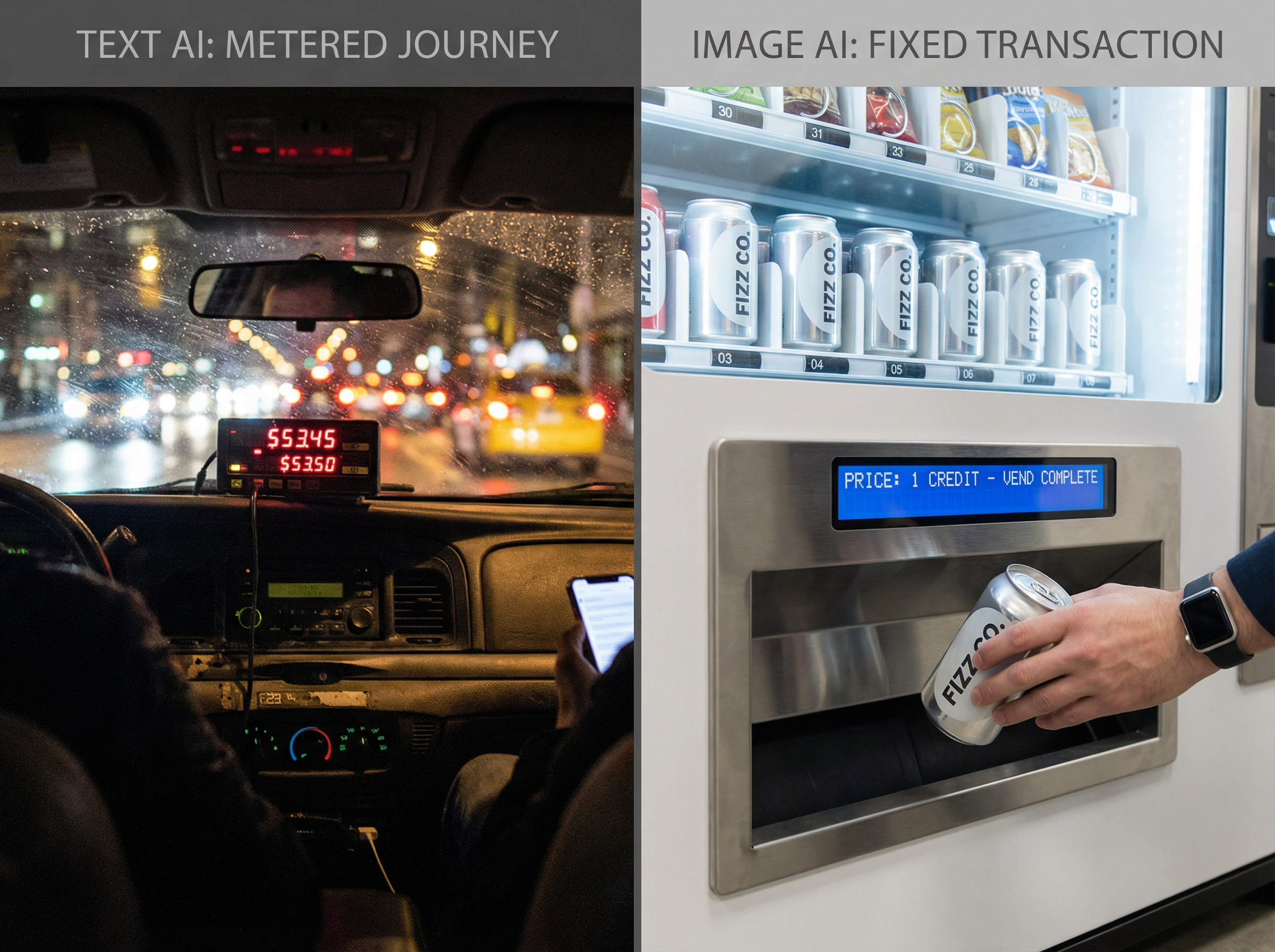
Here's a helpful analogy: when you ask a text model to write an essay, it's like a taxi meter that keeps running until you reach your destination. When you ask for an image, you're ordering a fixed item: "one 1024×1024 image." So billing becomes straightforward: one generation, one charge.

How Adobe Uses Generative Credits

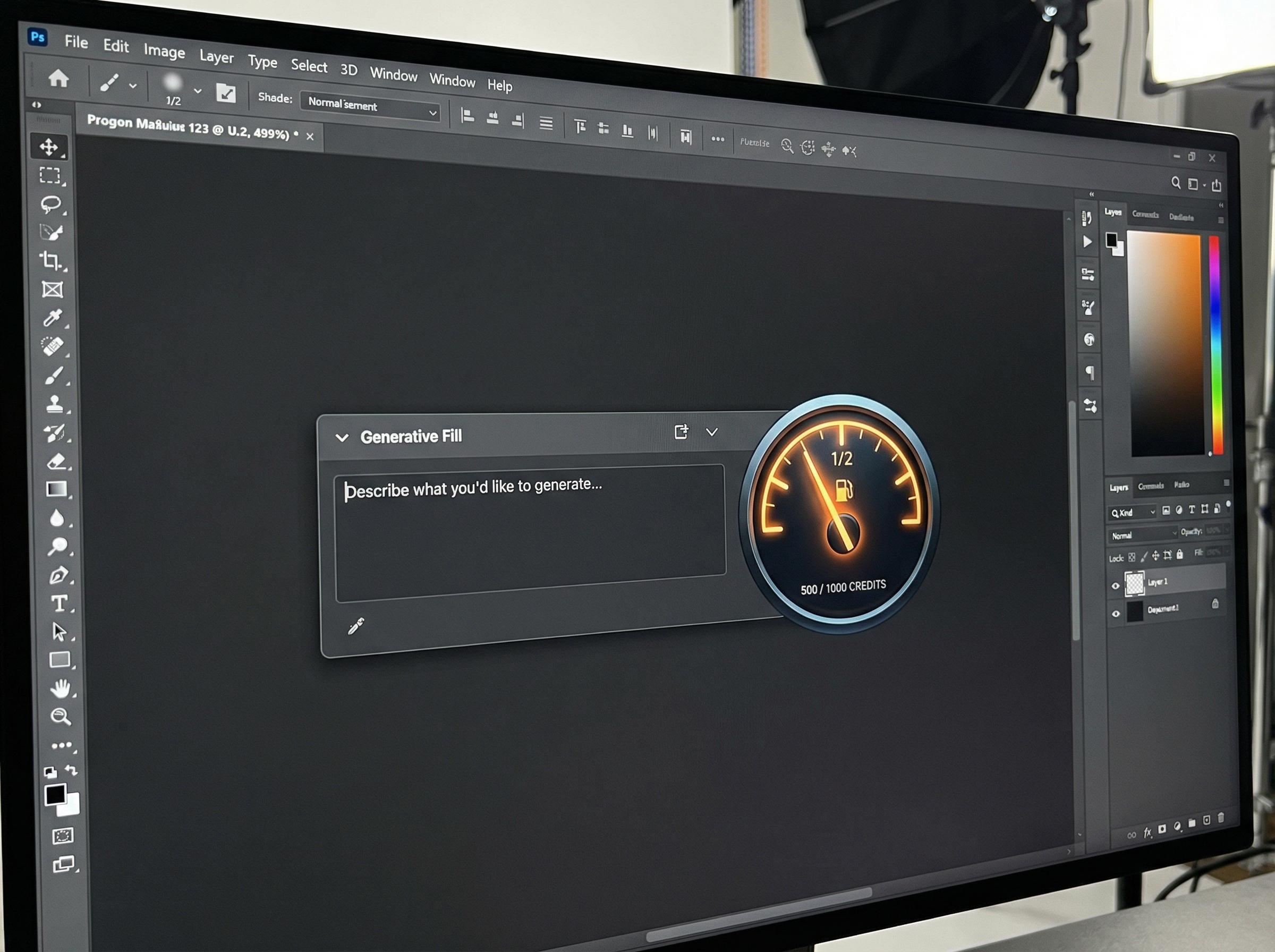
Photoshop's Generative Fill and other Firefly-powered features run on "Generative Credits." Your Adobe plan gives you a monthly allowance, and each generative action consumes part of that allowance.

  • Most standard features use one credit per generation.

  • More intensive features or very large outputs can consume multiple credits, according to Adobe's rate cards.

  • The length of your prompt usually doesn't affect the credit cost. What matters is the type of operation and sometimes the output size.

Other visual platforms work similarly, often charging different amounts based on resolution or quality settings, since bigger, higher-quality images demand more computing power.

Why Some AI Uses More "Juice"

Depending on what you're doing, you can burn through your limits faster than expected.

For text AI (tokens):

  • Long inputs: Pasting a 50-page transcript into your prompt can devour a huge chunk of both your context window and token budget before the model even starts responding.

  • Long outputs: Asking for a detailed, multi-page answer consumes far more output tokens, and therefore more compute and money, than requesting a tight one-paragraph summary.

For image AI (credits):

  • Quantity: Generating 10 variations costs roughly 10 times as many credits as generating one image, because each generation is its own job.

  • Resolution and complexity: Higher resolutions or video-like outputs often consume more credits per job, reflecting the extra server work required.

The Takeaway

You don't need to be a mathematician to use AI well, but understanding tokens and credits makes you a far better pilot.

If your text AI starts getting confused or ignoring earlier instructions, you've likely pushed past its context window. Try trimming or summarising earlier content to free up space. If you're worried about image costs, invest time in a clear, targeted prompt and sensible resolution settings. Get what you need in as few generations as possible, rather than brute-forcing dozens of variations.

Master these invisible currencies, and you'll get better results while keeping your costs under control.


The Rebellion Against Perfect Photos

I spent some time recently looking into what is actually happening with photography trends. I wanted to know if the use of mobiles phone for photography is as popuar, or if there is some kind of shift happening beneath the surface.

What emerges is pretty interesting. There is a clear movement building, especially among younger shooters and enthusiasts, that looks a little like a quiet rebellion against the smooth, hyper-processed default of modern tech.

The problem with perfection

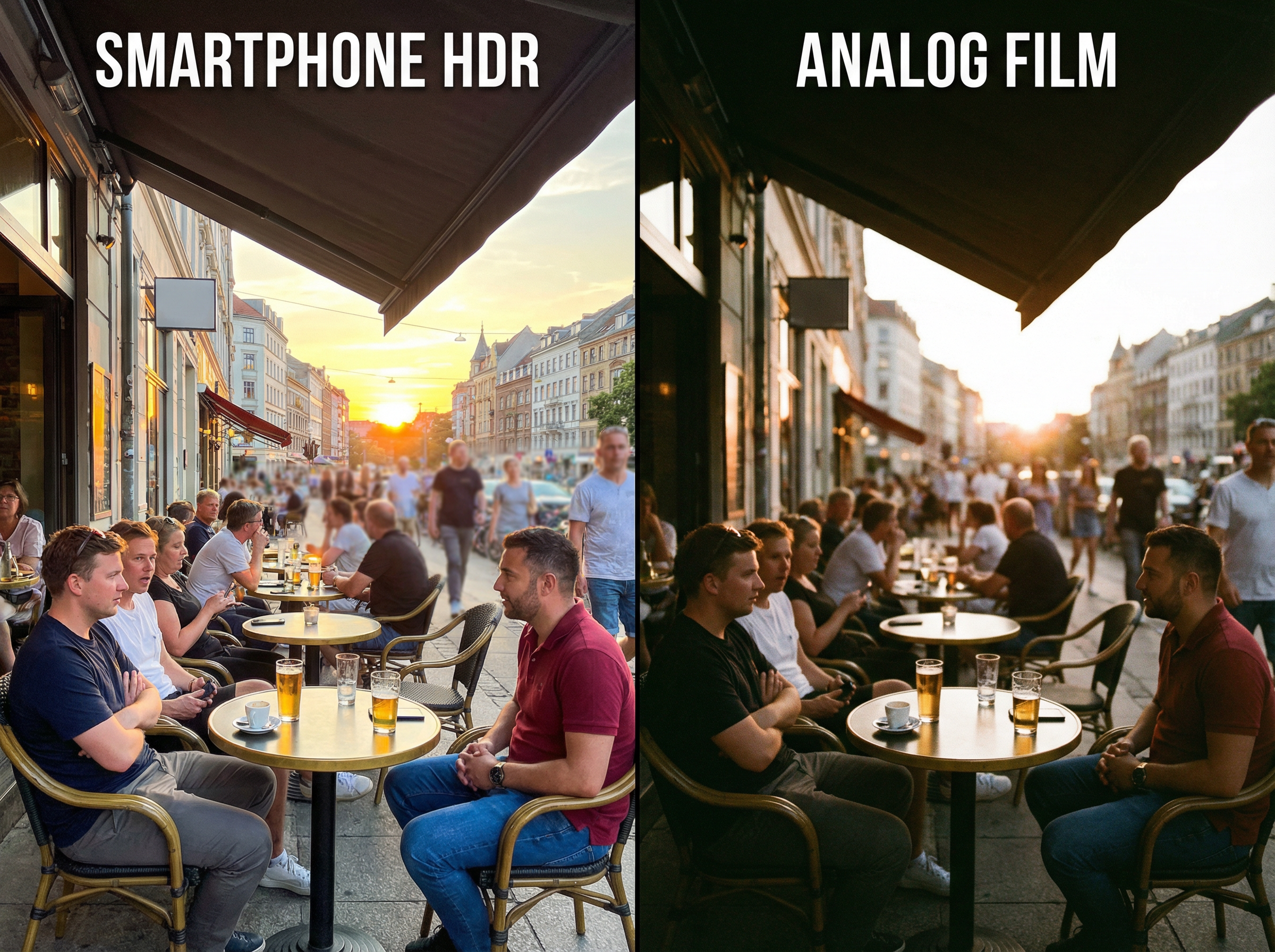
We have reached a point where smartphone cameras are technically incredible. You take a photo with a recent iPhone or Google Pixel and the computational photography stack goes to work: it lifts the shadows, sharpens the details and nudges the colours into what the algorithm thinks "looks good".

The result is often a technically impressive image. But that is exactly where some people are starting to feel a disconnect. The photos can look a bit clinical or interchangeable, and because the software is doing so much of the heavy lifting, many images start to share the same ultra-clean, algorithmic look.

The "digicam" comeback

This is the part that feels like pure joy. In response to that polished phone aesthetic, there is a noticeable movement toward embracing "imperfection" again. Gen Z and millennials in particular are digging through drawers, charity shops and eBay listings for those compact digital cameras from the early 2000s: the old Canon IXUS and Sony Cyber-shot style point-and-shoots that many people stopped using years ago.

They want the grainy files, the harsh on-camera flash, the slightly off colours and limited dynamic range. What used to be dismissed as "low quality" from those early sensors now feels more authentic and nostalgic than the hyper-processed output of a flagship phone, especially when shared as "digicam" photo dumps on social platforms.

The need to disconnect

There is another layer to this as well, and it is not just about the look of the photos. It is about the device you are holding in your hand. Shooting with a phone means you are always one notification away from a distraction; you go to photograph a sunset and end up answering a work email or scrolling through Instagram.

In contrast, a dedicated camera gives you a single, focused purpose. There has been a strong surge in interest for compact enthusiast cameras like the Fujifilm X100 series and the Ricoh GR line, with demand for models such as the X100VI and GR III at times outstripping supply and creating waitlists or periods of scarcity. People are actively seeking a device that just takes pictures, so they can stay in the moment without the constant digital noise of a smartphone.

So what does this mean?

Mobile photography is not going anywhere. Smartphones still dominate the sheer number of photos taken and remain unbeatable for convenience and quick video capture. But if you feel bored with your photography or find your images starting to look a bit sterile, you are very much in step with a wider mood.

The most interesting shift right now is not about the latest sensor spec or the smartest AI mode. It is about getting back to basics: choosing a camera that slows you down just enough to notice what you are doing, and being okay with a bit of friction and imperfection in the process. That might mean a premium compact, or it might simply mean rescuing an old digicam from the back of a junk drawer and giving it a second life.


ADOBE just changed ChatGPT FOREVER 💥 But Why???

Adobe has just rolled out one of the most significant updates we've seen in a while by integrating Photoshop, Express, and Acrobat directly into ChatGPT. And here's the kicker: these features are currently free to use, no Creative Cloud subscription required.

Why This Matters

This is a fascinating strategic play. ChatGPT has roughly 800 million active users, many of whom recognize the Photoshop brand but find the actual software intimidating or prohibitively expensive. By embedding these tools inside a chat interface where people already feel comfortable, Adobe is dismantling that barrier to entry. They're essentially converting casual users into potential creators through familiarity and ease of use.

What the Integration Actually Does

The capabilities are surprisingly robust for a chat-based tool. You can upload an image and ask Photoshop to handle basic retouching or apply artistic styles. The masking feature is particularly impressive, intelligently selecting subjects without manual input. Adobe Express generates social media posts or birthday cards from simple text prompts, while the Acrobat integration handles PDF merging and organization without leaving the conversation.

The Bigger Picture

Make no mistake: this isn't replacing the full desktop software. It's a streamlined, accessible version optimized for speed and convenience. Users who need granular control or heavy processing power will still require the complete applications.

This is a textbook freemium strategy. Adobe is giving users a taste of their engine, creating a natural upgrade path. Once someone hits the limitations of the chat interface, they're just one click away from the full experience. It's a smart way to widen the funnel and meet users exactly where they are.


Why I Love AI ... and Why I'm Still the Boss 😎

When I think back to the not-too-distant past, it's wild how much has changed. An editing task that used to take me thirty minutes (hair selections, cloning, backdrop cleanup) now takes about thirty seconds; and THIS is why I'm excited about what AI brings to the party.

AI: The Best Assistant I Never Had to Train

Look, nobody got into photography because they dreamed of removing sensor dust or spending three hours meticulously masking flyaway hairs. That stuff isn't the art. It's just the cleanup crew work that has to happen before we get to make our magic.

And honestly? AI is brilliant at that stuff.

Think of it this way: AI handles the grunt work so I can focus on the vision. It's like having an incredibly fast, never-complaining assistant who's amazing at the boring bits and then steps aside when the real creative decisions need to be made.

Oh and those decisions that need to be made? Those are still mine.

Where AI Stops and I Begin

There's a line, though, and it's one I think about a lot.

AI can smooth skin, relight faces, swap out skies. It can create a technically "perfect" image in seconds. But here's the thing: perfect isn't always interesting. Sometimes those ultra-polished images feel a bit ... lifeless. Like they're missing something human.

The magic happens in the choices we make. The colour grade that shifts the whole mood. The decision to keep a little texture in the skin because real people aren't porcelain. The way we balance light and shadow to tell the story we want to tell.

That's where our style lives. That's the part AI can't do because it doesn't have taste, intuition, or a point of view.

It's a tool. A really good tool. But we’re the one holding it.

Getting My Life Back

The biggest win isn't just sharper images or cleaner backgrounds. It's time.

AI is giving me hours back. Hours I used to spend in my office, squinting (I’ve now got new glasses) at a monitor, doing repetitive tasks that made me question my life choices.

Now I can use that time for the stuff that actually matters: shooting more personal projects, experimenting with new techniques, or better still, spending time with my wife and friends. Making memories instead of just editing them. Living the life that's supposed to inspire the work in the first place.

We shouldn't fear these tools. We should embrace them (smartly) so we can get back to doing what we love.

Where Do You Stand?

I'm curious how you're navigating this shift.

Are you using AI tools to speed up your workflow? Or are you still figuring out where the line is between "helpful assistant" and "too much automation"?

I'd love to hear how you're finding the balance in the comments below.


How AI is Saving 🛟 Photography by Killing it 💀

I've been scrolling through photo forums lately, and the panic is everywhere. Every day brings a new AI model that can generate hyper-realistic portraits, relight scenes after the fact, or conjure landscapes no human has ever visited.

Everyone's asking: "Is this the end of professional photography?"

After watching the industry closely and digesting the patterns, I've come to a conclusion that might surprise you.

We're not witnessing the death of photography. We're witnessing a correction, one that might actually save it.

The Middle Is Collapsing

For twenty years, the barrier to entry for "professional" photography has been dropping. Digital cameras made it easier to learn. The internet made it easier to find clients. A massive middle class of working photographers emerged: people shooting corporate headshots, basic product photos, standard real estate listings.

This is where AI hits hardest.

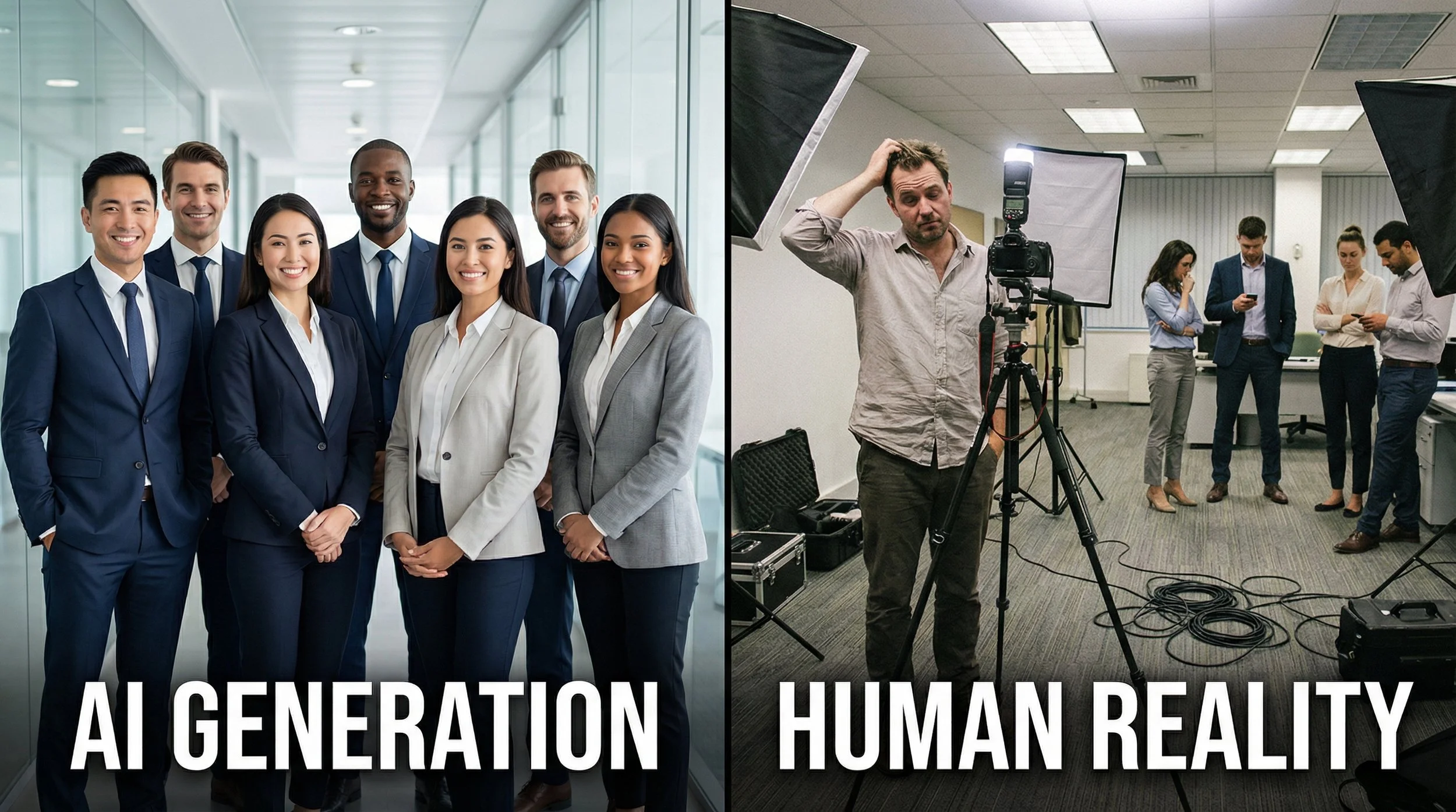
If a business needs "a diverse, happy team in a modern office" for their website, they don't need a photographer anymore. They can generate it in thirty seconds for pennies. If your primary value is owning a nice camera and delivering sharp, well-exposed images, the machines can do that faster and cheaper.

The "technician" photographer is becoming obsolete.

The New Professional: Selling Truth, Not Pixels

Here's what's interesting: the industry isn't just shrinking. The definition of "professional" is fundamentally changing.

In a world where perfect imagery is free and instant, we're shifting from an Image Economy to a Trust Economy.

The photographers who survive won't be paid for technical skill alone. They'll be paid for authenticity and accountability, for being present when it mattered.

Where does that happen?

Weddings and Events: A bride doesn't want an AI-generated image of her father crying. She wants her father crying at her wedding. The value isn't the lighting. It's the irreplaceable proof that the moment existed. AI can't witness anything.

Photojournalism: As deepfakes multiply, the value of a trusted human eye actually increases. News organizations need someone who can vouch for what really happened. The photographer becomes a verifier.

High-Stakes Commercial Work: Nike might use AI for backgrounds, but when they're sponsoring an athlete, they need a real photo of that person wearing that shoe. Legally. Ethically.

To stay professional, you can't just be a picture-taker anymore. You're either a creative director who uses AI to accelerate your vision, or you're a trusted witness in situations where truth matters.

The Vinyl Renaissance

So what about everyone else?

This is the liberating part … we get to do it because we love it.

Think about vinyl records. Digital streaming is more efficient, cheaper, and technically superior, yet vinyl sales are surging. Why? Because people love the ritual. The tangible object. The imperfections. The experience.

Photography is heading in the same direction.

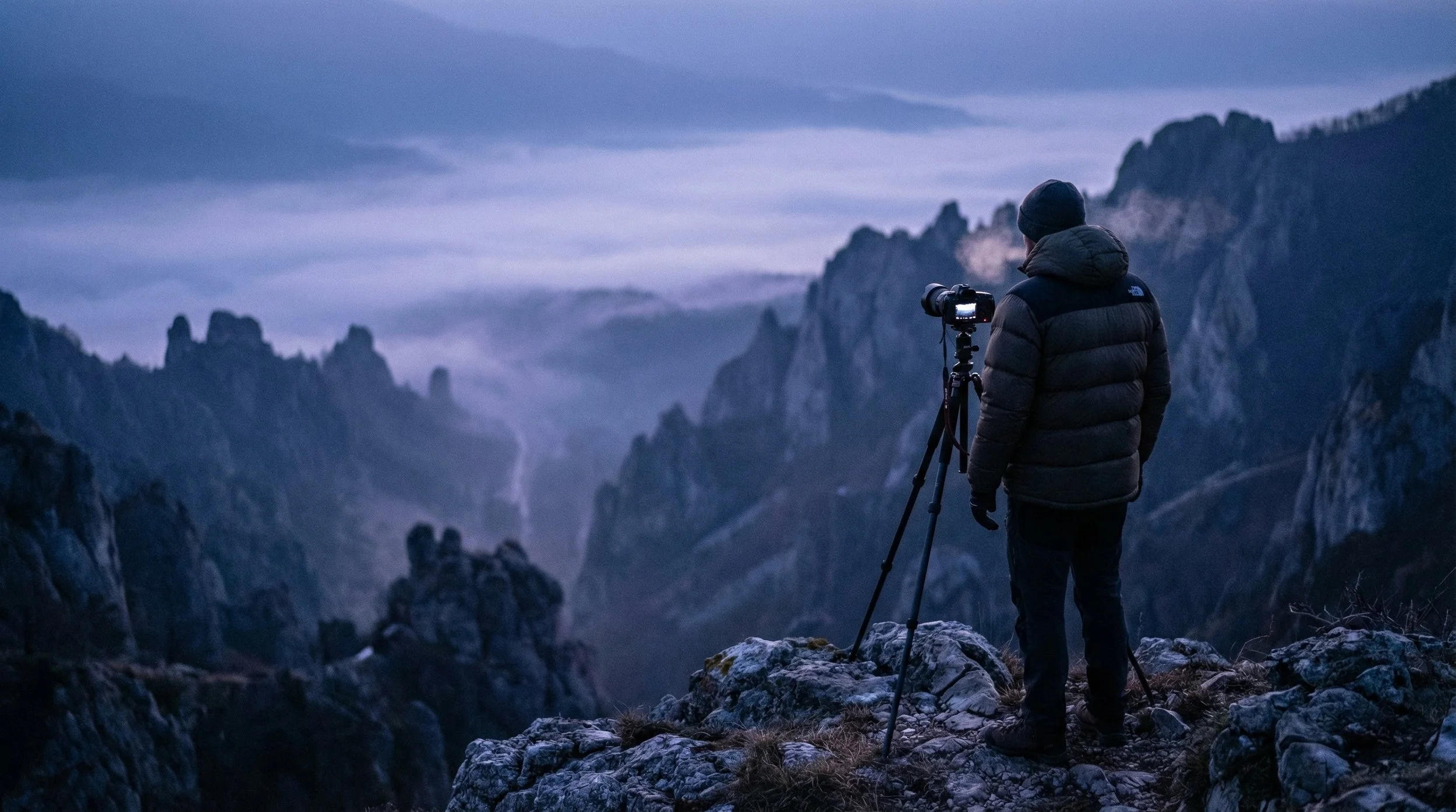
Typing prompts into a computer is efficient, but it can never and will never replace the experience. Waking at 4 a.m. to hike a mountain (hoping the sunrise hits just right) is an adventure. Developing film in a darkroom is magic. Approaching a stranger for a portrait is human connection.

The future of photography, for most of us, won't be about hustling or undercutting competitors on price; it'll be about the joy of creation itself.

What's Left

The industry is shedding its commercial bloat. The middle ground is gone. What remains are two groups: highly specialised professionals chasing truth, and passionate hobbyists chasing light … and both living an experience.

Personally? I'm more than okay with that reality. What about you?


The Return of Intention: The Camera Comeback! 📷

It seems counterintuitive, perhaps even backwards. We walk around with incredibly powerful computers in our pockets, equipped with camera systems backed by billions of pounds of R&D and AI processing. These devices have democratised photography on an unprecedented scale. In recent 2025 data, smartphones capture around 92.5% of all pictures taken globally, leaving only 7.5% to conventional cameras (PhotoAid) (ElectroIQ). In the war for convenience, the smartphone has won decisively.

The Pivot

But if mobile photography is the undisputed champion of convenience and technical prowess, why are we seeing significant cracks in its dominance? Why, in an era of hyper-advanced phone sensors, are Gen Z buyers scouring eBay for 20-year-old, low-megapixel Canon PowerShots, and why are modern, retro-styled cameras like the Fujifilm X100VI so popular that waiting lists and intermittent shortages have persisted well into 2025 (Digital Camera World) (Yahoo)? Something fascinating is shifting in the photographic landscape: a cultural counter-movement away from frictionless, instant capture toward something slower, more deliberate, and more tangible.

Craving Friction in a Seamless World

This resurgence of traditional cameras - ranging from vintage "digicams" to high-end mirrorless systems - is not just a passing fad. It reflects a psychological response to increasingly automated, AI-mediated lives, where many people feel over-optimised and under-expressed (Passport Photo Online). Cultural reporting and social trends show younger users embracing tools that feel imperfect, limited, and more human in how they render the world.

1. The Revolt Against AI Perfection

Modern smartphone cameras rely heavily on computational photography and AI to render a "perfect" image instantly: enhanced skies, lifted shadows, and smoothed skin by default (Fortune Business Insights). For many - especially a generation raised entirely on screens - this perfection can feel sterile and inauthentic, feeding fatigue with the "over-processed" look.

This sentiment has helped fuel a revival of early-2000s point-and-shoot digital cameras, where users actively seek harsh flash, grainy low-light performance, and unpolished color as part of a more "real" aesthetic. In line with this shift, compact camera sales and shipments in Japan climbed again in 2024 after years of decline, marking the first clear rebound in that segment in roughly seven years (PetaPixel) (AI-AP).

2. The Tactile Rebellion

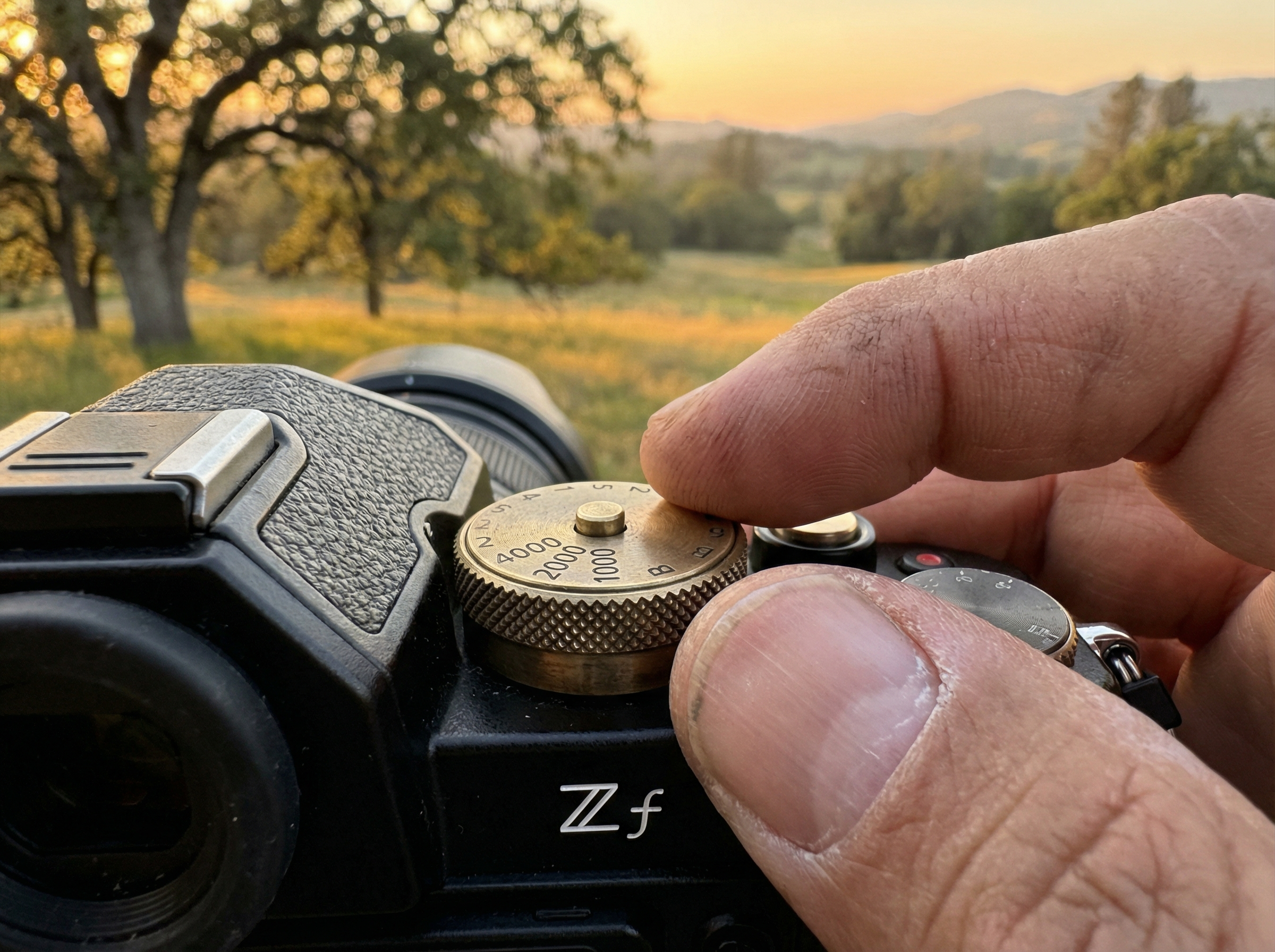
Humans are tactile creatures, and many are growing weary of tapping glass screens to perform every function in their lives. Cameras that emphasize physical controls - shutter speed dials, aperture rings, ISO knobs, and mechanical shutters - turn photography back into a physical craft rather than just another app interaction (FujiX Weekly). Recent financial and industry reports highlight strong demand for enthusiast-focused, retro-styled models like the Nikon Zf, which has contributed meaningfully to Nikon's imaging profits and unit growth in 2024-2025 (The New Camera).

3. The "Single-Purpose" Digital Detox

Perhaps the most profound insight is that the phone is simply too good at too many things. The moment you take a photo, you are milliseconds away from an email notification, a message, or the urge to edit and post instantly on social media, collapsing creation and distraction into the same gesture. A dedicated camera does essentially one thing, and picking it up creates a small "pocket of time" in which attention narrows to seeing and composing, separating the act of photographing from the noise and incentives of the broader internet (ElectroIQ).

The Takeaway

The shift back to traditional cameras is not primarily about technical image quality. In many measurable respects, the phone in your pocket may outperform the vintage digicam being bid up online, from dynamic range to autofocus intelligence. This movement is about mindfulness: embracing a bit of friction, accepting imperfections, and reclaiming the feeling that you - not an algorithm - made the photograph, signaling a genuine return of intention to photography.

References

  1. PhotoAid - Mobile Photography Statistics

  2. ElectroIQ - Mobile Photography Statistics

  3. Yahoo - Compact Cameras Firmly Back in Spotlight

  4. Digital Camera World - Compact Cameras Are Firmly Back

  5. Passport Photo Online - Mobile Photography Trends

  6. PetaPixel - Camera Sales Surged in Japan

  7. AI-AP - Sales of Compact Cameras in Japan

  8. Fortune Business Insights - Computational Photography Market

  9. FujiX Weekly - Why the Upcoming Nikon Zf Won't Be a Fujifilm Killer

  10. The New Camera - Nikon Imaging Business Booms

  11. ElectroIQ - Camera Statistics


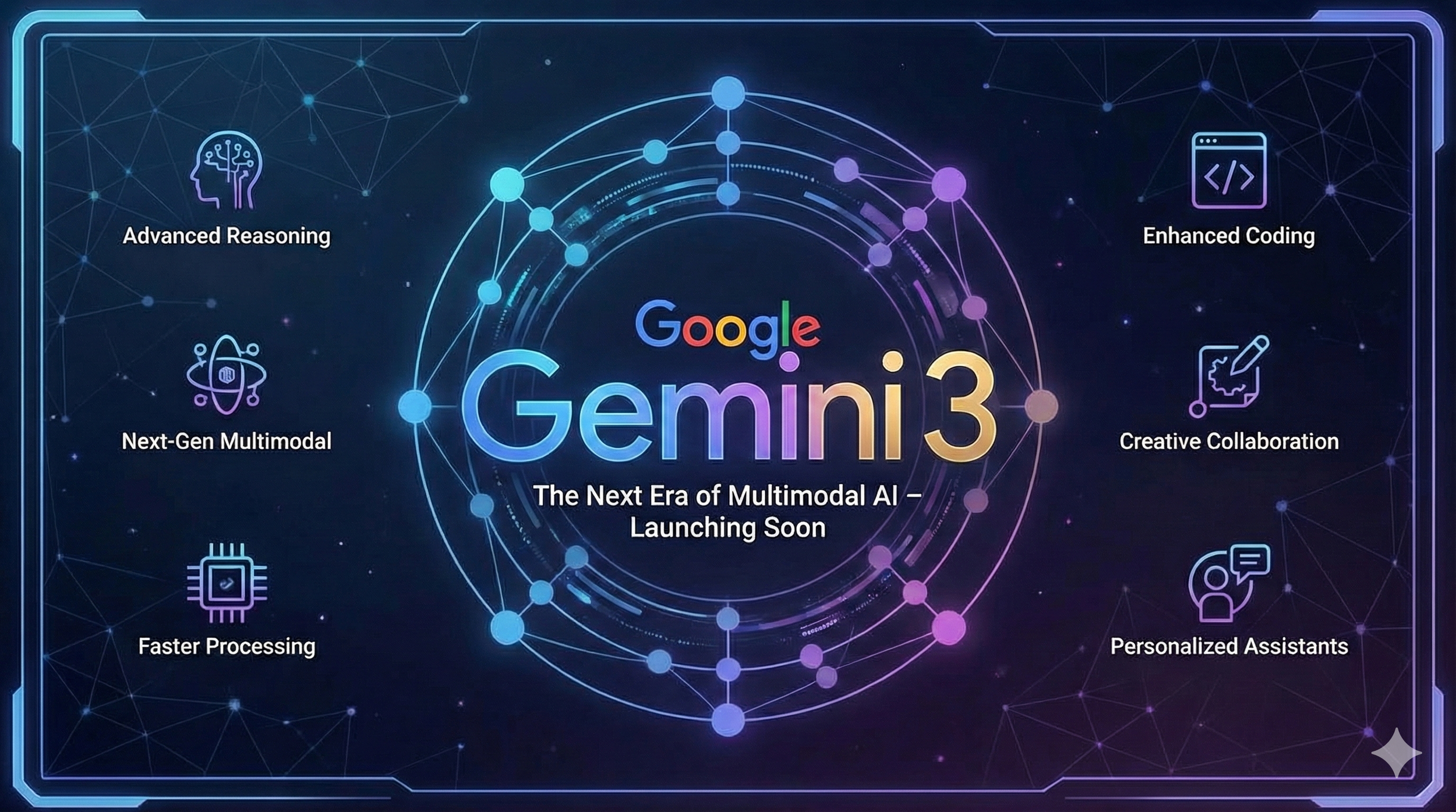
🤖 4 Key Insights from Google's Gemini 3 Launch

4 Key Insights from Google's Gemini 3 Launch That Go Beyond the Numbers

With new AI models arriving every week, it's hard to tell which announcements actually matter. Many releases simply offer minor improvements and higher test scores, leaving us wondering what it all means for everyday use.

Google's Gemini 3 launch is different. Beyond the impressive benchmarks lie four important changes that show where AI technology is really headed. This article highlights the most significant developments that point to a major shift in both what AI can do and how we interact with it.

Insight 1: From Assistant to Thinking Partner

The biggest change in Gemini 3 isn't just improved performance. It's a deeper level of understanding that transforms how we interact with AI. Google designed the model to "grasp depth and nuance" so it can "peel apart the overlapping layers of a difficult problem."

This creates a noticeably different experience. Google says Gemini 3 "trades cliché and flattery for genuine insight, telling you what you need to hear, not just what you want to hear." This represents an important evolution in how we work with AI. Instead of a simple tool that answers questions, it becomes a real collaborative partner for tackling complex challenges and working through difficult problems.

This new relationship demands more from us as users. When your main tool acts like a critical colleague rather than an obedient helper, you need to step up your own thinking and collaboration skills to get the most out of it.

Google CEO Sundar Pichai put it this way:

It's amazing to think that in just two years, AI has evolved from simply reading text and images to reading the room.

Insight 2: Deep Think Mode Brings Specialized Reasoning

Google introduced Gemini 3 Deep Think mode with this launch. This enhanced reasoning mode is specifically designed to handle "even more complex problems." The name isn't just marketing. It's backed by real performance improvements on some of the industry's toughest tests.

In testing, Deep Think surpasses the already powerful Gemini 3 Pro on challenging benchmarks. On "Humanity's Last Exam," it achieved 41.0% (without tools), compared to Gemini 3 Pro's 37.5%. On "GPQA Diamond," it reached 93.8%, beating Gemini 3 Pro's 91.9%.

This matters because it shows a future where AI isn't a single, universal intelligence. Instead, we're seeing the development of specialized "modes" for different thinking tasks. This isn't just about raw power. It's a strategic approach to computational efficiency, using the right amount of processing for each specific task. This is crucial for making AI sustainable as it scales up.

Insight 3: Antigravity Changes How Developers Build Software

Perhaps the most forward-thinking announcement was Google Antigravity, a new "agentic development platform." This represents a fundamental change in how developers work with AI, aiming to "transform AI assistance from a tool in a developer's toolkit into an active partner."

What makes Antigravity revolutionary is what it can actually do. Its AI agents have "direct access to the editor, terminal and browser," letting them "autonomously plan and execute complex, end-to-end software tasks." The potential impact is huge. Going far beyond simple code suggestions, it completely redefines the developer's role. Instead of writing every line of code, developers become directors of AI agents that can build, test, and validate entire applications independently.

Insight 4: AI Agents Can Now Handle Long-Term Tasks

A major challenge for AI has always been "long-horizon planning." This means executing complex, multi-step tasks over extended periods without losing focus or getting confused. Gemini 3 shows a real breakthrough here.

The model demonstrated its abilities on "Vending-Bench 2," where it managed a simulated vending machine business for a "full simulated year of operation without drifting off task." This capability translates directly to practical, everyday uses like "booking local services or organizing your inbox."

This new reliability over long sequences of actions is the critical piece that could finally deliver on the promise of truly autonomous AI. It marks AI's evolution from a "single-task tool" you use (like a calculator) to a "persistent process manager" you direct (like an executive assistant who handles your projects for months at a time).

Looking Ahead: A New Era of AI Interaction

These aren't isolated features. They're the building blocks for the next generation of AI. The main themes from the Gemini 3 launch (collaborative partnership, specialized reasoning, agent-first development, and long-term reliability) all point toward a future that goes beyond simple prompts and responses.

The focus has clearly shifted from basic question-and-answer interactions to integrated, autonomous systems built for real complexity. As AI moves from a tool we command to a partner we collaborate with, we'll need to adapt how we think, work, and create alongside it.