HOW I EDIT theseiPhone Photographs in Lightroom

This is a recorsing of a LIVE Stream that I hosted on YouTube and Facebook on Sunday 29th October 2023 …

Join me for this LIVE stream as I go through the editing step sin Lightroom of some iPhone Portrait and Seascape photographs taken during a recent North Wales Road Trip …

***NOTE: The LIVE Feed cut off moments before the end of the broadcast however all relevant content was covered and all mentioned links are in the video description

Photoshop User Magazine - 100 HOT TIPS issue

The latest issue of KelbyOne Photoshop User Magazine is now available online and is FREE to Non-Members.

In this issue, it's the yearly HOT 100 TIPS and I was asked, with 9 others to include my TOP 10.

Members can read it and the previous 120 issues in the usual place; Non-Members just need to go to this link: https://kelbyone.com/magazine/

PRINTING PROBLEMS? 🖨️ IT'S NOT YOU!

Here’s the recording of a LIVE Stream I did on both YouTube and Facebook recently.

If you’ve ever struggled with printing your images, in this LIVE Broadcast I show the simple settings no matter what software you use BUT how different software can produce VERY different results …

BIG thanks goes to my friend Stewart Wood for sending over the image used in the LIVE Broadcast.

Photographing Storm Agnes with my iPhone 15 Pro Max

So although in the South West we didn’t get the full force of Storm Agness last week (unlike Ireland and parts of Wales) , what we did get still caused some pretty impressive scenes.

Timing couldn’t have been better on Thursday last week as the tail-end of the storm also coincided with a high tide of 4.5 metres at Lyme Regis Sea Front.

This was also to be my first time out ‘in anger’ with my new iPhone 15 Pro Max which I used to photograph the storm along with the ReeXpose App from ReeFlex.

I only had a few mintes to capture whatever I could before the heavens opened and heavy rain joined the party, but here’s the results …

Both results are a blend of several long exposures ( 0.5 seconds and 1 seconds ) taken with my new iPhone 15 Pro Max and the ReeXpose App from ReeFlex and edited in Lightroom Mobile / Cloud and Photoshop.

One of the BEST pieces of advice I was given when starting out as a Portrait Photographer was to move around ... don't take photographs from one spot ... look how the light changes as you take a step to the left or a step to the right.

Since the Covid Pandemic when I first ventured out into landscape and seascape photography as a means of keeping active and keeping creative, one of the most important things I've learned is ... when you find a composition make sure to LOOK BEHIND YOU

This is how the 2nd results came about with the tail-end of Storm Agnes and was what was happening behind me whilst I captured the first.

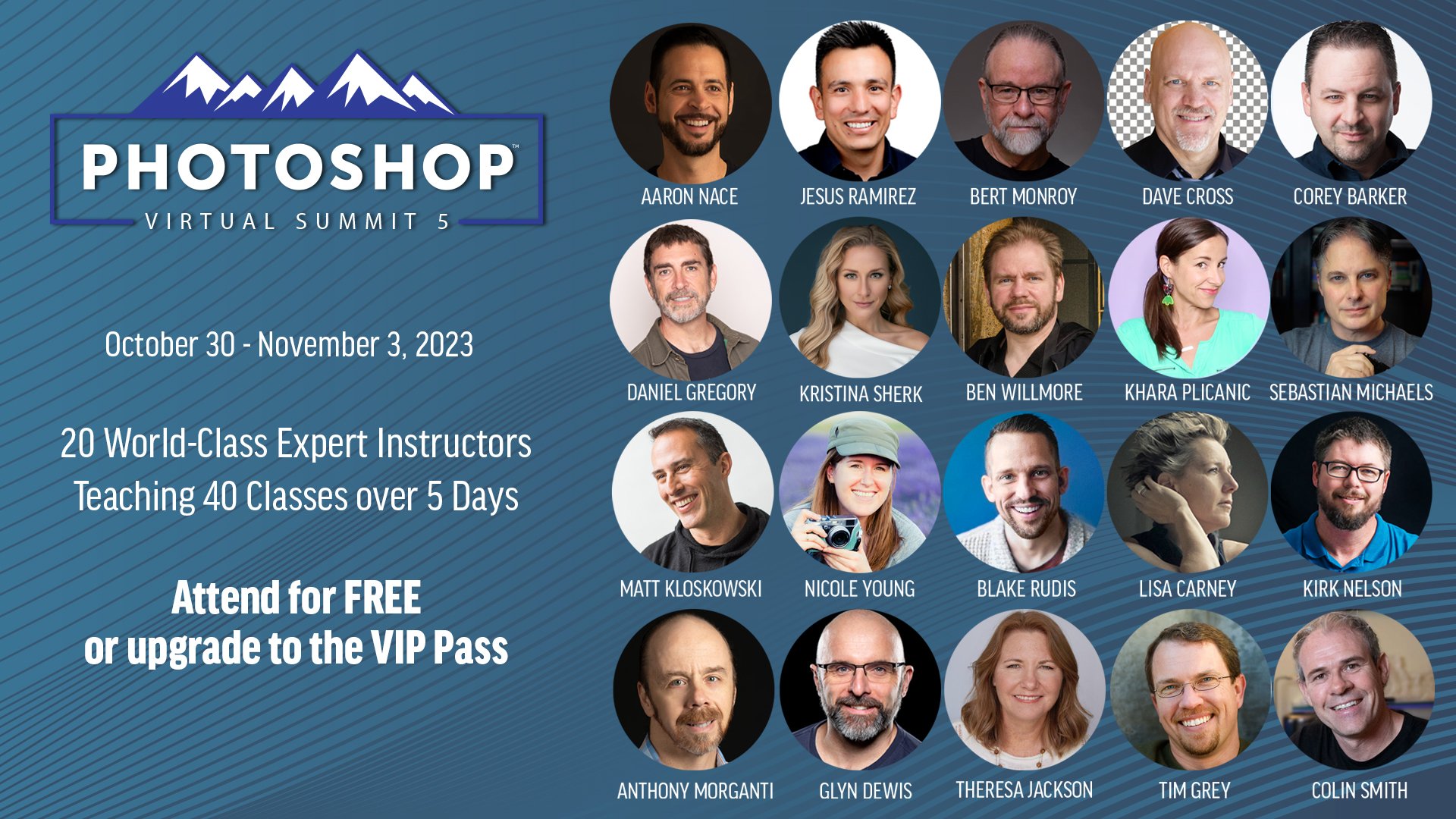
Dave Cross chats with Photoshop Virtual Summit 5 Instructors

With just over 4 weeks to go until the Photoshop Virtual Summit 5 which runs from 30th October thru 3rd November 2023 …

You can also use the link above to check out the page on the official website where the Founder and Organiser, Dave Cross, chats with each of us instructors for a couple of minutes about the classes we'll be presenting; ALWAYS more to learn

Seriously ? ... Photoshop can do that ?

This past Sunday ( 17th ) I hosted another of my weekly LIVE Broadcasts, but this time (and for the first time) streamed to YouTube AND Facebook thanks to having had the new Ultra Fast Fribre Broadband installed.

During the broadcast I went through 3 Photoshop techniques: one showing how to use Auto Blend Layers for Face-Swaps but that can also be used in very practical and useful situations, a Dodging and Burning technique to create Pine Skirting Board that looks like it has been carved and finally how to use the Remove Tool when working on skin.

Here’s the recording hosted over on my YouTube Channel …