photography

LIGHT | CAMERA | CAPTURE | The Art of Portrait Photography | Ross McKelvey

Watch the recordong of this LIVE Broadcast as I chat with Portrait Photographer Ross McKelvey about his process for capturing stunning portraits and motion covering Lighting Set Ups and Post Processing. Plus Camera Clubs, Printing, Presenting your Work and Photography Competitions …

links mentioned in the video …

Ross McKelvey website: rossmckelvey.co.uk

Ross McKelvey YouTube Channel: youtube.com/@rossmckelvey

Ross McKelvey on Instagram: instagram.com/rossmckelvey

Ross McKelvey on Facebook: facebook.com/ross.mckelvey

Westcott L60-B Bi Colour LED: LINK

IT DOESN'T GET EASIER THAN THIS πŸ₯Ή Mobile Photography and COMPLETE Editing Workflow

Here's the recording of last nights YouTube LIVE where I went through the capture and edit of a recent seascape long exposure using my iPhone 14 Pro Max, ReeXpose, Lightroom and Photoshop.

Also covered some of my 'wishes' for the iPhone 15 Pro Max ... or whatever it will be called πŸ˜ƒ and how the change (I hope) to USB-C will make a HUGE difference to the mobile workflow, especially when travelling and away from good internet speeds.

Lighting a Portrait on a Mountain

This is the other photograph that I took of Dai O’Toole in Pembrokeshire a couple of weeks back ; much simpler than the close up headshot I did ... and a lot less editing ( LINK )

With regards to the kit used …

Sony A7RIV with 70 - 200mm G lens

Lit with the Westcott FJ200 and the Westcott 45 Degree Deep Dish Reflector which ordinarily would produce a hard light , but by aiming it just past Dai the soft outer portion is what lights him up.

This outer area carries less power but was more than enough for this shot from the 200ws FJ200 , and done so as to match the soft light caused by the cloudy sky.

My mate Anthony aiming the light past Dai (camera right)

There were still some hard shadows caused by the light hitting the straps on Dai's rucksack and walking cane but these were very easily taken out using the new Remove Tool in Photoshop.

BIG thanks to my mate Anthony Crothers for holding and positioning the light

CLICK / TAP for my GEAR LIST

How I Lit and Photographed this Portrait of a Female Attendee

A couple of weeks back I was in Stoke on Trent presenting at the Guild of Photographers Event on behalf of Sony.

Kicking off first thing I hosted a workshop for a limited number of 10 people ( although 11 were there 🀣 ) and went through how I set up and light portraits but more importantly how I interact and help subjects in front of the camera to relax.

I love sharing this kind of stuff; stuff that I learned mainly from when I was full-on photographing World War 2 Veterans for my 39-45 Portraits Project. These portraits were of people who maybe weren’t so keen initially on being photographed or felt self conscious in front of the camera as opposed to me photographing models. 

No eye tracking, sharpness, dynamic range or whatever will help with this.

Anyway the reason for this was mainly to share one of the portraits I took when showing a lighting set up that is incredibly simple but so incredibly effective.

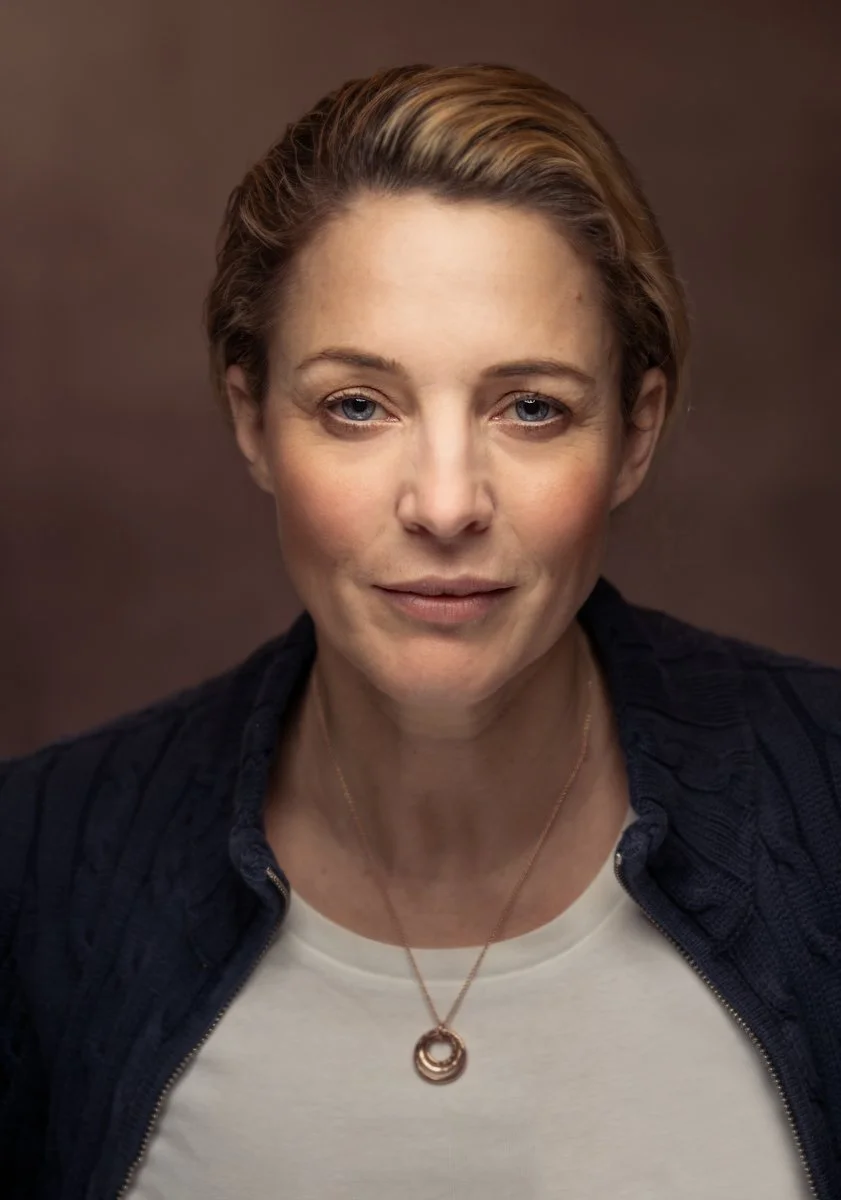
I only took one photograph but this is the result; a portrait of workshop attendee & Photographer Jo Bullas …

And here’s a Behind the Scenes photograph showing the set up I used however in this one I’m now holding the light for one of the attendees…

KIT USED

Aside from my camera ( Sony A7RIV with the 85mm G-Master Lens) , this is all the kit I used for this portrait …

If you saw an earlier post you’ll recognise the set up as being the same as when I photographed my friends Ian Munro, Anthony Crothers, Dave Clayton, Brian Dukes and Gerwyn Williams; I even jumped in front of the camera too …

The difference this time was simply down to a camera setting using a wider aperture and a slightly slower shutter speed to allow more ambient β€˜ natural light into the shot.

Anyway if you didn’t see the original video I shared on my YouTube Channel going through exactly how I do this, I’ve shared it below.

Enjoy,
Glyn

TRY THIS πŸ’₯ The INVISIBLE BLACK BACKGROUND (Photography Technique ... UPDATED)

Here's a SIMPLE and VERY EFFECTIVE technique for creating a Black Background behind your subject when you don't have one ... indoors or outdoors using just your camera and one flash!

This is my UPDATED Invisible Black Background Technique v2.0 πŸ˜ƒ πŸ“·

🎬 π‚πŽππ“π„ππ“π’ πŽπ… π“π‡πˆπ’ π•πˆπƒπ„πŽ

  • 00:00 - Introduction

  • 00:40 - Kit Needed

  • 00:55 - Shutter Speed Flash

  • 01:31 - High Speed Sync

  • 01:52 - Camera Settings

  • 02:50 - Aperture + Flash

  • 03:37 - Turn on HSS

  • 04:12 - Turn on the Flash

  • 04:46 - Options

  • 05:25 - Recap

  • 06:05 - The Problem with HSS

  • 06:29 - Why not use a Neutral Density (ND) Filter?

  • 07:46 - Dealing with Reflections

iPhone Photography: A Misty Morning at Lyme Regis in Dorset

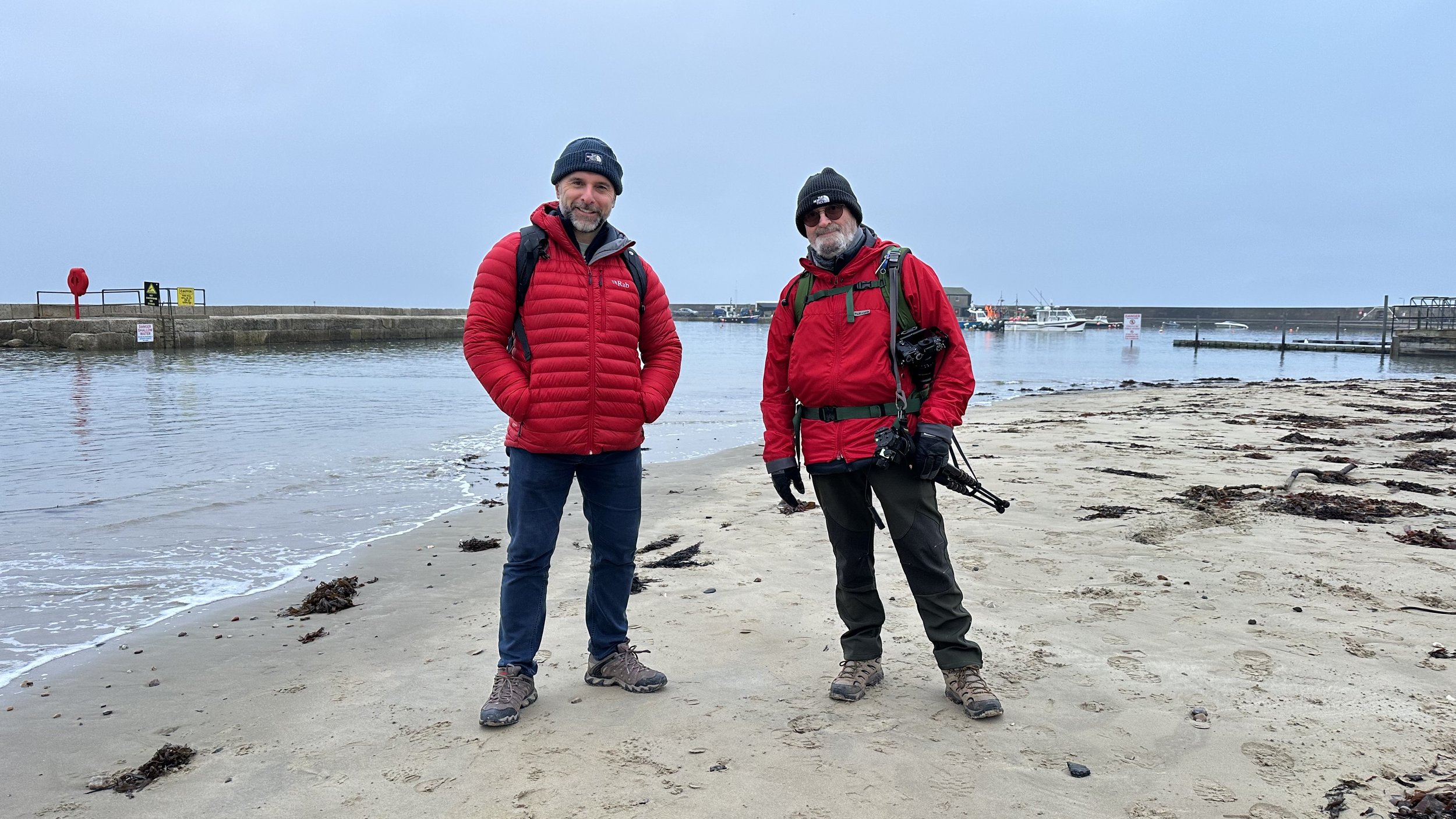
The misty conditions last Wednesday were nothing short of perfect for some minimalist photography, so I popped out early morning and took the short drive to meet up with my friend Steve Healy down at my favourite of all places, Lyme Regis.

True to the weather apps, the conditions were as predicted; a wonderful misty morning, an incoming tide with the surface of the sea as flat as a sheet of glass, hardly a breeze in the air and looking out across the sea, at times it was almost impossible to see the distant horizon line.

Absolutely Perfect!

I should have sent a memo about dress code 🀣

Taking along minimal kit as I did when photographing the Prince of Wales Bridge a couple of weeks back, I stuck with using my iPhone 14 Pro Max, but this time made use of my new JOBY MagSafe Mount ( LINK )

This worked an absolute treat holding my iPhone rock steady and was so incredibly quick and easy to adjust and rotate from portrait orientation to landscape orientation …

MAGSAFE JOBY iPHONE MOUNT ON AMAZON

Long Exposure Photography was definitely order of the day to enhance the calm, relaxing feeling of the light and the mist, and of course smooth out the water surface even more.

I’ve a few long exposure apps installed on my iPhone at the moment that I’m testing out to see which I prefer, but on this morning I opted again to use EvenLonger …

For the image above, I used a 60 second long exposure.

We then moved along to The Cobb, which looked incredible amongst the mist and surrounded by a glass flat high tide …

The tide was particularly high this morning, meaning the groin at the far end of The Cobb was much less visible.

In this image and the one above, you can really see how the mist made the horizon barely visible, which when combined with a long exposure worked, I feel, so incredibly well …

In each of these images you will have spotted that there were Gulls flying. To include these, once I had taken the long exposure, I then jumped back to the regular camera on my iPhone and waited for the moment when Gulls flew through the frame.

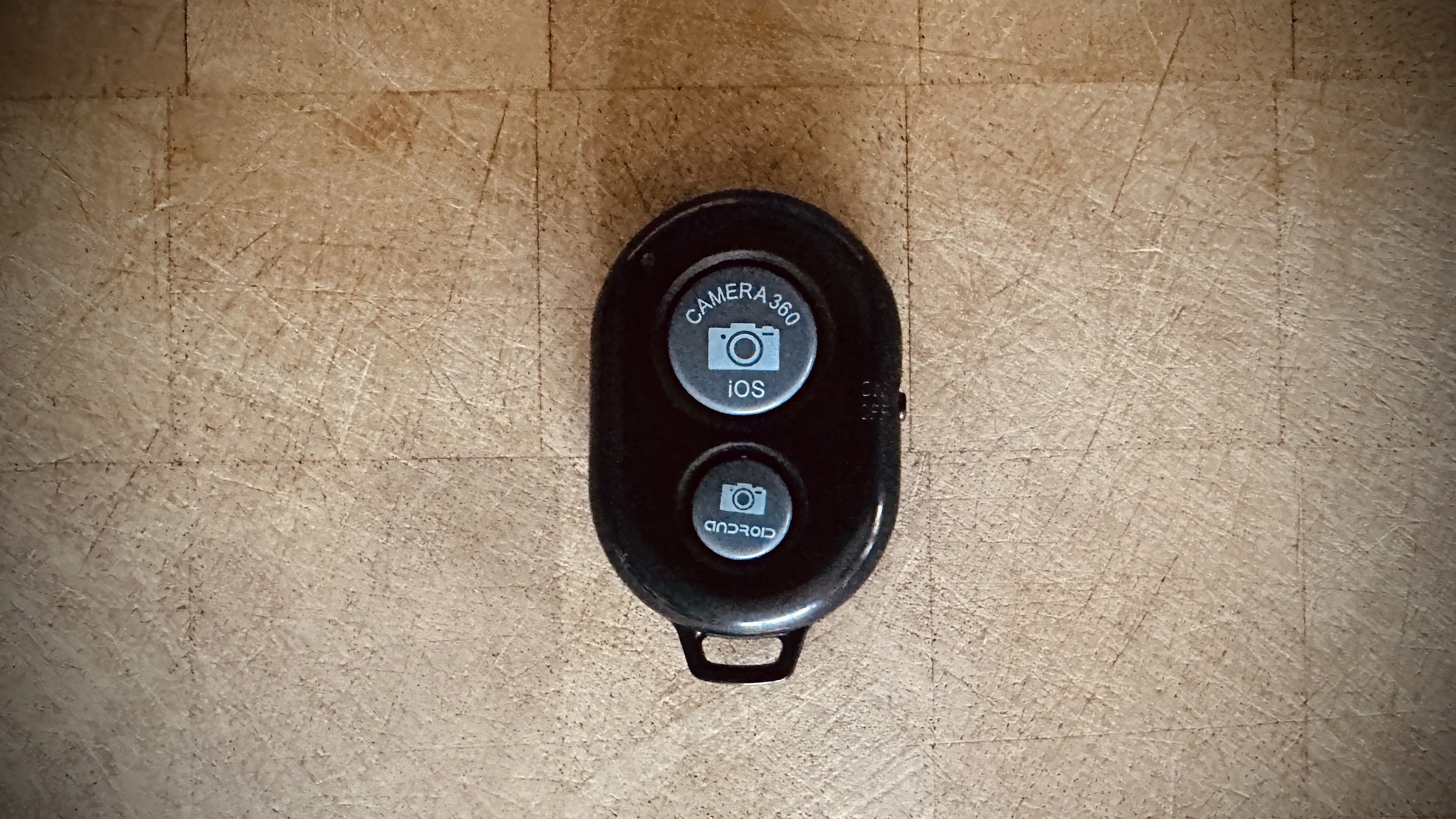
When they did I pressed the shutter a number of times using a Bluetooth Shutter Release which works a treat and only cost Β£3.99 off Amazon ( LINK )

BLUETOOTH REMOTE ON AMAZON

99% of these images I edited in Lightroom Mobile and Photoshop on my iPad, but to add the Gulls I used Photoshop CC on my desktop as I needed to use a filter and (at the moment) that filter isn’t available in the mobile version of Photoshop.

That said though, the process was so incredibly easy editing on my iPad, and then because everything I do syncs automatically with every device I have Lightroom installed, I could then finish off on my desktop without having to export anything or import from memory cards.

Everything I do on any device be it my iPhone, iPad or Desktop, syncs across each other making it instantly available everywhere.

Oh and the text and graphics were added using Adobe Express …

So another incredibly relaxing morning out taking photographs with my iPhone.

Minimal kit. No swapping out lenses. No attaching filters. No cables.

All of this for me makes for such a wonderful experience, enabling me to relax and just enjoy being where I am and absorb the sights and sounds.

The experience of taking photographs just doesn’t get better!